
Web App UI/UX Design (Dashboard & SaaS)Valerie Izuagbe
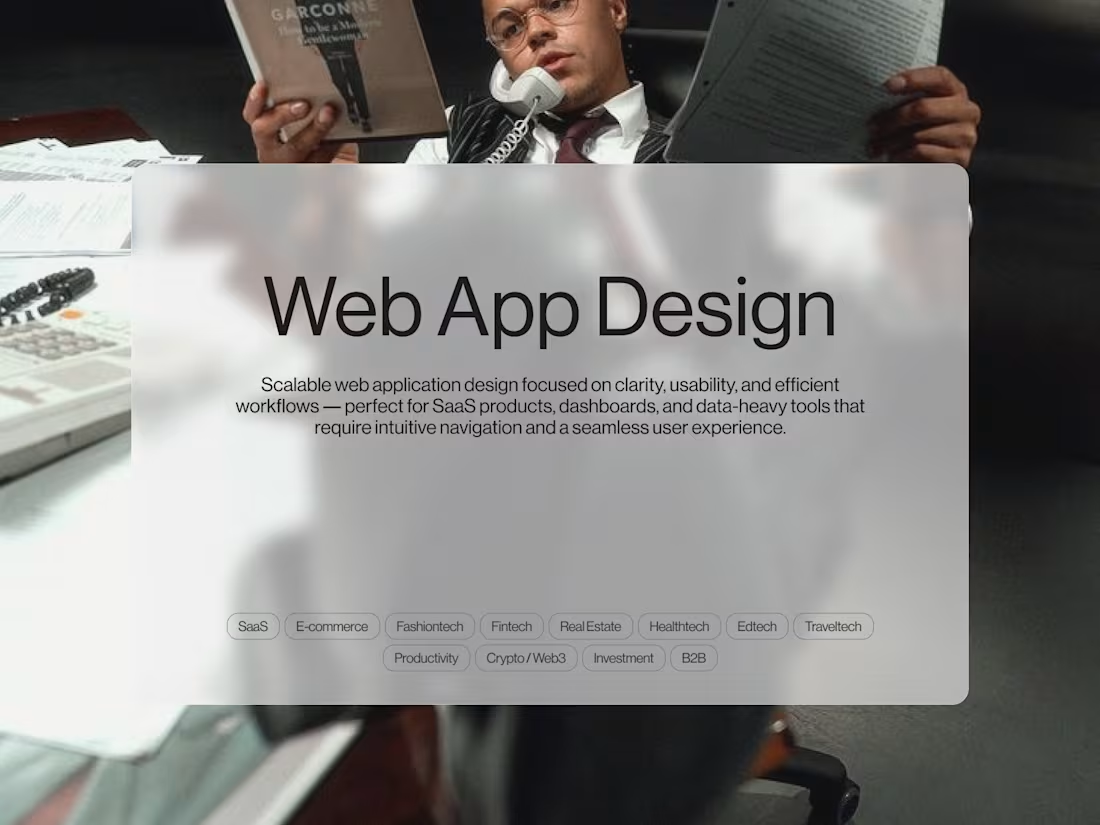
I take a user-centered, intentional approach to web application design—creating clean, intuitive, and scalable interfaces for SaaS platforms, dashboards, and internal tools. My focus is on clarity, usability, and structure, making complex workflows feel effortless and ensuring your product is easy to navigate, visually cohesive, and optimized for real-world use.
What's included
User Flow & Information Architecture
A clear flow diagram showing how users move through the app — helping us confirm core actions, reduce confusion, and create a simpler, more intuitive experience. Ensures the web app is intuitive, efficient, and easy to scale as new features are added.
Low-Fidelity Wireframes (if requested)
Simple structural layouts showing navigation, hierarchy, and content placement before full visuals are added showing solid app logic.
High-Fidelity UI Screens
Fully designed, polished, development-ready web app screens with clean layouts, thoughtful spacing, and a consistent visual language built in Figma. Covers all main screens, interactions, visual styling as well as empty, error, and success states for every user scenario.
Design System & Components
A foundational system covering core UI patterns—colors, typography, iconography, spacing rules, tables, input fields, and dashboard-specific components to ensure visual consistency across your app and provide a solid base for scalable future updates.
Micro-Interaction Guidelines (when applicable)
Defines key interactions like button taps, screen transitions, and gestures to ensure the app remains smooth and responsive.
Clickable Prototype
An interactive demo that simulates the real app experience citing different user instances to guide development, test flows or stakeholder feedback.
Developer Handoff Package
Organized files, assets, and notes to make implementation easy and reduce developer revisions.
Revisions & Collaboration
Refining together ensuring the final result is exactly what you want. 4 Revision Rounds included (more can be added). -async feedback and updates.
FAQs
Starting at$2,500
Duration3 weeks
Tags
FigJam

Figma
Lottie

Notion

Relume

Product Designer
UI Designer
UX Designer
Service provided by
Valerie Izuagbe Lagos, Nigeria
- 3
- Paid projects
- 5.00
- Rating
- 69
- Followers
Web App UI/UX Design (Dashboard & SaaS)Valerie Izuagbe
Starting at$2,500
Duration3 weeks
Tags
FigJam
Figma
Lottie
Notion
Relume
Product Designer
UI Designer
UX Designer
I take a user-centered, intentional approach to web application design—creating clean, intuitive, and scalable interfaces for SaaS platforms, dashboards, and internal tools. My focus is on clarity, usability, and structure, making complex workflows feel effortless and ensuring your product is easy to navigate, visually cohesive, and optimized for real-world use.
What's included
User Flow & Information Architecture
A clear flow diagram showing how users move through the app — helping us confirm core actions, reduce confusion, and create a simpler, more intuitive experience. Ensures the web app is intuitive, efficient, and easy to scale as new features are added.
Low-Fidelity Wireframes (if requested)
Simple structural layouts showing navigation, hierarchy, and content placement before full visuals are added showing solid app logic.
High-Fidelity UI Screens
Fully designed, polished, development-ready web app screens with clean layouts, thoughtful spacing, and a consistent visual language built in Figma. Covers all main screens, interactions, visual styling as well as empty, error, and success states for every user scenario.
Design System & Components
A foundational system covering core UI patterns—colors, typography, iconography, spacing rules, tables, input fields, and dashboard-specific components to ensure visual consistency across your app and provide a solid base for scalable future updates.
Micro-Interaction Guidelines (when applicable)
Defines key interactions like button taps, screen transitions, and gestures to ensure the app remains smooth and responsive.
Clickable Prototype
An interactive demo that simulates the real app experience citing different user instances to guide development, test flows or stakeholder feedback.
Developer Handoff Package
Organized files, assets, and notes to make implementation easy and reduce developer revisions.
Revisions & Collaboration
Refining together ensuring the final result is exactly what you want. 4 Revision Rounds included (more can be added). -async feedback and updates.
FAQs
$2,500