
Social Report Agent Setup: Social Media Reports in SlackDuygu Ulutürk
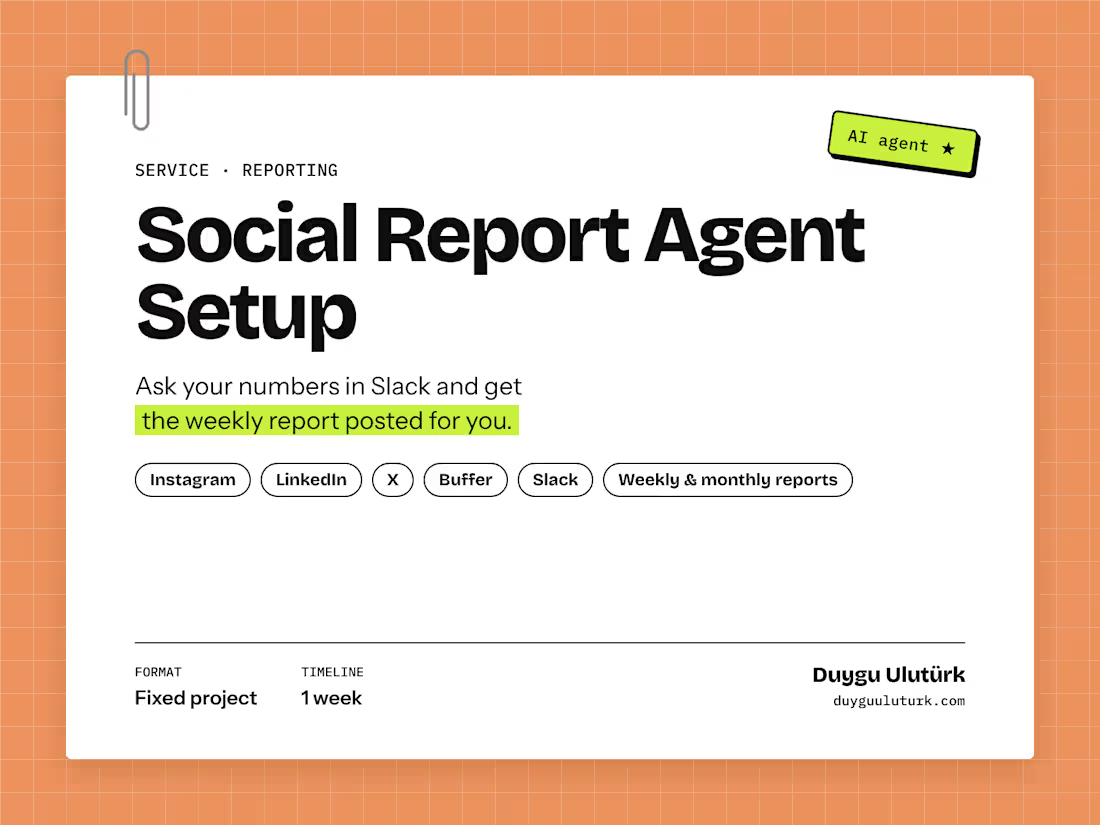
An AI agent in your Slack that answers questions about your social media numbers and posts a weekly or monthly visual report for you.
Who it's for: marketing teams and founders who spend time every week pulling numbers from Instagram, LinkedIn and X into a report, or who want quick answers like "how did LinkedIn do last month?" without opening five dashboards.
What the agent does:
Answers questions in Slack, such as "Compare Instagram and LinkedIn reactions for September", with numbers from your own accounts.
Posts a visual report on request: KPI summary vs. the previous period, a short written summary, highlights, one card per channel, channel mix and the period's top posts.
Reads data only. It never posts, edits or deletes anything on your accounts.
How it works:
Kickoff: a short call to pick your channels and data source.
Connect: I connect your channels through Buffer, or directly to Instagram, LinkedIn and X, and set up your brand name and color.
Deploy: the agent is deployed to your own Vercel account and added to your Slack workspace.
Handover: we run the first report together, and you get a short guide on asking questions and adding channels later.
I built the first version of this agent for the weekly reporting of an AI academy and community whose marketing I led, so the report answers the questions a marketing team actually asks every week.
FAQs
Starting at$500
Duration1 week
Tags
Buffer

Instagram

Slack

AI Automation
Marketing Analytics Specialist
Reporting
Social Media Strategist
LinkedIn Marketing
Service provided by
Duygu Ulutürk proİstanbul, Turkey
- 7
- Followers
Social Report Agent Setup: Social Media Reports in SlackDuygu Ulutürk
Starting at$500
Duration1 week
Tags
Buffer
Instagram
Slack
AI Automation
Marketing Analytics Specialist
Reporting
Social Media Strategist
LinkedIn Marketing
An AI agent in your Slack that answers questions about your social media numbers and posts a weekly or monthly visual report for you.
Who it's for: marketing teams and founders who spend time every week pulling numbers from Instagram, LinkedIn and X into a report, or who want quick answers like "how did LinkedIn do last month?" without opening five dashboards.
What the agent does:
Answers questions in Slack, such as "Compare Instagram and LinkedIn reactions for September", with numbers from your own accounts.
Posts a visual report on request: KPI summary vs. the previous period, a short written summary, highlights, one card per channel, channel mix and the period's top posts.
Reads data only. It never posts, edits or deletes anything on your accounts.
How it works:
Kickoff: a short call to pick your channels and data source.
Connect: I connect your channels through Buffer, or directly to Instagram, LinkedIn and X, and set up your brand name and color.
Deploy: the agent is deployed to your own Vercel account and added to your Slack workspace.
Handover: we run the first report together, and you get a short guide on asking questions and adding channels later.
I built the first version of this agent for the weekly reporting of an AI academy and community whose marketing I led, so the report answers the questions a marketing team actually asks every week.
FAQs
$500