
Mobile App UX/UI DesignEmmanuel Chukwudebere
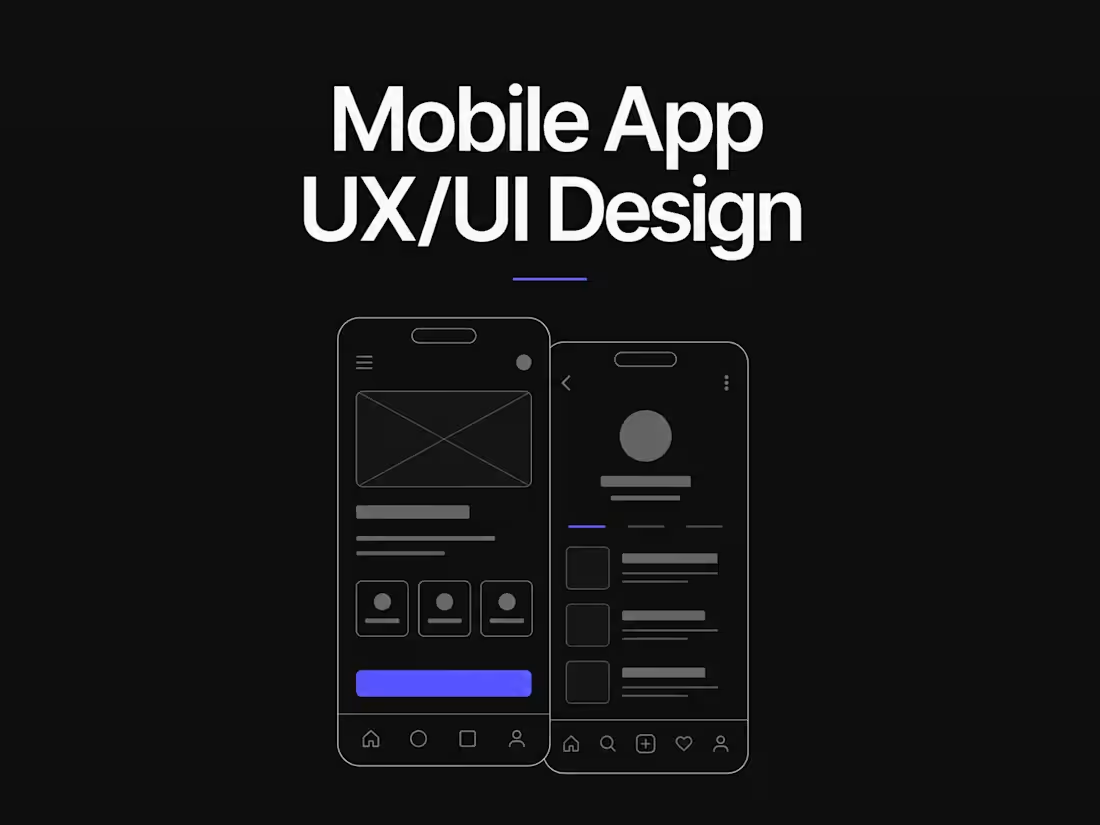
Design a mobile product people can understand, enjoy, and come back to.
I design intuitive iOS and Android experiences from the first user flow to polished, developer-ready screens. I focus on reducing friction, creating clear information hierarchy, and building a visual system that can scale as your product grows.
Whether you're launching a new app or redesigning an existing one, I combine product thinking with high-fidelity UI design to create mobile experiences that are both visually strong and genuinely usable.
What you get:
User flows and UX architecture
Wireframes for core journeys
High-fidelity mobile UI in Figma
Responsive design patterns for iOS and Android
Scalable design system and components
Interactive prototypes
Developer-ready specifications and assets
UX refinements for onboarding and key conversion flows
Process
01 — Understand
Review the product, users, goals, and most important journeys.
02 — Map the Experience
Define information architecture, user flows, and the structure of each core experience.
03 — Wireframe
Validate the experience before investing in high-fidelity visuals.
04 — Design
Create polished screens, components, typography, and a scalable visual system in Figma.
05 — Prototype & Handoff
Build interactive prototypes, document key behaviours, and prepare everything developers need to build accurately.
Typical deliverables
User flows · Wireframes · High-fidelity screens · Design system · Components · Interactive prototype · Responsive states · Developer handoff documentation
FAQs
Emmanuel's other services
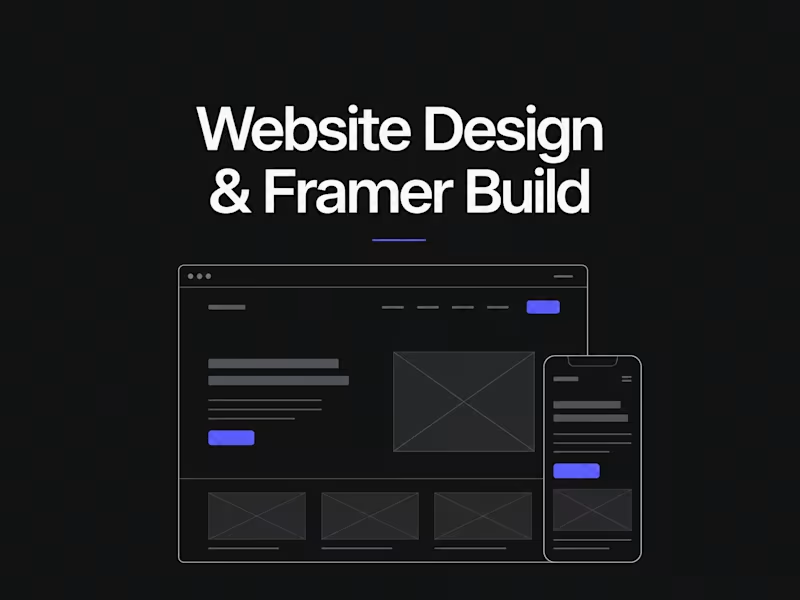
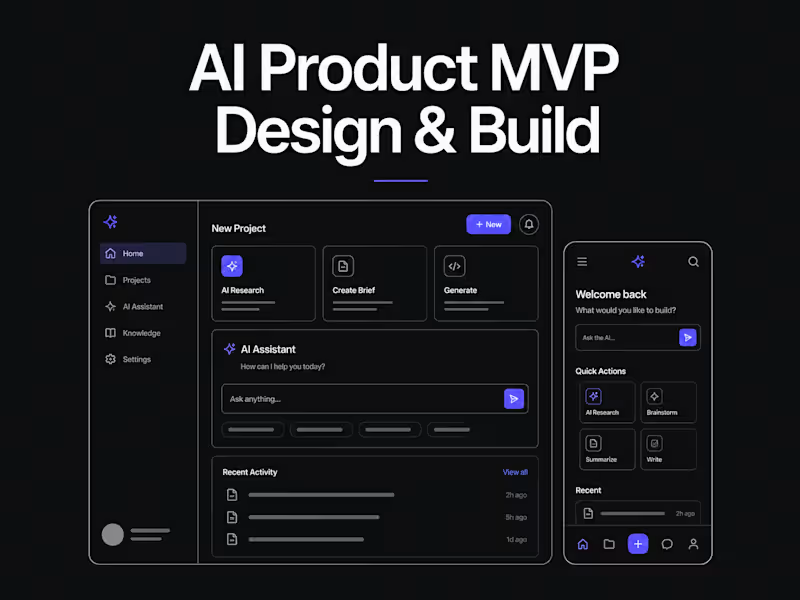
Starting at$500
Duration2 weeks
Tags
Figma

Design Systems Specialist
Product Designer
Prototyper
UI/UX Design
UX Researcher
Android Design
iOS Design
Mobile App UX/UI Design
Service provided by
Emmanuel Chukwudebere Abuja, Nigeria
- 2
- Followers
Mobile App UX/UI DesignEmmanuel Chukwudebere
Starting at$500
Duration2 weeks
Tags
Figma
Design Systems Specialist
Product Designer
Prototyper
UI/UX Design
UX Researcher
Android Design
iOS Design
Mobile App UX/UI Design
Design a mobile product people can understand, enjoy, and come back to.
I design intuitive iOS and Android experiences from the first user flow to polished, developer-ready screens. I focus on reducing friction, creating clear information hierarchy, and building a visual system that can scale as your product grows.
Whether you're launching a new app or redesigning an existing one, I combine product thinking with high-fidelity UI design to create mobile experiences that are both visually strong and genuinely usable.
What you get:
User flows and UX architecture
Wireframes for core journeys
High-fidelity mobile UI in Figma
Responsive design patterns for iOS and Android
Scalable design system and components
Interactive prototypes
Developer-ready specifications and assets
UX refinements for onboarding and key conversion flows
Process
01 — Understand
Review the product, users, goals, and most important journeys.
02 — Map the Experience
Define information architecture, user flows, and the structure of each core experience.
03 — Wireframe
Validate the experience before investing in high-fidelity visuals.
04 — Design
Create polished screens, components, typography, and a scalable visual system in Figma.
05 — Prototype & Handoff
Build interactive prototypes, document key behaviours, and prepare everything developers need to build accurately.
Typical deliverables
User flows · Wireframes · High-fidelity screens · Design system · Components · Interactive prototype · Responsive states · Developer handoff documentation
FAQs
Emmanuel's other services
$500