
Create N8N Workflow Many API IntegrationRidha Amaly
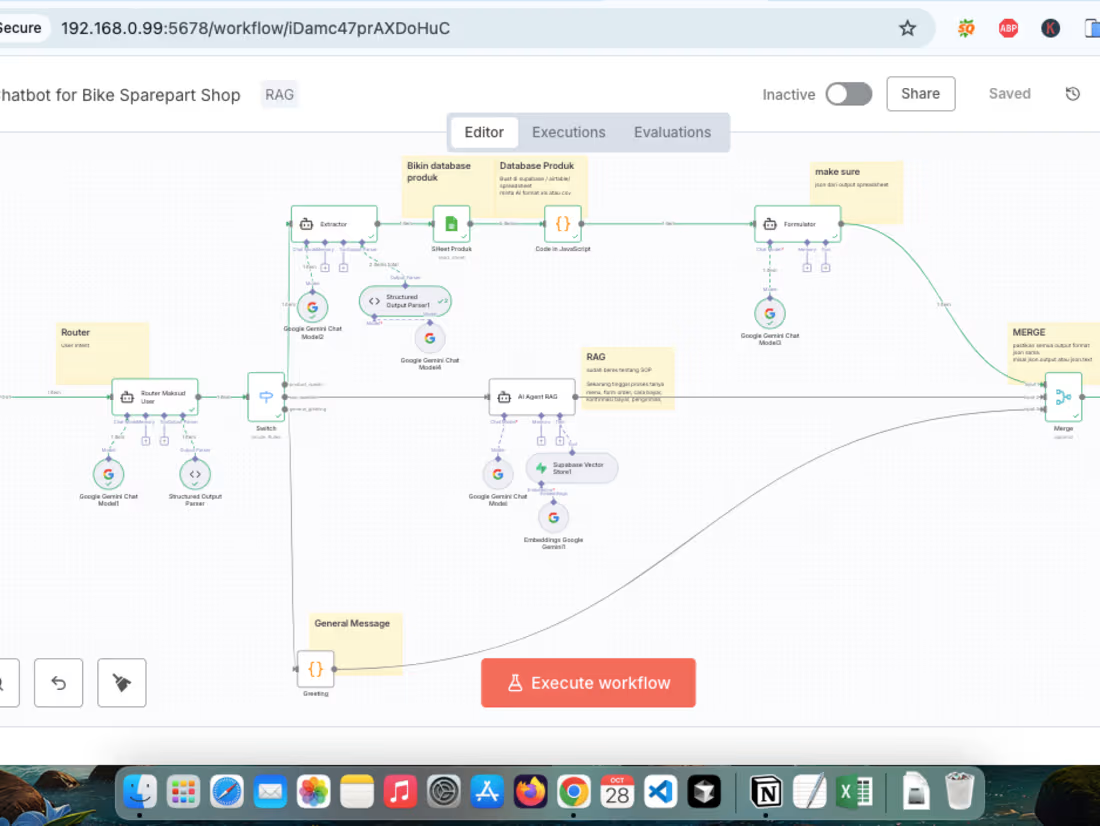
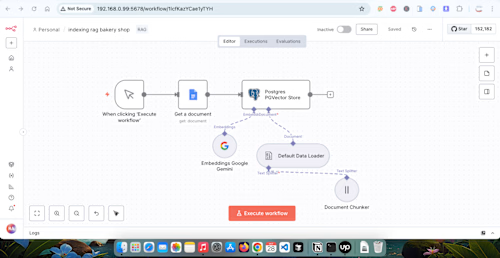
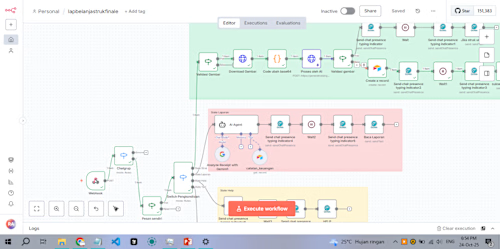
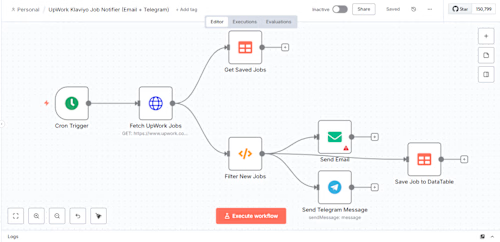
I am an n8n automation expert who builds intelligent workflows to connect your apps and eliminate manual work.
What's included
Functional & Ready-to-Deploy n8n Workflow
One (1) fully tested n8n workflow JSON file, ready to be imported into the client's n8n instance. This workflow will include all agreed-upon process logic (e.g., fetching data from Google Sheets, processing it with an AI, and sending WhatsApp notifications), as well as basic error handling.
Technical Documentation and User Guide
A document (e.g., PDF or Google Doc) that details:
How to import and activate the workflow.
A list of required credentials (API keys, tokens) and where to input them.
A step-by-step explanation of each significant node in the workflow.
Basic maintenance instructions and how to check logs in case of failure.
Live Training & Walkthrough Session
One (1) 60-minute video call session to demonstrate the workflow live. This session will cover how to monitor executions, troubleshoot common issues, and answer any questions the client has about the new workflow. A recording of the session will be provided to the client.
FAQs
Starting at$25 /hr
Tags
Airtable

Gmail

Google Calendar

N8N

WordPress

AI Automation
AI Developer
AI Engineer
Service provided by
Ridha Amaly Malang, Indonesia
- 17
- Followers
Create N8N Workflow Many API IntegrationRidha Amaly
Starting at$25 /hr
Tags
Airtable
Gmail
Google Calendar
N8N
WordPress
AI Automation
AI Developer
AI Engineer
I am an n8n automation expert who builds intelligent workflows to connect your apps and eliminate manual work.
What's included
Functional & Ready-to-Deploy n8n Workflow
One (1) fully tested n8n workflow JSON file, ready to be imported into the client's n8n instance. This workflow will include all agreed-upon process logic (e.g., fetching data from Google Sheets, processing it with an AI, and sending WhatsApp notifications), as well as basic error handling.
Technical Documentation and User Guide
A document (e.g., PDF or Google Doc) that details:
How to import and activate the workflow.
A list of required credentials (API keys, tokens) and where to input them.
A step-by-step explanation of each significant node in the workflow.
Basic maintenance instructions and how to check logs in case of failure.
Live Training & Walkthrough Session
One (1) 60-minute video call session to demonstrate the workflow live. This session will cover how to monitor executions, troubleshoot common issues, and answer any questions the client has about the new workflow. A recording of the session will be provided to the client.
FAQs
$25 /hr