
UI/UX DesignJawand Singh
Prototypes: Interactive models that allow clients to experience the flow and functionality of the user interface. Prototypes can range from low-fidelity to high-fidelity and may be clickable.
User Flows: Visual representations of the paths a user can take through the interface to complete specific tasks or achieve goals.
Style Guides: A document outlining the design system, including color palettes, typography guidelines, iconography, and other visual elements to maintain consistency across the interface.
UI Assets: Actual design files and assets, including images, icons, and other graphic elements used in the user interface.
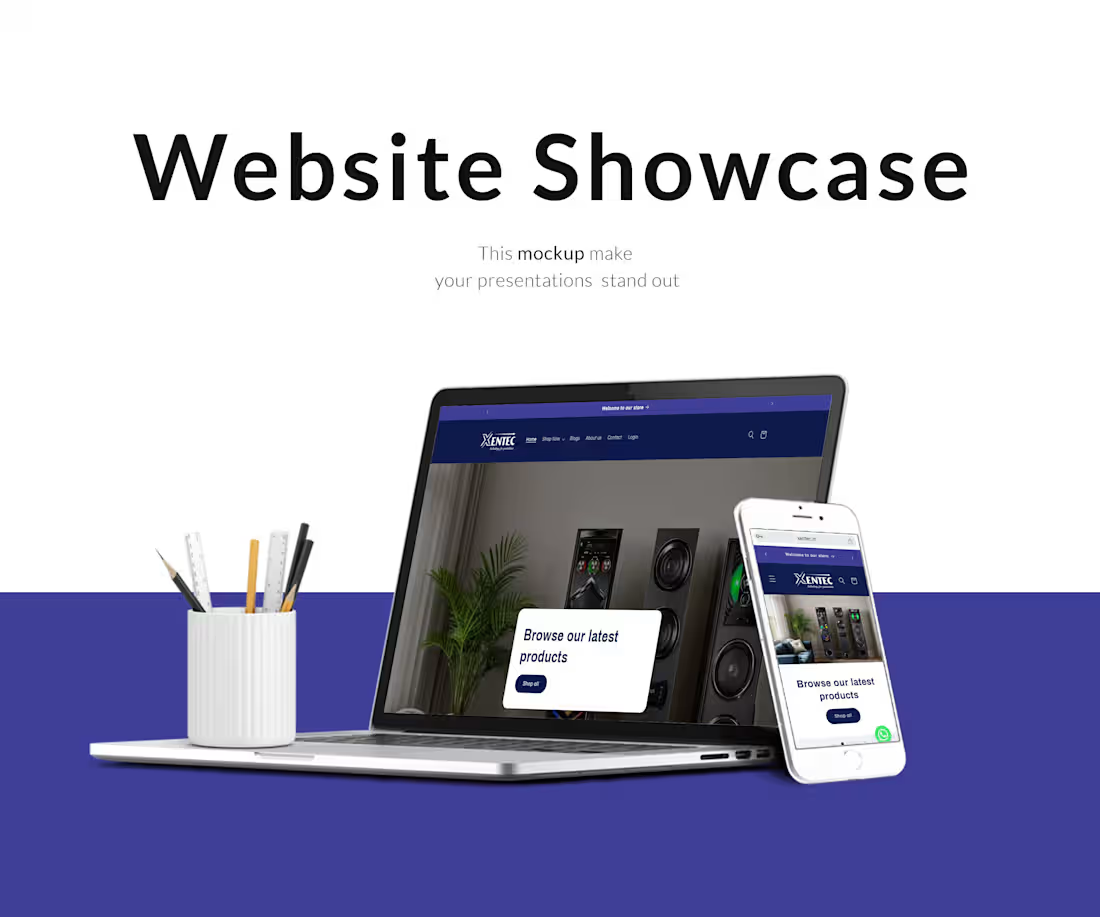
Responsive Designs: Designs that adapt to different screen sizes and devices, ensuring a consistent and optimal user experience across various platforms.
Usability Testing Reports: Summaries or reports from usability testing sessions, including insights into how users interact with the interface and any areas for improvement.
Final Design Files: High-quality, production-ready files of the approved designs that can be handed off to developers for implementation.
Collaboration and Design Tool Files: Access to files in design tools (e.g., Sketch, Figma, Adobe XD) used during the design process to facilitate collaboration and future edits.
Handoff Documentation: Detailed documentation to assist developers in implementing the design, including specifications for spacing, dimensions, and other design details.
What's included
What data I provide:
For UI/UX services, clients typically receive a set of deliverables that are aimed at providing a comprehensive and user-friendly design for their product. The specific deliverables may vary based on the project scope, but common ones include in my services details section
Jawand's other services

Starting at$20 /hr
Tags
Adobe Photoshop

Adobe XD

Figma

Zeplin

UX Designer
Service provided by
Jawand Singh India
UI/UX DesignJawand Singh
Starting at$20 /hr
Tags
Adobe Photoshop
Adobe XD
Figma
Zeplin
UX Designer
Prototypes: Interactive models that allow clients to experience the flow and functionality of the user interface. Prototypes can range from low-fidelity to high-fidelity and may be clickable.
User Flows: Visual representations of the paths a user can take through the interface to complete specific tasks or achieve goals.
Style Guides: A document outlining the design system, including color palettes, typography guidelines, iconography, and other visual elements to maintain consistency across the interface.
UI Assets: Actual design files and assets, including images, icons, and other graphic elements used in the user interface.
Responsive Designs: Designs that adapt to different screen sizes and devices, ensuring a consistent and optimal user experience across various platforms.
Usability Testing Reports: Summaries or reports from usability testing sessions, including insights into how users interact with the interface and any areas for improvement.
Final Design Files: High-quality, production-ready files of the approved designs that can be handed off to developers for implementation.
Collaboration and Design Tool Files: Access to files in design tools (e.g., Sketch, Figma, Adobe XD) used during the design process to facilitate collaboration and future edits.
Handoff Documentation: Detailed documentation to assist developers in implementing the design, including specifications for spacing, dimensions, and other design details.
What's included
What data I provide:
For UI/UX services, clients typically receive a set of deliverables that are aimed at providing a comprehensive and user-friendly design for their product. The specific deliverables may vary based on the project scope, but common ones include in my services details section
Jawand's other services
$20 /hr