
Build a Custom IntegrationKyle Elliott
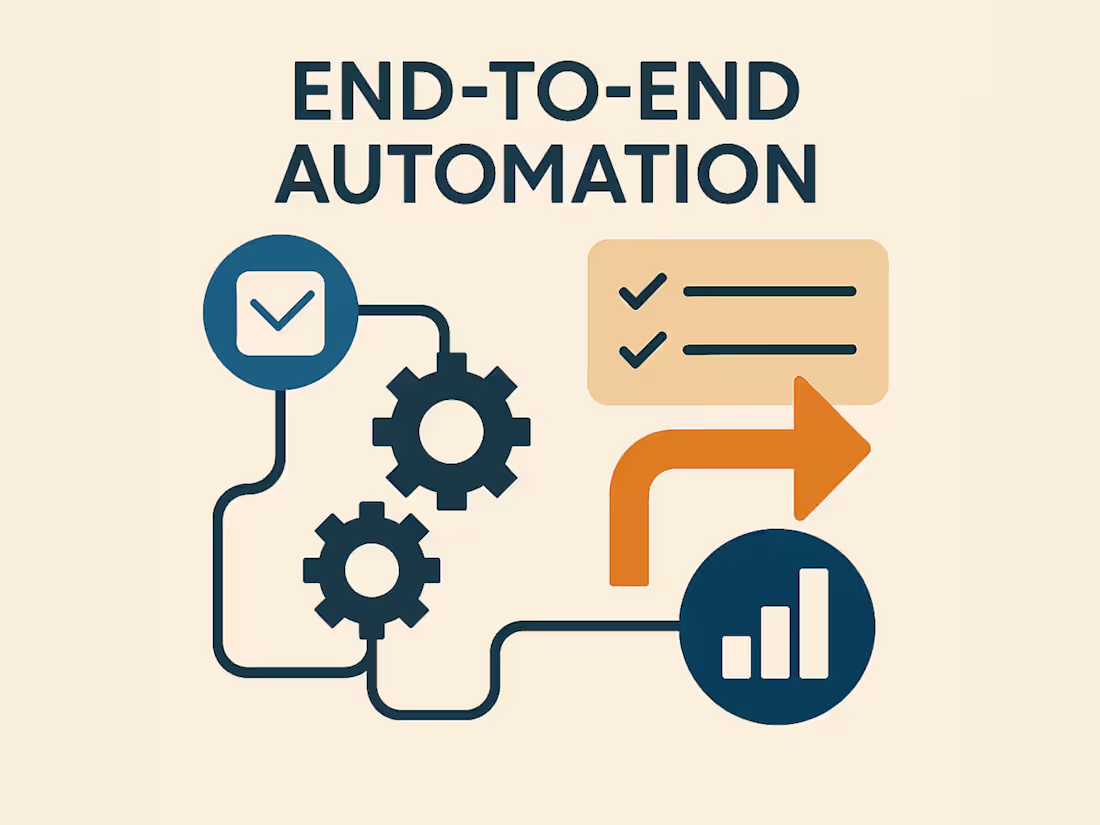
I’ll design and build a complete automation pipeline that takes your data from a source (like a form, app, or system), transforms it using your business logic, and delivers it where you need it—clean, contextual, and fully automated.
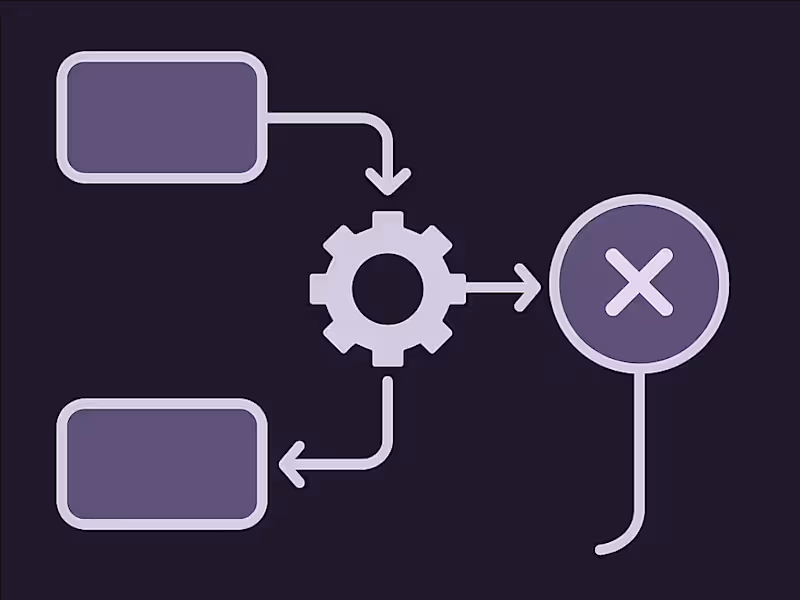
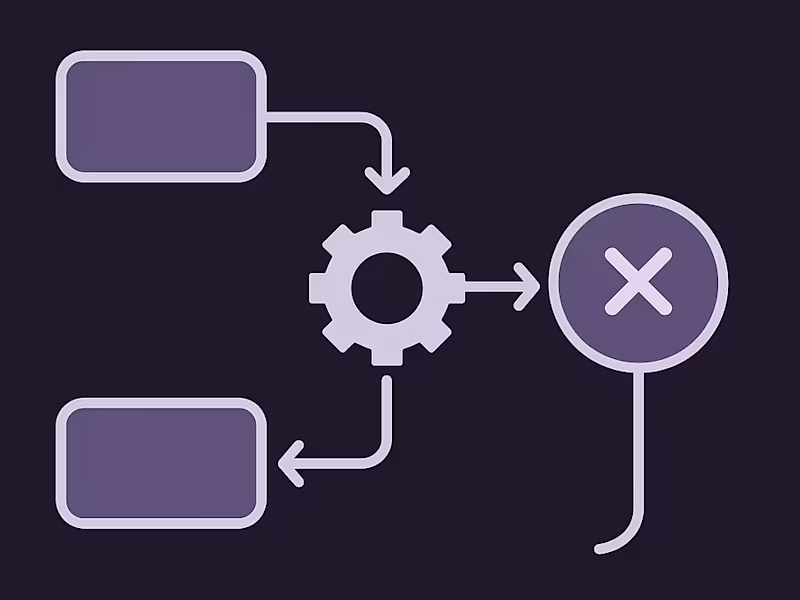
This includes data translation/mapping, custom logic, conditionals/branching, and multi-system orchestration. Think of it as your digital operations team in flowchart form.
Tools I Use:
Low-Code/No-Code: n8n (preferred), Boomi
Development: C#.NET, Python
Platforms: Notion, Azure, Airtable, PostgreSQL, SQL Server
AI Tools: OpenAI, Ollama, vector stores (Qdrant)
Messaging: Telegram, Discord
REST APIs, Webhooks,
What's included
Source-to-Target Workflow Setup
A fully configured automation connecting your data source (e.g., Notion, webhook, Google Sheet, form, various databases) to your destination (e.g., Airtable, PostgreSQL, API). Includes secure handling of authentication and proper API integration. Connection examples: Notion, webhooks, forms, various databases, Airtable, and APIs.
Data Mapping & Translation
I’ll map fields between source and target. Includes format transformations (e.g., date/time, status mapping, custom keys).
Business Logic & Conditionals
Add smart rules to define what happens and when: “If status is ‘Approved’, send to X.” Includes support for nested logic, fallback cases, retries, or rerouting.
Branching Paths & Multistep Flow
Supports multi-branch workflows (e.g., different outputs based on user type or input). Includes parallel tasks, delays, and retries for a robust execution flow.
Custom API Integration (Optional)
I’ll integrate with public or private APIs to fetch/post data if needed. Includes handling rate limits, pagination, and error catching.
Walkthrough Guide (Optional)
A short Loom video (or PDF) walking through how your automation works. Includes info on how to maintain or extend it later.
Post-Launch Support (48–72 hours)
Quick bugfixes or adjustments after delivery. I stay available via your preferred contact method for up to 3 days post-launch.
FAQs
Kyle's other services
Starting at$85 /hr
Tags
N8N

SQL

Automation Engineer
Low-Code/No-Code Developer
Software Architect
Service provided by
Kyle Elliott Syracuse, USA
- 3
- Followers
Build a Custom IntegrationKyle Elliott
Starting at$85 /hr
Tags
N8N
SQL
Automation Engineer
Low-Code/No-Code Developer
Software Architect
I’ll design and build a complete automation pipeline that takes your data from a source (like a form, app, or system), transforms it using your business logic, and delivers it where you need it—clean, contextual, and fully automated.
This includes data translation/mapping, custom logic, conditionals/branching, and multi-system orchestration. Think of it as your digital operations team in flowchart form.
Tools I Use:
Low-Code/No-Code: n8n (preferred), Boomi
Development: C#.NET, Python
Platforms: Notion, Azure, Airtable, PostgreSQL, SQL Server
AI Tools: OpenAI, Ollama, vector stores (Qdrant)
Messaging: Telegram, Discord
REST APIs, Webhooks,
What's included
Source-to-Target Workflow Setup
A fully configured automation connecting your data source (e.g., Notion, webhook, Google Sheet, form, various databases) to your destination (e.g., Airtable, PostgreSQL, API). Includes secure handling of authentication and proper API integration. Connection examples: Notion, webhooks, forms, various databases, Airtable, and APIs.
Data Mapping & Translation
I’ll map fields between source and target. Includes format transformations (e.g., date/time, status mapping, custom keys).
Business Logic & Conditionals
Add smart rules to define what happens and when: “If status is ‘Approved’, send to X.” Includes support for nested logic, fallback cases, retries, or rerouting.
Branching Paths & Multistep Flow
Supports multi-branch workflows (e.g., different outputs based on user type or input). Includes parallel tasks, delays, and retries for a robust execution flow.
Custom API Integration (Optional)
I’ll integrate with public or private APIs to fetch/post data if needed. Includes handling rate limits, pagination, and error catching.
Walkthrough Guide (Optional)
A short Loom video (or PDF) walking through how your automation works. Includes info on how to maintain or extend it later.
Post-Launch Support (48–72 hours)
Quick bugfixes or adjustments after delivery. I stay available via your preferred contact method for up to 3 days post-launch.
FAQs
Kyle's other services
$85 /hr