Design System in Figma by Nur Asyrof MDesign System in Figma by Nur Asyrof M
Design System in FigmaNur Asyrof M
Cover image for Design System in Figma
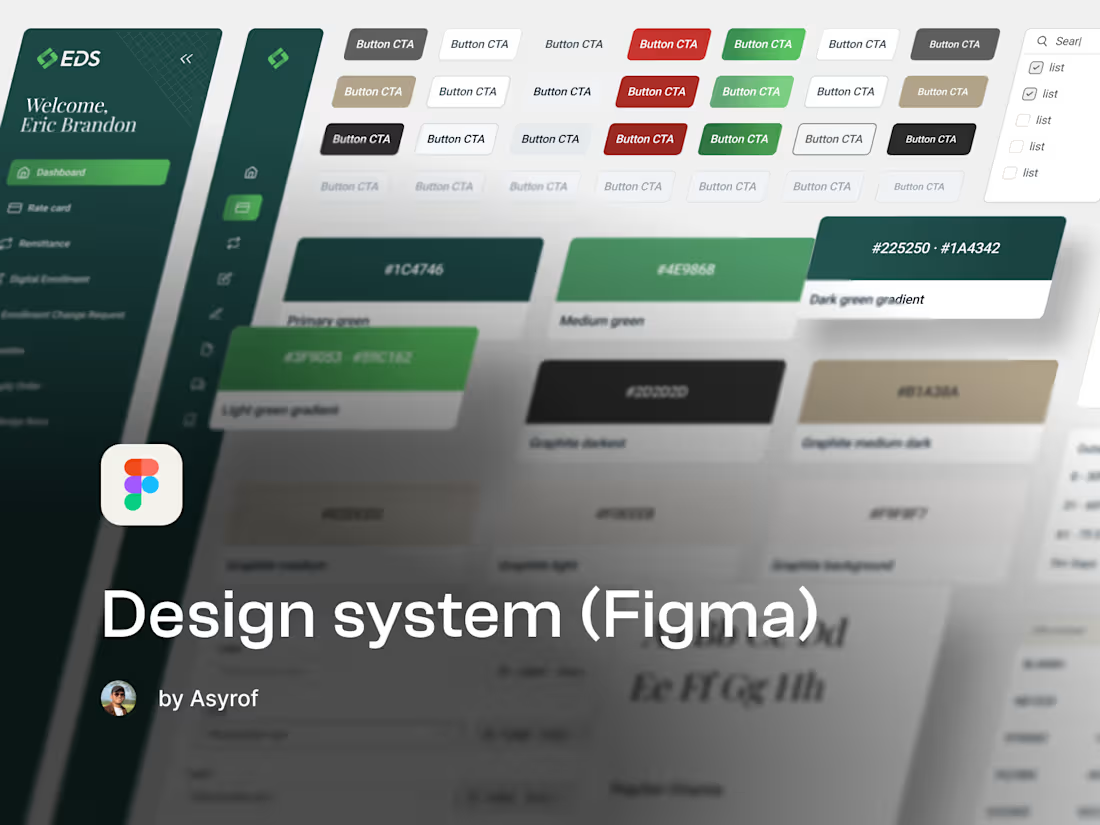
Without a design system, every new screen is a small act of reinvention. Colors drift, components multiply, developers guess, and your product starts to feel like it was built by ten different teams—because effectively, it was. I'll build you a design system in Figma that brings everything into one place, scales with your product, and makes designing and building faster the longer you use it.
FAQs
It's the single source of truth for how your product looks and behaves. Foundations like colors, typography, spacing, and icons—plus a component library of everything your team builds screens with. Instead of recreating buttons and modals every time, you pull from the system. Consistency becomes the default, not the effort.
Always. If you've got an existing product, I'll review what's there before building anything—what's consistent, what's drifted, what can be formalized and what needs to be rebuilt. No point creating a system that ignores six months of real product decisions.
Yes. The design system will be built on your brand foundations—your colors, your type, your visual language. If your brand documentation is patchy or underdeveloped, we'll sort that out as part of the process too.
As detailed as your product needs. I'll cover all core components—buttons, inputs, modals, navigation, tables, cards, alerts, and more—with every variant, state, and size documented. Nothing half-finished, nothing that leaves your team guessing.
That's how it's supposed to work. I'll build the system with contribution in mind—structured so your team can add new components without breaking what's already there. I can also stay on as a retainer to maintain and evolve it as your product grows.
Contact for pricing
Schedule a call
Duration1 week
Tags
Figma
Design Systems Specialist
UI Designer
UX Designer
Service provided by
Nur Asyrof M Jakarta, Indonesia
5.00
Rating
21
Followers
Design System in FigmaNur Asyrof M
Contact for pricing
Schedule a call
Duration1 week
Tags
Figma
Design Systems Specialist
UI Designer
UX Designer
Cover image for Design System in Figma
Without a design system, every new screen is a small act of reinvention. Colors drift, components multiply, developers guess, and your product starts to feel like it was built by ten different teams—because effectively, it was. I'll build you a design system in Figma that brings everything into one place, scales with your product, and makes designing and building faster the longer you use it.
FAQs
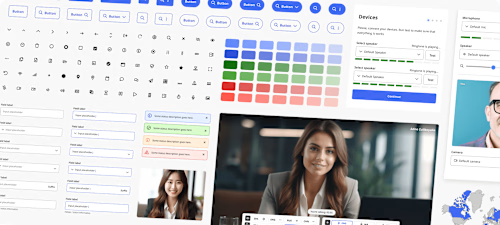
It's the single source of truth for how your product looks and behaves. Foundations like colors, typography, spacing, and icons—plus a component library of everything your team builds screens with. Instead of recreating buttons and modals every time, you pull from the system. Consistency becomes the default, not the effort.
Always. If you've got an existing product, I'll review what's there before building anything—what's consistent, what's drifted, what can be formalized and what needs to be rebuilt. No point creating a system that ignores six months of real product decisions.
Yes. The design system will be built on your brand foundations—your colors, your type, your visual language. If your brand documentation is patchy or underdeveloped, we'll sort that out as part of the process too.
As detailed as your product needs. I'll cover all core components—buttons, inputs, modals, navigation, tables, cards, alerts, and more—with every variant, state, and size documented. Nothing half-finished, nothing that leaves your team guessing.
That's how it's supposed to work. I'll build the system with contribution in mind—structured so your team can add new components without breaking what's already there. I can also stay on as a retainer to maintain and evolve it as your product grows.
Contact for pricing