
Design System for Growing ProductsAli Ezzati
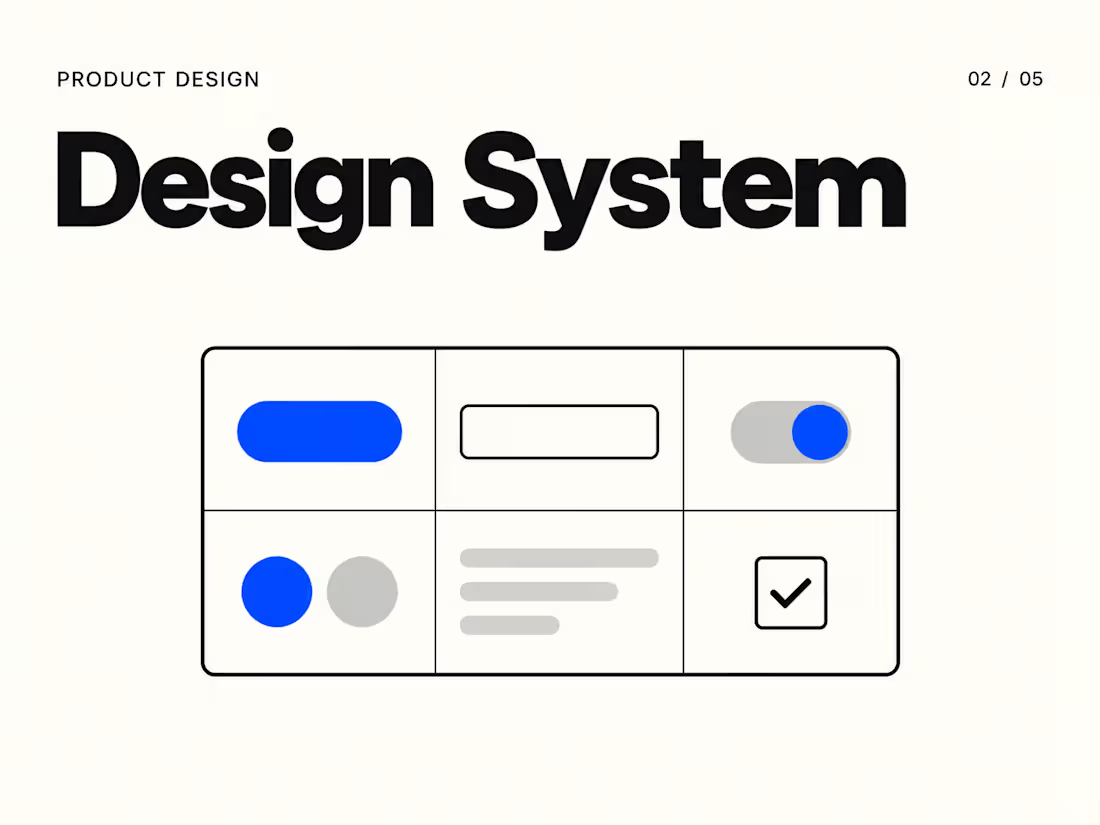
Give your team a shared foundation for designing consistent interfaces. I’ll create a practical Figma design system with reusable components, clear styles, and usage guidance. Built around your product’s actual needs, the system will help your designers move faster and make developer handoff easier.
What’s included
Review of your existing interface and recurring patterns.
Foundations for color, typography, spacing, radii, and elevation.
Figma variables and styles with consistent naming.
Up to 20 core component families, agreed at kickoff.
Relevant variants and states for the selected components.
Auto Layout and reusable component properties.
Three example screens demonstrating the system.
Usage documentation and a 60-minute handoff session.
Process
Interface review → foundations → components → example screens → documentation and handoff.
What I need from you
Your current Figma files, brand assets, priority screens, and any technical constraints from your development team.
FAQs
Contact for pricing
Duration1 week
Tags
Figma

Design Systems Specialist
Design Tokens
Product Designer
UI Designer
Component Design
Service provided by
Ali Ezzati Amsterdam, Netherlands
- 2
- Followers
Design System for Growing ProductsAli Ezzati
Contact for pricing
Duration1 week
Tags
Figma
Design Systems Specialist
Design Tokens
Product Designer
UI Designer
Component Design
Give your team a shared foundation for designing consistent interfaces. I’ll create a practical Figma design system with reusable components, clear styles, and usage guidance. Built around your product’s actual needs, the system will help your designers move faster and make developer handoff easier.
What’s included
Review of your existing interface and recurring patterns.
Foundations for color, typography, spacing, radii, and elevation.
Figma variables and styles with consistent naming.
Up to 20 core component families, agreed at kickoff.
Relevant variants and states for the selected components.
Auto Layout and reusable component properties.
Three example screens demonstrating the system.
Usage documentation and a 60-minute handoff session.
Process
Interface review → foundations → components → example screens → documentation and handoff.
What I need from you
Your current Figma files, brand assets, priority screens, and any technical constraints from your development team.
FAQs
Contact for pricing