
User experience and User Interface designStanley Anyanwu
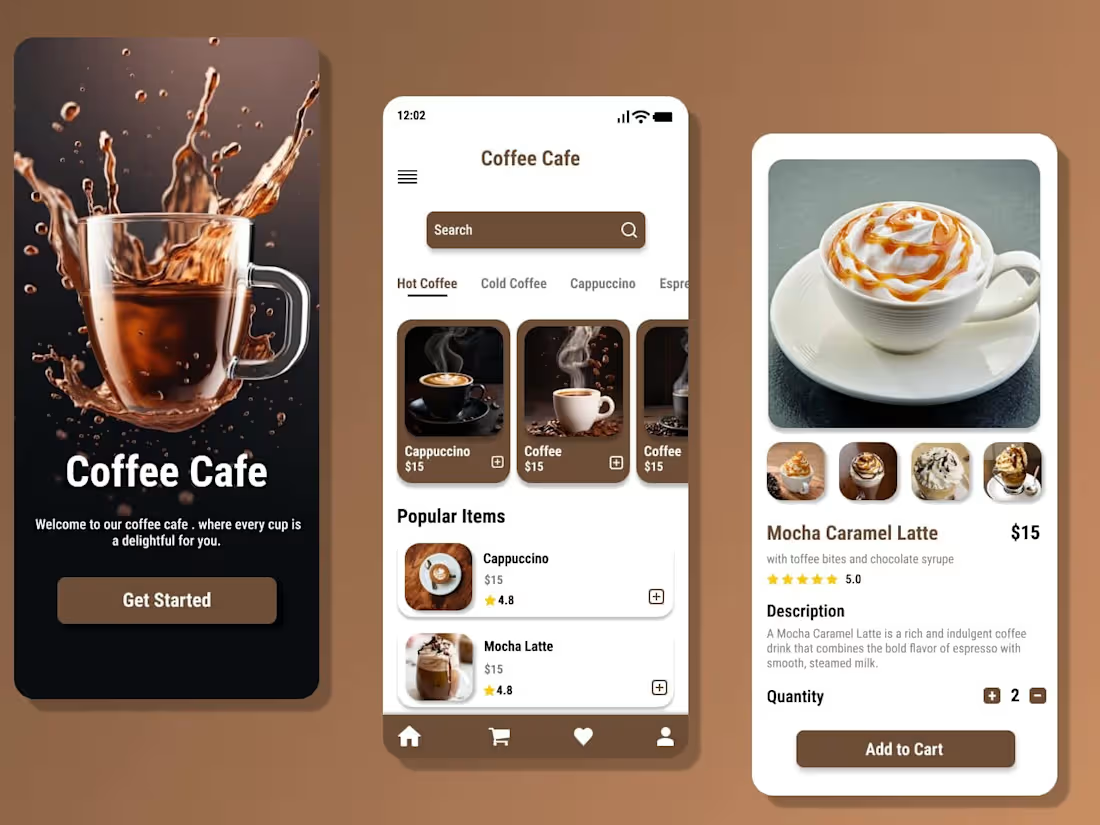
As a UI/UX designer, I excel at blending creativity with strategy, ensuring designs are not only visually stunning but also highly functional and user-centric. My strong focus on research-driven insights allows me to deeply understand user needs and craft experiences that truly resonate with them. Additionally, my ability to communicate effectively with clients and developers ensures seamless collaboration, turning ideas into tangible, impactful solutions.
What's included
Research and Discovery
User Personas: Detailed profiles representing the target users.
User Journey Maps: Visual maps of the steps users take to achieve their goals.
Competitor Analysis: Insights into competitors' strengths and weaknesses.
Heuristic Analysis: Evaluation of an existing product’s usability.
Stakeholder Interviews Summary: Insights and key findings.
Information Architecture
Low-Fidelity Wireframes: Basic layouts showing structure and functionality.
High-Fidelity Wireframes: Detailed, polished layouts with design elements.
Interactive Prototypes: Clickable versions of the design to test usability and flows.
Wireframes and Prototypes
Low-Fidelity Wireframes: Basic layouts showing structure and functionality.
High-Fidelity Wireframes: Detailed, polished layouts with design elements.
Interactive Prototypes: Clickable versions of the design to test usability and flows.
Visual Design
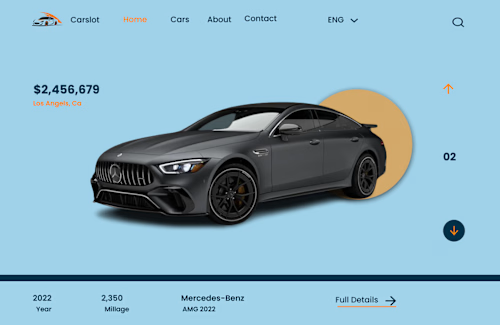
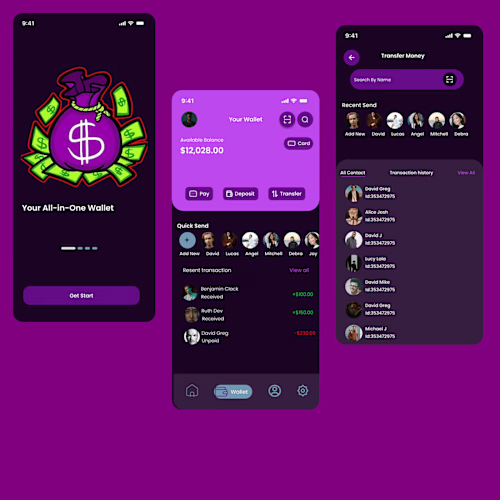
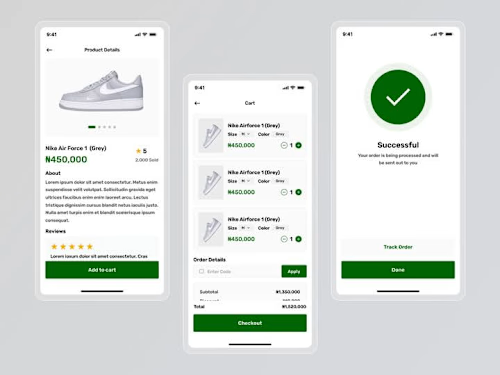
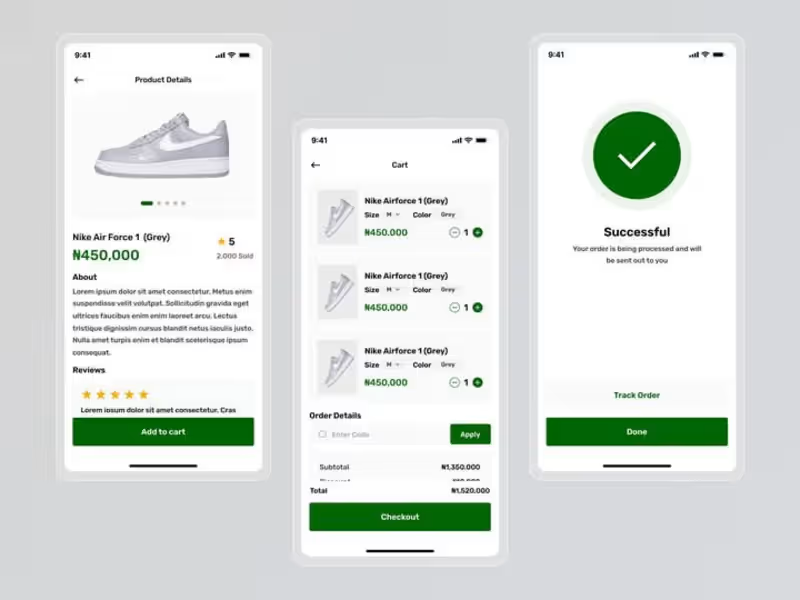
UI Design Mockups: Fully designed screens for desktop and mobile.
Design System: A collection of reusable components (buttons, icons, typography, etc.) with guidelines for usage.
Style Guide: Document outlining brand colors, fonts, iconography, and design patterns.
Accessibility Guidelines: Suggestions for making the product inclusive for all users.
Development Handover
Developer-Ready Files: Organized and annotated design files in tools like Figma
Design Specs: Detailed measurements, colors, and assets for developers.
Assets Export: Optimized files such as icons, images, and graphics.
Prototype Links: Shareable links for developers to preview functionality.
FAQs
Example work
Stanley's other services
Contact for pricing
Tags
Adobe XD

Autodesk Maya

Figma

Sketch

Interaction Designer
Mobile Designer
Web Designer
Service provided by
Stanley Anyanwu Ibadan, Nigeria
User experience and User Interface designStanley Anyanwu
Contact for pricing
Tags
Adobe XD
Autodesk Maya
Figma
Sketch
Interaction Designer
Mobile Designer
Web Designer
As a UI/UX designer, I excel at blending creativity with strategy, ensuring designs are not only visually stunning but also highly functional and user-centric. My strong focus on research-driven insights allows me to deeply understand user needs and craft experiences that truly resonate with them. Additionally, my ability to communicate effectively with clients and developers ensures seamless collaboration, turning ideas into tangible, impactful solutions.
What's included
Research and Discovery
User Personas: Detailed profiles representing the target users.
User Journey Maps: Visual maps of the steps users take to achieve their goals.
Competitor Analysis: Insights into competitors' strengths and weaknesses.
Heuristic Analysis: Evaluation of an existing product’s usability.
Stakeholder Interviews Summary: Insights and key findings.
Information Architecture
Low-Fidelity Wireframes: Basic layouts showing structure and functionality.
High-Fidelity Wireframes: Detailed, polished layouts with design elements.
Interactive Prototypes: Clickable versions of the design to test usability and flows.
Wireframes and Prototypes
Low-Fidelity Wireframes: Basic layouts showing structure and functionality.
High-Fidelity Wireframes: Detailed, polished layouts with design elements.
Interactive Prototypes: Clickable versions of the design to test usability and flows.
Visual Design
UI Design Mockups: Fully designed screens for desktop and mobile.
Design System: A collection of reusable components (buttons, icons, typography, etc.) with guidelines for usage.
Style Guide: Document outlining brand colors, fonts, iconography, and design patterns.
Accessibility Guidelines: Suggestions for making the product inclusive for all users.
Development Handover
Developer-Ready Files: Organized and annotated design files in tools like Figma
Design Specs: Detailed measurements, colors, and assets for developers.
Assets Export: Optimized files such as icons, images, and graphics.
Prototype Links: Shareable links for developers to preview functionality.
FAQs
Example work
Stanley's other services
Contact for pricing