Quick Wins - First step in building next generation of software.Upslide Design Studio
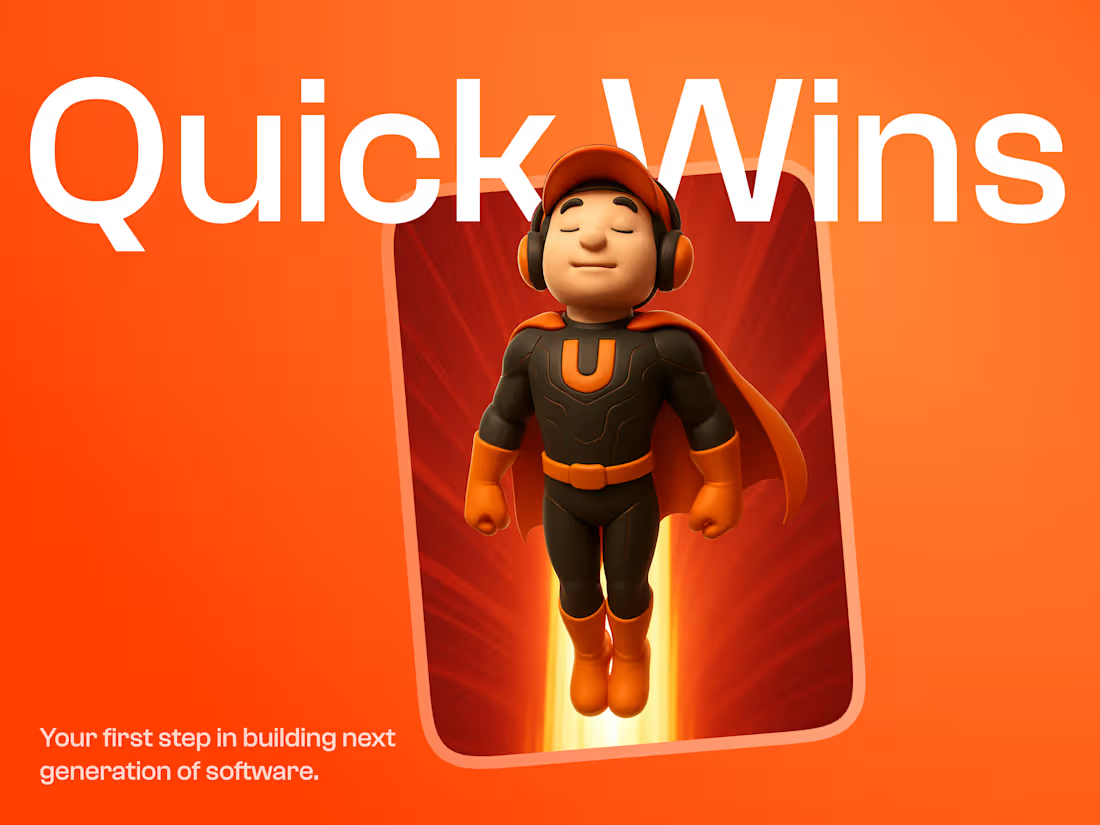
Quick Wins is a focused UX Redesign sprint for Enterprise and SaaS software.
It identifies high-friction areas in your product and delivers targeted UI/UX improvements that drive visible results.
Quick Wins delivers focused, high-impact improvements that drive real results, fast.
This approach helps product teams
Boost user satisfaction,
Reduce support load, and
Increase adoption.
How Quick Win Stands Out
Quick Wins targets high-friction areas in your product and delivers impactful UI/UX improvements, without backend changes or system disruption.
What's included
Business Model Canvas for the Software
We use the Business Model Canvas to map how your product supports the business, covering value, customers, revenue, and delivery. This reveals where UX issues may be causing friction, support load, or broken flows in business.
Visual User Flow
We create a visual map of how users navigate your app, screen by screen, highlighting key flows, decision points, edge cases, and role-based variations. This uncovers UX misalignments, redundancies, and hidden complexity, giving a clear foundation for redesign. The full user flow is shared as a FigJam file covering all users and scenarios.
User Persona and Role & Responsibility Chart
We identify all user types and define the actions each role performs, enabling us to design role-specific interfaces that reflect real responsibilities and avoid permission mismatches. This ensures clarity and prioritization of key actions for each role.
Audit
We run a UX/UI audit using our internal checklist to quickly identify usability gaps, visual inconsistencies, and interaction issues. Evaluated across 10 key areas and 100+ criteria, this helps us detect & prioritize issues, focus on fixes that deliver the most impact.
Restructured Information Architecture
We re-organize content and navigation to create logical user flows that support smoother task completion. This results in a simplified, role-based structure that forms the foundation for wireframes.
Wire Frames
We create low-fidelity wireframes that define the structure, layout, and flow of your application, mapping how information is presented, tasks are completed, and actions occur. These wireframes help validate user flows, reduce rework, and set a solid foundation for UI design.
3 UI Concepts - Visual Concepts
We create three distinct UI concepts based on your brand persona, offering visual options with different styles of typography, color, layout, icons, and interaction mood. This helps you choose a clear visual direction early, ensuring alignment before UI design begins.
Design System
We use a base system aligned with your
frontend framework and customize colors, typography, spacing, and components to create a scalable Figma system that ensures consistent design across all your softwares
Icons & Illustration Design
We design primary, secondary and tertiary icons. That match with your unique requirements. Illustrations are mainly done for empty states, success and error states.
UI Design - Light and Dark Mode
Once the design system is ready, we create
high-fidelity UI screens based on your brand, visual direction, and wireframes in both Light & Dark modes. Each screen is intuitive, consistent, and aligned with product goals, built using components to ensure clarity, usability, and a smooth dev handoff.
Prototyping and Developer Handoff
We conduct a handover session with your development team to walk through the final approved Figma file, tools, and key design decisions. Files are well-organized, with components using auto layout and documented design tokens to ensure smooth implementation, faster development, and consistent results.
FAQs

Starting at$3,600
Duration4 weeks
Tags
FigJam

Figma
Mobile Designer
Product Designer
UX Designer
Service provided by
Upslide Design Studio Hyderabad, India
- 5.00
- Rating
- 30
- Followers
Quick Wins - First step in building next generation of software.Upslide Design Studio
Starting at$3,600
Duration4 weeks
Tags
FigJam
Figma
Mobile Designer
Product Designer
UX Designer
Quick Wins is a focused UX Redesign sprint for Enterprise and SaaS software.
It identifies high-friction areas in your product and delivers targeted UI/UX improvements that drive visible results.
Quick Wins delivers focused, high-impact improvements that drive real results, fast.
This approach helps product teams
Boost user satisfaction,
Reduce support load, and
Increase adoption.
How Quick Win Stands Out
Quick Wins targets high-friction areas in your product and delivers impactful UI/UX improvements, without backend changes or system disruption.
What's included
Business Model Canvas for the Software
We use the Business Model Canvas to map how your product supports the business, covering value, customers, revenue, and delivery. This reveals where UX issues may be causing friction, support load, or broken flows in business.
Visual User Flow
We create a visual map of how users navigate your app, screen by screen, highlighting key flows, decision points, edge cases, and role-based variations. This uncovers UX misalignments, redundancies, and hidden complexity, giving a clear foundation for redesign. The full user flow is shared as a FigJam file covering all users and scenarios.
User Persona and Role & Responsibility Chart
We identify all user types and define the actions each role performs, enabling us to design role-specific interfaces that reflect real responsibilities and avoid permission mismatches. This ensures clarity and prioritization of key actions for each role.
Audit
We run a UX/UI audit using our internal checklist to quickly identify usability gaps, visual inconsistencies, and interaction issues. Evaluated across 10 key areas and 100+ criteria, this helps us detect & prioritize issues, focus on fixes that deliver the most impact.
Restructured Information Architecture
We re-organize content and navigation to create logical user flows that support smoother task completion. This results in a simplified, role-based structure that forms the foundation for wireframes.
Wire Frames
We create low-fidelity wireframes that define the structure, layout, and flow of your application, mapping how information is presented, tasks are completed, and actions occur. These wireframes help validate user flows, reduce rework, and set a solid foundation for UI design.
3 UI Concepts - Visual Concepts
We create three distinct UI concepts based on your brand persona, offering visual options with different styles of typography, color, layout, icons, and interaction mood. This helps you choose a clear visual direction early, ensuring alignment before UI design begins.
Design System
We use a base system aligned with your
frontend framework and customize colors, typography, spacing, and components to create a scalable Figma system that ensures consistent design across all your softwares
Icons & Illustration Design
We design primary, secondary and tertiary icons. That match with your unique requirements. Illustrations are mainly done for empty states, success and error states.
UI Design - Light and Dark Mode
Once the design system is ready, we create
high-fidelity UI screens based on your brand, visual direction, and wireframes in both Light & Dark modes. Each screen is intuitive, consistent, and aligned with product goals, built using components to ensure clarity, usability, and a smooth dev handoff.
Prototyping and Developer Handoff
We conduct a handover session with your development team to walk through the final approved Figma file, tools, and key design decisions. Files are well-organized, with components using auto layout and documented design tokens to ensure smooth implementation, faster development, and consistent results.
FAQs
$3,600