
Designing Apps People Love Abdelrahman Moftah
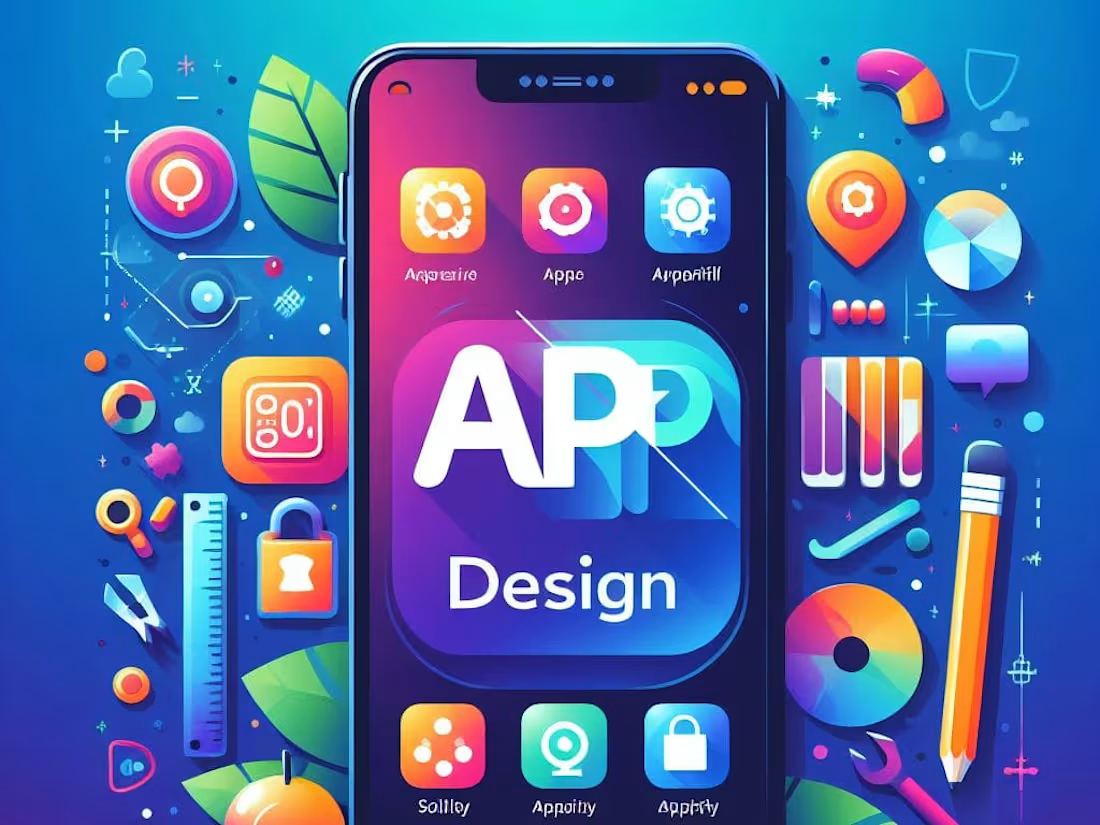
I design intuitive and engaging mobile apps that captivate users. I combine UI expertise for stunning visuals with UX knowledge to ensure a seamless and enjoyable user experience. This translates to apps that are not only beautiful but also a joy to use and drive results.
What's included
Empowering Your Mobile App Vision
At the conclusion of your mobile app design project, you'll receive a comprehensive set of deliverables that lay the foundation for a successful app launch. These deliverables empower you to effectively communicate your app's vision to developers and ensure a smooth development process.
High-Fidelity App Mockups: Pixel-perfect mockups showcasing the final app design, including layouts, user flows, and interactive prototypes. These will allow users to test and provide feedback on the app's functionality before development begins.
Style Guide: A detailed document outlining your app's visual identity. This includes color palettes, typography styles, iconography, and button designs. The style guide ensures design consistency across all app screens and future iterations.
User Interface (UI) Kit: A collection of all the UI elements used in the app design, such as buttons, icons, and navigation bars. These elements will be provided in various formats (e.g., PNG, SVG) for ease of use by developers.
User Experience (UX) Documentation: This document will detail the app's user flows, screen interactions, and information architecture. This provides developers with a clear understanding of how users will navigate and interact with the app.
Design Annotations & Specifications: Detailed annotations will be provided on the mockups to explain design decisions and functionality. Additional specifications documents might be included, outlining specific interactions or animations.
Additional Considerations:
Depending on the project scope, we can discuss creating onboarding screens or splash screens for a polished user experience.
If desired, we can also provide design assets optimized for different screen sizes and resolutions to ensure the app looks great on all devices.
By the project's end, you'll have a comprehensive design package that equips you to confidently collaborate with developers and bring your mobile app vision to life.
Abdelrahman's other services
Contact for pricing
Tags
Adobe Illustrator

Figma

Trello

Mobile Designer
UI Designer
UX Designer
Service provided by
Abdelrahman Moftah Egypt
Designing Apps People Love Abdelrahman Moftah
Contact for pricing
Tags
Adobe Illustrator
Figma
Trello
Mobile Designer
UI Designer
UX Designer
I design intuitive and engaging mobile apps that captivate users. I combine UI expertise for stunning visuals with UX knowledge to ensure a seamless and enjoyable user experience. This translates to apps that are not only beautiful but also a joy to use and drive results.
What's included
Empowering Your Mobile App Vision
At the conclusion of your mobile app design project, you'll receive a comprehensive set of deliverables that lay the foundation for a successful app launch. These deliverables empower you to effectively communicate your app's vision to developers and ensure a smooth development process.
High-Fidelity App Mockups: Pixel-perfect mockups showcasing the final app design, including layouts, user flows, and interactive prototypes. These will allow users to test and provide feedback on the app's functionality before development begins.
Style Guide: A detailed document outlining your app's visual identity. This includes color palettes, typography styles, iconography, and button designs. The style guide ensures design consistency across all app screens and future iterations.
User Interface (UI) Kit: A collection of all the UI elements used in the app design, such as buttons, icons, and navigation bars. These elements will be provided in various formats (e.g., PNG, SVG) for ease of use by developers.
User Experience (UX) Documentation: This document will detail the app's user flows, screen interactions, and information architecture. This provides developers with a clear understanding of how users will navigate and interact with the app.
Design Annotations & Specifications: Detailed annotations will be provided on the mockups to explain design decisions and functionality. Additional specifications documents might be included, outlining specific interactions or animations.
Additional Considerations:
Depending on the project scope, we can discuss creating onboarding screens or splash screens for a polished user experience.
If desired, we can also provide design assets optimized for different screen sizes and resolutions to ensure the app looks great on all devices.
By the project's end, you'll have a comprehensive design package that equips you to confidently collaborate with developers and bring your mobile app vision to life.
Abdelrahman's other services
Contact for pricing