
UX Design SprintKinshuuk Bose
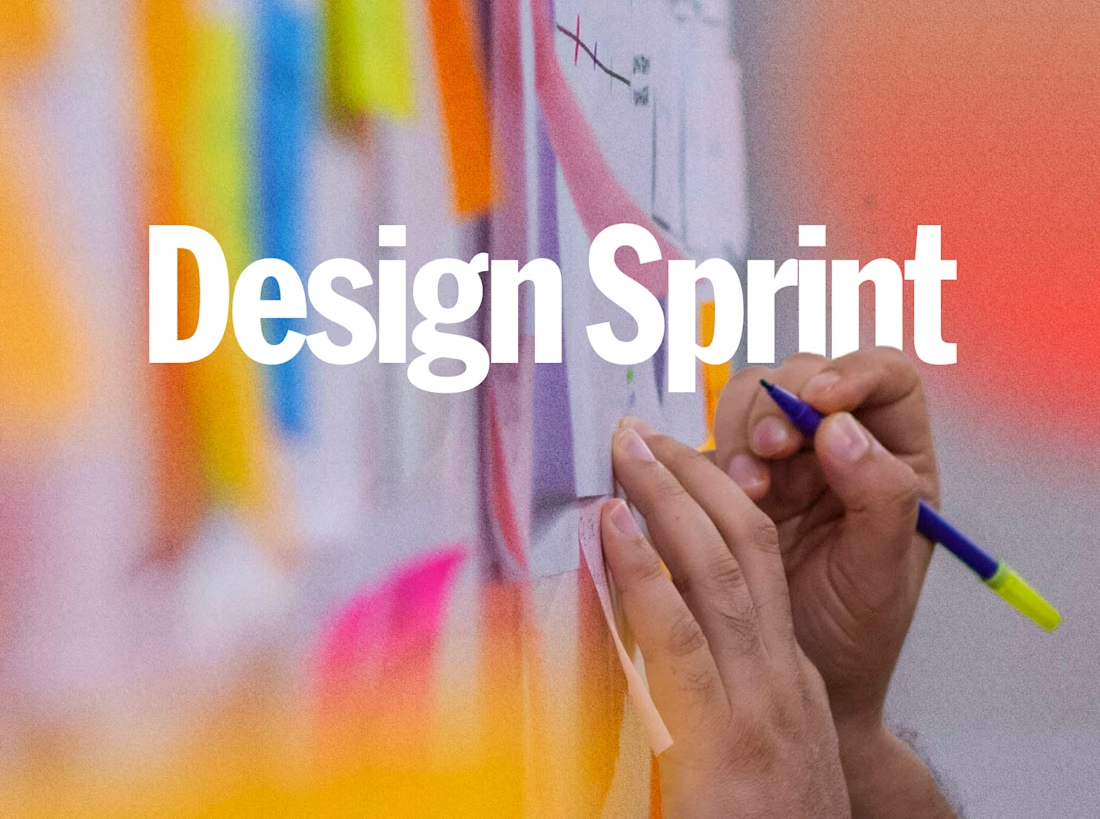
You have a feature that isn't landing, a flow leaking users, or an idea that needs to become real before you commit to engineering. What you don't have is six months.
In 2-4 weeks, you get validated, production-ready designs and a clear recommendation - not a deck full of sticky notes.
12+ years of UX leadership across enterprise SaaS, AI products, and industrial IoT. Clients include Honeywell, BT Group, the United Nations and international organisations.
What changes after this engagement
You stop building the wrong thing
The sprint validates with real users before a line of code is written. That's weeks of dev time you don't burn.
Your team aligns, fast
Months of debate compressed into days. Stakeholders see the same prototype, hear the same feedback, and decide.
You have something to show
Investors, board, engineering - a clickable prototype demonstrates the vision better than any doc.
Underperforming flows get fixed with evidence
Onboarding dropping at step 3? The sprint pinpoints why and delivers a tested alternative.
You move closer to code, faster.
AI-assisted prototyping and design-to-code export means your engineering team isn't starting from a static mockup - they're starting from a working foundation.
How it works
1. Problem framing (Days 1-3)
Align on the problem, user segment, and success criteria. Review existing research and analytics. Fill gaps with interviews or heuristic audits.
2. Ideation & wireframes (Week 1-2)
Multiple directions, narrowed to the strongest based on evidence, feasibility, and impact. AI-assisted concept generation accelerates exploration, so we test more ideas in less time.
3. High-fidelity design (Week 2-3)
10-15 production-ready screens in Figma. Full UI, states, edge cases.
4. Prototype & validation (Week 3-4)
Interactive prototype tested with 3-5 real users. AI-powered rapid prototyping gets us to a testable version faster, so more time goes into learning from users, not building throwaway screens.
5. Handoff
Annotated Figma files with specs, summary deck for engineering, and AI-assisted design-to-code export to give your developers a working front-end foundation - not just redlines.
What you walk away with
Validated design direction backed by user feedback
10-15 production-ready screens
Interactive prototype
Usability findings report with prioritised next steps
Developer-ready specs with design-to-code export
Perfect for
Product teams validating a feature before committing to engineering.
Startups prepping for demo day or investor meetings.
Enterprise teams stuck in analysis paralysis - the time constraint forces decisions.
Companies with an underperforming flow that needs a tested fix in weeks, not quarters.
FAQs
Kinshuuk's other services
Starting at$3,000
Duration4 weeks
Tags
Figma

Product Designer
UX Researcher
Wireframing
AI Ideation
AI Products
Enterprise SaaS
Service provided by
Kinshuuk Bose proBengaluru, India
- 12
- Followers
UX Design SprintKinshuuk Bose
Starting at$3,000
Duration4 weeks
Tags
Figma
Product Designer
UX Researcher
Wireframing
AI Ideation
AI Products
Enterprise SaaS
You have a feature that isn't landing, a flow leaking users, or an idea that needs to become real before you commit to engineering. What you don't have is six months.
In 2-4 weeks, you get validated, production-ready designs and a clear recommendation - not a deck full of sticky notes.
12+ years of UX leadership across enterprise SaaS, AI products, and industrial IoT. Clients include Honeywell, BT Group, the United Nations and international organisations.
What changes after this engagement
You stop building the wrong thing
The sprint validates with real users before a line of code is written. That's weeks of dev time you don't burn.
Your team aligns, fast
Months of debate compressed into days. Stakeholders see the same prototype, hear the same feedback, and decide.
You have something to show
Investors, board, engineering - a clickable prototype demonstrates the vision better than any doc.
Underperforming flows get fixed with evidence
Onboarding dropping at step 3? The sprint pinpoints why and delivers a tested alternative.
You move closer to code, faster.
AI-assisted prototyping and design-to-code export means your engineering team isn't starting from a static mockup - they're starting from a working foundation.
How it works
1. Problem framing (Days 1-3)
Align on the problem, user segment, and success criteria. Review existing research and analytics. Fill gaps with interviews or heuristic audits.
2. Ideation & wireframes (Week 1-2)
Multiple directions, narrowed to the strongest based on evidence, feasibility, and impact. AI-assisted concept generation accelerates exploration, so we test more ideas in less time.
3. High-fidelity design (Week 2-3)
10-15 production-ready screens in Figma. Full UI, states, edge cases.
4. Prototype & validation (Week 3-4)
Interactive prototype tested with 3-5 real users. AI-powered rapid prototyping gets us to a testable version faster, so more time goes into learning from users, not building throwaway screens.
5. Handoff
Annotated Figma files with specs, summary deck for engineering, and AI-assisted design-to-code export to give your developers a working front-end foundation - not just redlines.
What you walk away with
Validated design direction backed by user feedback
10-15 production-ready screens
Interactive prototype
Usability findings report with prioritised next steps
Developer-ready specs with design-to-code export
Perfect for
Product teams validating a feature before committing to engineering.
Startups prepping for demo day or investor meetings.
Enterprise teams stuck in analysis paralysis - the time constraint forces decisions.
Companies with an underperforming flow that needs a tested fix in weeks, not quarters.
FAQs
Kinshuuk's other services
$3,000