
Mobile App Design (UI/UX)Veer Shrivastava
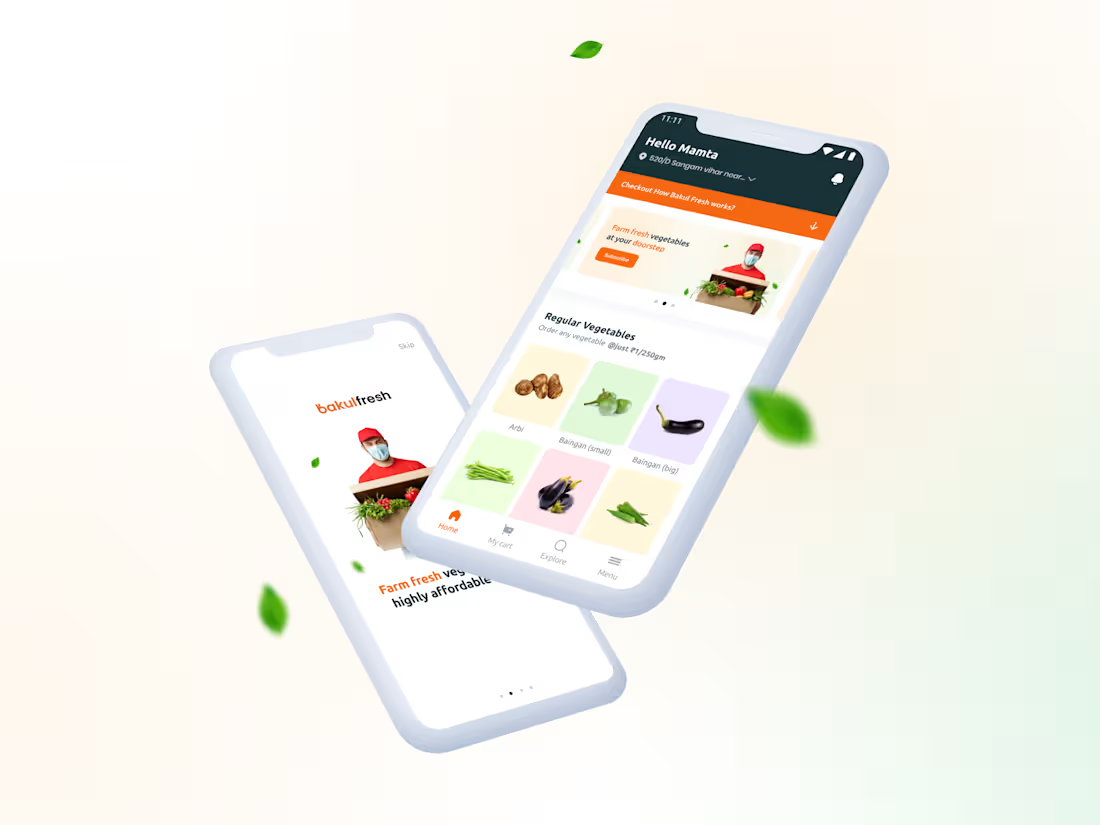
I design intuitive, user-focused mobile app experiences backed by over 5 years of product design experience. From user flows to high-fidelity UI, I focus on clarity, usability, and developer-ready designs that help products move faster from idea to build.
What's included
UX Research & Requirement Alignment
Clear understanding of the product goals, target users, and core use cases. This ensures design decisions are driven by real needs—not assumptions.
User Flow & Information Architecture
Logical user flows and screen hierarchy that define how users move through the app. This reduces friction and prevents feature clutter early.
Wireframes (Low–Mid Fidelity)
Structure-first layouts focusing on content, actions, and usability before visuals. This helps validate flow and logic without wasting time on polish.
Visual Design Direction
A defined visual style including color usage, typography, spacing, and UI patterns aligned with the brand and platform guidelines (iOS / Android).
High-Fidelity UI Screens
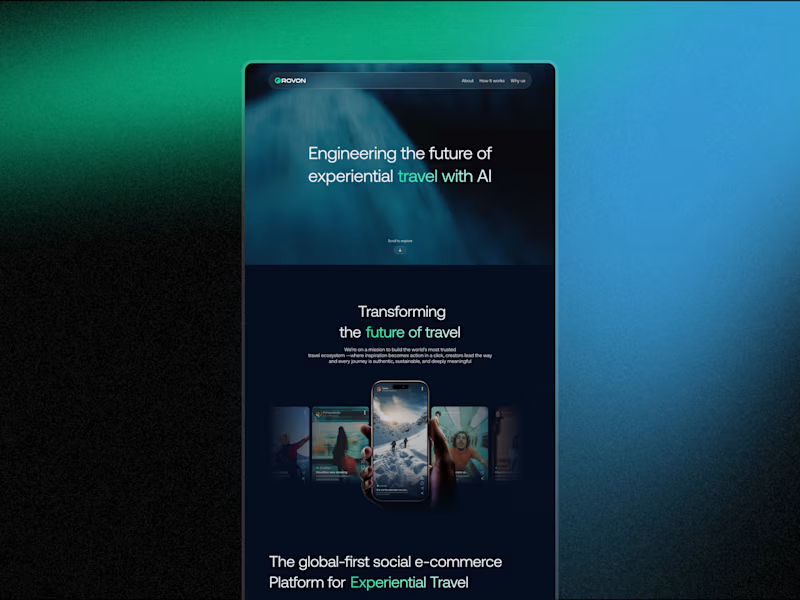
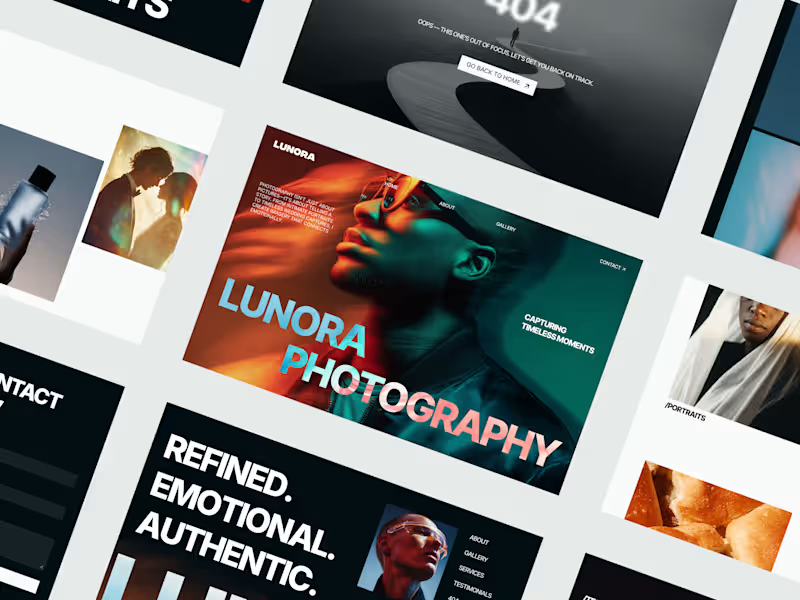
Pixel-perfect app screens designed in Figma with consistent layout, hierarchy, and visual clarity. Ready for development and stakeholder review.
Design System (Components & Styles)
A reusable component library including buttons, inputs, cards, icons, and text styles to maintain consistency and speed up future screens.
Interactive Prototype
Clickable prototype demonstrating key user flows and interactions, making it easier to test, present, and validate the experience before development.
Developer-Ready Figma Handoff
Well-organized Figma file with named layers, components, and basic documentation so developers can build without constant clarification.
Revision & Refinement Round
Structured feedback iterations to refine usability, visuals, and flow—without endless redesign cycles.
FAQs
Starting at$1,650
Duration4 weeks
Tags
Adobe Illustrator

Figma

Figma Make

Mobile Designer
Product Designer
UI Designer
Service provided by
Veer Shrivastava Indore, India
- 32
- Followers
Mobile App Design (UI/UX)Veer Shrivastava
Starting at$1,650
Duration4 weeks
Tags
Adobe Illustrator
Figma
Figma Make
Mobile Designer
Product Designer
UI Designer
I design intuitive, user-focused mobile app experiences backed by over 5 years of product design experience. From user flows to high-fidelity UI, I focus on clarity, usability, and developer-ready designs that help products move faster from idea to build.
What's included
UX Research & Requirement Alignment
Clear understanding of the product goals, target users, and core use cases. This ensures design decisions are driven by real needs—not assumptions.
User Flow & Information Architecture
Logical user flows and screen hierarchy that define how users move through the app. This reduces friction and prevents feature clutter early.
Wireframes (Low–Mid Fidelity)
Structure-first layouts focusing on content, actions, and usability before visuals. This helps validate flow and logic without wasting time on polish.
Visual Design Direction
A defined visual style including color usage, typography, spacing, and UI patterns aligned with the brand and platform guidelines (iOS / Android).
High-Fidelity UI Screens
Pixel-perfect app screens designed in Figma with consistent layout, hierarchy, and visual clarity. Ready for development and stakeholder review.
Design System (Components & Styles)
A reusable component library including buttons, inputs, cards, icons, and text styles to maintain consistency and speed up future screens.
Interactive Prototype
Clickable prototype demonstrating key user flows and interactions, making it easier to test, present, and validate the experience before development.
Developer-Ready Figma Handoff
Well-organized Figma file with named layers, components, and basic documentation so developers can build without constant clarification.
Revision & Refinement Round
Structured feedback iterations to refine usability, visuals, and flow—without endless redesign cycles.
FAQs
$1,650