
WordPress to FramerTristan Owen
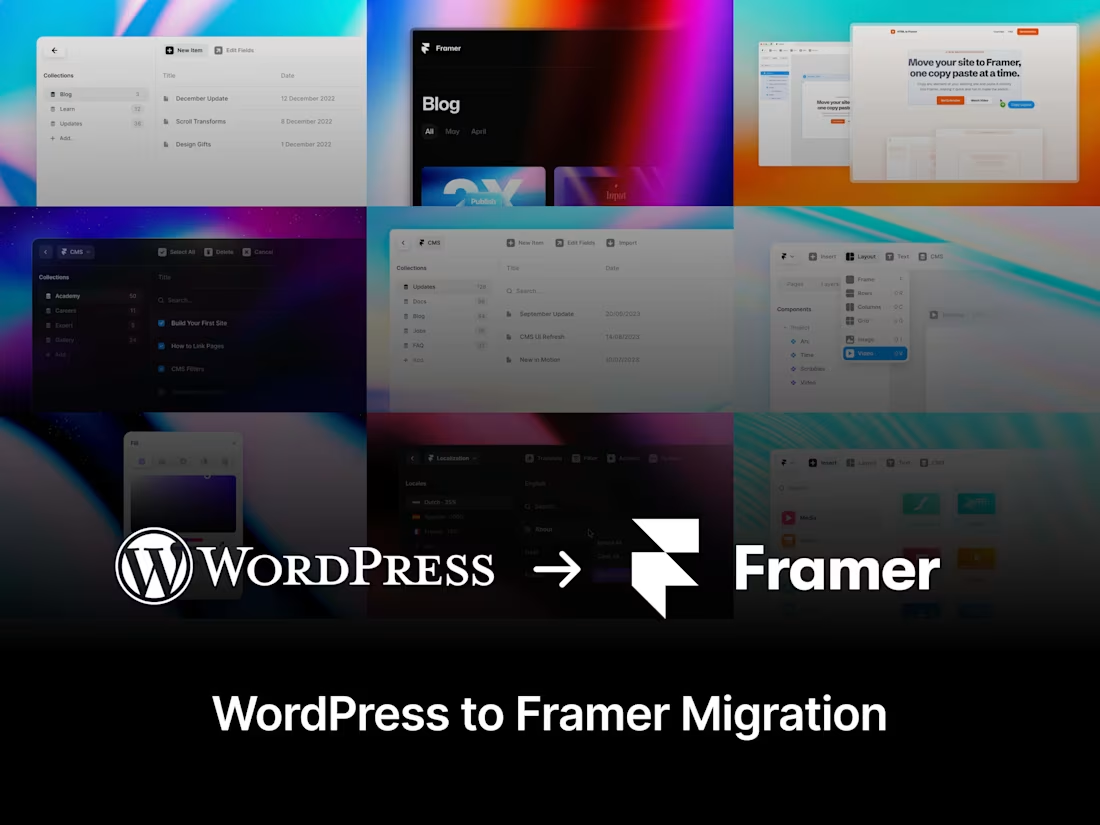
I'll help you to migrate your WordPress website to Framer, exporting your content and CMS items from your WordPress instance and importing into the Framer CMS. I'll advise you on any limitations and differences between WordPress and Framer and guide you every step of the way.
What's included
Framer Remix Link
Once you're happy with the finalised migration from your WordPress site to Framer, I'll send you a Framer Remix link which enables you to duplicate the project to your own account.
Assistance setting up your custom domain and analytics
I'll assist you setting up your project with your custom domain and make sure all your project settings are tuned optimally. I'll connect your Google Analytics or 3rd party analytics provider and make sure everything works nicely together.
3 Months Free on a Pro annual subscription (optional)
As an official Framer Partner, I will provide you with an optional promo code to get 3 months free on the Framer Pro account, which provides more CMS collections, staging, analytics features, and more.
Ongoing Support (Optional)
I'll work with you updating your website copy or images, adding new CMS items or creating new landing pages.
FAQs
Example work
Tristan's other services

Starting at$1,500
Duration2 weeks
Tags
Framer

WordPress

Framer Designer
Framer Developer
UX Designer
Service provided by
Tristan Owen proCape Town, South Africa
- $25k+
- Earned
- 5
- Paid projects
- 5.00
- Rating
- 24
- Followers
WordPress to FramerTristan Owen
Starting at$1,500
Duration2 weeks
Tags
Framer
WordPress
Framer Designer
Framer Developer
UX Designer
I'll help you to migrate your WordPress website to Framer, exporting your content and CMS items from your WordPress instance and importing into the Framer CMS. I'll advise you on any limitations and differences between WordPress and Framer and guide you every step of the way.
What's included
Framer Remix Link
Once you're happy with the finalised migration from your WordPress site to Framer, I'll send you a Framer Remix link which enables you to duplicate the project to your own account.
Assistance setting up your custom domain and analytics
I'll assist you setting up your project with your custom domain and make sure all your project settings are tuned optimally. I'll connect your Google Analytics or 3rd party analytics provider and make sure everything works nicely together.
3 Months Free on a Pro annual subscription (optional)
As an official Framer Partner, I will provide you with an optional promo code to get 3 months free on the Framer Pro account, which provides more CMS collections, staging, analytics features, and more.
Ongoing Support (Optional)
I'll work with you updating your website copy or images, adding new CMS items or creating new landing pages.
FAQs
Example work
Tristan's other services
$1,500