
Lean Professional Email Setup (No monthly Subscriptions)Muhammad Hassaan
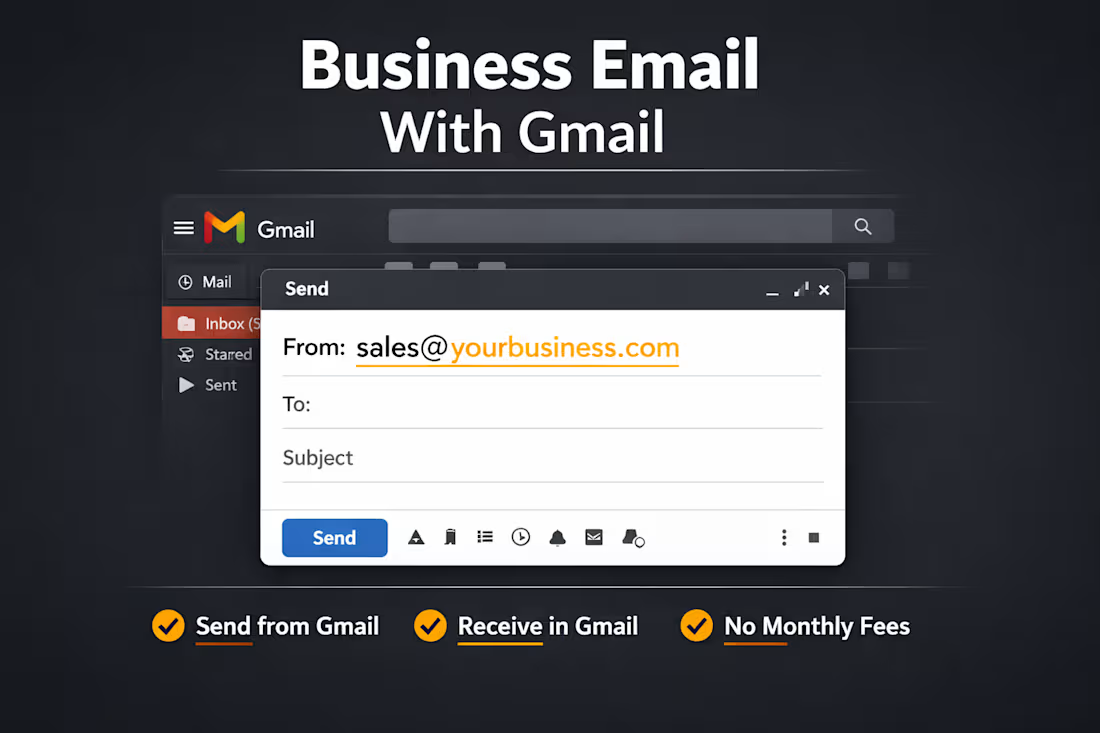
Many professionals want a business email "you@yourdomain.com", but they don't want to pay monthly for services like Google Workspace or Microsoft 365.
I will set up a lean professional email system where you can:
Receive domain emails directly in Gmail
Send emails from Gmail using your domain
Avoid monthly email hosting subscriptions
Keep a clean, professional business email identity
Your Gmail inbox becomes your business email control center.
What This Setup Allows
You will be able to send and receive emails:
But manage everything directly inside Gmail.
No new inbox software required.
What I Will Set Up
Domain email routing
Gmail send-as configuration
SMTP connection
SPF record configuration
Email forwarding rules
Test sending and receiving
Up to 5 domain email aliases (same gmail inbox, different email aliases e.g hello@, contact@, support@ etc)
Perfect For
If you want a professional email without recurring costs, this setup is ideal.
Freelancers
Consultants
Small businesses
Startup founders
Personal brands
Side projects
New domains
⚠️ IMPORTANT: This is for professionals who want professional email
for 1-on-1 business communication, not bulk/mass email campaigns.
Perfect for:
✓ Sales conversations with prospects
✓ Client communications
✓ Professional correspondence
✓ Day-to-day business emails
NOT for:
✗ Newsletter campaigns
✗ Mass marketing outreach
✗ Bulk email sequences
✗ Spam/automated campaigns
This is about convenience and professionalism in your daily inbox.
FAQs
You’ll get a fully working professional email address (e.g., you@yourdomain.com) that sends and receives emails directly from Gmail, without paying monthly for Google Workspace. We set up everything — Cloudflare email routing, Gmail “Send As”, SMTP configuration, and basic DNS authentication (SPF, DMARC) for inbox delivery.
No. This setup uses your existing Gmail account. There’s no recurring subscription required, but you must have a Gmail account to use it.
Yes. We configure SPF and DMARC properly, test sending and receiving, and ensure your emails land in inboxes for Gmail, Outlook, Yahoo, and most other providers. While no system guarantees 100% delivery, this setup maximizes deliverability for normal business use.
By default, we include up to 5 email aliases (e.g., hello@, contact@, support@, team@, info@). Additional aliases can be added as an extra service.
This system is designed for professional communication, client inquiries, directories, and partnerships. While it works for a few outreach emails per day (≤30), sending large volumes of cold emails can trigger spam filters. For high-volume outreach, separate domains and dedicated services are recommended.
No. Once set up, everything works inside Gmail just like a normal inbox. Sending, receiving, and replying is exactly the same as a standard Gmail account.
Access to domain DNS, Gmail Credentials, Permission to configure email routing and we will handle the rest. Please change passwords after availing the service.
Typically 24–48 hours, depending on DNS propagation. Most customers can start sending and receiving emails within a few hours.
Yes, the setup is flexible. You can reconfigure forwarding to a different Gmail account if needed.
We provide basic support and troubleshooting for 7 days after delivery. We ensure the email setup is working correctly and will guide you through any minor adjustments.
Yes. Unlike sending all emails from a new domain without SPF/DKIM, this setup ensures proper authentication, significantly reducing the chance your domain is marked as spam.
Yes. Each domain requires its own setup. Additional domains can be added as extra packages.
Starting at$50
Duration2 days
Tags
connect domain email gmail
gmail business email setup
Setup Business Email
setup domain email gmail
Setup Professional Email
use gmail with domain
Service provided by
Muhammad Hassaan Lahore, Pakistan
Lean Professional Email Setup (No monthly Subscriptions)Muhammad Hassaan
Starting at$50
Duration2 days
Tags
connect domain email gmail
gmail business email setup
Setup Business Email
setup domain email gmail
Setup Professional Email
use gmail with domain
Many professionals want a business email "you@yourdomain.com", but they don't want to pay monthly for services like Google Workspace or Microsoft 365.
I will set up a lean professional email system where you can:
Receive domain emails directly in Gmail
Send emails from Gmail using your domain
Avoid monthly email hosting subscriptions
Keep a clean, professional business email identity
Your Gmail inbox becomes your business email control center.
What This Setup Allows
You will be able to send and receive emails:
But manage everything directly inside Gmail.
No new inbox software required.
What I Will Set Up
Domain email routing
Gmail send-as configuration
SMTP connection
SPF record configuration
Email forwarding rules
Test sending and receiving
Up to 5 domain email aliases (same gmail inbox, different email aliases e.g hello@, contact@, support@ etc)
Perfect For
If you want a professional email without recurring costs, this setup is ideal.
Freelancers
Consultants
Small businesses
Startup founders
Personal brands
Side projects
New domains
⚠️ IMPORTANT: This is for professionals who want professional email
for 1-on-1 business communication, not bulk/mass email campaigns.
Perfect for:
✓ Sales conversations with prospects
✓ Client communications
✓ Professional correspondence
✓ Day-to-day business emails
NOT for:
✗ Newsletter campaigns
✗ Mass marketing outreach
✗ Bulk email sequences
✗ Spam/automated campaigns
This is about convenience and professionalism in your daily inbox.
FAQs
You’ll get a fully working professional email address (e.g., you@yourdomain.com) that sends and receives emails directly from Gmail, without paying monthly for Google Workspace. We set up everything — Cloudflare email routing, Gmail “Send As”, SMTP configuration, and basic DNS authentication (SPF, DMARC) for inbox delivery.
No. This setup uses your existing Gmail account. There’s no recurring subscription required, but you must have a Gmail account to use it.
Yes. We configure SPF and DMARC properly, test sending and receiving, and ensure your emails land in inboxes for Gmail, Outlook, Yahoo, and most other providers. While no system guarantees 100% delivery, this setup maximizes deliverability for normal business use.
By default, we include up to 5 email aliases (e.g., hello@, contact@, support@, team@, info@). Additional aliases can be added as an extra service.
This system is designed for professional communication, client inquiries, directories, and partnerships. While it works for a few outreach emails per day (≤30), sending large volumes of cold emails can trigger spam filters. For high-volume outreach, separate domains and dedicated services are recommended.
No. Once set up, everything works inside Gmail just like a normal inbox. Sending, receiving, and replying is exactly the same as a standard Gmail account.
Access to domain DNS, Gmail Credentials, Permission to configure email routing and we will handle the rest. Please change passwords after availing the service.
Typically 24–48 hours, depending on DNS propagation. Most customers can start sending and receiving emails within a few hours.
Yes, the setup is flexible. You can reconfigure forwarding to a different Gmail account if needed.
We provide basic support and troubleshooting for 7 days after delivery. We ensure the email setup is working correctly and will guide you through any minor adjustments.
Yes. Unlike sending all emails from a new domain without SPF/DKIM, this setup ensures proper authentication, significantly reducing the chance your domain is marked as spam.
Yes. Each domain requires its own setup. Additional domains can be added as extra packages.
$50