
WordPress to Webflow MigrationSamuel Oke
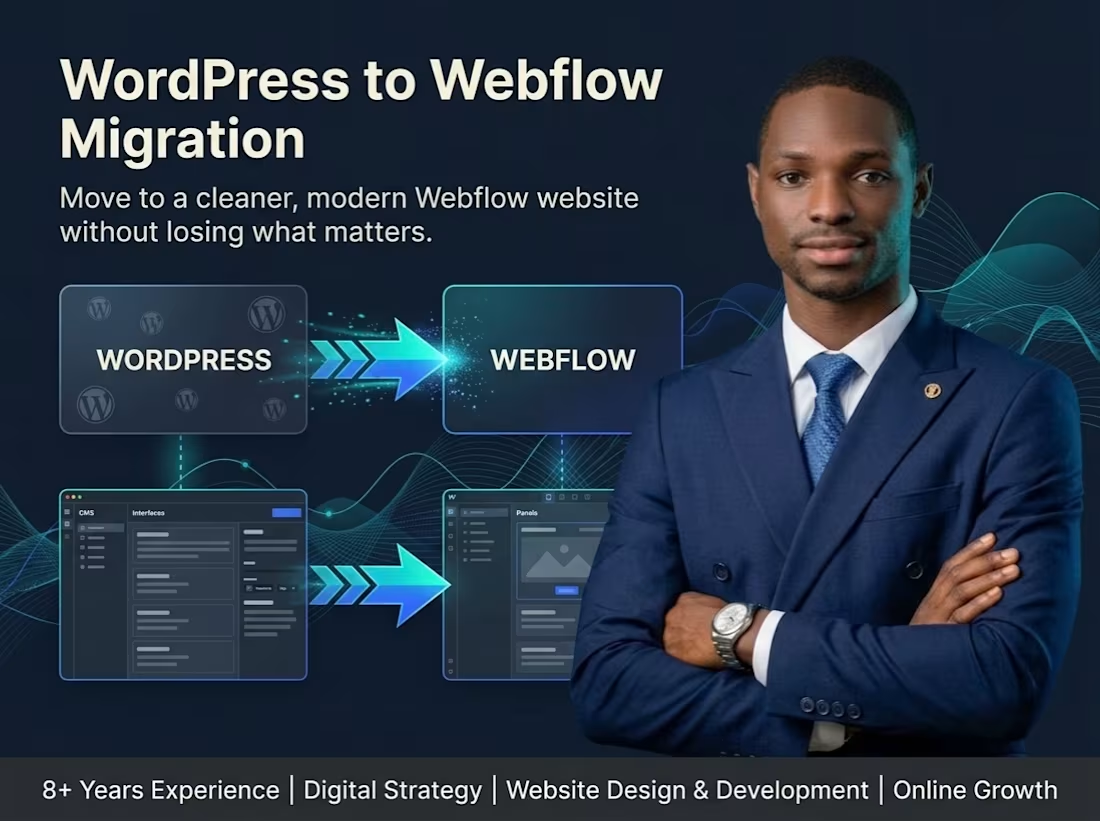
I migrate WordPress websites to Webflow while preserving the important content, improving the design, and creating a cleaner, easier-to-manage website.
If your WordPress website has become difficult to maintain, too dependent on plugins, or simply feels outdated, moving to Webflow can give you a cleaner and more streamlined setup.
I help businesses, startups, nonprofits and organisations migrate existing WordPress websites to Webflow without blindly rebuilding everything from scratch.
I review your current website, identify the content and functionality that should remain, rebuild the site in Webflow, and improve the structure, responsiveness and overall presentation where necessary.
The goal is not just to copy the old website. It is to move the important parts over while giving you a more polished and manageable Webflow site.
What’s Included
Existing WordPress website review
Content migration planning
Webflow rebuild
Homepage migration
Inner-page migration
Responsive redesign where needed
Navigation recreation
CMS setup where appropriate
Blog or resource migration setup
Contact form recreation
Image migration and optimisation
Basic on-page SEO setup
URL structure review
Redirect planning where required
Basic interactions and animations
Mobile and tablet optimisation
Final testing
Launch support
What Can Be Migrated
Depending on your website, I can help move:
Pages
Blog posts
Images
Team profiles
Projects
Services
Resources
Events
Testimonials
Portfolio items
Contact forms
Basic SEO information
My Process
1. Website Review
I review your current WordPress website, page structure, content, plugins and important functionality.
2. Migration Plan
I identify what should be migrated directly, what should be improved, and what should be rebuilt differently in Webflow.
3. Webflow Structure
I recreate the necessary pages, CMS collections and reusable components.
4. Design & Migration
I move the content into Webflow while improving outdated layouts and ensuring the website feels consistent.
5. Responsive Optimisation
I make sure the migrated website works properly across desktop, tablet and mobile.
6. Testing
I test navigation, forms, links, layouts and important content before launch.
7. Launch Support
I help prepare the Webflow site for publishing and provide support during the transition.
Starting Price
From $250
Final pricing depends on the number of pages, amount of content, CMS requirements, existing functionality and complexity of the migration.
Large websites with extensive content or custom functionality will require a custom quote.
Estimated Timeline
7–21 days
Smaller websites may be completed faster, while content-heavy websites may require additional time.
Best For
Businesses moving away from WordPress
Startups
SaaS companies
Agencies
Nonprofits
Consultants
Professional service providers
Organisations with outdated WordPress websites
Website owners wanting a cleaner CMS experience
Send me your current WordPress website and tell me why you want to move to Webflow. I’ll review the site and help you determine the cleanest way to migrate it.
FAQs
Samuel's other services


Starting at$250
Duration5 days
Tags
Webflow

WordPress

Low-Code/No-Code Developer
Responsive Design
Webflow Developer
website redesign
web design
webflow development
website migration
Service provided by
Samuel Oke Ado Ekiti, Nigeria
- 2
- Followers
WordPress to Webflow MigrationSamuel Oke
Starting at$250
Duration5 days
Tags
Webflow
WordPress
Low-Code/No-Code Developer
Responsive Design
Webflow Developer
website redesign
web design
webflow development
website migration
I migrate WordPress websites to Webflow while preserving the important content, improving the design, and creating a cleaner, easier-to-manage website.
If your WordPress website has become difficult to maintain, too dependent on plugins, or simply feels outdated, moving to Webflow can give you a cleaner and more streamlined setup.
I help businesses, startups, nonprofits and organisations migrate existing WordPress websites to Webflow without blindly rebuilding everything from scratch.
I review your current website, identify the content and functionality that should remain, rebuild the site in Webflow, and improve the structure, responsiveness and overall presentation where necessary.
The goal is not just to copy the old website. It is to move the important parts over while giving you a more polished and manageable Webflow site.
What’s Included
Existing WordPress website review
Content migration planning
Webflow rebuild
Homepage migration
Inner-page migration
Responsive redesign where needed
Navigation recreation
CMS setup where appropriate
Blog or resource migration setup
Contact form recreation
Image migration and optimisation
Basic on-page SEO setup
URL structure review
Redirect planning where required
Basic interactions and animations
Mobile and tablet optimisation
Final testing
Launch support
What Can Be Migrated
Depending on your website, I can help move:
Pages
Blog posts
Images
Team profiles
Projects
Services
Resources
Events
Testimonials
Portfolio items
Contact forms
Basic SEO information
My Process
1. Website Review
I review your current WordPress website, page structure, content, plugins and important functionality.
2. Migration Plan
I identify what should be migrated directly, what should be improved, and what should be rebuilt differently in Webflow.
3. Webflow Structure
I recreate the necessary pages, CMS collections and reusable components.
4. Design & Migration
I move the content into Webflow while improving outdated layouts and ensuring the website feels consistent.
5. Responsive Optimisation
I make sure the migrated website works properly across desktop, tablet and mobile.
6. Testing
I test navigation, forms, links, layouts and important content before launch.
7. Launch Support
I help prepare the Webflow site for publishing and provide support during the transition.
Starting Price
From $250
Final pricing depends on the number of pages, amount of content, CMS requirements, existing functionality and complexity of the migration.
Large websites with extensive content or custom functionality will require a custom quote.
Estimated Timeline
7–21 days
Smaller websites may be completed faster, while content-heavy websites may require additional time.
Best For
Businesses moving away from WordPress
Startups
SaaS companies
Agencies
Nonprofits
Consultants
Professional service providers
Organisations with outdated WordPress websites
Website owners wanting a cleaner CMS experience
Send me your current WordPress website and tell me why you want to move to Webflow. I’ll review the site and help you determine the cleanest way to migrate it.
FAQs
Samuel's other services
$250