
Optimize Your Help Center for Clarity & UsefulnessNneka Ngene
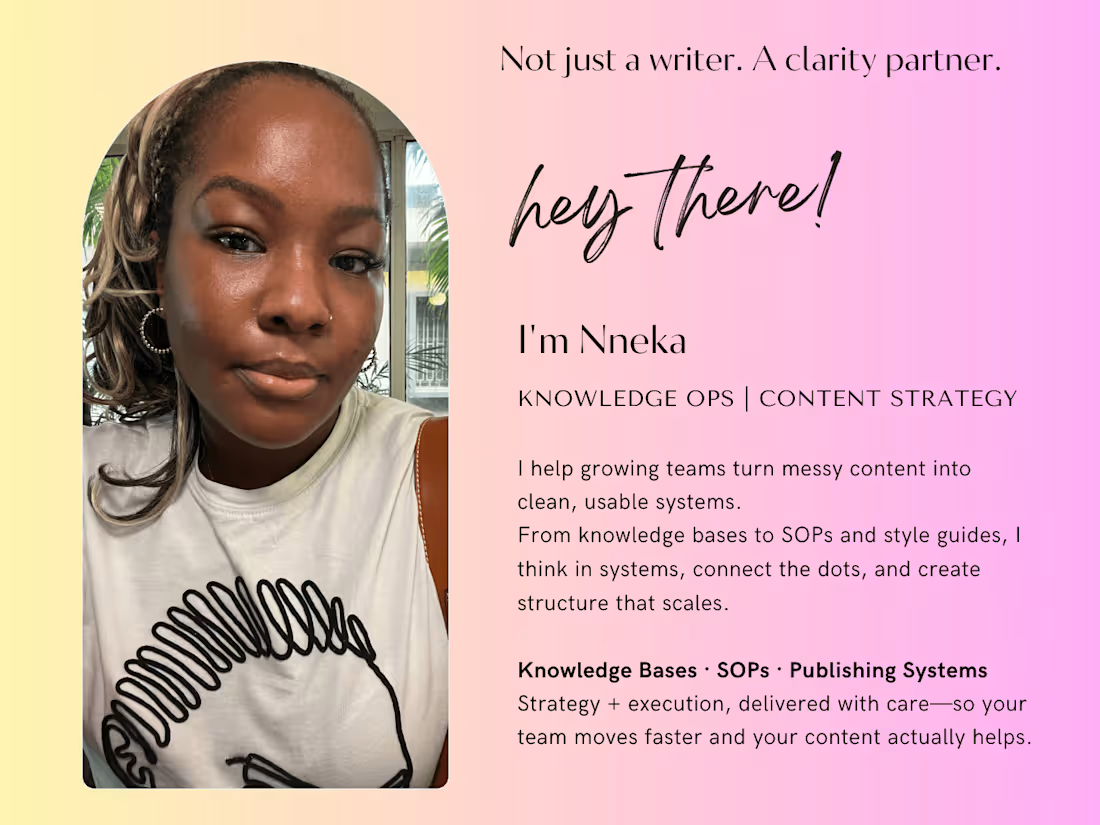
I combine strategy, writing, and systems thinking to create content that works—and keeps working. I help teams clean up and improve their Help Centers, knowledge bases, and internal docs, with clear edits, smart structure, and systems their teams can actually use.
What's included
Help Center Audit Report
I’ll take a close look at up to 15 of your help center articles and give you a clear, honest review of what’s working, what’s not, and what could be improved. You’ll get a straightforward breakdown—no jargon, no fluff—just focused, practical feedback on structure, tone, clarity, and usefulness. I’ll also include a prioritized list of what to fix first, so you’re not guessing where to start. This will all be delivered in a clean Google Doc or PDF you can easily share with your team.
Help Center Publishing & Style Guide
I’ll create a custom publishing and style guide tailored to your Help Center and team. This document will walk contributors through how to write, structure, format, and label articles clearly and consistently. It also includes guidance on tone of voice, word choice, and how to write about your product in a way that feels approachable and aligned with your brand.
Whether you’re working with a full content team or a few internal contributors, this guide will help everyone follow the same standards—making publishing smoother and saving time on edits. It’s designed to be practical, not overwhelming, and can be used to onboard new writers or refresh your current process.
Rewrites or Edits of Key Articles
Once we’ve aligned on priorities, I’ll rewrite or clean up 3–5 articles that matter most to your users. Depending on the scope, this number can increase. I’ll keep your brand voice in mind while improving clarity, formatting, and structure to make the content easier to read and more helpful. This isn’t just surface-level editing. I’ll make sure the information flows well and actually answers the questions your users are coming with. You’ll also get one round of revisions per article in case you’d like to adjust anything.
Labeling & Organization Guide
Your help content is only useful if people can find it—so I’ll create a simple guide that shows you (and your team) how to properly label and organize articles (information architecture). This will improve searchability, both for real users and for tools like Remote AI. You’ll be able to carry this structure forward easily, even as your content grows.
Starting at$70 /hr
Tags
ChatGPT

Google Docs

Loom

Notion

Zendesk

AI Writer
Article Writer
Content Strategist
Service provided by
Nneka Ngene United Kingdom
Optimize Your Help Center for Clarity & UsefulnessNneka Ngene
Starting at$70 /hr
Tags
ChatGPT
Google Docs
Loom
Notion
Zendesk
AI Writer
Article Writer
Content Strategist
I combine strategy, writing, and systems thinking to create content that works—and keeps working. I help teams clean up and improve their Help Centers, knowledge bases, and internal docs, with clear edits, smart structure, and systems their teams can actually use.
What's included
Help Center Audit Report
I’ll take a close look at up to 15 of your help center articles and give you a clear, honest review of what’s working, what’s not, and what could be improved. You’ll get a straightforward breakdown—no jargon, no fluff—just focused, practical feedback on structure, tone, clarity, and usefulness. I’ll also include a prioritized list of what to fix first, so you’re not guessing where to start. This will all be delivered in a clean Google Doc or PDF you can easily share with your team.
Help Center Publishing & Style Guide
I’ll create a custom publishing and style guide tailored to your Help Center and team. This document will walk contributors through how to write, structure, format, and label articles clearly and consistently. It also includes guidance on tone of voice, word choice, and how to write about your product in a way that feels approachable and aligned with your brand.
Whether you’re working with a full content team or a few internal contributors, this guide will help everyone follow the same standards—making publishing smoother and saving time on edits. It’s designed to be practical, not overwhelming, and can be used to onboard new writers or refresh your current process.
Rewrites or Edits of Key Articles
Once we’ve aligned on priorities, I’ll rewrite or clean up 3–5 articles that matter most to your users. Depending on the scope, this number can increase. I’ll keep your brand voice in mind while improving clarity, formatting, and structure to make the content easier to read and more helpful. This isn’t just surface-level editing. I’ll make sure the information flows well and actually answers the questions your users are coming with. You’ll also get one round of revisions per article in case you’d like to adjust anything.
Labeling & Organization Guide
Your help content is only useful if people can find it—so I’ll create a simple guide that shows you (and your team) how to properly label and organize articles (information architecture). This will improve searchability, both for real users and for tools like Remote AI. You’ll be able to carry this structure forward easily, even as your content grows.
$70 /hr