
Web Design | UI/UXUnnikrishnan R
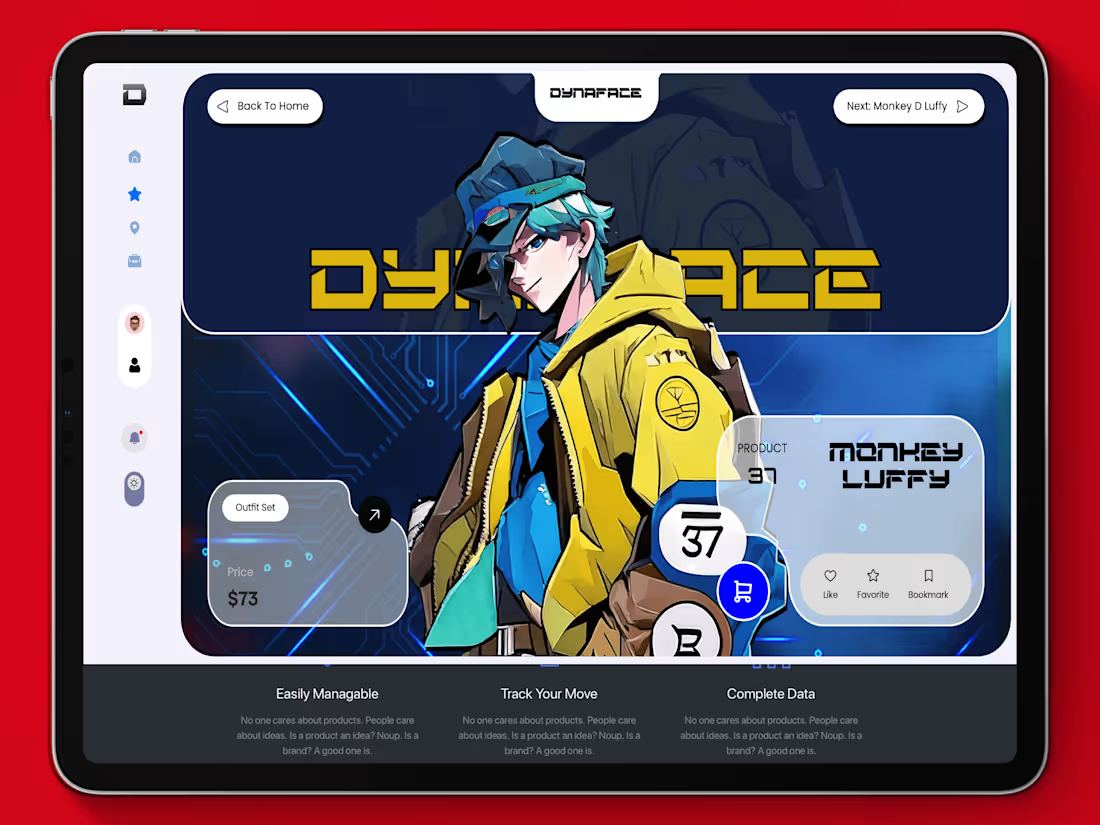
I offer custom web design services focused on creating visually stunning, user-friendly interfaces that elevate your brand and engage your audience. My approach combines creative design with strategic UX to ensure each site isn’t just beautiful but highly functional and intuitive. What sets me apart is my commitment to aligning design with your specific business goals, delivering tailored, responsive solutions that provide a seamless experience across all devices.
What's included
Wireframes
Low-fidelity sketches or digital outlines of the page layout for desktop, tablet, and mobile views, showing the structure and placement of elements.
High-Fidelity Mockups
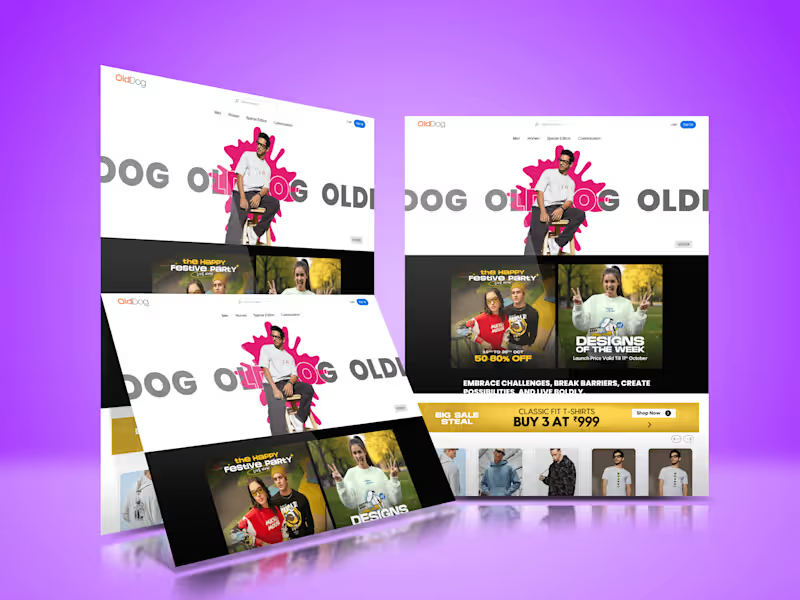
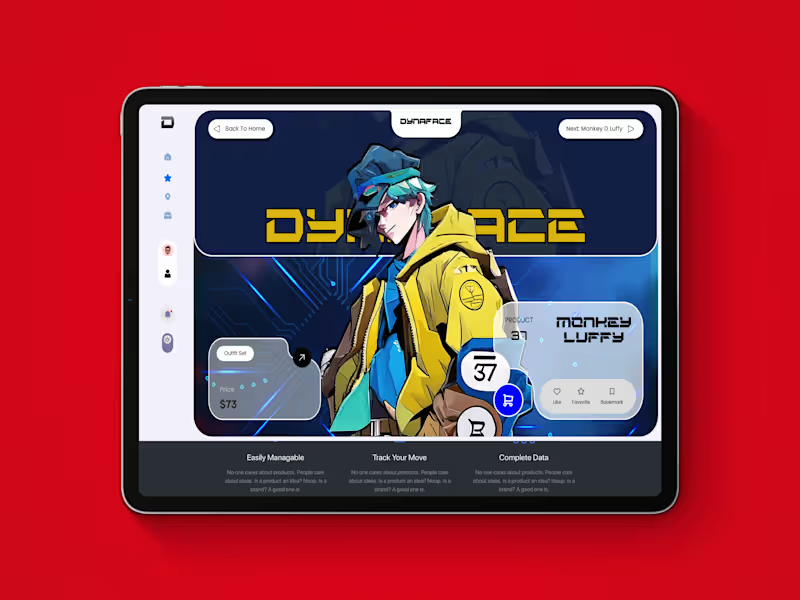
Detailed, pixel-perfect mockups representing the final look of the website, including color schemes, typography, and iconography, typically created in Figma, Adobe XD, or Sketch.
Clickable Prototype
An interactive prototype that simulates user navigation and flows across the web pages, providing a feel for the user experience (UX) before development.
Responsive Design Layouts
Designs optimized for multiple screen sizes (desktop, tablet, mobile) to ensure a consistent user experience across devices.
Style Guide
A document specifying fonts, color palette, button styles, image guidelines, iconography, and any other UI elements to maintain consistency across the site.
Design System (Optional)
A reusable component library or system, including buttons, forms, modals, and other UI elements, ready for developers to implement.
User Flow Diagrams
Visual maps of the user's journey through the site, illustrating how different pages and interactions connect.
Asset Exports
Individual image and icon assets, logos, and any other graphical elements, often exported as PNGs, SVGs, or JPEGs, optimized for web usage.
Documentation for Developers
Notes, specifications, and guidelines for developers, including layout rules, spacing, typography, and any custom interactions.
Source Files
Editable source files (Figma, Adobe XD, Sketch, or Photoshop files), handed off for future updates or development.
Accessibility Guidelines
Recommendations or specific adjustments to ensure the design is accessible, following standards like WCAG, including considerations for color contrast, font size, and alternative text for images.
UI Animations (If Applicable)
Animated mockups or guidelines for transitions, hover effects, loading animations, or other interactive elements to enhance user engagement.
Example work
Unnikrishnan's other services
Starting at$1,000
Duration1 week
Tags
Adobe XD

Figma

Sketch

Spline

Webflow

Frontend Engineer
UI Designer
UX Designer
Service provided by
Unnikrishnan R Thiruvananthapuram, India
- $1k+
- Earned
- 2
- Paid projects
- 5.00
- Rating
- 27
- Followers
Web Design | UI/UXUnnikrishnan R
Starting at$1,000
Duration1 week
Tags
Adobe XD
Figma
Sketch
Spline
Webflow
Frontend Engineer
UI Designer
UX Designer
I offer custom web design services focused on creating visually stunning, user-friendly interfaces that elevate your brand and engage your audience. My approach combines creative design with strategic UX to ensure each site isn’t just beautiful but highly functional and intuitive. What sets me apart is my commitment to aligning design with your specific business goals, delivering tailored, responsive solutions that provide a seamless experience across all devices.
What's included
Wireframes
Low-fidelity sketches or digital outlines of the page layout for desktop, tablet, and mobile views, showing the structure and placement of elements.
High-Fidelity Mockups
Detailed, pixel-perfect mockups representing the final look of the website, including color schemes, typography, and iconography, typically created in Figma, Adobe XD, or Sketch.
Clickable Prototype
An interactive prototype that simulates user navigation and flows across the web pages, providing a feel for the user experience (UX) before development.
Responsive Design Layouts
Designs optimized for multiple screen sizes (desktop, tablet, mobile) to ensure a consistent user experience across devices.
Style Guide
A document specifying fonts, color palette, button styles, image guidelines, iconography, and any other UI elements to maintain consistency across the site.
Design System (Optional)
A reusable component library or system, including buttons, forms, modals, and other UI elements, ready for developers to implement.
User Flow Diagrams
Visual maps of the user's journey through the site, illustrating how different pages and interactions connect.
Asset Exports
Individual image and icon assets, logos, and any other graphical elements, often exported as PNGs, SVGs, or JPEGs, optimized for web usage.
Documentation for Developers
Notes, specifications, and guidelines for developers, including layout rules, spacing, typography, and any custom interactions.
Source Files
Editable source files (Figma, Adobe XD, Sketch, or Photoshop files), handed off for future updates or development.
Accessibility Guidelines
Recommendations or specific adjustments to ensure the design is accessible, following standards like WCAG, including considerations for color contrast, font size, and alternative text for images.
UI Animations (If Applicable)
Animated mockups or guidelines for transitions, hover effects, loading animations, or other interactive elements to enhance user engagement.
Example work
Unnikrishnan's other services
$1,000