
Build A Functional Mobile App on Bubble, Adalo and FlutterflowDavid Ogundiran
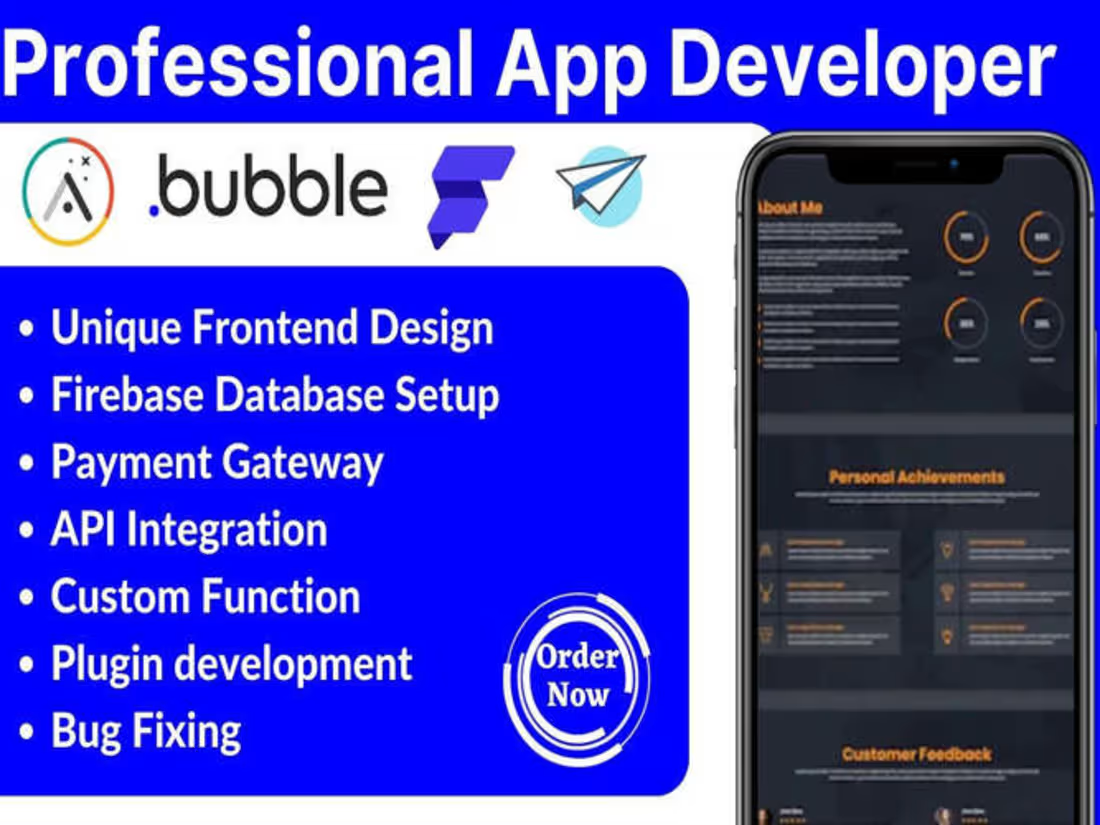
I specialize in low-code app development using platforms like Adalo, Bubble, and FlutterFlow, offering a comprehensive suite of services that includes frontend design, backend development, database setup, integration, and debugging. What sets me apart is my ability to deliver fully customized applications tailored to your specific needs, ensuring a seamless user experience while significantly reducing development time and costs. With a focus on collaboration and iterative feedback, I empower clients to bring their app ideas to life efficiently and effectively.
What's included
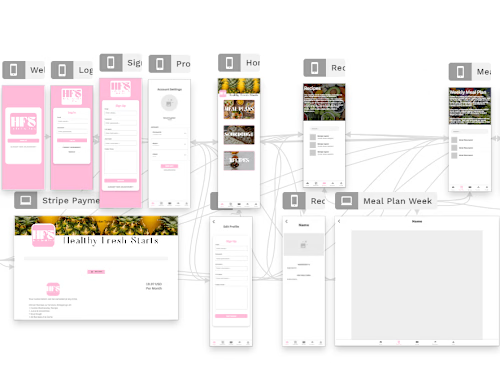
Custom Web and Mobile App Prototype
A fully functional prototype of the web and mobile application developed using low-code platforms. This prototype will showcase the core features and user interface, allowing the client to visualize the application flow and provide feedback before final deployment.
User Interface (UI) Design Mockups
High-fidelity UI design mockups for the application, including all key screens and components. These designs will be aligned with the client’s branding and will ensure a visually appealing and user-friendly experience across both web and mobile platforms.
Frontend Design
A visually appealing and user-friendly interface designed to enhance user experience. This includes all screens, layouts, and interactive elements tailored to the client's branding.
Backend Development
Development of the application's backend functionalities, including business logic, user authentication, and server-side processes that support the app's operations.
Database Setup
Configuration and setup of the database to store and manage application data. This includes defining data models, relationships, and ensuring data integrity and security.
Integration
Implementation of third-party integrations, such as payment gateways, APIs, and external services that enhance the app's functionality and user experience.
Debugging
Comprehensive testing and debugging of the application to identify and resolve any issues or bugs before launch, ensuring a smooth and reliable user experience.
Application Documentation
Comprehensive documentation detailing the app’s architecture, features, and user guides. This will include instructions for navigating the app, managing content, and understanding the backend functionalities, ensuring the client can easily maintain and update the application post-launch.
Deployment and Launch Support
Assistance with deploying the application to the desired platforms (web and mobile stores) and ensuring a smooth launch. This includes setting up hosting, domain configurations, and any necessary integrations, along with providing support during the initial launch phase.
Post-Launch Optimization Report
A report analyzing the app’s performance after launch, including user engagement metrics and feedback. This will provide insights into areas for improvement and recommendations for future updates or enhancements to maximize user satisfaction and app effectiveness. These deliverables will ensure that clients receive a comprehensive and effective low-code application tailored to their specific needs.
FAQs
David's other services
Starting at$50 /hr
Tags
Bubble

Firebase

FlutterFlow

Framer

Bubble Developer
Flutterflow Developer
Low-Code/No-Code Developer
Service provided by
David Ogundiran Nigeria
- 1
- Followers
Build A Functional Mobile App on Bubble, Adalo and FlutterflowDavid Ogundiran
Starting at$50 /hr
Tags
Bubble
Firebase
FlutterFlow
Framer
Bubble Developer
Flutterflow Developer
Low-Code/No-Code Developer
I specialize in low-code app development using platforms like Adalo, Bubble, and FlutterFlow, offering a comprehensive suite of services that includes frontend design, backend development, database setup, integration, and debugging. What sets me apart is my ability to deliver fully customized applications tailored to your specific needs, ensuring a seamless user experience while significantly reducing development time and costs. With a focus on collaboration and iterative feedback, I empower clients to bring their app ideas to life efficiently and effectively.
What's included
Custom Web and Mobile App Prototype
A fully functional prototype of the web and mobile application developed using low-code platforms. This prototype will showcase the core features and user interface, allowing the client to visualize the application flow and provide feedback before final deployment.
User Interface (UI) Design Mockups
High-fidelity UI design mockups for the application, including all key screens and components. These designs will be aligned with the client’s branding and will ensure a visually appealing and user-friendly experience across both web and mobile platforms.
Frontend Design
A visually appealing and user-friendly interface designed to enhance user experience. This includes all screens, layouts, and interactive elements tailored to the client's branding.
Backend Development
Development of the application's backend functionalities, including business logic, user authentication, and server-side processes that support the app's operations.
Database Setup
Configuration and setup of the database to store and manage application data. This includes defining data models, relationships, and ensuring data integrity and security.
Integration
Implementation of third-party integrations, such as payment gateways, APIs, and external services that enhance the app's functionality and user experience.
Debugging
Comprehensive testing and debugging of the application to identify and resolve any issues or bugs before launch, ensuring a smooth and reliable user experience.
Application Documentation
Comprehensive documentation detailing the app’s architecture, features, and user guides. This will include instructions for navigating the app, managing content, and understanding the backend functionalities, ensuring the client can easily maintain and update the application post-launch.
Deployment and Launch Support
Assistance with deploying the application to the desired platforms (web and mobile stores) and ensuring a smooth launch. This includes setting up hosting, domain configurations, and any necessary integrations, along with providing support during the initial launch phase.
Post-Launch Optimization Report
A report analyzing the app’s performance after launch, including user engagement metrics and feedback. This will provide insights into areas for improvement and recommendations for future updates or enhancements to maximize user satisfaction and app effectiveness. These deliverables will ensure that clients receive a comprehensive and effective low-code application tailored to their specific needs.
FAQs
David's other services
$50 /hr