
Make.com Workflow AutomationBruno Quintela
STILL COPYING INFORMATION BETWEEN APPS OR REPEATING THE SAME TASKS BY HAND?
A website form receives a lead. Someone copies the details into another system. Then an email needs to be sent and a follow-up task created.
These repetitive steps take time and create opportunities for missed or inconsistent information.
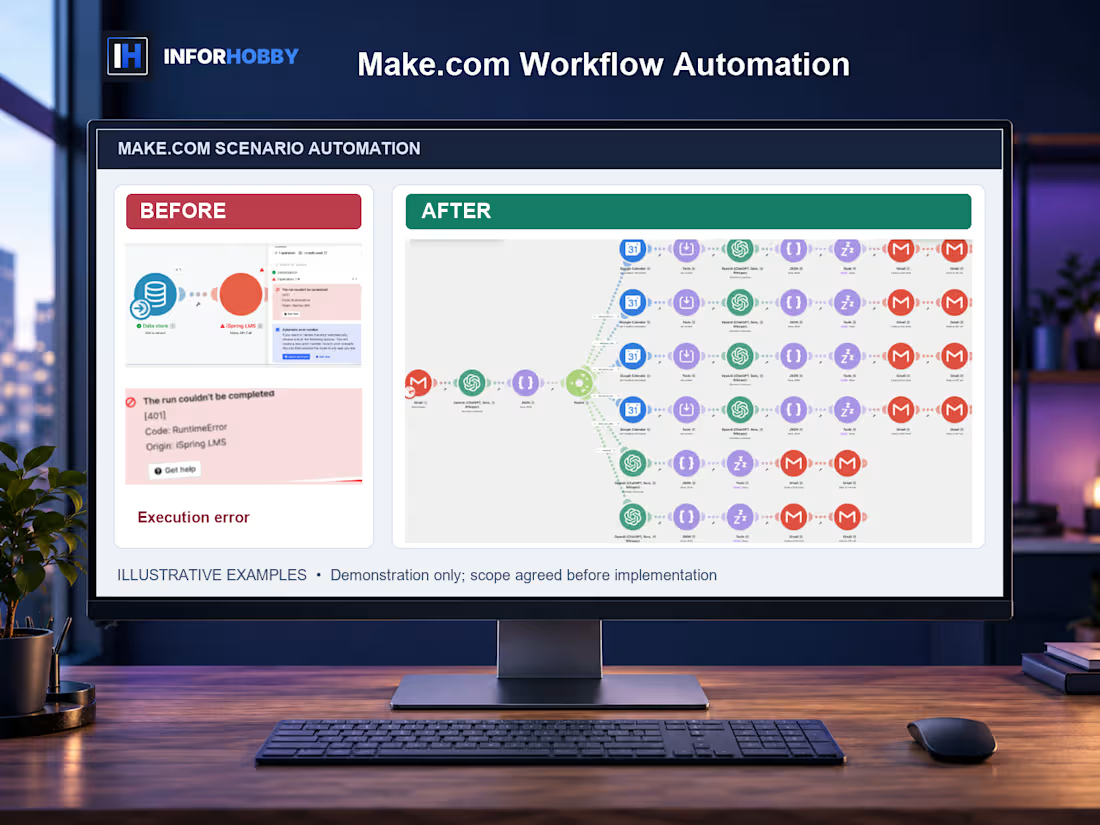
InforHobby helps businesses diagnose or build simple Make.com workflows that connect compatible applications and reduce repetitive manual steps.
WHAT WE CAN HELP WITH
• Existing Make.com scenario errors
• Basic automation troubleshooting
• Form-to-app workflows
• Supported CRM or spreadsheet connections
• Simple automated notifications
• Basic trigger-and-action configuration
• Limited routing and workflow documentation
CHOOSE YOUR PACKAGE
STARTER — $99 | Scenario Diagnosis
We review one simple existing Make.com scenario, investigate the reported issue, and document our findings.
Includes diagnosis only. No repair or implementation.
STANDARD — $249 | Simple Automation Setup
We configure one trigger and one action between two supported applications.
Best for a straightforward repetitive task with clearly defined inputs and outputs.
ADVANCED — $449 | Workflow With Limited Routing
We configure one agreed workflow involving supported applications, limited routing, appropriate testing, and handoff notes.
The precise actions, access requirements, and routing limits are confirmed before work begins.
HOW IT WORKS
Tell us which apps you want to connect.
Describe what should trigger the workflow and what should happen next.
We verify supported connectors, available plans, and authorized access.
We perform the agreed diagnosis or configuration.
We test the defined workflow where feasible and document limitations.
IMPORTANT
Make.com subscriptions, third-party app charges, custom API development, enterprise systems, unsupported connectors, and continuous monitoring are excluded.
Not every application can connect directly. Feasibility, permissions, and plan limits must be confirmed before implementation.
Revisions apply only to corrections within the original agreed scenario. Additional apps, routes, workflows, or new functionality require separate scope.
The gallery contains illustrative Make.com workflow examples, not verified client deployments or guaranteed automation results.
HAVE AN AUTOMATION IDEA BUT DON'T KNOW IF MAKE.COM CAN HANDLE IT?
Message us here on Contra with the two applications involved and the task you want automated. We'll help determine whether it's suitable for one of these packages.
PACKAGE DELIVERY AND REVISIONS
Starter: 2 days; 1 revision. Standard: 4 days; 2 revisions. Advanced: 6 days; 2 revisions. Delivery begins after complete requirements and scope confirmation. One revision is one consolidated correction round within the original brief. Diagnosis/review revisions clarify findings, not implementation.
The displayed price and duration cover Starter only. Standard and Advanced are separately agreed options through Contra. Message InforHobby before ordering to confirm suitability, authorized access and the purchased scope. No paid third-party tools are included.
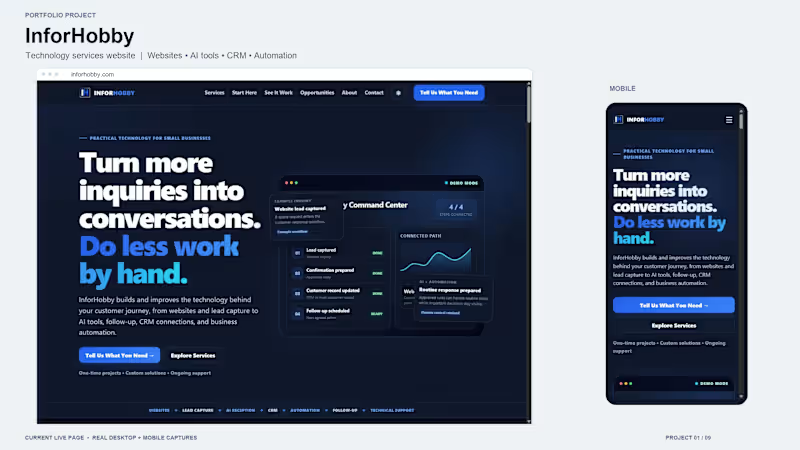
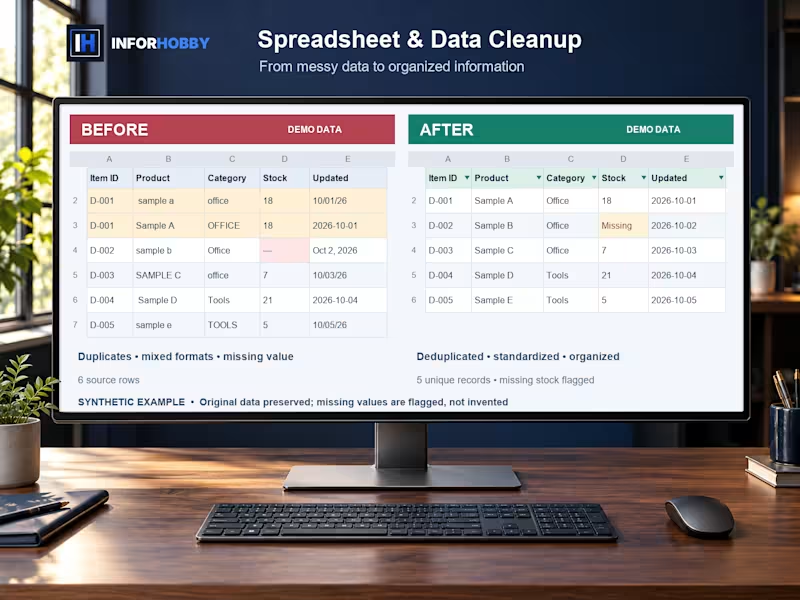
Gallery artwork illustrates the service; it is not a paid client result. Existing website screenshots show InforHobby internal work. Remote digital delivery.
Bruno's other services

Make.com Workflow AutomationBruno Quintela
Starting at$99
Duration2 days
Tags
Automations
STILL COPYING INFORMATION BETWEEN APPS OR REPEATING THE SAME TASKS BY HAND?
A website form receives a lead. Someone copies the details into another system. Then an email needs to be sent and a follow-up task created.
These repetitive steps take time and create opportunities for missed or inconsistent information.
InforHobby helps businesses diagnose or build simple Make.com workflows that connect compatible applications and reduce repetitive manual steps.
WHAT WE CAN HELP WITH
• Existing Make.com scenario errors
• Basic automation troubleshooting
• Form-to-app workflows
• Supported CRM or spreadsheet connections
• Simple automated notifications
• Basic trigger-and-action configuration
• Limited routing and workflow documentation
CHOOSE YOUR PACKAGE
STARTER — $99 | Scenario Diagnosis
We review one simple existing Make.com scenario, investigate the reported issue, and document our findings.
Includes diagnosis only. No repair or implementation.
STANDARD — $249 | Simple Automation Setup
We configure one trigger and one action between two supported applications.
Best for a straightforward repetitive task with clearly defined inputs and outputs.
ADVANCED — $449 | Workflow With Limited Routing
We configure one agreed workflow involving supported applications, limited routing, appropriate testing, and handoff notes.
The precise actions, access requirements, and routing limits are confirmed before work begins.
HOW IT WORKS
Tell us which apps you want to connect.
Describe what should trigger the workflow and what should happen next.
We verify supported connectors, available plans, and authorized access.
We perform the agreed diagnosis or configuration.
We test the defined workflow where feasible and document limitations.
IMPORTANT
Make.com subscriptions, third-party app charges, custom API development, enterprise systems, unsupported connectors, and continuous monitoring are excluded.
Not every application can connect directly. Feasibility, permissions, and plan limits must be confirmed before implementation.
Revisions apply only to corrections within the original agreed scenario. Additional apps, routes, workflows, or new functionality require separate scope.
The gallery contains illustrative Make.com workflow examples, not verified client deployments or guaranteed automation results.
HAVE AN AUTOMATION IDEA BUT DON'T KNOW IF MAKE.COM CAN HANDLE IT?
Message us here on Contra with the two applications involved and the task you want automated. We'll help determine whether it's suitable for one of these packages.
PACKAGE DELIVERY AND REVISIONS
Starter: 2 days; 1 revision. Standard: 4 days; 2 revisions. Advanced: 6 days; 2 revisions. Delivery begins after complete requirements and scope confirmation. One revision is one consolidated correction round within the original brief. Diagnosis/review revisions clarify findings, not implementation.
The displayed price and duration cover Starter only. Standard and Advanced are separately agreed options through Contra. Message InforHobby before ordering to confirm suitability, authorized access and the purchased scope. No paid third-party tools are included.
Gallery artwork illustrates the service; it is not a paid client result. Existing website screenshots show InforHobby internal work. Remote digital delivery.
Bruno's other services
$99