
WooCommerce Speed Optimization | Store PerformanceHamza Kareem
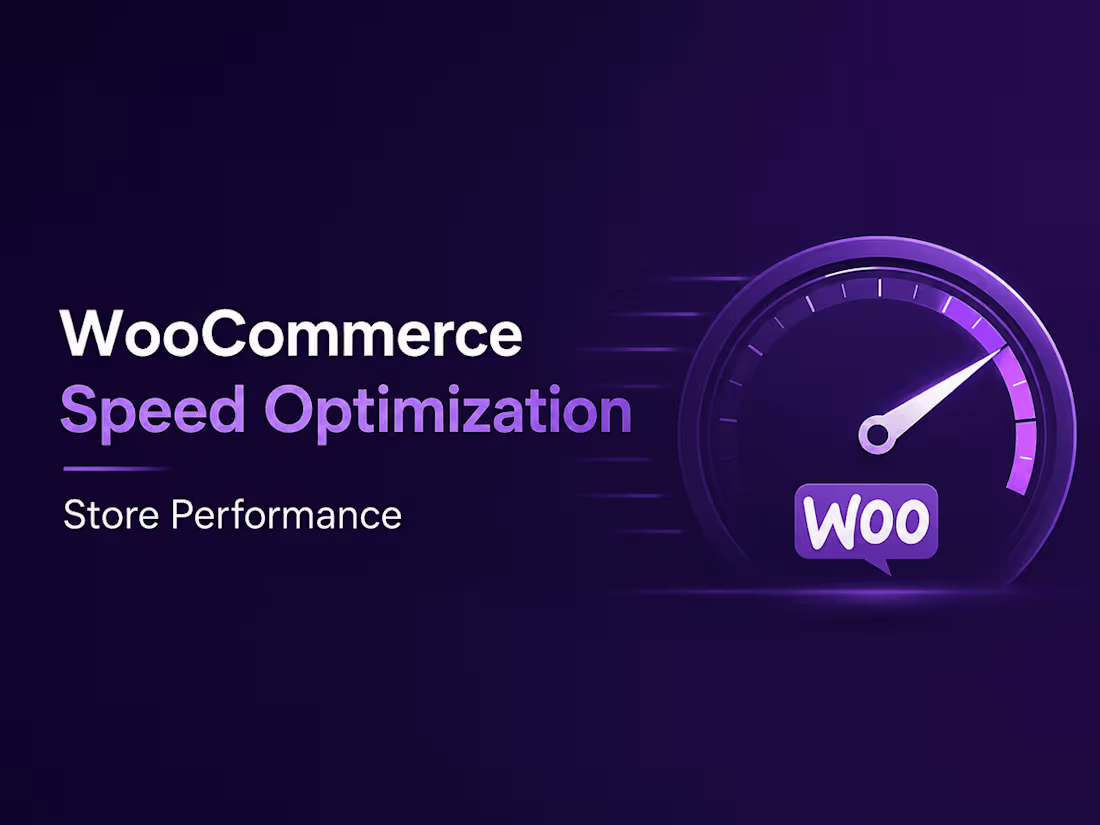
Slow WooCommerce stores lose customers.
If your online store takes too long to load, feels sluggish on mobile, or performs poorly in Google PageSpeed Insights, I can optimize it for faster loading and a smoother shopping experience.
I optimize WordPress and WooCommerce stores to reduce unnecessary load, improve Core Web Vitals, and make key pages such as the homepage, product pages, cart, and checkout load more efficiently.
What I can optimize
WooCommerce store speed and performance
Google PageSpeed Insights performance
Core Web Vitals
Mobile and desktop loading speed
Images and media
CSS and JavaScript loading
Unused CSS and JavaScript
WordPress plugins and scripts
Database and website bloat
Caching and browser caching
Font loading
Elementor performance
WooCommerce product pages
Cart and checkout performance
Hosting and server-level performance where applicable
What you'll get
Performance audit before optimization
Speed optimization implementation
Mobile and desktop improvements
Core Web Vitals optimization
Plugin and script cleanup
Image and asset optimization
Before/after performance comparison
Recommendations for ongoing performance
I focus on real-world store performance, not just achieving a high PageSpeed score. The goal is a faster WooCommerce experience that helps visitors browse products, add to cart, and complete purchases with less friction.
Ideal for WooCommerce stores using Elementor, Astra, or other popular WordPress setups.
FAQs



Contact for pricing
Duration1 week
Tags
Elementor

WooCommerce

WordPress

E-Commerce
Core Web Vitals
page speed
speed optimization
store speed
website speed
Service provided by
Hamza Kareem Faisalabad, Pakistan
- 3
- Followers
WooCommerce Speed Optimization | Store PerformanceHamza Kareem
Contact for pricing
Duration1 week
Tags
Elementor
WooCommerce
WordPress
E-Commerce
Core Web Vitals
page speed
speed optimization
store speed
website speed
Slow WooCommerce stores lose customers.
If your online store takes too long to load, feels sluggish on mobile, or performs poorly in Google PageSpeed Insights, I can optimize it for faster loading and a smoother shopping experience.
I optimize WordPress and WooCommerce stores to reduce unnecessary load, improve Core Web Vitals, and make key pages such as the homepage, product pages, cart, and checkout load more efficiently.
What I can optimize
WooCommerce store speed and performance
Google PageSpeed Insights performance
Core Web Vitals
Mobile and desktop loading speed
Images and media
CSS and JavaScript loading
Unused CSS and JavaScript
WordPress plugins and scripts
Database and website bloat
Caching and browser caching
Font loading
Elementor performance
WooCommerce product pages
Cart and checkout performance
Hosting and server-level performance where applicable
What you'll get
Performance audit before optimization
Speed optimization implementation
Mobile and desktop improvements
Core Web Vitals optimization
Plugin and script cleanup
Image and asset optimization
Before/after performance comparison
Recommendations for ongoing performance
I focus on real-world store performance, not just achieving a high PageSpeed score. The goal is a faster WooCommerce experience that helps visitors browse products, add to cart, and complete purchases with less friction.
Ideal for WooCommerce stores using Elementor, Astra, or other popular WordPress setups.
FAQs
Contact for pricing