
Test your website or web appSalocin Dot TEN
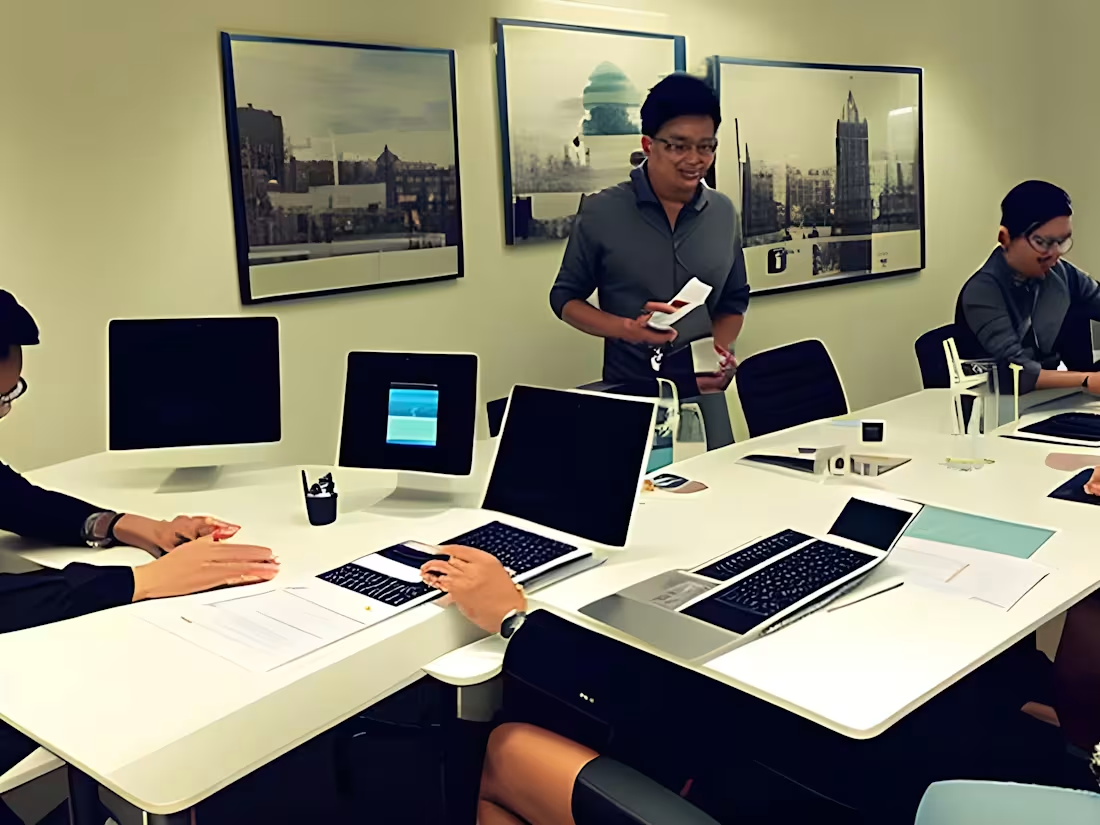
If you have made a site or web app, it is always imperative to get someone or a team of some people to test the site.
Just to see if it is usable, hence the term usability testing. For the amount, I will record myself browsing it. I would report on the usage of colour / colour and placements of certain items on the site. Also noting the difficulty of achieving tasks.
The sites can be still "unreleased" and I am OK signing NDA as by paying for this job, you have agreed not to release my recording anywhere public.
I have a setup, Windows 11, with the following web browsers: -
Google Chrome.
Mozilla Firefox.
Microsoft Edge maybe.
For mobile UX testing, it is most preferred to have them as mobile Web apps. Because the device may not have enough space. I shall be utilizing an Android 16 device. Web browser will be Google Chrome.
What's included
Audio visual recording of the user experience test.
A video recording of the test in a screen sharing mode. The format would be attached as MP4 or an unlisted YouTube video if the need be.
Starting at$20
Duration1 day
Tags
Canva

Screencastify

Frontend Engineer
UX Engineer
Web Developer
Service provided by
Salocin Dot TEN Petaling Jaya, Malaysia
Test your website or web appSalocin Dot TEN
Starting at$20
Duration1 day
Tags
Canva
Screencastify
Frontend Engineer
UX Engineer
Web Developer
If you have made a site or web app, it is always imperative to get someone or a team of some people to test the site.
Just to see if it is usable, hence the term usability testing. For the amount, I will record myself browsing it. I would report on the usage of colour / colour and placements of certain items on the site. Also noting the difficulty of achieving tasks.
The sites can be still "unreleased" and I am OK signing NDA as by paying for this job, you have agreed not to release my recording anywhere public.
I have a setup, Windows 11, with the following web browsers: -
Google Chrome.
Mozilla Firefox.
Microsoft Edge maybe.
For mobile UX testing, it is most preferred to have them as mobile Web apps. Because the device may not have enough space. I shall be utilizing an Android 16 device. Web browser will be Google Chrome.
What's included
Audio visual recording of the user experience test.
A video recording of the test in a screen sharing mode. The format would be attached as MP4 or an unlisted YouTube video if the need be.
$20