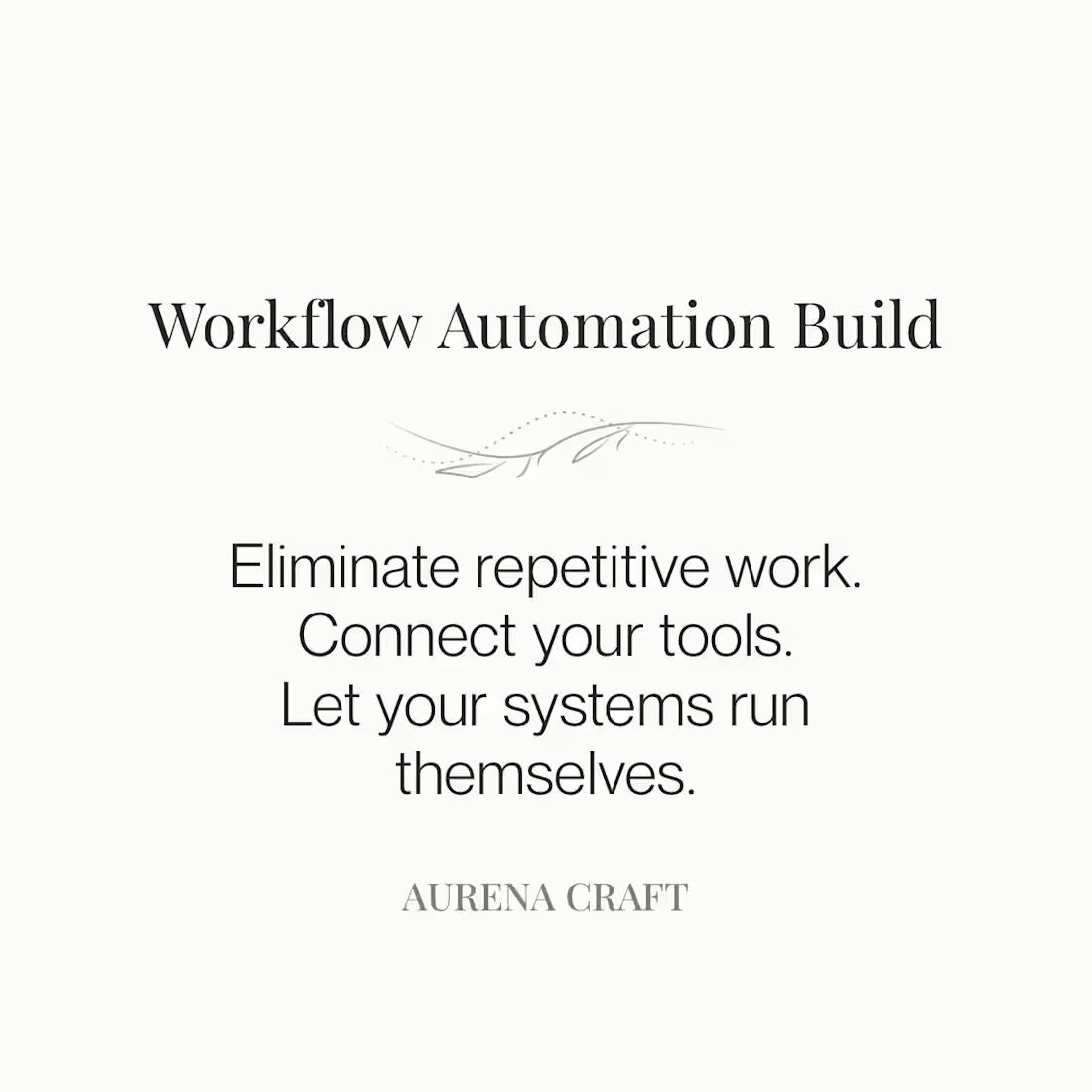
Manual workflows quietly drain time from teams. Repetitive tasks, disconnected tools, and constant spreadsheet updates create operational friction that slows everything down.
This service focuses on designing and implementing automation that removes repetitive work and allows your systems to run more efficiently.
I review the existing workflow, identify automation opportunities, and build reliable processes that connect your tools and reduce manual effort.
This service may include:
Workflow automation between operational tools
Automated reporting and data updates
Document generation and routing workflows
Process improvements that reduce repetitive tasks
Integration between systems where possible
The goal is simple: remove unnecessary manual work so your team can focus on higher-value tasks.
FAQs
Automation projects vary depending on the complexity of the workflow and the number of systems involved. Most automation projects fall within the $1,200–$3,000 range, with final pricing determined after reviewing the workflow and requirements.
Automation can be applied to many operational workflows, including:
• document generation and routing
• data syncing between tools
• automated reporting
• task creation and workflow triggers
• form submissions that trigger operational processes
The goal is to remove repetitive work and create reliable, repeatable processes.
Automation can be built using a variety of operational tools depending on your current systems. I frequently work with tools such as:
• Smartsheet for operational workflows and automation
• Google Workspace (Sheets, Forms, Drive, Docs)
• Google Apps Script for custom workflow automation
• Excel and advanced spreadsheet systems
• CRM automation, including tools like HubSpot
• Workflow automation platforms such as Zapier or Make
If your team already has systems in place, the goal is usually to improve and connect what you already use rather than replacing your existing tools.
Most automation projects begin with a quick workflow review to understand how the current process works and where improvements can be made. When possible, I like to speak directly with the individuals who use the system day-to-day to understand their pain points, workarounds, and where the process slows them down.
This helps ensure the automation is designed to support the team’s real operational needs rather than just changing the system on paper.
Most automation builds are completed within 2–3 weeks depending on system complexity and testing requirements.
Manual workflows quietly drain time from teams. Repetitive tasks, disconnected tools, and constant spreadsheet updates create operational friction that slows everything down.
This service focuses on designing and implementing automation that removes repetitive work and allows your systems to run more efficiently.
I review the existing workflow, identify automation opportunities, and build reliable processes that connect your tools and reduce manual effort.
This service may include:
Workflow automation between operational tools
Automated reporting and data updates
Document generation and routing workflows
Process improvements that reduce repetitive tasks
Integration between systems where possible
The goal is simple: remove unnecessary manual work so your team can focus on higher-value tasks.
FAQs
Automation projects vary depending on the complexity of the workflow and the number of systems involved. Most automation projects fall within the $1,200–$3,000 range, with final pricing determined after reviewing the workflow and requirements.
Automation can be applied to many operational workflows, including:
• document generation and routing
• data syncing between tools
• automated reporting
• task creation and workflow triggers
• form submissions that trigger operational processes
The goal is to remove repetitive work and create reliable, repeatable processes.
Automation can be built using a variety of operational tools depending on your current systems. I frequently work with tools such as:
• Smartsheet for operational workflows and automation
• Google Workspace (Sheets, Forms, Drive, Docs)
• Google Apps Script for custom workflow automation
• Excel and advanced spreadsheet systems
• CRM automation, including tools like HubSpot
• Workflow automation platforms such as Zapier or Make
If your team already has systems in place, the goal is usually to improve and connect what you already use rather than replacing your existing tools.
Most automation projects begin with a quick workflow review to understand how the current process works and where improvements can be made. When possible, I like to speak directly with the individuals who use the system day-to-day to understand their pain points, workarounds, and where the process slows them down.
This helps ensure the automation is designed to support the team’s real operational needs rather than just changing the system on paper.
Most automation builds are completed within 2–3 weeks depending on system complexity and testing requirements.