
Website OptimizationReema Singh
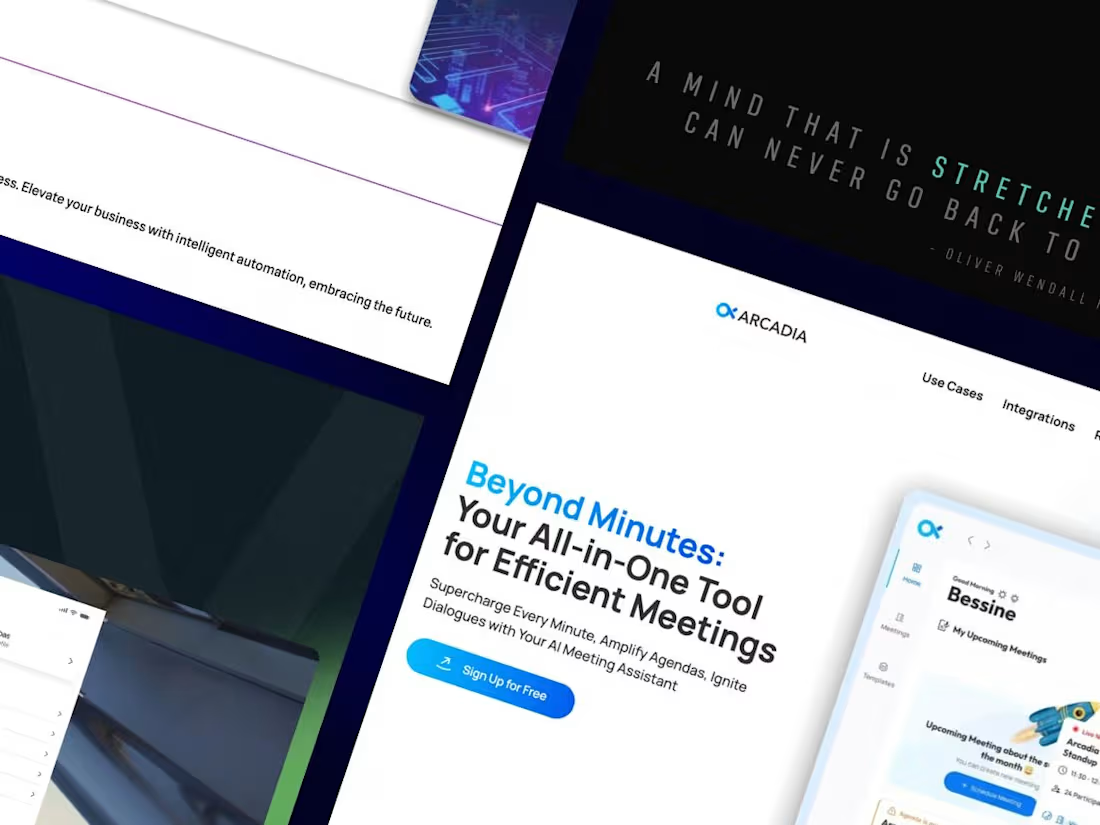
Website optimization in Webflow which inovles enhancing site speed, SEO, and user experience. This includes compressing images, minifying code, and ensuring responsive design for mobile devices
What's included
Website Optimization
Performance Optimization
Image Optimization: Compress images to reduce file sizes without sacrificing quality. Use Webflow’s built-in image optimization tools and formats like WebP where applicable.
Asset Management: Minimize the use of large files and unnecessary assets. Use SVGs for icons and graphics where possible.
Code Minification: Minify CSS and JavaScript files to reduce their size and improve load times.
Lazy Loading: Implement lazy loading for images and videos to defer loading until they are needed as users scroll.
Font Optimization: Use only the necessary font weights and styles, and implement font loading strategies to reduce render-blocking.
2. SEO Optimization
Meta Tags & Descriptions: Add relevant meta titles, descriptions, and alt text for images to improve search engine visibility.
Header Tags: Use proper heading structure (H1, H2, H3, etc.) for content hierarchy and SEO.
URL Structure: Ensure clean, descriptive URLs that include relevant keywords.
3. Mobile Optimization
Responsive Design: Ensure the site is fully responsive and functions well on all screen sizes.
Touch-Friendly Elements: Make sure buttons and interactive elements are easy to tap on mobile devices.
Mobile Performance: Optimize for mobile load times, as mobile users are often on slower connections.
FAQs
Reema's other services
Contact for pricing
Tags
Figma

HubSpot

Relume

Webflow

Zapier

Low-Code/No-Code Developer
Relume Designer
Webflow Developer
Service provided by
Reema Singh Delhi, India
- 1
- Followers
Website OptimizationReema Singh
Contact for pricing
Tags
Figma
HubSpot
Relume
Webflow
Zapier
Low-Code/No-Code Developer
Relume Designer
Webflow Developer
Website optimization in Webflow which inovles enhancing site speed, SEO, and user experience. This includes compressing images, minifying code, and ensuring responsive design for mobile devices
What's included
Website Optimization
Performance Optimization
Image Optimization: Compress images to reduce file sizes without sacrificing quality. Use Webflow’s built-in image optimization tools and formats like WebP where applicable.
Asset Management: Minimize the use of large files and unnecessary assets. Use SVGs for icons and graphics where possible.
Code Minification: Minify CSS and JavaScript files to reduce their size and improve load times.
Lazy Loading: Implement lazy loading for images and videos to defer loading until they are needed as users scroll.
Font Optimization: Use only the necessary font weights and styles, and implement font loading strategies to reduce render-blocking.
2. SEO Optimization
Meta Tags & Descriptions: Add relevant meta titles, descriptions, and alt text for images to improve search engine visibility.
Header Tags: Use proper heading structure (H1, H2, H3, etc.) for content hierarchy and SEO.
URL Structure: Ensure clean, descriptive URLs that include relevant keywords.
3. Mobile Optimization
Responsive Design: Ensure the site is fully responsive and functions well on all screen sizes.
Touch-Friendly Elements: Make sure buttons and interactive elements are easy to tap on mobile devices.
Mobile Performance: Optimize for mobile load times, as mobile users are often on slower connections.
FAQs
Reema's other services
Contact for pricing