
Workflow Automation (n8n / Zapier / Make)Maaz M.
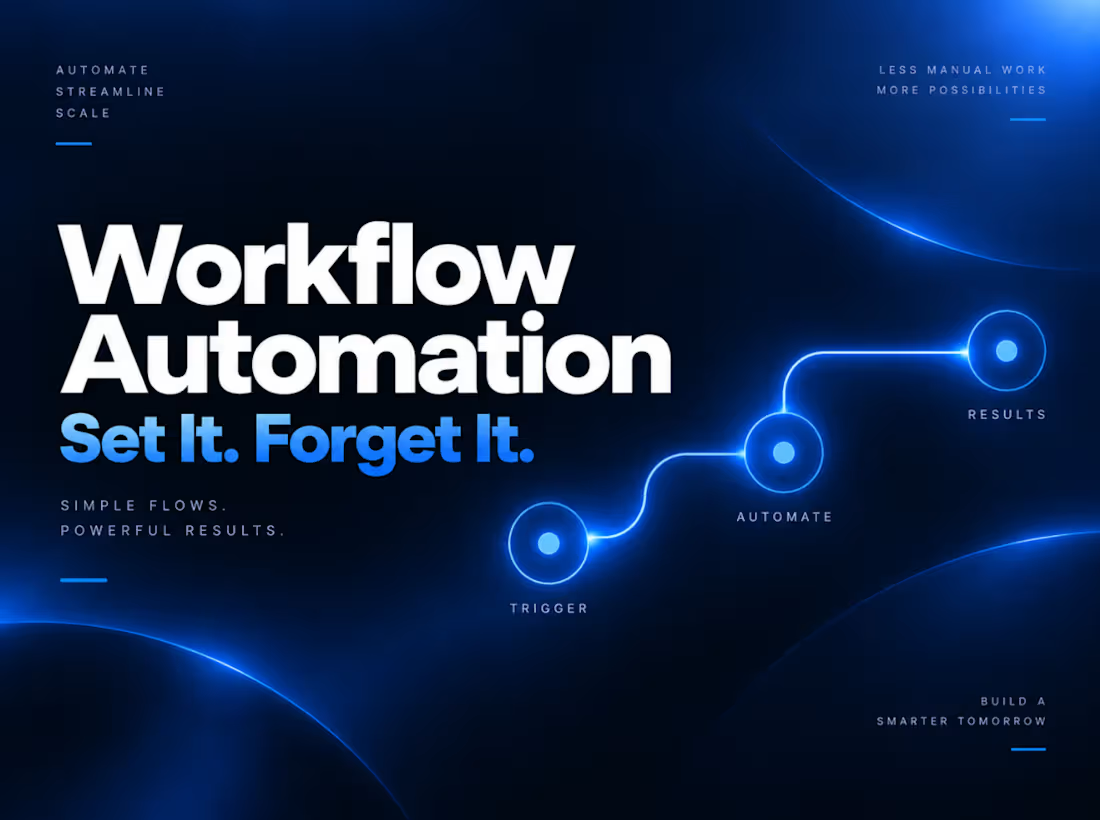
Stop Doing the Work Your Tools Should Be Doing For You
I connect your tools so repetitive manual work runs itself, lead intake, follow-ups, reporting, data syncing between apps. Using n8n, Zapier, or Make depending on your stack and budget, I build reliable automations with error handling, so they don't silently break when something upstream changes.
Most businesses aren't missing tools, they're missing the connections between them. A lead comes in through a form, and someone has to manually add it to the CRM. A follow-up email needs to go out, and someone has to remember to send it. A report needs pulling together from three different platforms every week, and someone burns an hour doing it by hand. None of that work requires a person, it requires a system that runs quietly in the background and does it correctly every single time.
What You Get
I map out the repetitive, manual parts of your workflow, the tasks your team does the same way, every time, and build automations that handle them without anyone needing to lift a finger. That includes lead intake, so new leads flow automatically from your forms, ads, or website straight into your CRM or inbox with the right information attached. It includes follow-ups, so emails, reminders, or messages go out automatically based on triggers you define, instead of relying on someone remembering to send them. It includes reporting, so data from multiple platforms gets pulled together and delivered on a schedule without anyone manually compiling it. And it includes data syncing, so the tools you already use actually talk to each other, keeping information consistent across your CRM, spreadsheets, email platform, and anything else in your stack, instead of living in disconnected silos.
I build these using n8n, Zapier, or Make, choosing the platform based on your existing stack, your budget, and the complexity of what you need, rather than defaulting to whichever tool is trendiest. Each automation is built with proper error handling, so if something upstream changes, an API updates, a field gets renamed, a connection drops, the automation fails visibly and safely instead of silently breaking and leaving you unaware that leads or data stopped flowing days ago.
The Process
We start with a walkthrough of your current workflow, identifying where manual, repetitive work is eating up time or where things are prone to falling through the cracks. From there, I map out exactly what the automation needs to do, build it on the platform that makes the most sense for your setup, and test it against real scenarios, including edge cases, before it goes live. Once it's running, I set up monitoring and error handling so you're notified if anything needs attention, rather than finding out weeks later that something quietly stopped working.
Ideal For
This service is built for businesses drowning in manual data entry between tools, teams whose lead follow-up depends on someone remembering to do it, and anyone spending hours each week manually compiling reports that should already exist automatically.
Built to Actually Hold Up
An automation that breaks silently is often worse than doing the task manually, because you don't find out until something has already gone wrong, a lead was missed, a report never went out, data went out of sync. Every automation I build accounts for that from the start, with proper error handling and visibility into what's working and what isn't, so you can trust it's actually running, not just hope it is.
Let's Automate It
If your team is spending hours on work that a system could be handling automatically, let's fix that. Send me a brief description of your current workflow and what's eating up the most time, and I'll get back to you with next steps, a realistic timeline, and pricing based on your specific scope.
FAQs

Starting at$22 /hr
Tags
Lindy.ai

Make

Microsoft Power Automate

N8N

Zapier

AI Automation
Automations
Business Workflow Automation
CRM Integration
Service provided by
Maaz M. Karachi, Pakistan
- 5.00
- Rating
- 11
- Followers
Workflow Automation (n8n / Zapier / Make)Maaz M.
Starting at$22 /hr
Tags
Lindy.ai
Make
Microsoft Power Automate
N8N
Zapier
AI Automation
Automations
Business Workflow Automation
CRM Integration
Stop Doing the Work Your Tools Should Be Doing For You
I connect your tools so repetitive manual work runs itself, lead intake, follow-ups, reporting, data syncing between apps. Using n8n, Zapier, or Make depending on your stack and budget, I build reliable automations with error handling, so they don't silently break when something upstream changes.
Most businesses aren't missing tools, they're missing the connections between them. A lead comes in through a form, and someone has to manually add it to the CRM. A follow-up email needs to go out, and someone has to remember to send it. A report needs pulling together from three different platforms every week, and someone burns an hour doing it by hand. None of that work requires a person, it requires a system that runs quietly in the background and does it correctly every single time.
What You Get
I map out the repetitive, manual parts of your workflow, the tasks your team does the same way, every time, and build automations that handle them without anyone needing to lift a finger. That includes lead intake, so new leads flow automatically from your forms, ads, or website straight into your CRM or inbox with the right information attached. It includes follow-ups, so emails, reminders, or messages go out automatically based on triggers you define, instead of relying on someone remembering to send them. It includes reporting, so data from multiple platforms gets pulled together and delivered on a schedule without anyone manually compiling it. And it includes data syncing, so the tools you already use actually talk to each other, keeping information consistent across your CRM, spreadsheets, email platform, and anything else in your stack, instead of living in disconnected silos.
I build these using n8n, Zapier, or Make, choosing the platform based on your existing stack, your budget, and the complexity of what you need, rather than defaulting to whichever tool is trendiest. Each automation is built with proper error handling, so if something upstream changes, an API updates, a field gets renamed, a connection drops, the automation fails visibly and safely instead of silently breaking and leaving you unaware that leads or data stopped flowing days ago.
The Process
We start with a walkthrough of your current workflow, identifying where manual, repetitive work is eating up time or where things are prone to falling through the cracks. From there, I map out exactly what the automation needs to do, build it on the platform that makes the most sense for your setup, and test it against real scenarios, including edge cases, before it goes live. Once it's running, I set up monitoring and error handling so you're notified if anything needs attention, rather than finding out weeks later that something quietly stopped working.
Ideal For
This service is built for businesses drowning in manual data entry between tools, teams whose lead follow-up depends on someone remembering to do it, and anyone spending hours each week manually compiling reports that should already exist automatically.
Built to Actually Hold Up
An automation that breaks silently is often worse than doing the task manually, because you don't find out until something has already gone wrong, a lead was missed, a report never went out, data went out of sync. Every automation I build accounts for that from the start, with proper error handling and visibility into what's working and what isn't, so you can trust it's actually running, not just hope it is.
Let's Automate It
If your team is spending hours on work that a system could be handling automatically, let's fix that. Send me a brief description of your current workflow and what's eating up the most time, and I'll get back to you with next steps, a realistic timeline, and pricing based on your specific scope.
FAQs
$22 /hr