
Export WebStudio (webflow) static pages to NetlifyYurii Khimanin

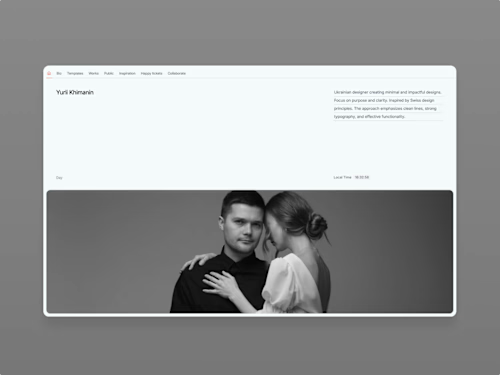
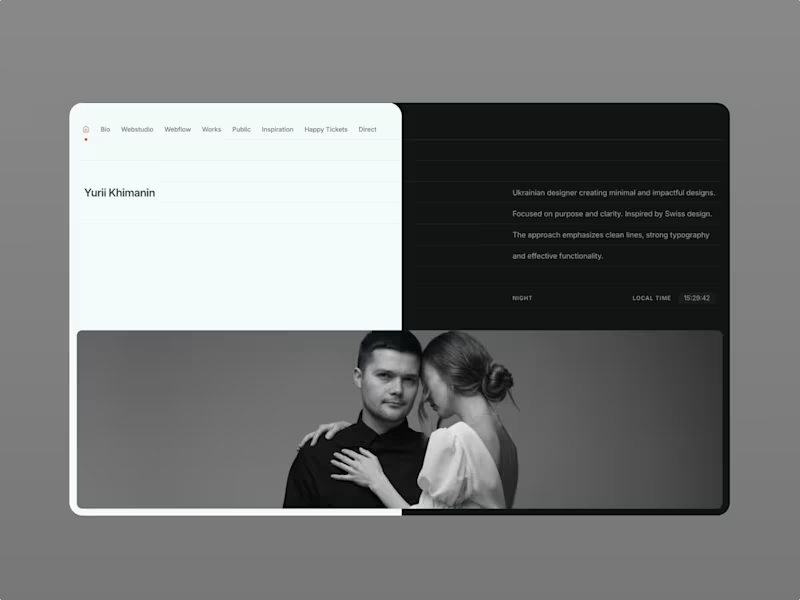
The process included exporting the static code from WebStudio (webflow) and configuring it for Netlify’s environment. This ensured the site remained fully functional, responsive, and visually consistent with its original design.
What's included
Export static pages website to Netlify (Working contact form)
The process included exporting the static code from Westudio (webflow) and configuring it for Netlify’s environment. This ensured the site remained fully functional, responsive, and visually consistent with its original design.
FAQs
Example work

Contact for pricing
Tags
Netlify

Webflow

Webstudio

Web Developer
Service provided by
Yurii Khimanin Ukraine
- 1
- Paid projects
- 7
- Followers
Export WebStudio (webflow) static pages to NetlifyYurii Khimanin
Contact for pricing
Tags
Netlify
Webflow
Webstudio
Web Developer
The process included exporting the static code from WebStudio (webflow) and configuring it for Netlify’s environment. This ensured the site remained fully functional, responsive, and visually consistent with its original design.
What's included
Export static pages website to Netlify (Working contact form)
The process included exporting the static code from Westudio (webflow) and configuring it for Netlify’s environment. This ensured the site remained fully functional, responsive, and visually consistent with its original design.
FAQs
Example work
Contact for pricing