
Creative & User-Centric UI/UX DesignRuninCode LLC
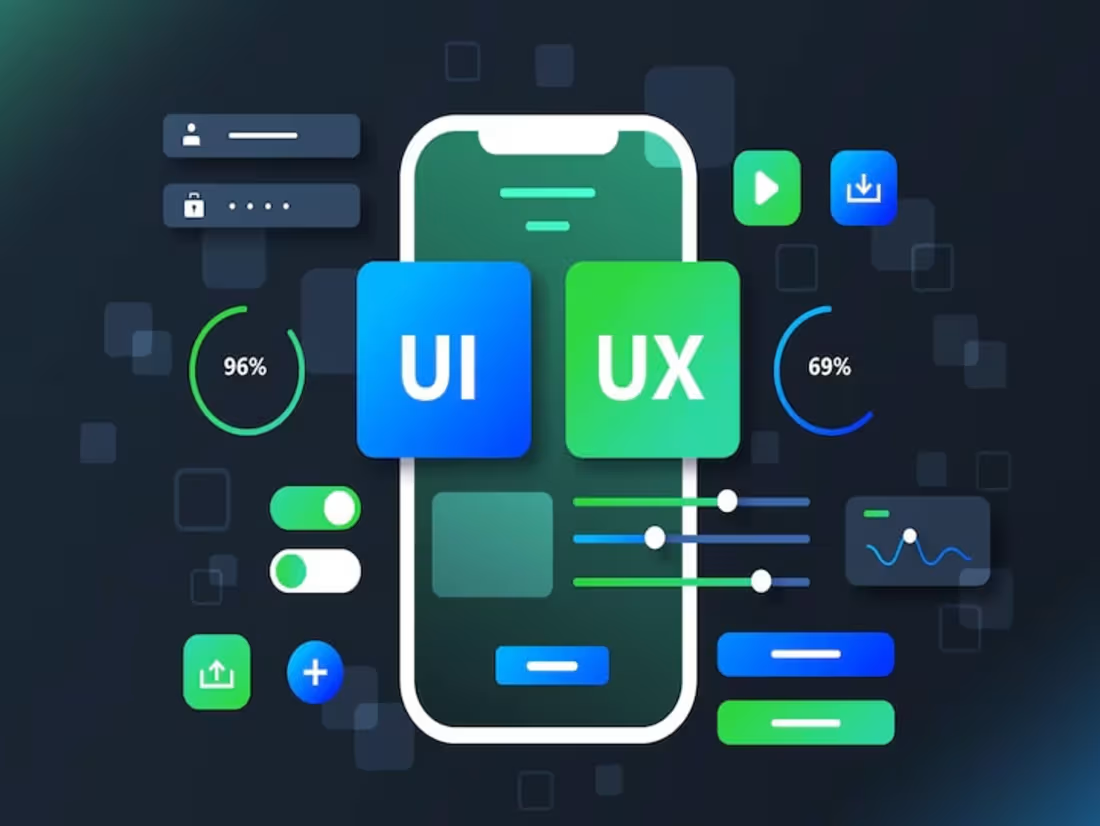
We are a team of experienced developers, designers, and QA specialists delivering complete digital solutions for businesses. Our strength lies in seamless collaboration, a personalized approach, and the ability to turn ideas into scalable, user-friendly, and high-performing products. We don’t just complete tasks — we help businesses grow.
What's included
Discovery & Research
Understanding your business goals, target audience, and market to design user-focused experiences.
User Persona & Journey Mapping
Creating user personas and mapping user flows to understand and optimize the user journey.
Wireframes & Prototypes
Building low-fidelity wireframes and interactive prototypes to define layout and user interactions.
Visual Design (UI)
Designing high-fidelity screens with consistent branding, typography, and color schemes.
Design System & Style Guide
Providing reusable components, icons, and typography guidelines to ensure visual consistency.
Responsive Design
Designing for multiple screen sizes (mobile, tablet, desktop) for a seamless cross-device experience.
Interactive Animations & Microinteractions
Creating interactive elements and smooth transitions to improve user engagement.
Usability Testing
Conducting user testing sessions to collect feedback and improve usability and experience.
Handoff to Developers
Delivering organized, development-ready assets (Figma, Adobe XD, Sketch) and providing guidance to developers.
Revisions & Support
Offering revisions based on feedback and post-design support for any required adjustments.
FAQs
We primarily use Figma, Adobe XD, and Sketch for design and prototyping, ensuring seamless developer handoff.
Yes, we can modernize your current design, improve usability, and enhance user experience while keeping your branding intact
Absolutely. We create interactive prototypes to help you visualize how users will navigate your product.
Yes, all designs are optimized for mobile, tablet, and desktop experiences.
Yes, we follow modern UI principles and usability standards (Material Design, Human Interface Guidelines) based on your project’s needs.
Yes, we can create a full design system with reusable components, typography, color palettes, and style guides.
We typically include 2–3 rounds of revisions to ensure your satisfaction, with additional revisions available on request.
Yes, we provide detailed handoff files and can collaborate with your development team for smooth implementation.
Simple designs take 1–2 weeks, while complex apps or multi-page websites may take 4–6 weeks depending on scope.
We require an upfront payment (30–50%) to start, with the remaining balance due after final delivery.
RuninCode's other services

Starting at$35 /hr
Tags
Adobe Photoshop


Figma

UI Designer
UX Designer
Service provided by
RuninCode LLC Yerevan, Armenia
Creative & User-Centric UI/UX DesignRuninCode LLC
Starting at$35 /hr
Tags
Adobe Photoshop
Figma
UI Designer
UX Designer
We are a team of experienced developers, designers, and QA specialists delivering complete digital solutions for businesses. Our strength lies in seamless collaboration, a personalized approach, and the ability to turn ideas into scalable, user-friendly, and high-performing products. We don’t just complete tasks — we help businesses grow.
What's included
Discovery & Research
Understanding your business goals, target audience, and market to design user-focused experiences.
User Persona & Journey Mapping
Creating user personas and mapping user flows to understand and optimize the user journey.
Wireframes & Prototypes
Building low-fidelity wireframes and interactive prototypes to define layout and user interactions.
Visual Design (UI)
Designing high-fidelity screens with consistent branding, typography, and color schemes.
Design System & Style Guide
Providing reusable components, icons, and typography guidelines to ensure visual consistency.
Responsive Design
Designing for multiple screen sizes (mobile, tablet, desktop) for a seamless cross-device experience.
Interactive Animations & Microinteractions
Creating interactive elements and smooth transitions to improve user engagement.
Usability Testing
Conducting user testing sessions to collect feedback and improve usability and experience.
Handoff to Developers
Delivering organized, development-ready assets (Figma, Adobe XD, Sketch) and providing guidance to developers.
Revisions & Support
Offering revisions based on feedback and post-design support for any required adjustments.
FAQs
We primarily use Figma, Adobe XD, and Sketch for design and prototyping, ensuring seamless developer handoff.
Yes, we can modernize your current design, improve usability, and enhance user experience while keeping your branding intact
Absolutely. We create interactive prototypes to help you visualize how users will navigate your product.
Yes, all designs are optimized for mobile, tablet, and desktop experiences.
Yes, we follow modern UI principles and usability standards (Material Design, Human Interface Guidelines) based on your project’s needs.
Yes, we can create a full design system with reusable components, typography, color palettes, and style guides.
We typically include 2–3 rounds of revisions to ensure your satisfaction, with additional revisions available on request.
Yes, we provide detailed handoff files and can collaborate with your development team for smooth implementation.
Simple designs take 1–2 weeks, while complex apps or multi-page websites may take 4–6 weeks depending on scope.
We require an upfront payment (30–50%) to start, with the remaining balance due after final delivery.
RuninCode's other services
$35 /hr