
Website Design Nirmani De Silva
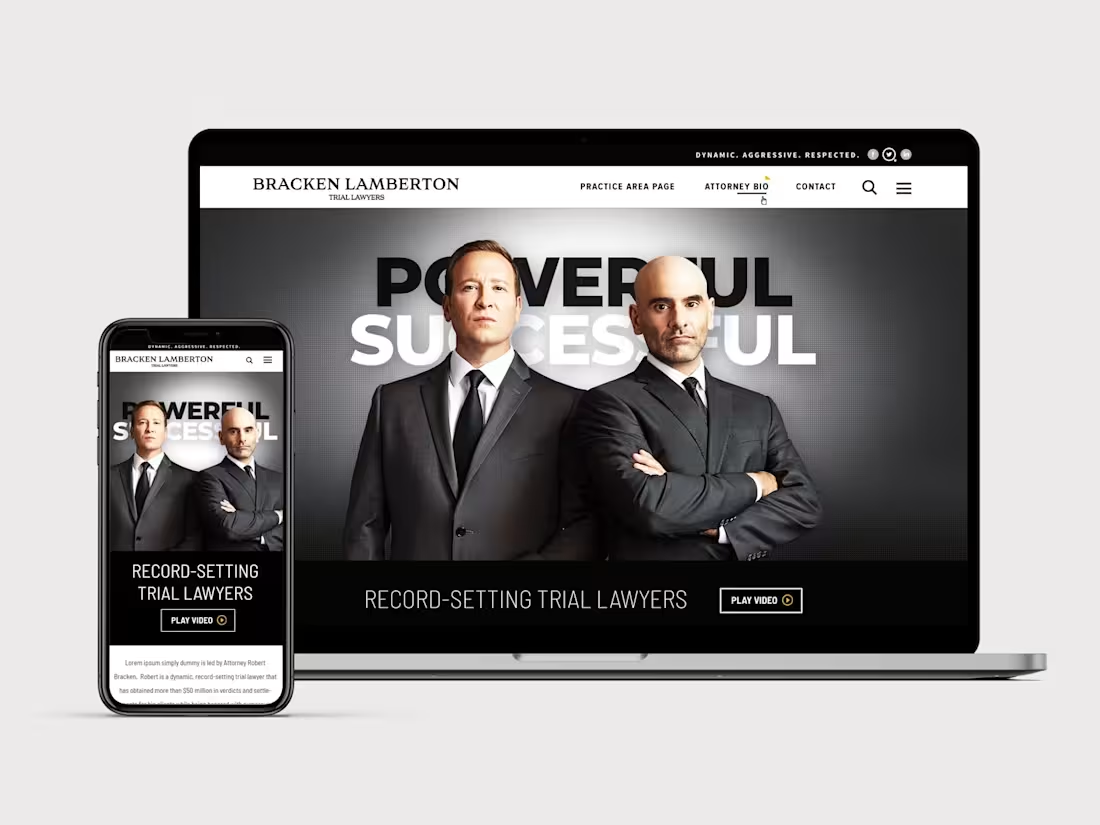
1. User Experience the design
After analyzing the user needs and user flow, Start to do the mockup with Figma and provide the client to do the adjustment.
2. Crafting the design
Offer you 2-3 variations of your website's Homepage design with various styles may be color variations. This lets you visualize the user interface, element placements, and gives a taste of the overall design aesthetic. After presenting these options, we can discuss your preferences and select the one that reflects your vision best.
3. Enhance the Design
After settling on the desired design direction from the Homepage, I'll extend this aesthetic to design the remaining pages for both desktop and mobile interfaces. This will also include the creation of a style guide and recommended interactive design features. Be assured, that I fully commit to transparency and will continually share updates on the design progress.
4. Final Delivery and Demonstration
Once the design is completed, I will present a comprehensive design demo to ensure you understand every aspect of your website and its functionality. The final deliverable will be the Figma or adobe photoshop files plus all relevant resources. And provide further assistant for the developer if required.
What's included
User experience & Design mockup of your website
You will get a design file/link that has your website design mockup
Design concept for the website
You will get a design file/link that has your website design.
Design concept for the responsive designs
You will get design files for mobile and tablet version.
Style Guide
This guide will include a clearly defined hierarchy of typography used along with type sizes, colors, UI components as well as anything else in between such as icons, logos, etc.
Website Assets
Any assets used on the website such as font files, images, icons, videos, etc will be provided to you via a secure drive link.
Interaction Design
Guides on how any form of interaction design (if relevant and included) will work on your website.
Nirmani's other services
Starting at$750
Tags
Adobe Illustrator

Adobe Photoshop

Adobe XD

Figma

Microsoft Office 365

UI Designer
UX Designer
Web Designer
Service provided by
Nirmani De Silva Melbourne VIC, Australia
Website Design Nirmani De Silva
Starting at$750
Tags
Adobe Illustrator
Adobe Photoshop
Adobe XD
Figma
Microsoft Office 365
UI Designer
UX Designer
Web Designer
1. User Experience the design
After analyzing the user needs and user flow, Start to do the mockup with Figma and provide the client to do the adjustment.
2. Crafting the design
Offer you 2-3 variations of your website's Homepage design with various styles may be color variations. This lets you visualize the user interface, element placements, and gives a taste of the overall design aesthetic. After presenting these options, we can discuss your preferences and select the one that reflects your vision best.
3. Enhance the Design
After settling on the desired design direction from the Homepage, I'll extend this aesthetic to design the remaining pages for both desktop and mobile interfaces. This will also include the creation of a style guide and recommended interactive design features. Be assured, that I fully commit to transparency and will continually share updates on the design progress.
4. Final Delivery and Demonstration
Once the design is completed, I will present a comprehensive design demo to ensure you understand every aspect of your website and its functionality. The final deliverable will be the Figma or adobe photoshop files plus all relevant resources. And provide further assistant for the developer if required.
What's included
User experience & Design mockup of your website
You will get a design file/link that has your website design mockup
Design concept for the website
You will get a design file/link that has your website design.
Design concept for the responsive designs
You will get design files for mobile and tablet version.
Style Guide
This guide will include a clearly defined hierarchy of typography used along with type sizes, colors, UI components as well as anything else in between such as icons, logos, etc.
Website Assets
Any assets used on the website such as font files, images, icons, videos, etc will be provided to you via a secure drive link.
Interaction Design
Guides on how any form of interaction design (if relevant and included) will work on your website.
Nirmani's other services
$750