
Framer Website | landing page design Sahil Prajapati
Creating a professional-looking website that promises to increase conversions involves a combination of design, functionality, and user experience considerations. Below is a simplified guide to help you get started. Note that the actual implementation may vary based on your specific needs and preferences.
1. Define Your Goals:
Clearly outline the goals of your website. What actions do you want visitors to take?
2. Design:
Choose a clean and modern design that aligns with your brand.
Use a color scheme that complements your branding and promotes a positive user experience.
Ensure that your design elements are consistent across all devices.
3. Responsive Design:
Make sure your website is fully responsive for desktop (normal and wide), tablet, and mobile.
Test your website on different devices and browsers to ensure a seamless user experience.
4. Micro-interactions:
Implement subtle micro-interactions to enhance user engagement. For example, use hover effects, subtle animations, or transitions.
Micro-interactions can be applied to buttons, navigation menus, and other interactive elements.
5. Content:
Craft compelling and concise content that clearly communicates your value proposition.
Use high-quality images and visuals that resonate with your target audience.
6. Call-to-Action (CTA):
Place clear and prominent CTAs throughout your website.
Use persuasive language to encourage users to take the desired actions.
7. Navigation:
Keep navigation simple and intuitive. Users should easily find what they're looking for.
Implement a clear and organized menu structure.
8. Performance:
Optimize your website for speed. Compress images, minimize HTTP requests, and use browser caching.
Ensure quick loading times on all devices.
9. Social Proof:
Display customer testimonials, reviews, or case studies to build trust.
Showcase any relevant awards, certifications, or partnerships.
10. Contact Information:
Make it easy for users to contact you. Include a contact form, email address, and phone number.
Provide a physical address if applicable.
11. Link Setup:
Ensure all internal and external links are working correctly.
Set up a proper 404 error page to handle broken links gracefully.
What's included
website design
A profession look website that promises increasing conversions
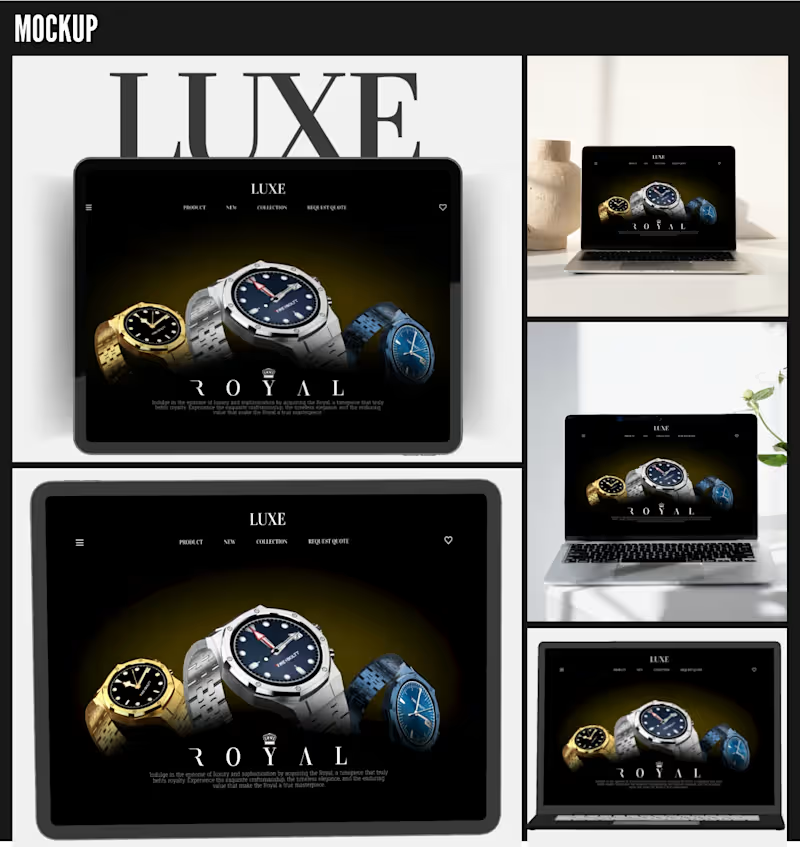
Responsive design
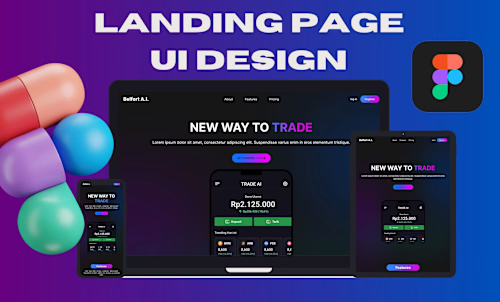
Fully responsive website for desktop (normal), desktop (wide), tablet and mobile
Micro-interactions setup
Micro-interactions and all the link setup
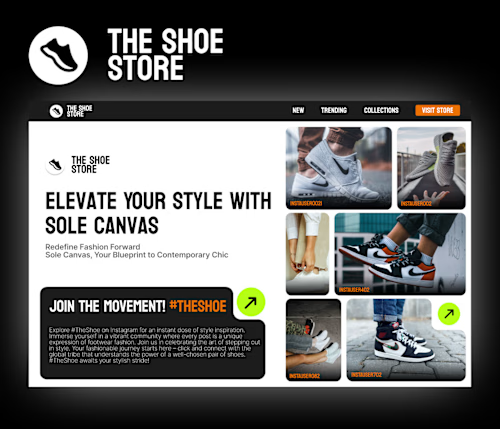
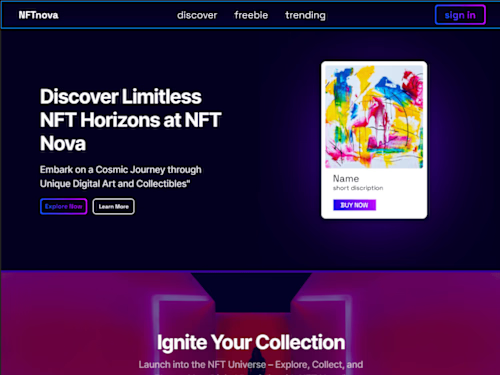
Example work
Sahil's other services

Starting at$100
Duration1 week
Tags
Figma

Framer

Spline

Framer Designer
Framer Developer
Low-Code/No-Code Developer
Service provided by
Sahil Prajapati India
Framer Website | landing page design Sahil Prajapati
Starting at$100
Duration1 week
Tags
Figma
Framer
Spline
Framer Designer
Framer Developer
Low-Code/No-Code Developer
Creating a professional-looking website that promises to increase conversions involves a combination of design, functionality, and user experience considerations. Below is a simplified guide to help you get started. Note that the actual implementation may vary based on your specific needs and preferences.
1. Define Your Goals:
Clearly outline the goals of your website. What actions do you want visitors to take?
2. Design:
Choose a clean and modern design that aligns with your brand.
Use a color scheme that complements your branding and promotes a positive user experience.
Ensure that your design elements are consistent across all devices.
3. Responsive Design:
Make sure your website is fully responsive for desktop (normal and wide), tablet, and mobile.
Test your website on different devices and browsers to ensure a seamless user experience.
4. Micro-interactions:
Implement subtle micro-interactions to enhance user engagement. For example, use hover effects, subtle animations, or transitions.
Micro-interactions can be applied to buttons, navigation menus, and other interactive elements.
5. Content:
Craft compelling and concise content that clearly communicates your value proposition.
Use high-quality images and visuals that resonate with your target audience.
6. Call-to-Action (CTA):
Place clear and prominent CTAs throughout your website.
Use persuasive language to encourage users to take the desired actions.
7. Navigation:
Keep navigation simple and intuitive. Users should easily find what they're looking for.
Implement a clear and organized menu structure.
8. Performance:
Optimize your website for speed. Compress images, minimize HTTP requests, and use browser caching.
Ensure quick loading times on all devices.
9. Social Proof:
Display customer testimonials, reviews, or case studies to build trust.
Showcase any relevant awards, certifications, or partnerships.
10. Contact Information:
Make it easy for users to contact you. Include a contact form, email address, and phone number.
Provide a physical address if applicable.
11. Link Setup:
Ensure all internal and external links are working correctly.
Set up a proper 404 error page to handle broken links gracefully.
What's included
website design
A profession look website that promises increasing conversions
Responsive design
Fully responsive website for desktop (normal), desktop (wide), tablet and mobile
Micro-interactions setup
Micro-interactions and all the link setup
Example work
Sahil's other services
$100