
Workspace Setup & Organization (Google, Apple, Microsoft, etc.)Tyler Jurelle
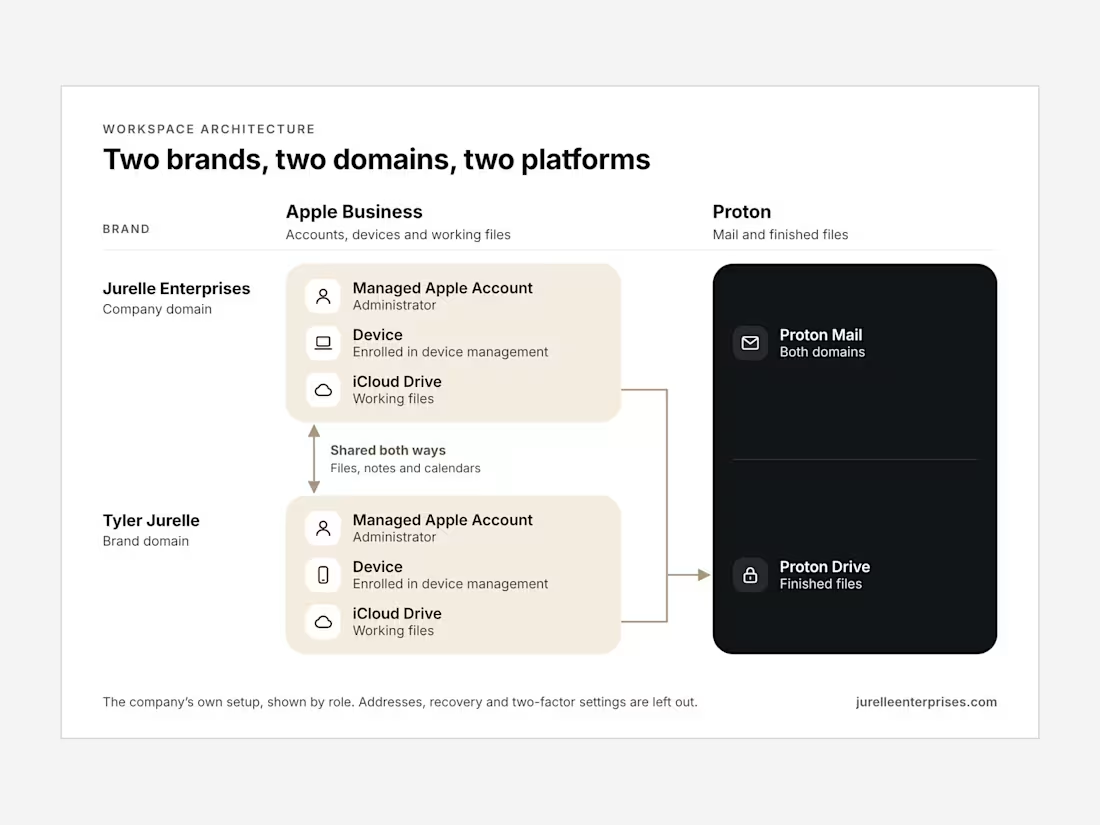
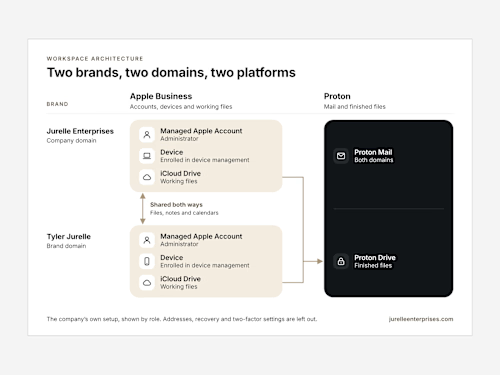
Your business email, shared drives, and calendars on your domain, organized so people can find what they need. Google Workspace, Microsoft 365, or Apple Business.
Core ($100): workspace on your domain for up to 5 users: core apps, email accounts, group addresses and aliases, two-factor enforcement and recovery, and one shared drive with a top-level structure. 2 to 3 business days.
Expanded ($200): up to 15 users, plus a full shared drive built around how your business divides work, file naming conventions, a permission model, shared calendars, document templates, and a team email signature. About 5 to 7 business days.
Complete ($375): up to 25 users, plus a shared template library, inbox labels and filters, basic automation, the Workspace Guide, and a recorded live training session. About 8 to 10 business days.
I record the walkthrough at every level and hold it live for Expanded and Complete. More than 25 users, more than one domain, or a large file archive is quoted by scope.
You keep your domain and your super administrator account throughout. I work from a delegated admin account that is deleted after handoff.
What I need: access to your domain registrar (or help choosing a domain), an admin invite, how your team is structured and who needs access to what, where your files live now, and your user count. Software licenses are yours to buy.
Setup and organization only.
FAQs
Example work
Starting at$100
Duration3 days
Tags
G Suite

iOS

macOS

Microsoft Office 365

Operations Manager
Virtual Assistant
Service provided by
Tyler Jurelle Branchburg, USA
Workspace Setup & Organization (Google, Apple, Microsoft, etc.)Tyler Jurelle
Starting at$100
Duration3 days
Tags
G Suite
iOS
macOS
Microsoft Office 365
Operations Manager
Virtual Assistant
Your business email, shared drives, and calendars on your domain, organized so people can find what they need. Google Workspace, Microsoft 365, or Apple Business.
Core ($100): workspace on your domain for up to 5 users: core apps, email accounts, group addresses and aliases, two-factor enforcement and recovery, and one shared drive with a top-level structure. 2 to 3 business days.
Expanded ($200): up to 15 users, plus a full shared drive built around how your business divides work, file naming conventions, a permission model, shared calendars, document templates, and a team email signature. About 5 to 7 business days.
Complete ($375): up to 25 users, plus a shared template library, inbox labels and filters, basic automation, the Workspace Guide, and a recorded live training session. About 8 to 10 business days.
I record the walkthrough at every level and hold it live for Expanded and Complete. More than 25 users, more than one domain, or a large file archive is quoted by scope.
You keep your domain and your super administrator account throughout. I work from a delegated admin account that is deleted after handoff.
What I need: access to your domain registrar (or help choosing a domain), an admin invite, how your team is structured and who needs access to what, where your files live now, and your user count. Software licenses are yours to buy.
Setup and organization only.
FAQs
Example work
$100