SOPs and Operations Manual Buildout
Starting at
$
650
/wkAbout this service
Summary
FAQs
Why Notion instead of Google Drive or other software?
Notion brings your operations manuals to life in a way that Google Drive and other static tools can’t. Instead of digging through folders or PDFs, your team gets a dynamic, searchable, and user-friendly hub where everything is connected. Notion makes it easy to update content in real time, embed videos or SOP checklists, and give teammates exactly the context they need without overwhelming them. It’s not just a document repository — it’s an interactive playbook your team will actually use.
Why do I need to document my SOPs in business?
Documenting your SOPs makes your business run smoother. Instead of repeating instructions or relying on memory, your team has a clear reference for how things are done. It saves time, reduces mistakes, and makes it easier to train new people. In short, SOPs keep your business consistent and scalable.
What is Notion?
Notion is an all-in-one workspace where we build your operations manuals. Instead of scattered files in Google Drive or Word docs, Notion gives you one clean, organized hub for SOPs, checklists, and workflows. At Operations Mavenue, we use Notion to create manuals that are easy to search, update, and actually use — so your team always knows where to find the right information.
I have screenshots and video training I'd like to have included in my Operations Manual. Can I add them to Notion?
Yes, it's very easy to add images or videos to Notion. Just type "/image" or "/video" wherever you'd like to add them and upload the file. That's it!
Will I need to pay to use Notion?
Notion is free if you’re adding 10 people or fewer to your Operations Manual. If your team is larger than that, you’ll need their paid plan, which is about $12/month. The good news is, it’s not a per-user fee — your team is added as guests, not members — so you only need one paid account to share your manual with everyone.
I've never used Notion. How simple is it to learn and/or use it?
Notion is very beginner-friendly — most people pick it up within a few minutes. If you can use Google Docs, you can use Notion. We’ll set everything up for you, so all you need to do is open your manual, browse, and make small edits when needed. And if you ever get stuck, we’re here to guide you.
What do you typically include in Operations Manuals?
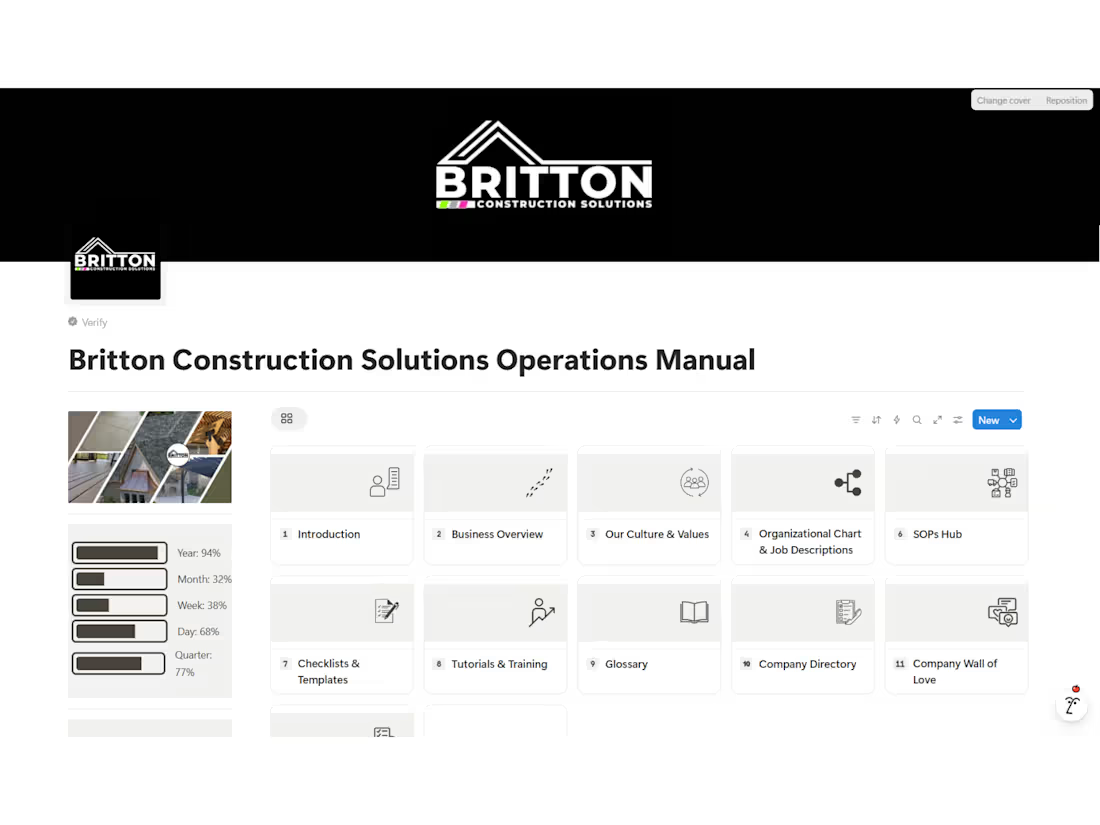
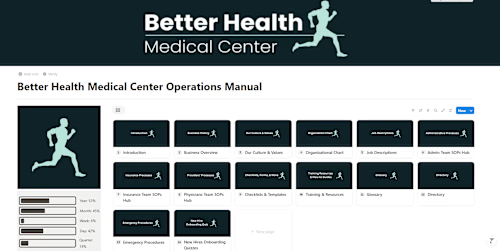
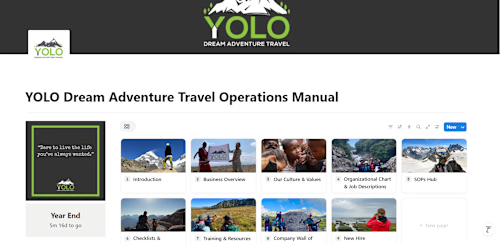
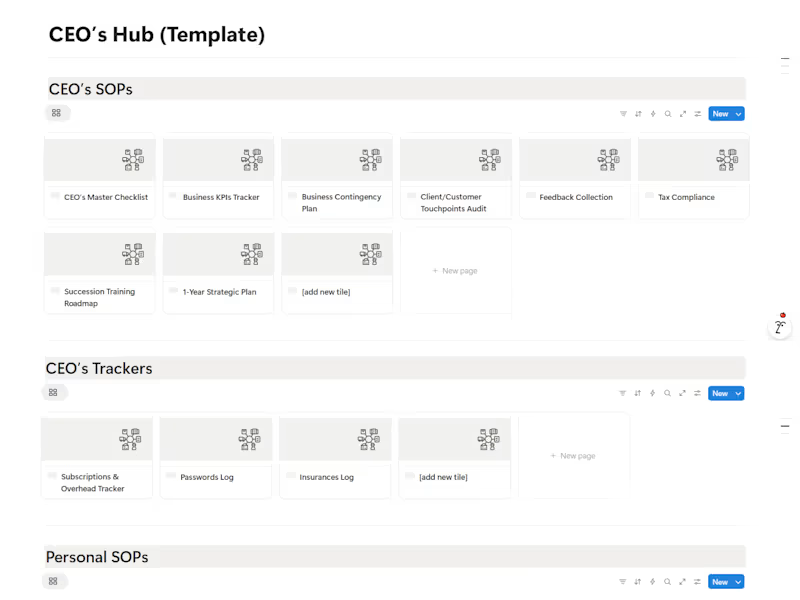
Some sections we typically include in our clients' custom-built operations manuals: - Introduction - Business Overview - Culture & Values - Organizational Chart & Job Descriptions - SOPs Hub - Checklists & Templates - Tutorials & Training Center - Client Resources Library - Owner's / Management's Hub - Glossary - Company Directory - Company Wall of Love - New Hire Onboarding Quizzes
What's included
Custom Operations Manual Development
A fully customized, professionally structured Operations Manual tailored to your business’s workflows, team roles, and operational needs. This deliverable includes process mapping, SOP drafting, system organization, and documentation of key procedures. You will receive a clean, easy-to-use manual designed to onboard team members faster, streamline operations, and support sustainable business growth.
Skills and tools
Industries