
Home Service Job Scheduling & Payment Tracker
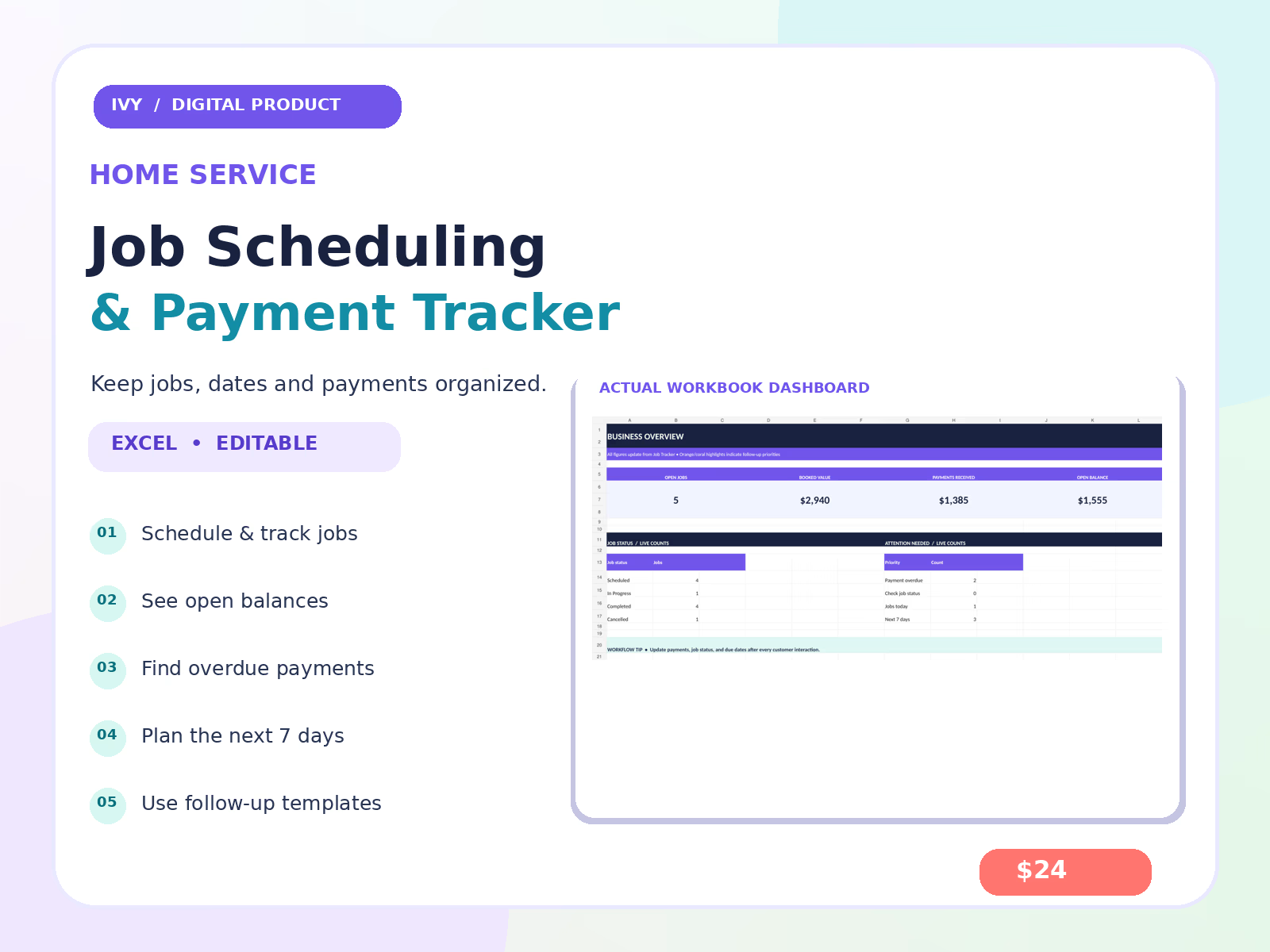
A DIY spreadsheet system for home-service businesses that need one place to manage scheduled jobs, recorded payments, and outstanding balances.
What you get
Editable job scheduling and status tracker with 200 ready-to-use rows
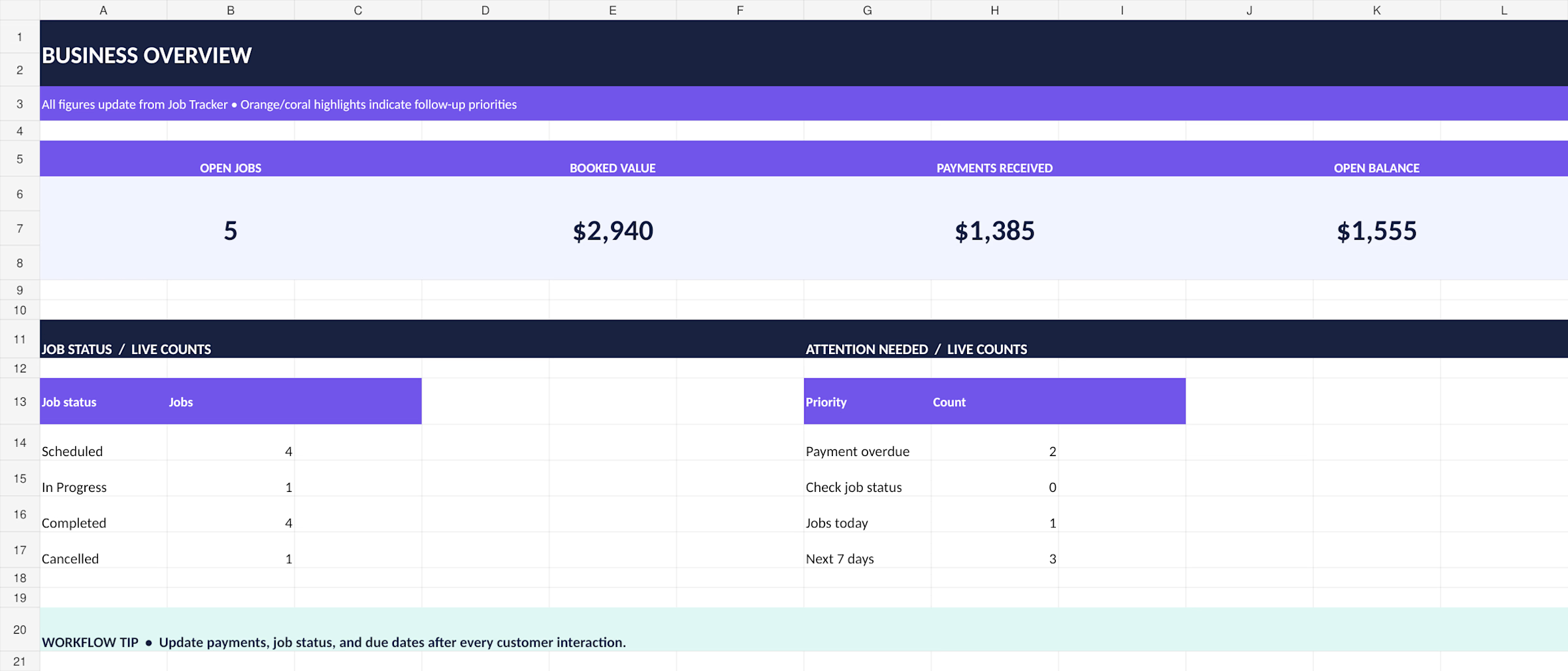
Business dashboard and 7-day workload planner
Automatic outstanding-balance calculations
Payment status and overdue alerts
Customer communication templates
Sample entries and PDF setup guide
DIY template, not a done-for-you operations system
You download the files, replace the sample jobs, and record appointments and payments yourself. This tracker does not process payments, send messages, generate invoices, or sync with a calendar.
Want it customized for your business?
For a tailored Google Sheets dashboard with the fields, reports, and workflow you need, choose my Home-Service Job, Payment & Scheduling Dashboard. Calendar sync, CRM connections, and advanced automation can be scoped separately.
Setup
Download the ZIP, extract the workbook and PDF guide, read the START HERE tab, then use the workbook in Microsoft Excel or import it into Google Sheets. Check features and formatting after import.

Ivy's other products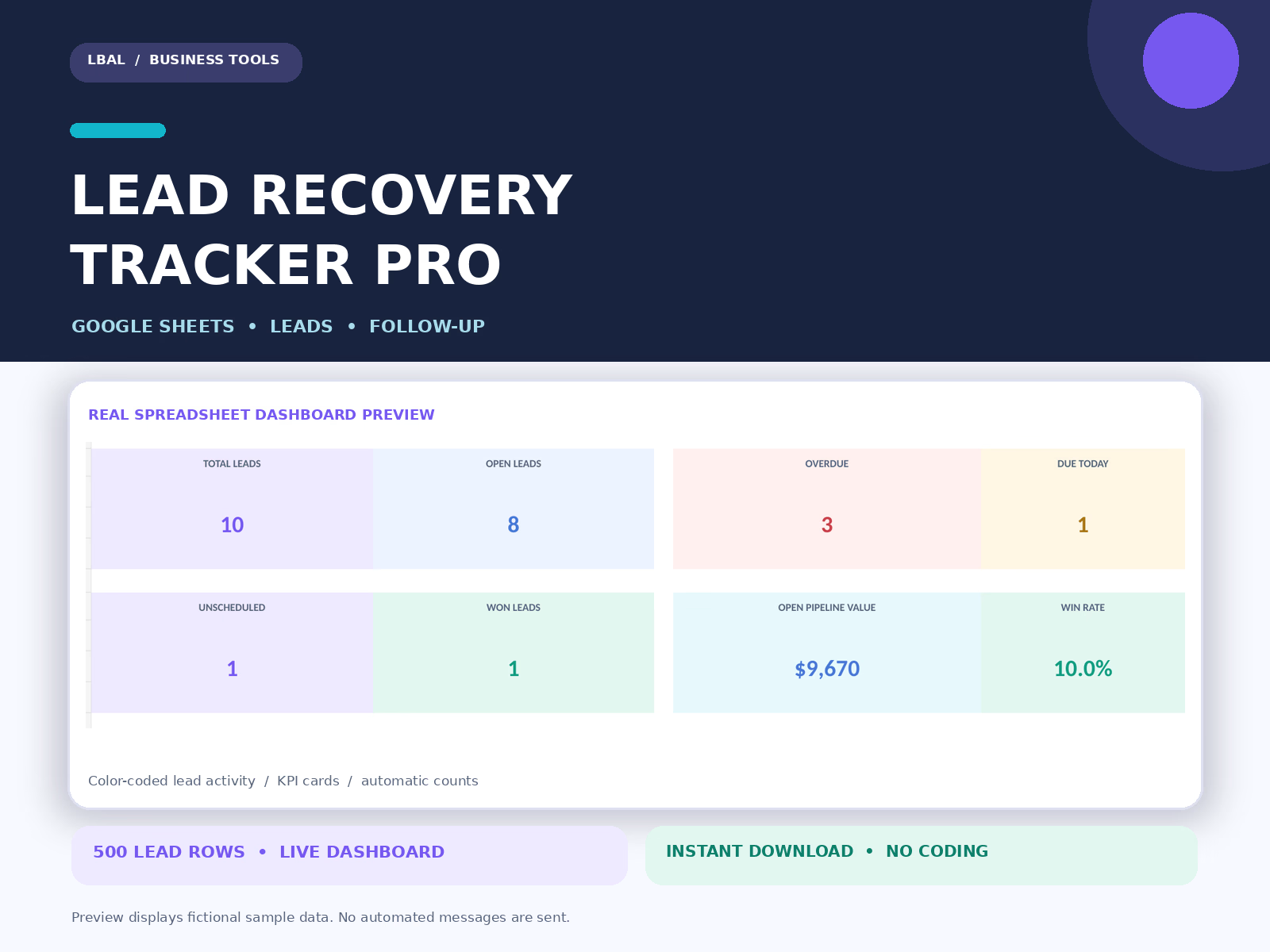
Lead Recovery Tracker Pro
$29.00
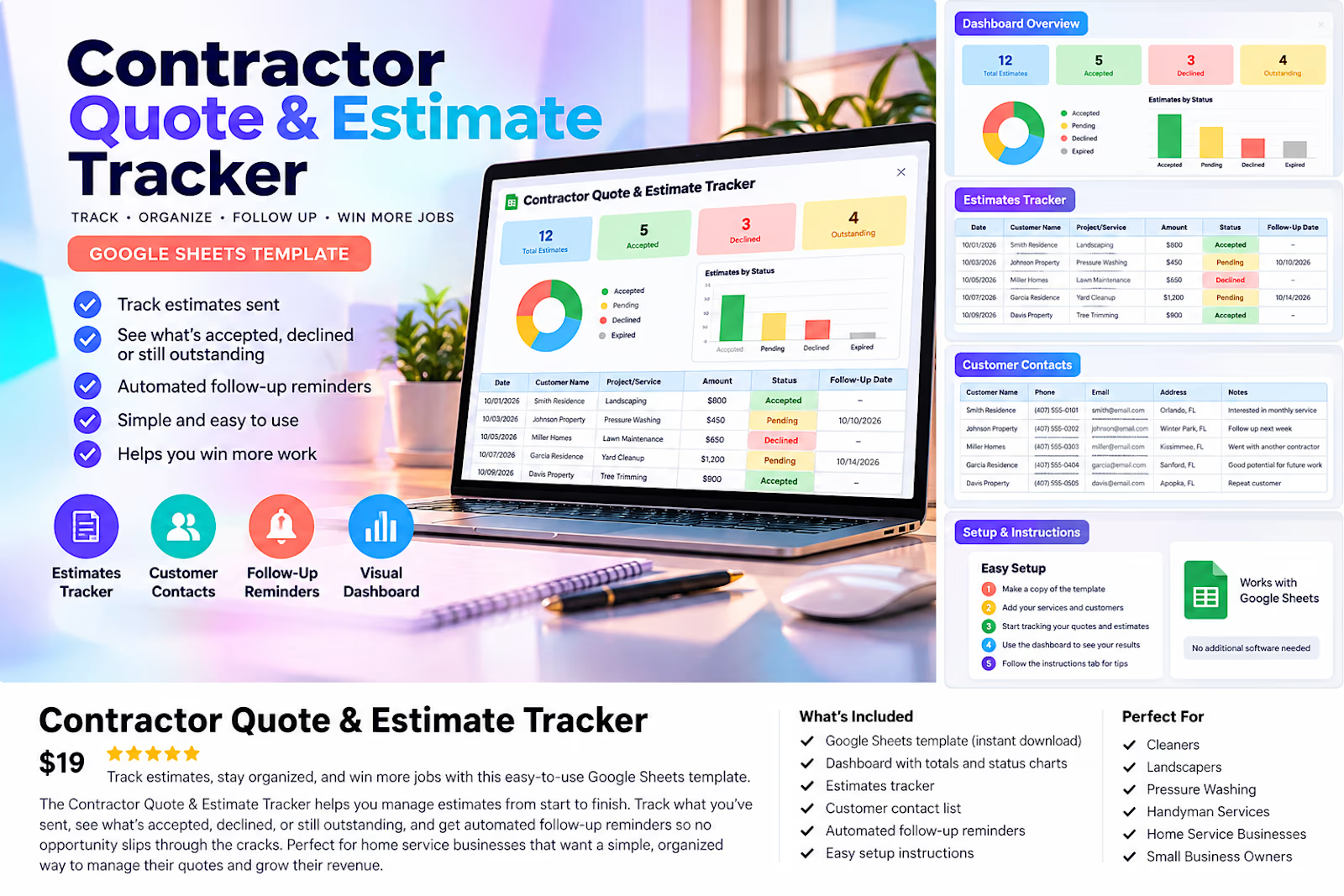
Contractor Quote & Estimate Tracker
$19.00
Get it for$24.00
Tags
Google Sheets
Scheduling
Business Operations
Small Business
Home Services
Home Service Job Scheduling & Payment Tracker
A DIY spreadsheet system for home-service businesses that need one place to manage scheduled jobs, recorded payments, and outstanding balances.
What you get
Editable job scheduling and status tracker with 200 ready-to-use rows
Business dashboard and 7-day workload planner
Automatic outstanding-balance calculations
Payment status and overdue alerts
Customer communication templates
Sample entries and PDF setup guide
DIY template, not a done-for-you operations system
You download the files, replace the sample jobs, and record appointments and payments yourself. This tracker does not process payments, send messages, generate invoices, or sync with a calendar.
Want it customized for your business?
For a tailored Google Sheets dashboard with the fields, reports, and workflow you need, choose my Home-Service Job, Payment & Scheduling Dashboard. Calendar sync, CRM connections, and advanced automation can be scoped separately.
Setup
Download the ZIP, extract the workbook and PDF guide, read the START HERE tab, then use the workbook in Microsoft Excel or import it into Google Sheets. Check features and formatting after import.
Ivy's other products
Lead Recovery Tracker Pro
$29.00
Contractor Quote & Estimate Tracker
$19.00
$24.00