
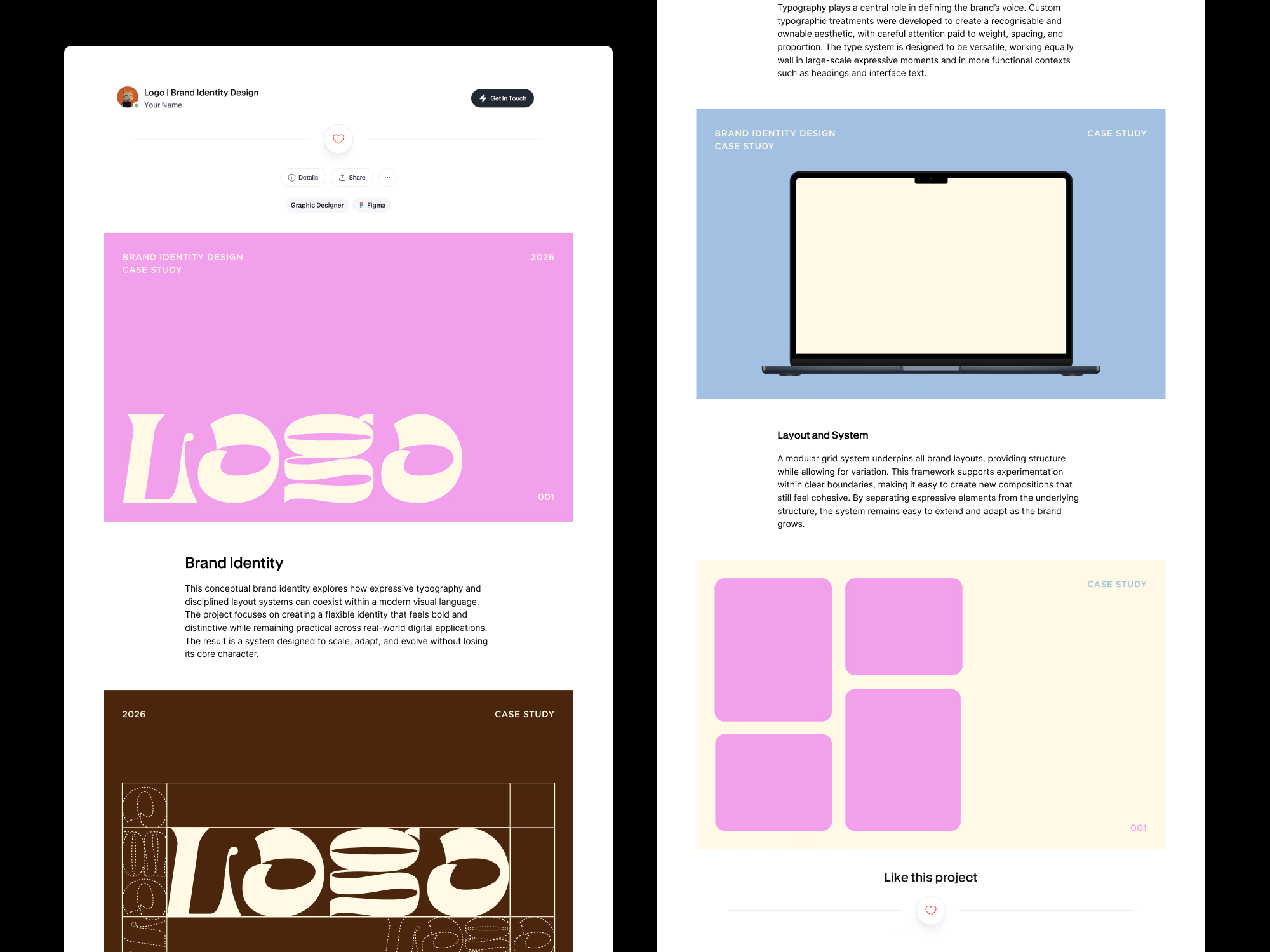
A Figma-based system for planning, designing, and maintaining your Contra case studies in one place.
This kit is designed to help you think about your portfolio as a whole before publishing anything on Contra. It keeps layouts, visuals, and copy aligned from the start, so your case studies feel intentional and cohesive over time.
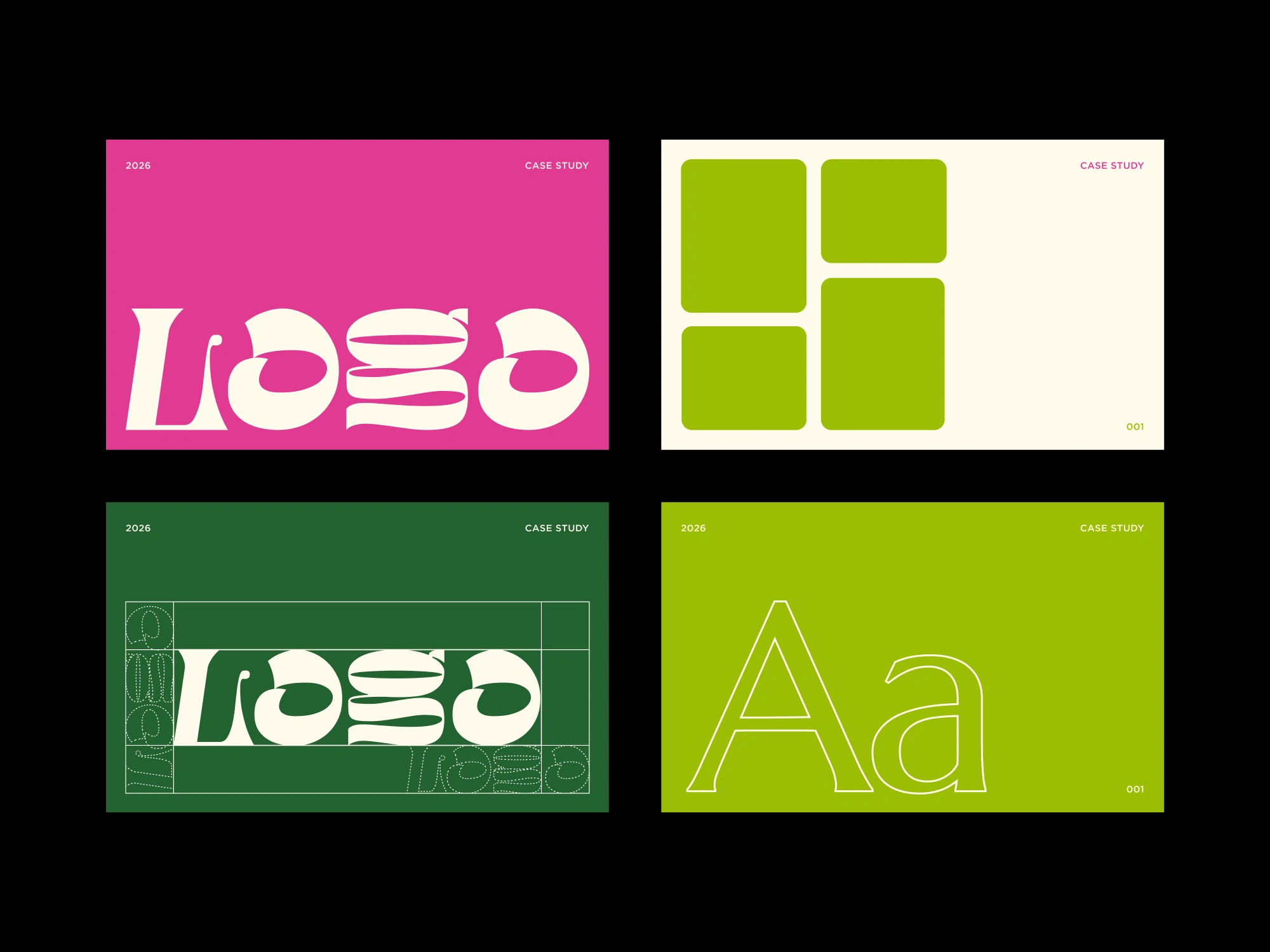
What’s included
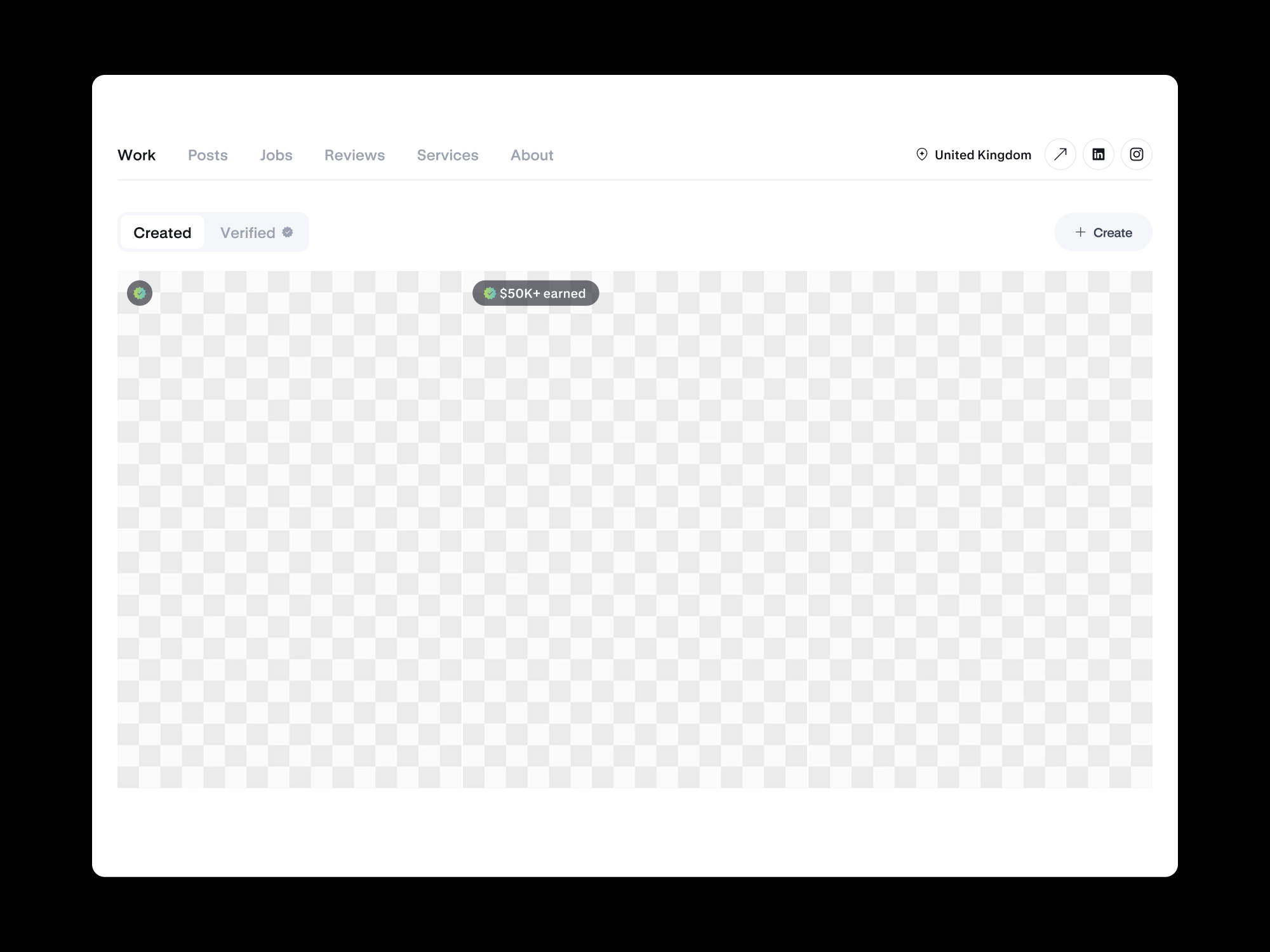
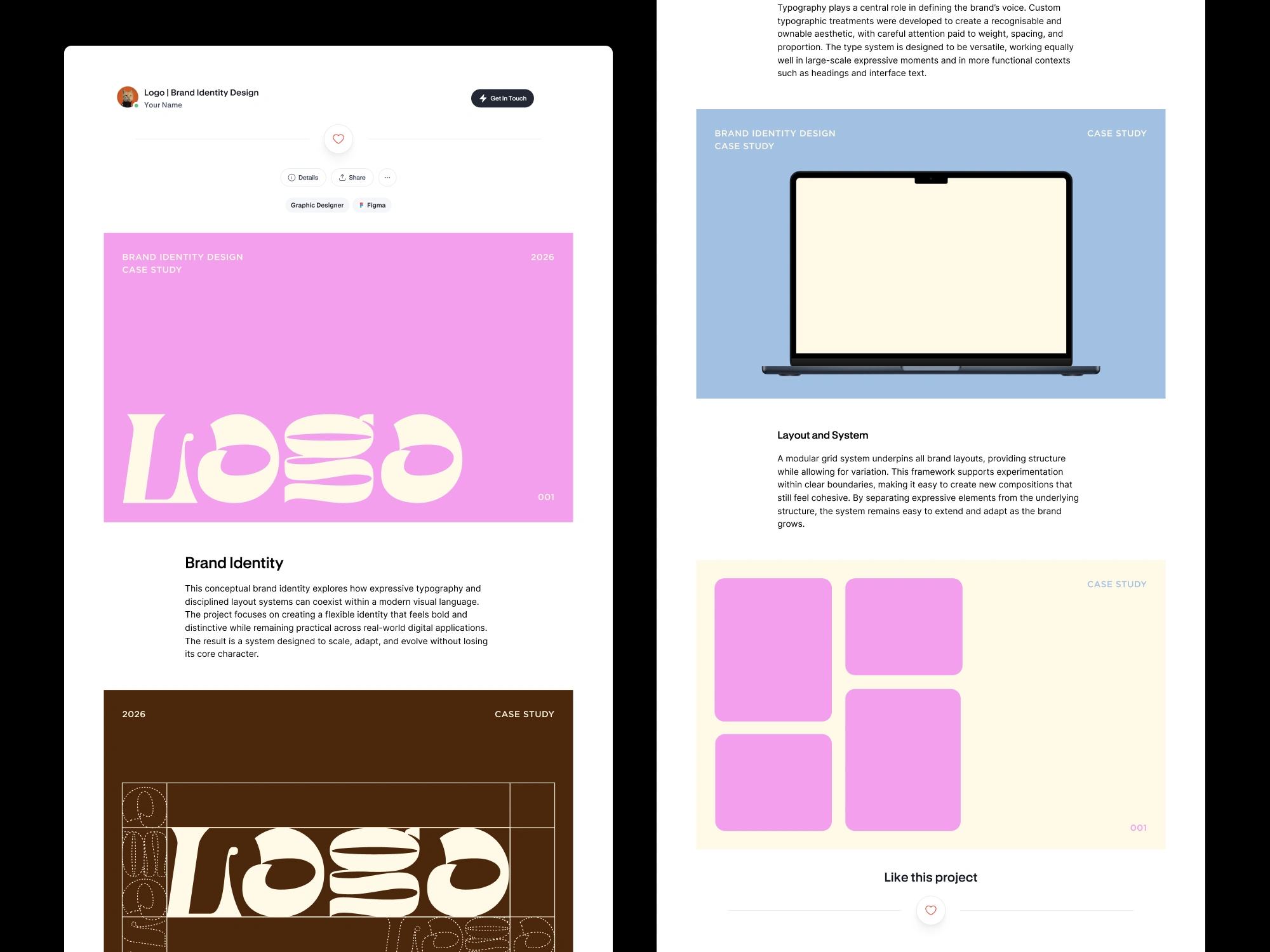
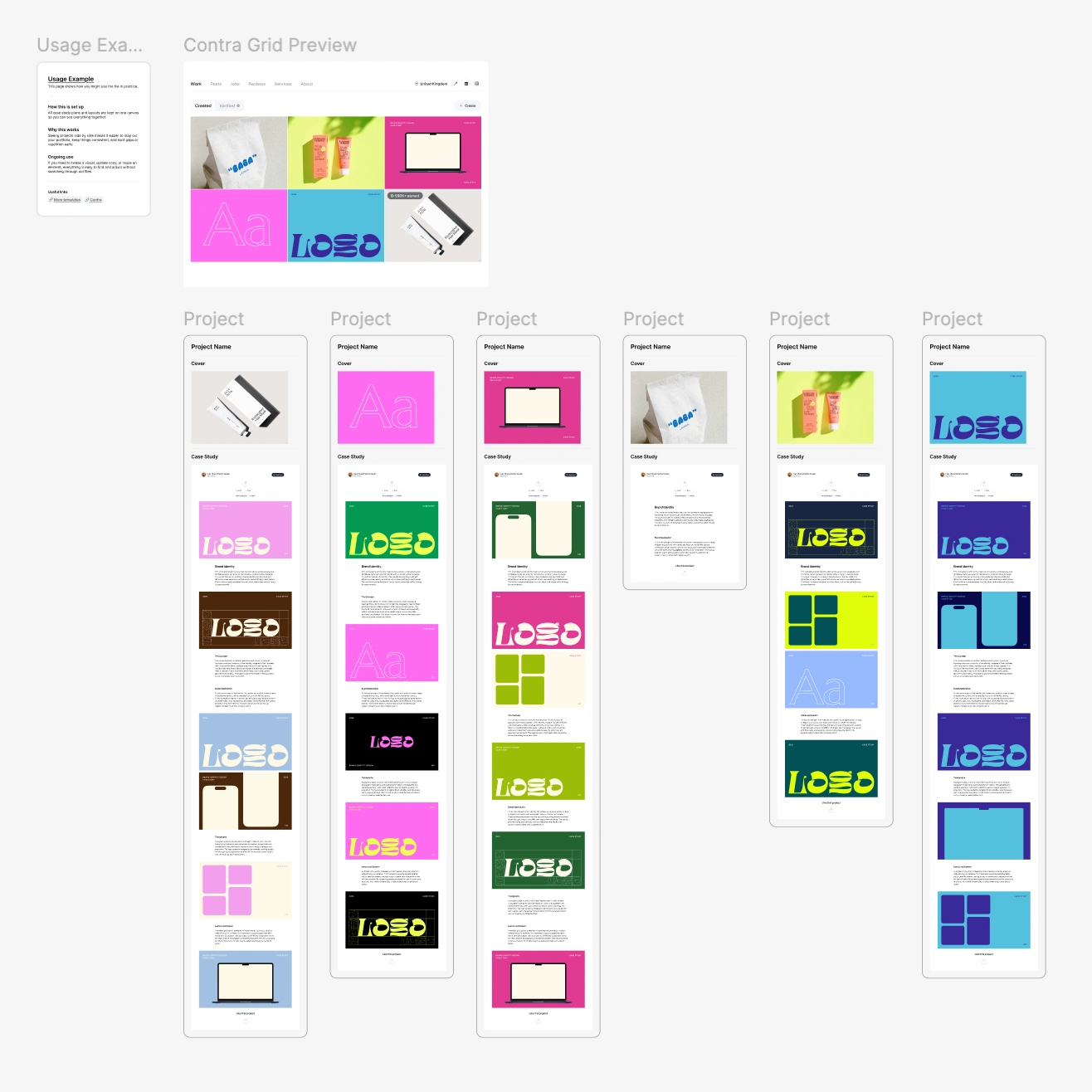
Portfolio planning workspace with a Contra grid preview
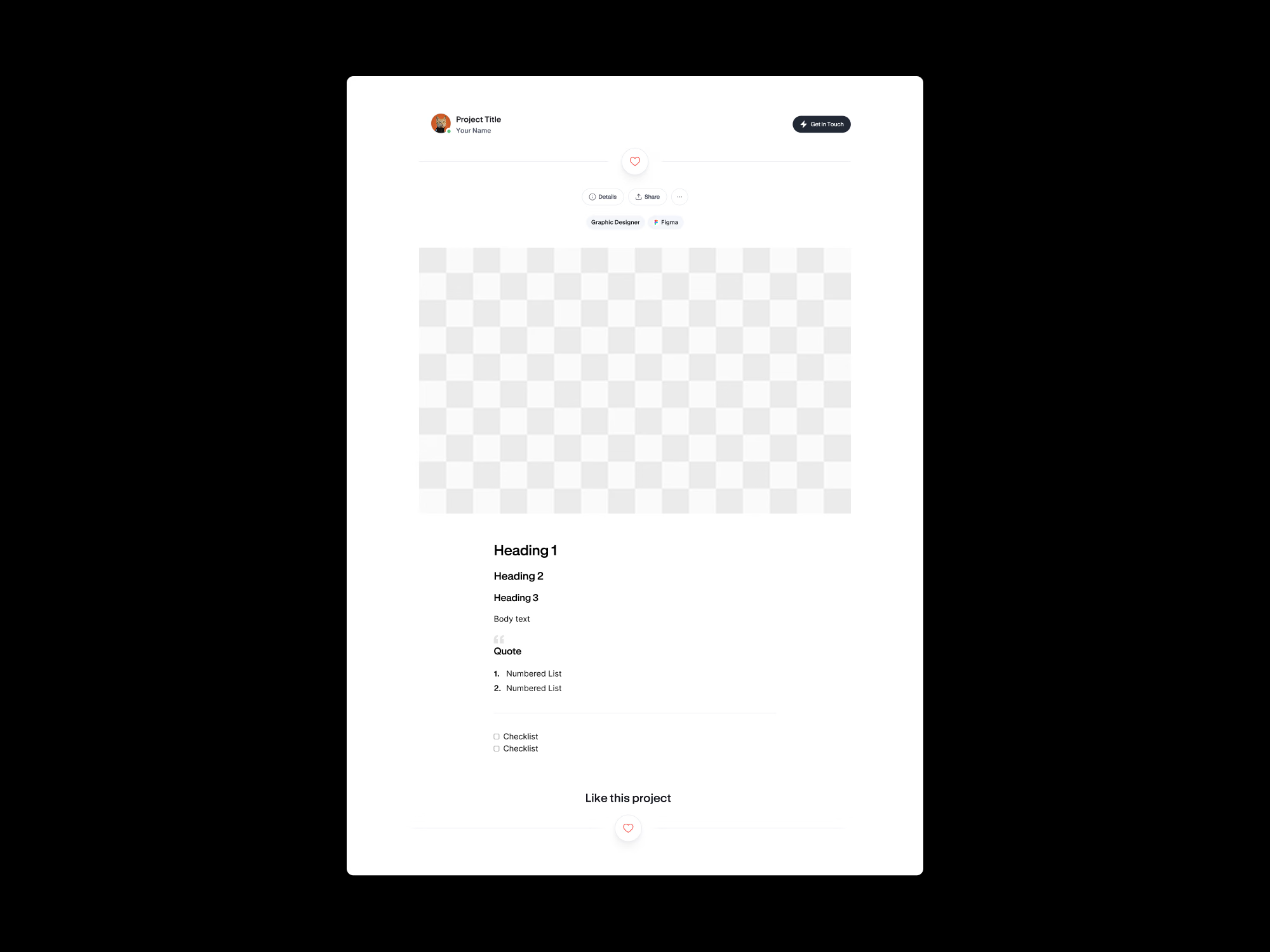
Case study layout mockup for planning structure and copy
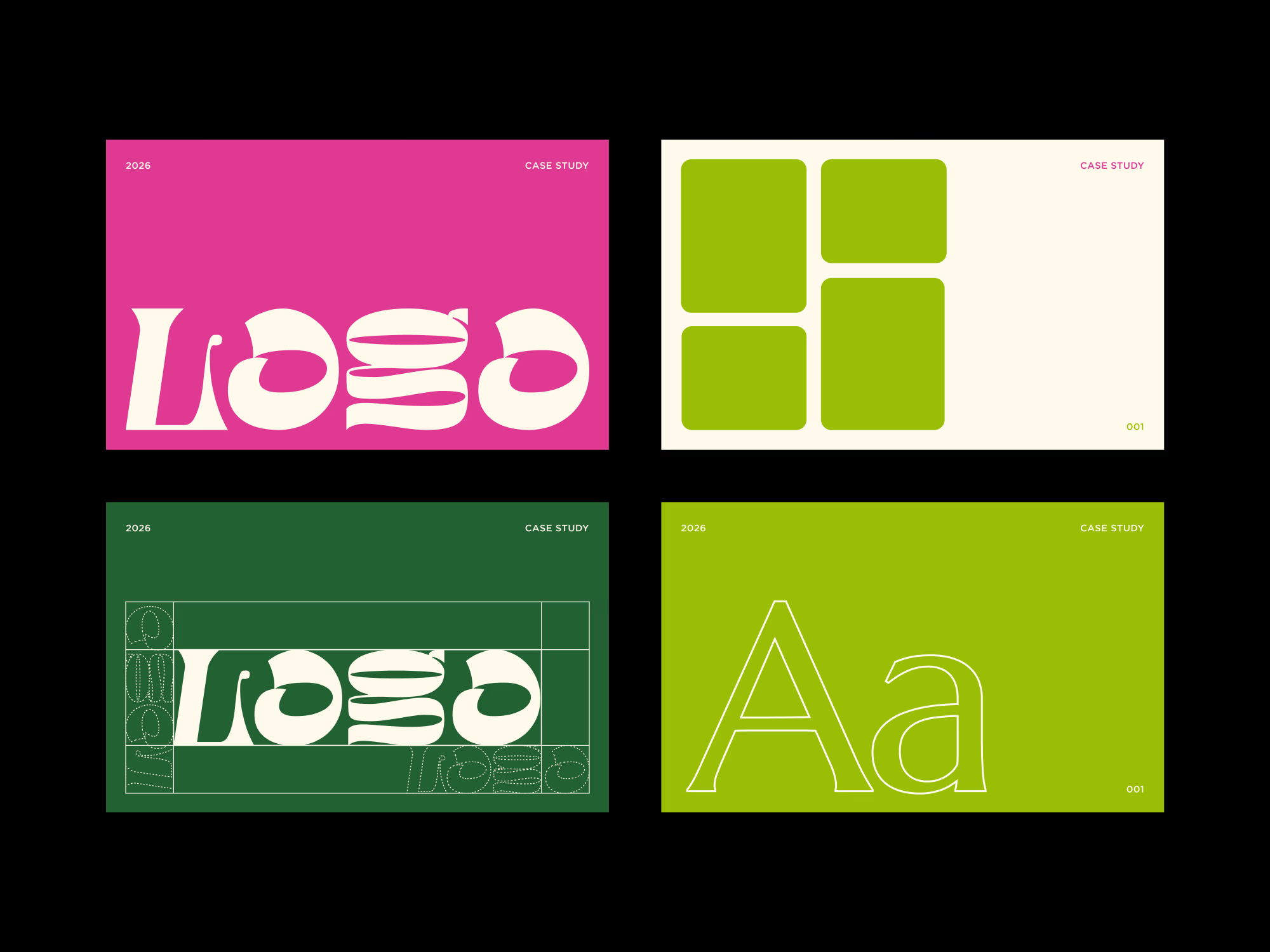
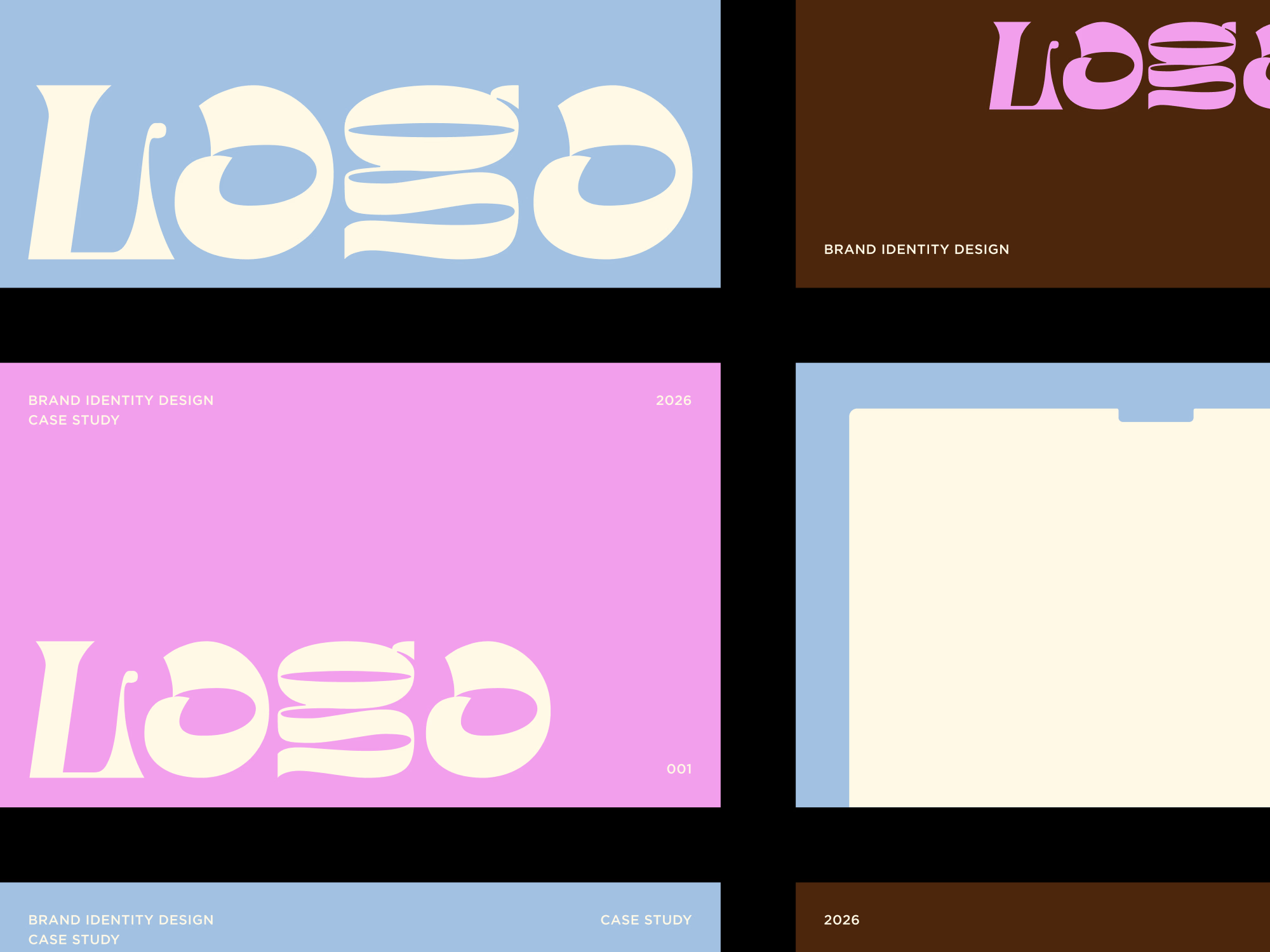
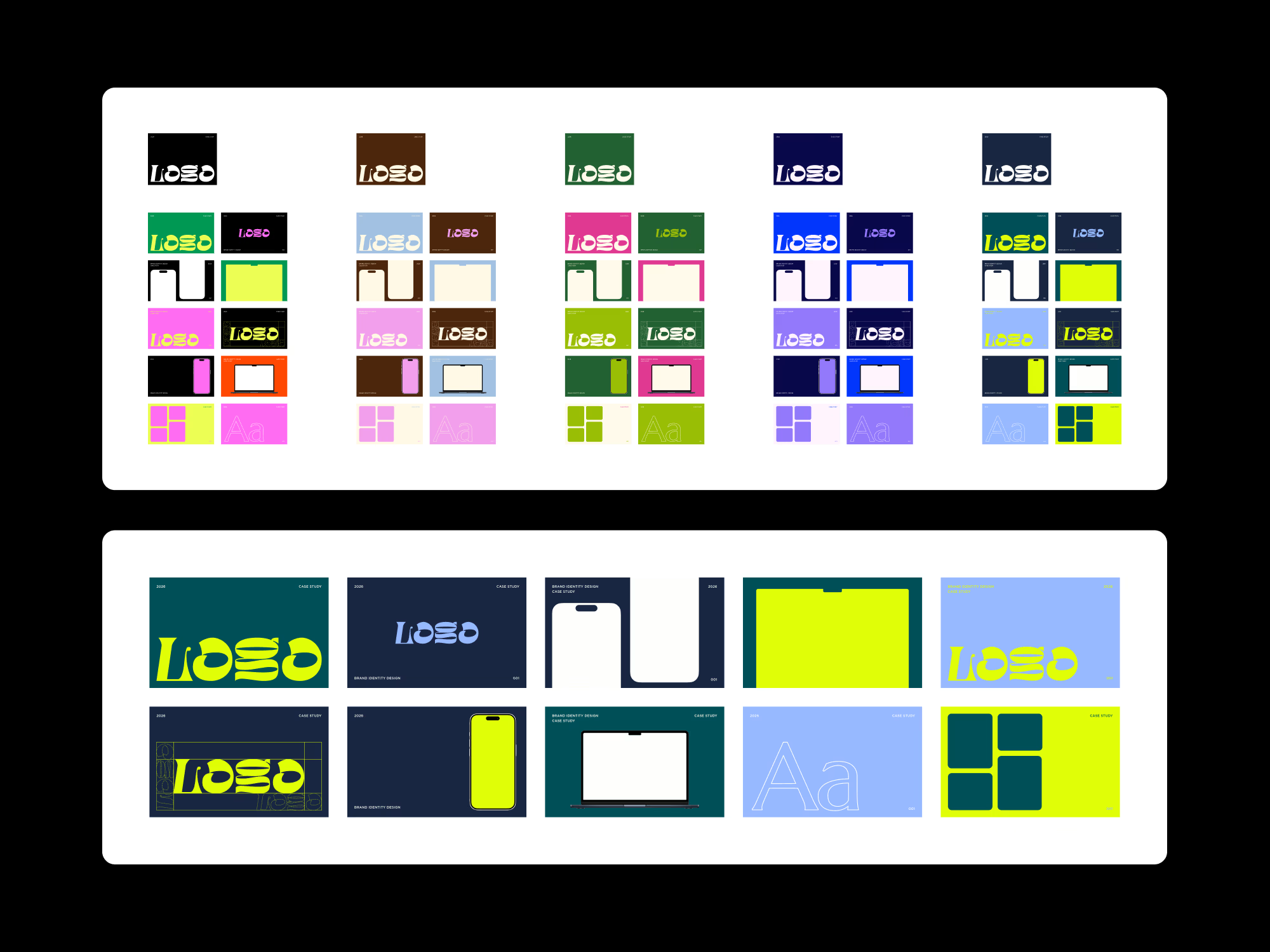
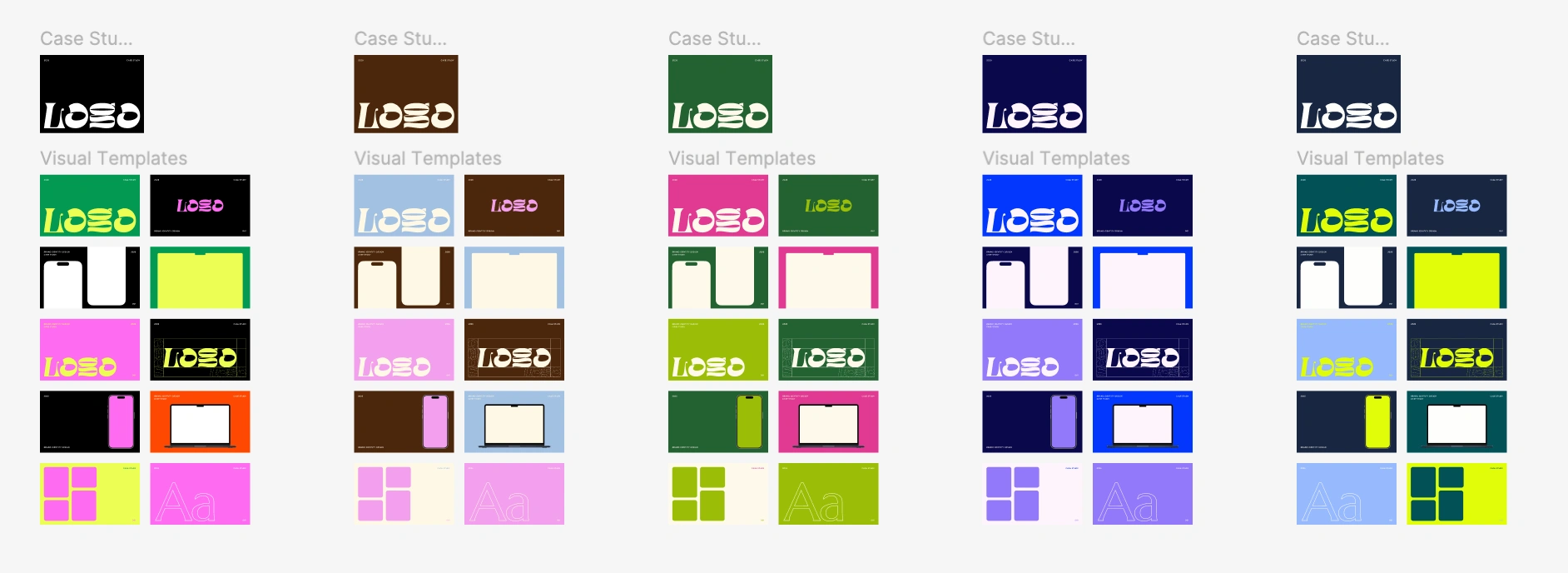
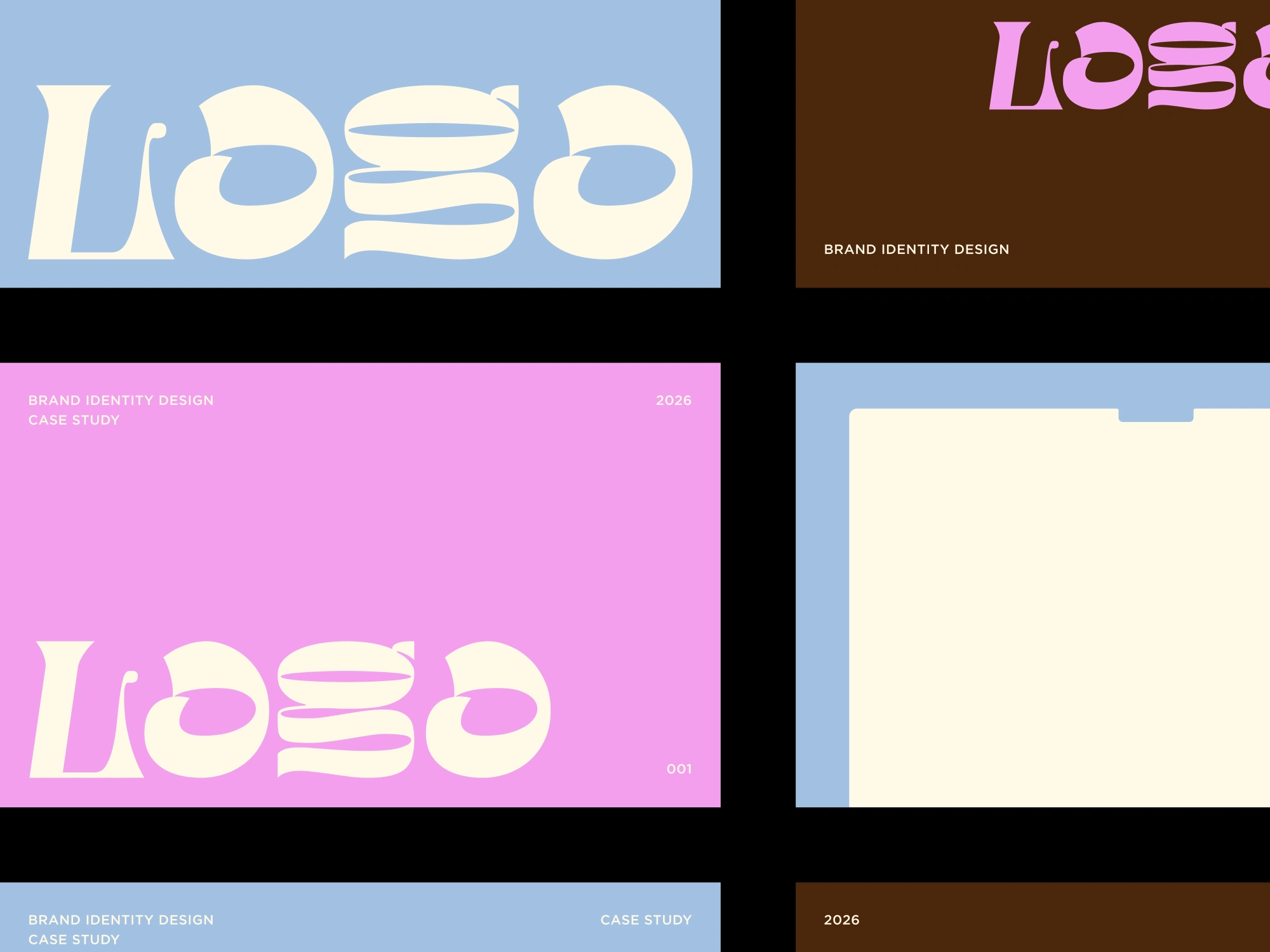
Reusable visual templates for case study graphics
Usage example showing a real workflow in practice
How it works
Plan your portfolio visually in Figma
Design and refine case study visuals using the templates
Export static images or animated assets as needed
Publish to Contra once everything feels cohesive!
Why this works
It's easy to end up with hundreds of Google Drive folders, Canva files and Figma projects full of random portfolio assets!
By keeping planning, layouts, and visuals together, it becomes much easier to:
• Keep your grid consistent
• Spot gaps or repetition early
• Reuse and tweak visuals later
• Update old case studies without starting again
Get it for$5.00
Tags
Contra

Figma

Design
Portfolio
Product created by
Cara Ellis maxLondon, UK
- $50k+
- Earned
- 22
- Paid projects
- 4.96
- Rating
- 1385
- Followers
Reviews
5.0
2 reviews5 stars4 stars3 stars2 stars1 star
Cara made a great work providing this template for creators all over the Contra
Now I will build project much easier Maxim Zvarici
Must have for Contra creatives! Ben Huffman
Get it for$5.00
2 reviews
Tags
Contra
Figma
Design
Portfolio
A Figma-based system for planning, designing, and maintaining your Contra case studies in one place.
This kit is designed to help you think about your portfolio as a whole before publishing anything on Contra. It keeps layouts, visuals, and copy aligned from the start, so your case studies feel intentional and cohesive over time.
What’s included
Portfolio planning workspace with a Contra grid preview
Case study layout mockup for planning structure and copy
Reusable visual templates for case study graphics
Usage example showing a real workflow in practice
How it works
Plan your portfolio visually in Figma
Design and refine case study visuals using the templates
Export static images or animated assets as needed
Publish to Contra once everything feels cohesive!
Why this works
It's easy to end up with hundreds of Google Drive folders, Canva files and Figma projects full of random portfolio assets!
By keeping planning, layouts, and visuals together, it becomes much easier to:
• Keep your grid consistent
• Spot gaps or repetition early
• Reuse and tweak visuals later
• Update old case studies without starting again
Reviews
5.0
2 reviews5 stars4 stars3 stars2 stars1 star
Cara made a great work providing this template for creators all over the Contra
Now I will build project much easierMaxim Zvarici
Must have for Contra creatives!Ben Huffman
$5.00