
See preview :
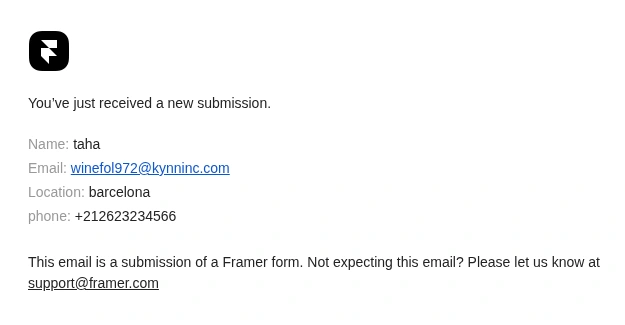
Received Email
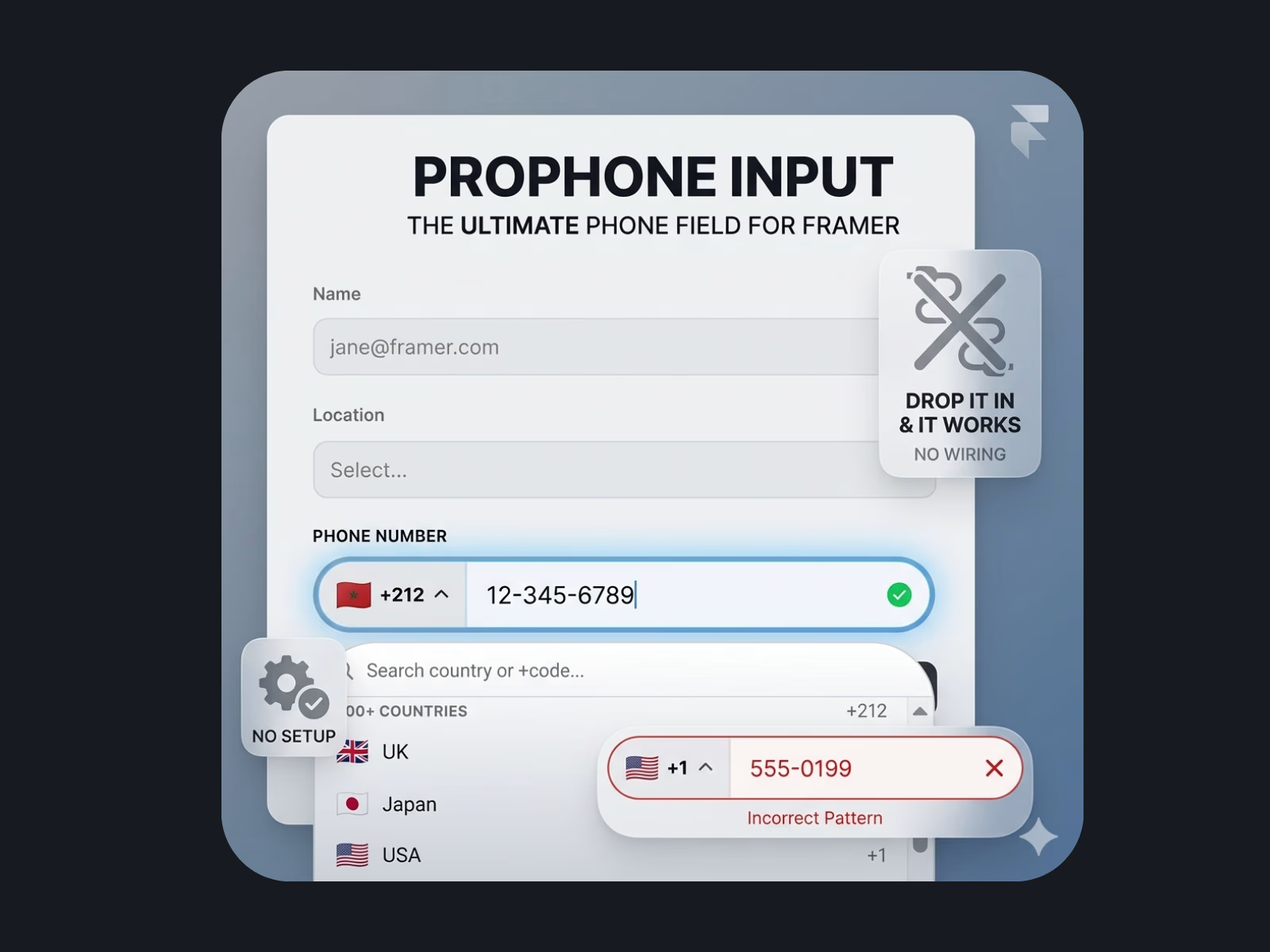
Most phone fields are a guessing game. Does it want spaces or dashes? The country code or not? People give up, leave the form, and you lose them forever.
Pro Phone Input fixes that completely.
The moment someone starts typing, their number formats itself automatically — the right way, for their country. They just type digits and everything else is handled for them. It even tells you quietly if the number looks off, by changing the outline color, so nothing awkward is ever shown to your visitor.
It just works with your Framer form
No technical setup. Drop it in, publish, and phone numbers start appearing in your inbox like any other field — clean, complete, and in international format so you can call or message anyone, anywhere.
Covers the entire world
Over 200 countries are built in, each with its own flag, dial code, and the exact number format locals expect. From Morocco to Japan to Brazil — it knows how each country's numbers should look.
Looks exactly like your brand
Change colors, size, corner radius, spacing, and shadow directly from the Framer panel. No code, no guessing. It fits into any design in under a minute.
What your visitors experience
— They pick their country from a searchable list
— They type their digits and watch them format in real time
— They never see an error message, just a subtle color change if something looks wrong
— They submit and move on
What you get
— Clean, properly formatted international phone numbers in every form submission
— Fewer abandoned forms
— A field that looks like it was custom-built for your site
If you collect phone numbers anywhere on your site, this is the one component you didn't know you needed until now.
Get it for$11.00
Single
$11.00
One Project
Tags
Framer Designer
Framer Developer
Form
Framer
Product created by
Taha Douada Marrakesh, Morocco
- 9
- Followers
Taha's other products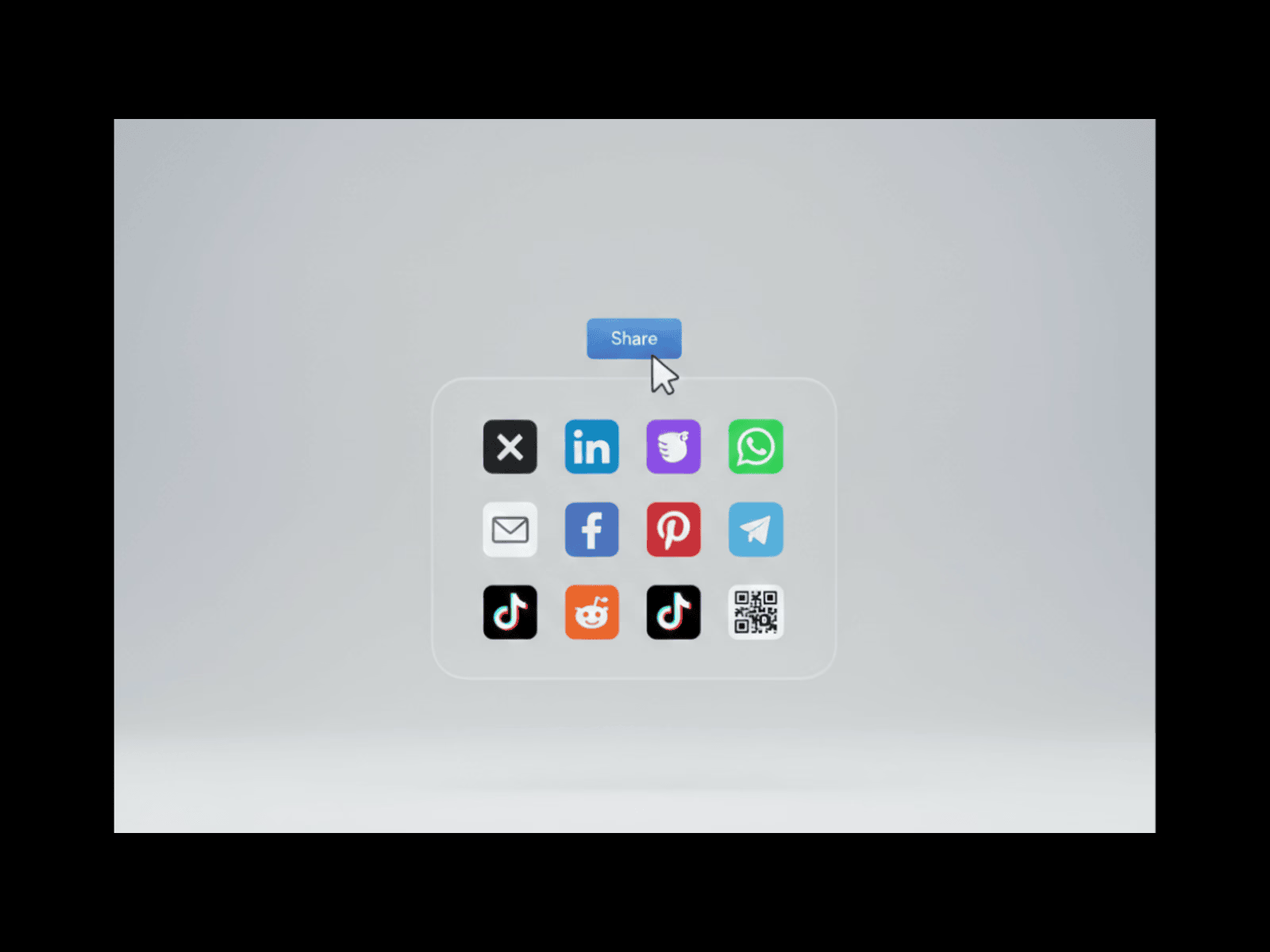

Share Flow Pro | Framer
$19.00
Password Protect any pages in Framer
$30.00
Get it for$11.00
Single
$11.00
One Project
Tags
Framer Designer
Framer Developer
Form
Framer
See preview :
Received Email
Most phone fields are a guessing game. Does it want spaces or dashes? The country code or not? People give up, leave the form, and you lose them forever.
Pro Phone Input fixes that completely.
The moment someone starts typing, their number formats itself automatically — the right way, for their country. They just type digits and everything else is handled for them. It even tells you quietly if the number looks off, by changing the outline color, so nothing awkward is ever shown to your visitor.
It just works with your Framer form
No technical setup. Drop it in, publish, and phone numbers start appearing in your inbox like any other field — clean, complete, and in international format so you can call or message anyone, anywhere.
Covers the entire world
Over 200 countries are built in, each with its own flag, dial code, and the exact number format locals expect. From Morocco to Japan to Brazil — it knows how each country's numbers should look.
Looks exactly like your brand
Change colors, size, corner radius, spacing, and shadow directly from the Framer panel. No code, no guessing. It fits into any design in under a minute.
What your visitors experience
— They pick their country from a searchable list
— They type their digits and watch them format in real time
— They never see an error message, just a subtle color change if something looks wrong
— They submit and move on
What you get
— Clean, properly formatted international phone numbers in every form submission
— Fewer abandoned forms
— A field that looks like it was custom-built for your site
If you collect phone numbers anywhere on your site, this is the one component you didn't know you needed until now.
Taha's other products
Share Flow Pro | Framer
$19.00
Password Protect any pages in Framer
$30.00
$11.00