
You've built the site. Now what?
Most web developers lose hours on every launch to the same avoidable problems — broken mobile views found after client review, missing meta tags, forgotten redirects that kill SEO, forms that go nowhere, and clients asking how to edit the blog at midnight.
None of these are hard to fix. They're just easy to miss when you're juggling a live launch with no system behind you.
The Website Launch Checklist is a complete operational framework that standardizes every web design project delivery — so you ship confidently, look professional, and stop improvising.
What's inside
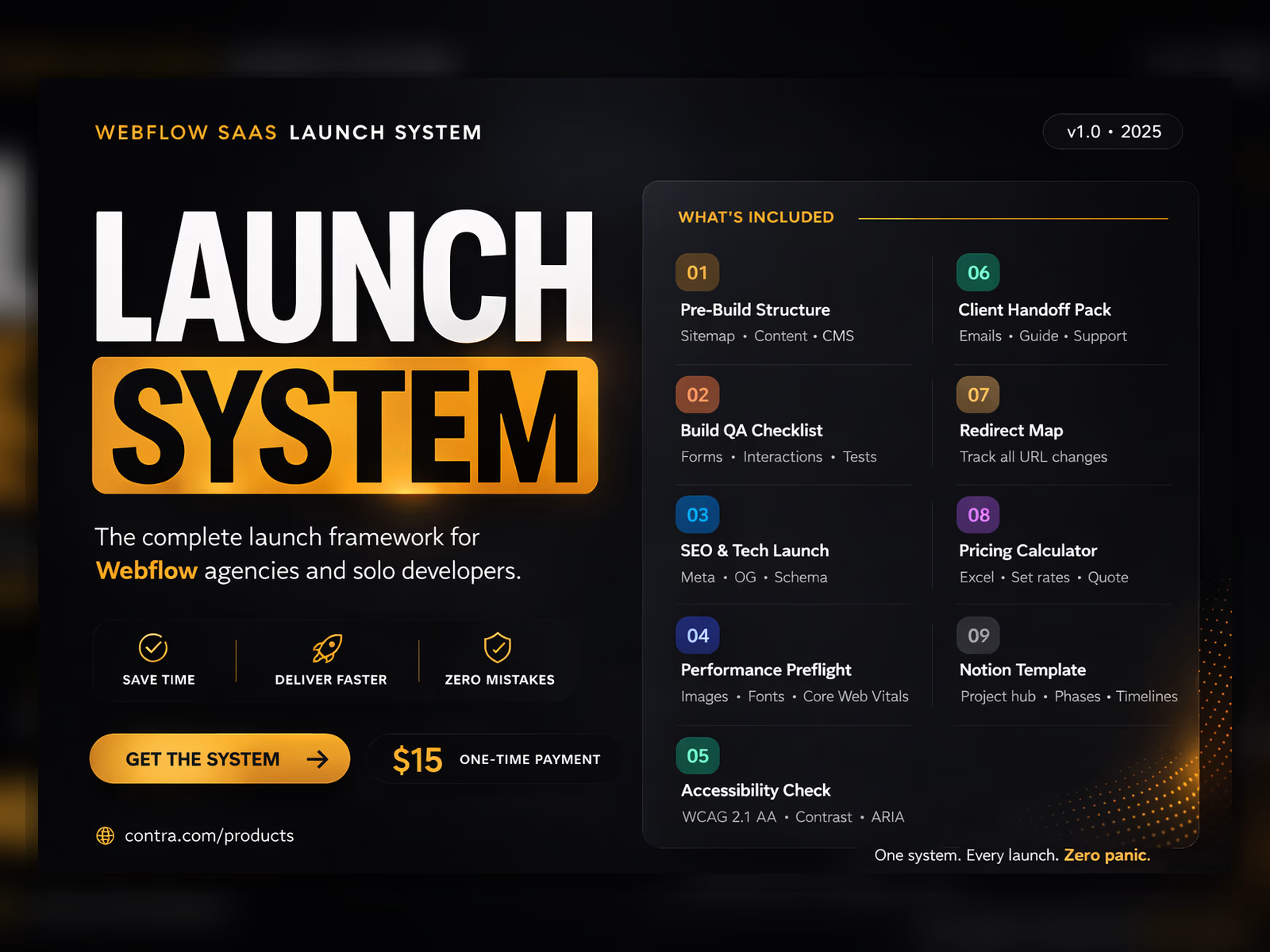
Website Launch Checklist PDF — 12 pages, 6 phases. The master document. Work through it in order on every project. Each section is a gate, not optional.
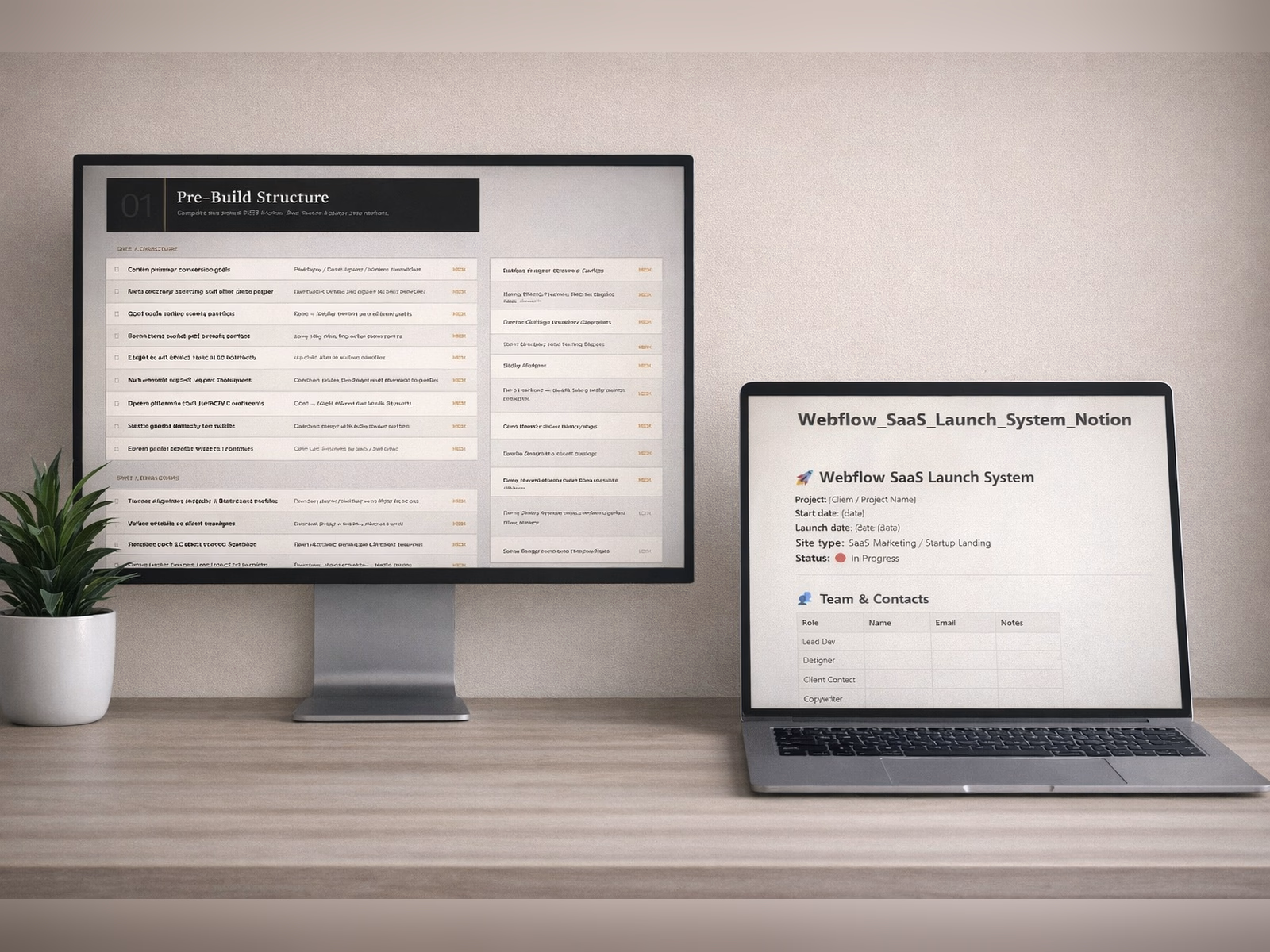
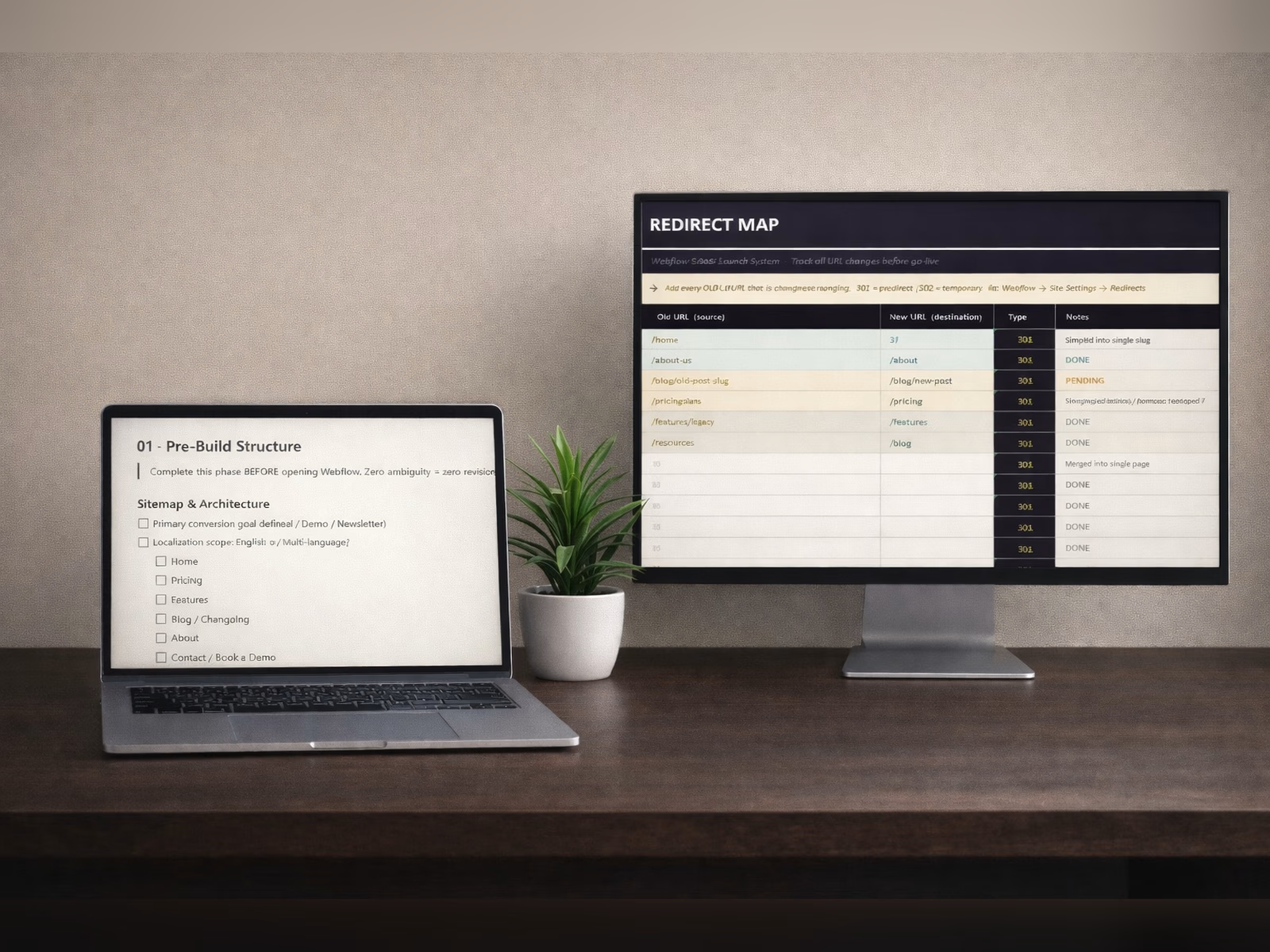
Pre-Build Structure Guide — Site architecture, sitemap planning, CMS collection structure, content blueprint, and analytics setup. Complete this before writing a single line of code. Zero ambiguity equals zero revisions.
Build QA Checklist — Responsiveness across 7 breakpoints (1920 down to 375px), interaction and animation edge cases, form validation, third-party embed verification. Structured so you can work through it systematically, not scramble at the end.
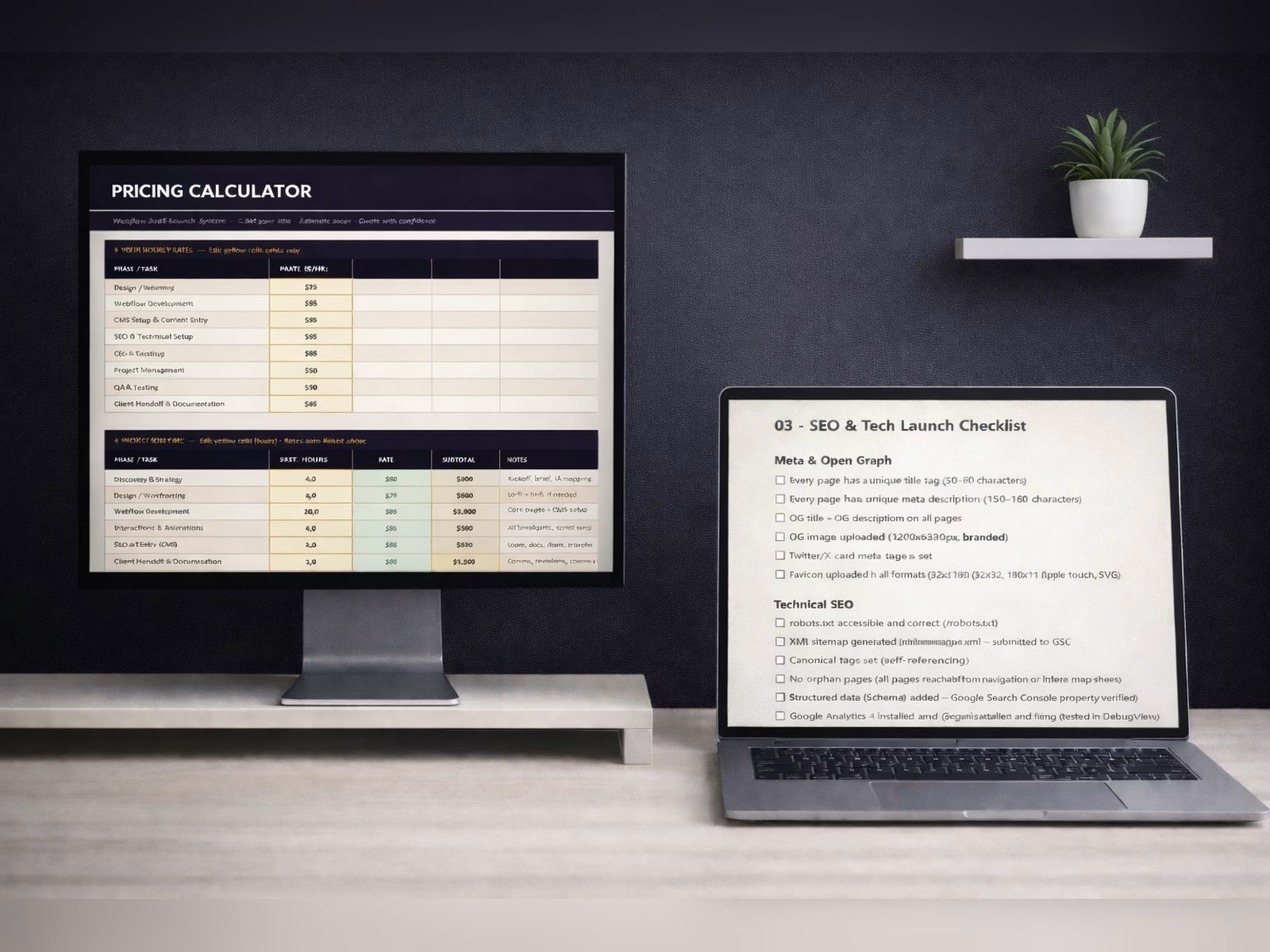
SEO & Tech Launch Checklist — Meta tags, Open Graph, XML sitemap, canonical tags, structured data (Schema markup for Organization, SoftwareApplication, FAQPage), 301 redirect implementation, and Google Search Console setup. This is where most agencies fail.
Performance Preflight — Image pipeline, font loading strategy, third-party script audit, with concrete Core Web Vitals targets included. Mobile 75+. Desktop 90+. LCP under 2.5s. CLS under 0.1.
Web Accessibility Checklist (WCAG 2.1 AA) — Heading hierarchy, alt text, contrast ratios, keyboard navigation, focus states, ARIA labels. Protects your client legally. Improves SEO. Takes 30 minutes when you have the checklist.
Client Handoff Pack — Done-for-you handoff email template, maintenance upsell script with three pricing tiers, and a Loom walkthrough structure. How you hand off defines whether they come back.
Redirect Map (Excel) — Pre-built spreadsheet to track and implement every URL change before go-live. Preserves SEO equity on redesigns and relaunches.
Pricing Calculator (Excel) — Set your hourly rates by phase, estimate project scope, add your margin, and quote accurately. No more guessing.
Notion Template — Full web development project management hub with all six phases, interactive checklists, timeline tables, team contacts, PageSpeed results log, and handoff docs. Import with one click, duplicate for every new project.
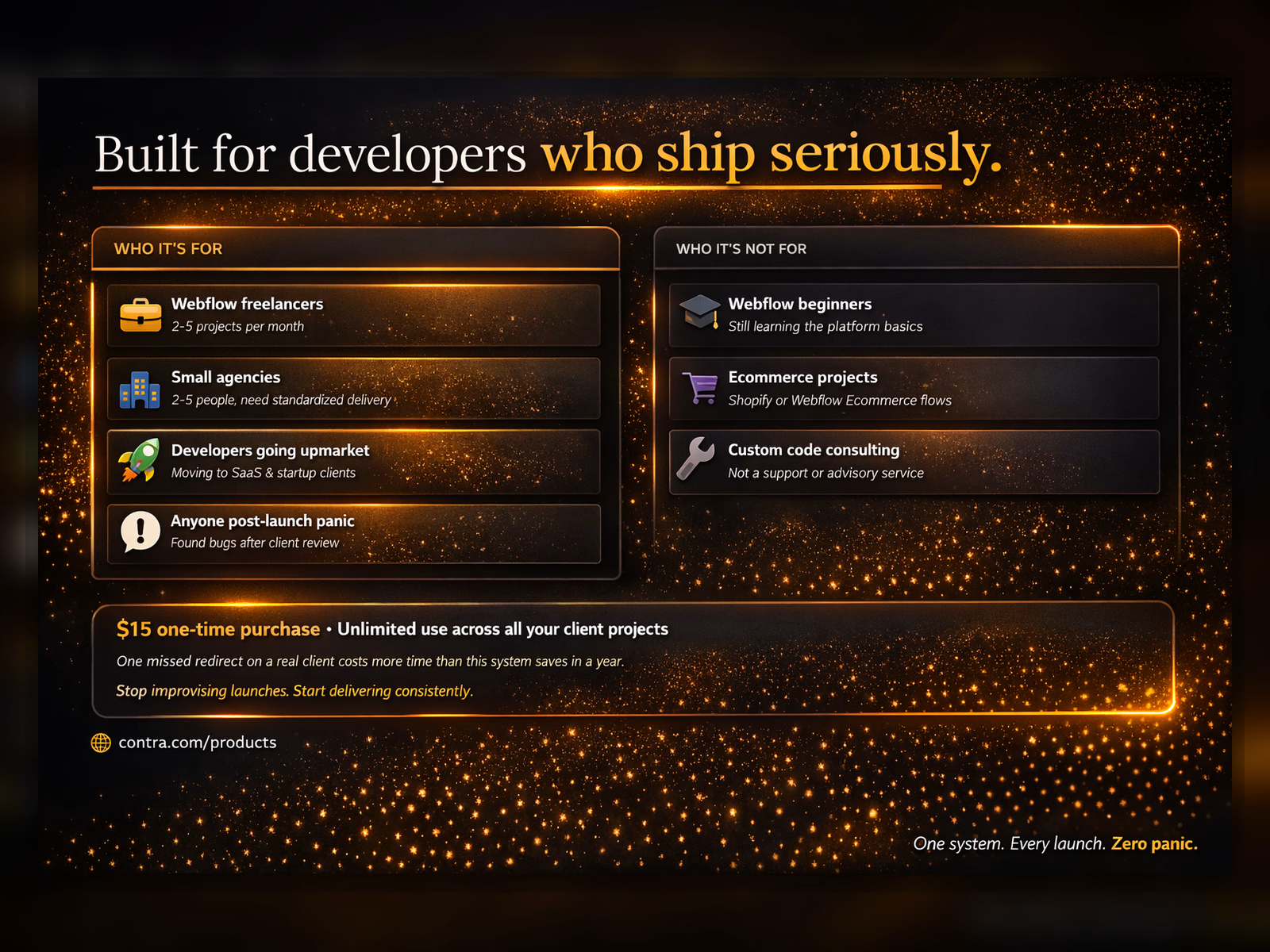
Who it's for
Webflow freelancers and web developers taking 2–5 projects per month who want to stop reinventing their process every time
Small web design agencies that need a standardized delivery system so quality doesn't depend on who's working that day
Developers moving upmarket to SaaS and startup clients with higher expectations
Anyone who has shipped a website and found something broken in the first 48 hours
Who it's not for
Beginners still learning the basics of web development
Ecommerce or Shopify projects — different QA requirements entirely
Developers looking for custom code support or consulting
FAQ
Does this guarantee higher Google rankings?
No. It ensures technical SEO readiness. Rankings depend on content quality, backlinks, and time. This removes the technical barriers that hold you back.
Is this a Webflow template?
No. This is an operational system — checklists, frameworks, and tools for the website launch process. It works on top of any project you build, in any tool.
Can I use this on multiple client projects?
Yes. Single purchase, unlimited internal use. You may not resell or redistribute the files.
Do I need Notion to use this?
No. The Notion template is one of nine deliverables. The PDF and Excel sheets work independently.
I already have a process. Why would I need this?
Use it as a gap audit. If your process already covers every item in the SEO, Performance, and Accessibility sections — you don't need it. If it doesn't, one missed issue will cost you more than $15.
Format and delivery
Instant digital download. You receive the PDF checklist, two Excel workbooks, and a Notion template. Single purchase, unlimited client projects. All sales are final.
Get it for$15.00
Tags
Notion


Webflow

Checklist
Launch
Website
Product created by
Milos Milanovic proBelgrade, Serbia
- $1k+
- Earned
- 2
- Paid projects
- 4.90
- Rating
- 47
- Followers
Milos's other products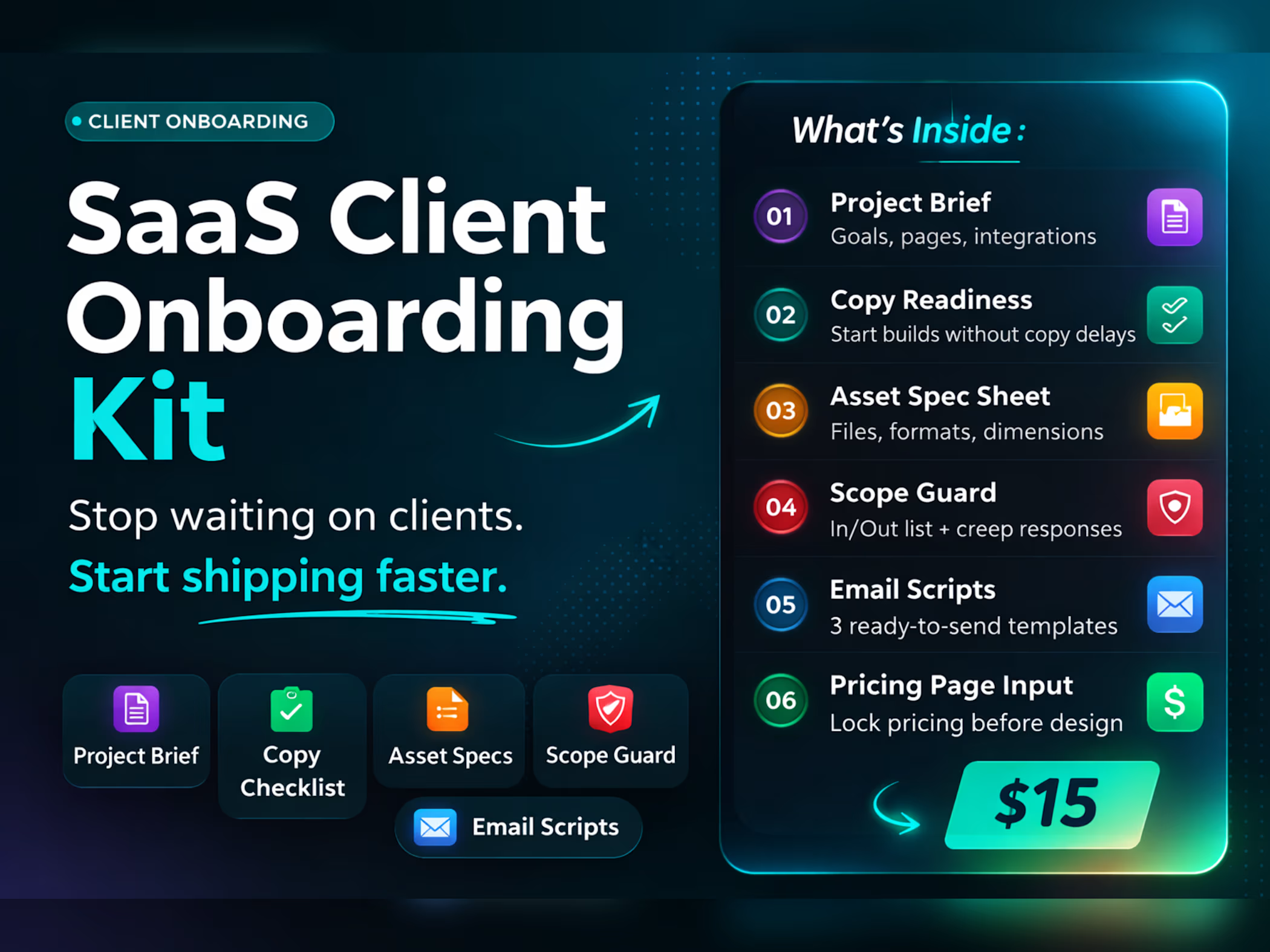
Client Onboarding Template
$15.00
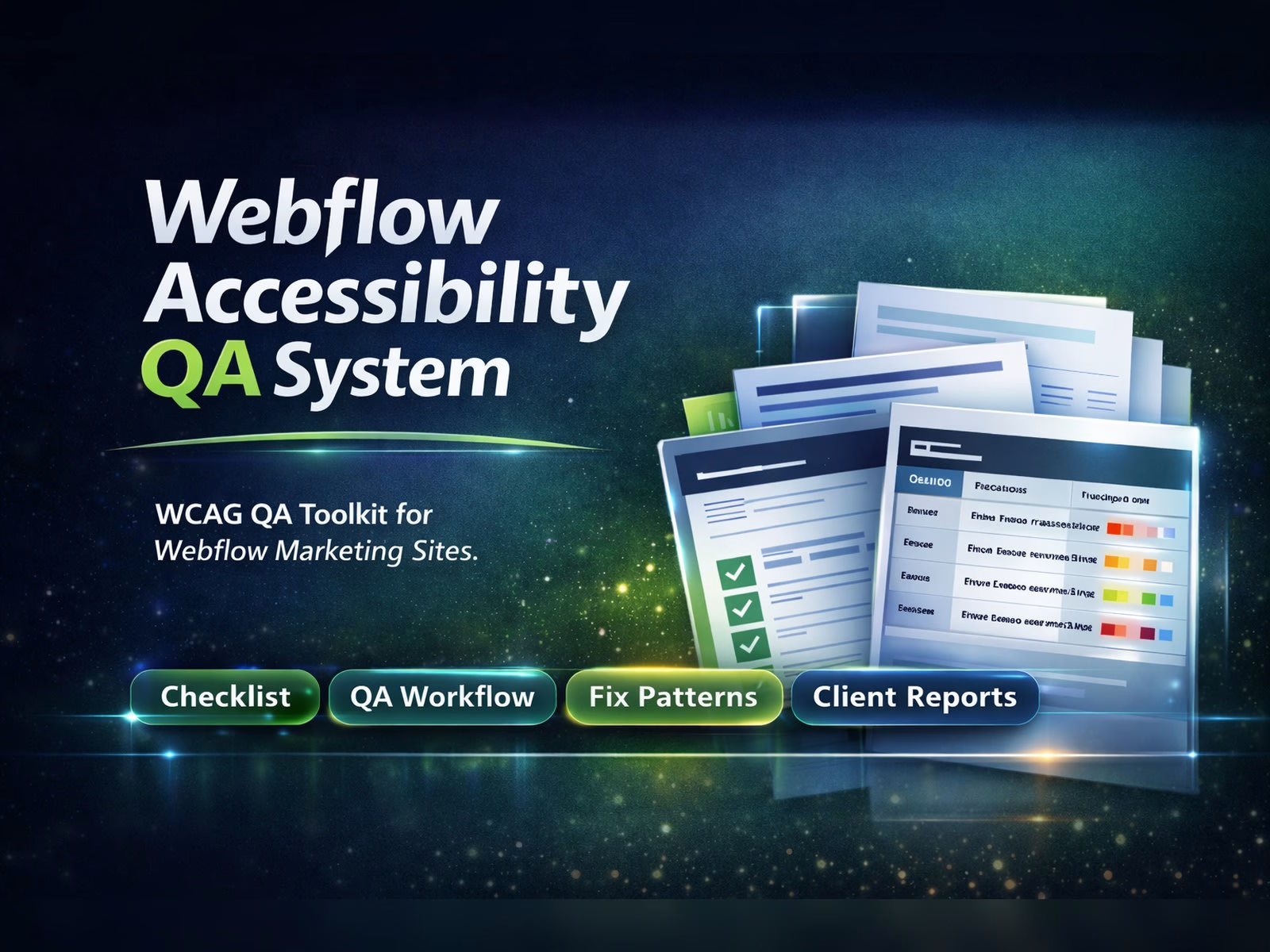
Webflow Accessibility QA System
$15.00
Get it for$15.00
Tags
Notion
Webflow
Checklist
Launch
Website
You've built the site. Now what?
Most web developers lose hours on every launch to the same avoidable problems — broken mobile views found after client review, missing meta tags, forgotten redirects that kill SEO, forms that go nowhere, and clients asking how to edit the blog at midnight.
None of these are hard to fix. They're just easy to miss when you're juggling a live launch with no system behind you.
The Website Launch Checklist is a complete operational framework that standardizes every web design project delivery — so you ship confidently, look professional, and stop improvising.
What's inside
Website Launch Checklist PDF — 12 pages, 6 phases. The master document. Work through it in order on every project. Each section is a gate, not optional.
Pre-Build Structure Guide — Site architecture, sitemap planning, CMS collection structure, content blueprint, and analytics setup. Complete this before writing a single line of code. Zero ambiguity equals zero revisions.
Build QA Checklist — Responsiveness across 7 breakpoints (1920 down to 375px), interaction and animation edge cases, form validation, third-party embed verification. Structured so you can work through it systematically, not scramble at the end.
SEO & Tech Launch Checklist — Meta tags, Open Graph, XML sitemap, canonical tags, structured data (Schema markup for Organization, SoftwareApplication, FAQPage), 301 redirect implementation, and Google Search Console setup. This is where most agencies fail.
Performance Preflight — Image pipeline, font loading strategy, third-party script audit, with concrete Core Web Vitals targets included. Mobile 75+. Desktop 90+. LCP under 2.5s. CLS under 0.1.
Web Accessibility Checklist (WCAG 2.1 AA) — Heading hierarchy, alt text, contrast ratios, keyboard navigation, focus states, ARIA labels. Protects your client legally. Improves SEO. Takes 30 minutes when you have the checklist.
Client Handoff Pack — Done-for-you handoff email template, maintenance upsell script with three pricing tiers, and a Loom walkthrough structure. How you hand off defines whether they come back.
Redirect Map (Excel) — Pre-built spreadsheet to track and implement every URL change before go-live. Preserves SEO equity on redesigns and relaunches.
Pricing Calculator (Excel) — Set your hourly rates by phase, estimate project scope, add your margin, and quote accurately. No more guessing.
Notion Template — Full web development project management hub with all six phases, interactive checklists, timeline tables, team contacts, PageSpeed results log, and handoff docs. Import with one click, duplicate for every new project.
Who it's for
Webflow freelancers and web developers taking 2–5 projects per month who want to stop reinventing their process every time
Small web design agencies that need a standardized delivery system so quality doesn't depend on who's working that day
Developers moving upmarket to SaaS and startup clients with higher expectations
Anyone who has shipped a website and found something broken in the first 48 hours
Who it's not for
Beginners still learning the basics of web development
Ecommerce or Shopify projects — different QA requirements entirely
Developers looking for custom code support or consulting
FAQ
Does this guarantee higher Google rankings?
No. It ensures technical SEO readiness. Rankings depend on content quality, backlinks, and time. This removes the technical barriers that hold you back.
Is this a Webflow template?
No. This is an operational system — checklists, frameworks, and tools for the website launch process. It works on top of any project you build, in any tool.
Can I use this on multiple client projects?
Yes. Single purchase, unlimited internal use. You may not resell or redistribute the files.
Do I need Notion to use this?
No. The Notion template is one of nine deliverables. The PDF and Excel sheets work independently.
I already have a process. Why would I need this?
Use it as a gap audit. If your process already covers every item in the SEO, Performance, and Accessibility sections — you don't need it. If it doesn't, one missed issue will cost you more than $15.
Format and delivery
Instant digital download. You receive the PDF checklist, two Excel workbooks, and a Notion template. Single purchase, unlimited client projects. All sales are final.
Milos's other products
Client Onboarding Template
$15.00
Webflow Accessibility QA System
$15.00
$15.00