
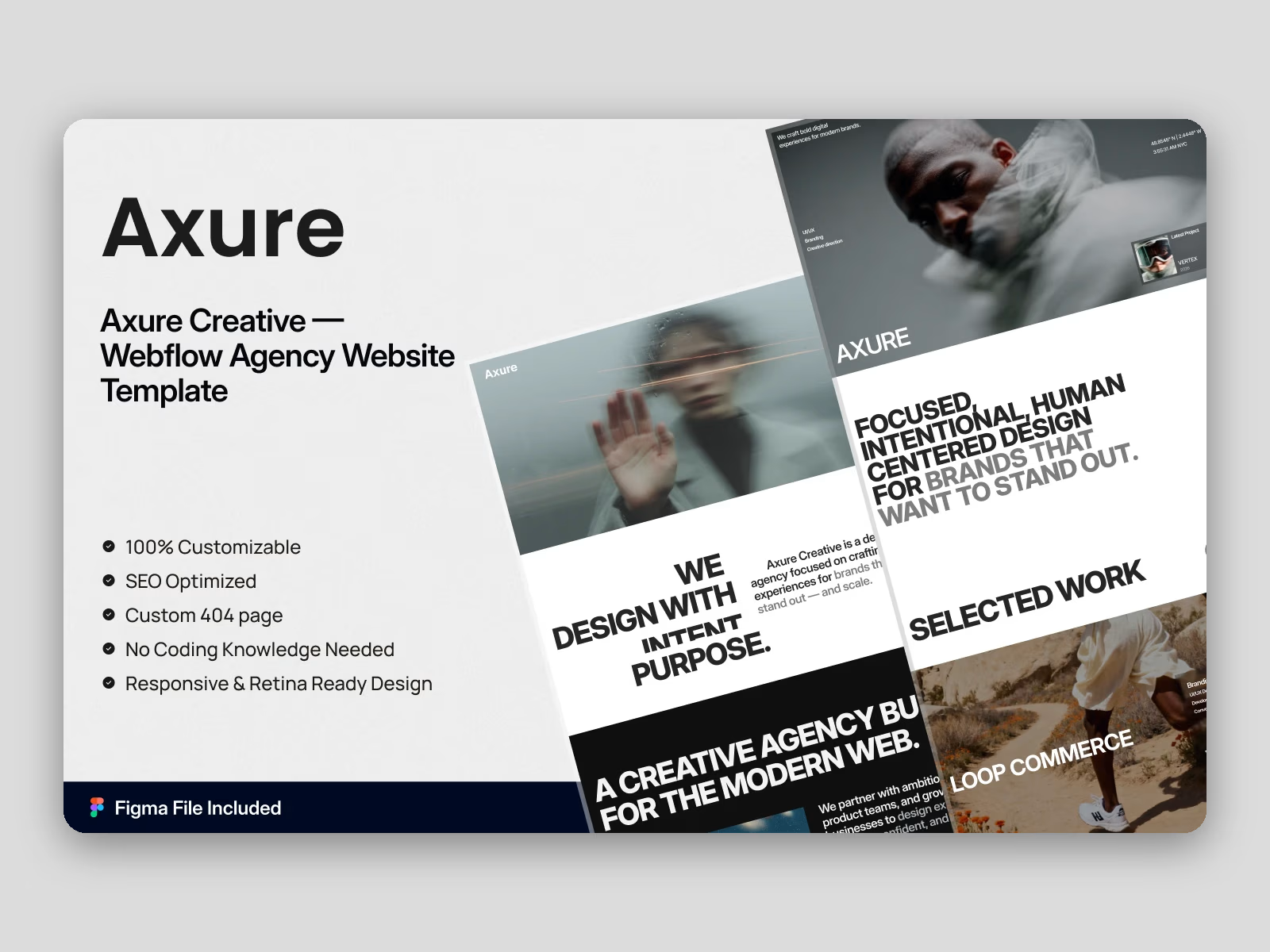
Available on Contra: Webflow version ($59) and Framer version ($59), delivered instantly after purchase. Want it launched for you? Choose Template + Quick Setup and we'll add your brand and content.
Live previews: Webflow https://axure.webflow.io/ | Framer https://axure.framer.website/
Axure is a portfolio website template for creative agencies, design studios and freelance designers. It ships for Webflow, Framer, Figma and HTML.
Axure gives your project work room to breathe, so the layout stays quiet while the photography carries the page. Each case study opens with a wide project image. Then it adds a short narrative, and finally the measurable result.
Every section has a single job. The hero states your positioning, the work grid proves it, and the process page explains your delivery method. Finally, the contact page closes the loop with minimal friction.
The Webflow version ships with a CMS, so projects, categories and blog posts are editable in the editor. The Framer version mirrors the identical design.
Explore the live preview now!
Axure at a Glance
Formats: Webflow, Framer, Figma, HTML
Best for: Creative agencies, design studios, freelance designers, product studios
CMS: Webflow CMS for projects, blog posts and blog categories
Pages: 14 total: 6 static, 3 CMS templates, 5 utility
Layout: Multi page
Responsive: Desktop, tablet and mobile breakpoints
Support: Direct help from the TNCFlow team
Key Features of Axure
Modern creative and portfolio design. Axure uses confident typography, soft gradients and a restrained palette, so the page reads as a genuine studio site rather than a stock layout. Because the visual noise is low, your portfolio carries the attention.
Compact gradient hero with a CTA. The homepage opens with a short headline and one primary button, which states your value proposition in a single line. Then it hands the visitor directly to the project work.
A process page that explains your method. Our Process walks through the studio workflow step by step, from discovery through delivery, so a prospect understands how a project actually moves. That answers the question most agency websites leave unanswered.
About page with mission, story and team. The About page runs in four parts: mission, studio story, team grid and a short "How We Work" block. You can add an introduction video, while the timeline explains your workflow in three steps.
CMS blog for design writing. The blog is CMS driven, with a category system already wired up, so you can publish design notes and client stories without opening the Designer. That compounds into organic search traffic over time.
Contact and inquiry page. The contact page pairs a short form with your business details and social links. Fewer fields generally mean fewer abandonments, so more qualified inquiries reach your inbox.
Responsive on every breakpoint. Every page is laid out for desktop, tablet and mobile, and the hero, project grid and testimonial row all reflow cleanly. So your website stays readable on a phone.
Filterable work grid. The Works Grid page pulls from the CMS collection and supports filtering, so you can separate branding, product and web projects inside one view. Visitors then find the work that matches their brief.
Testimonial showcase. The testimonial section accepts a photograph, a name, a role, a quotation and a client logo. Because you can link each quotation to its case study, praise becomes documented proof.
Utility pages ready to go. Axure includes a Style Guide, an Instructions page, a License page, a Changelog and a custom 404 page, so your handoff is documented before you publish.
Pages Included in Axure
Axure contains fourteen pages altogether. Six are designed static pages: Home, About, Our Process, Works Grid, Blog and Contact. Three are CMS templates: a work item page, a blog post page and a blog category page. Five are utility pages: Style Guide, Instructions, License, Changelog and the 404.
What Makes a Portfolio Website Template Work
Buyers judge a design studio in seconds, so the first screen has to show genuine project work rather than a slogan. Choose a template that puts a project image above the fold. Then confirm the case study page has room for process, not only a hero photograph.
Frequently Asked Questions
What formats are available here?
Webflow and Framer are available on Contra, each sold separately. Buy only the one you need, or choose Template + Quick Setup and we'll set it up for you.
Get it for$59.00
Webflow Template
$59.00
The complete Axure Webflow build with CMS, cloned straight into your Webflow workspace.
Tags
Product created by
Abdul Awal proDhaka, Bangladesh
- 7
- Followers
Abdul's other products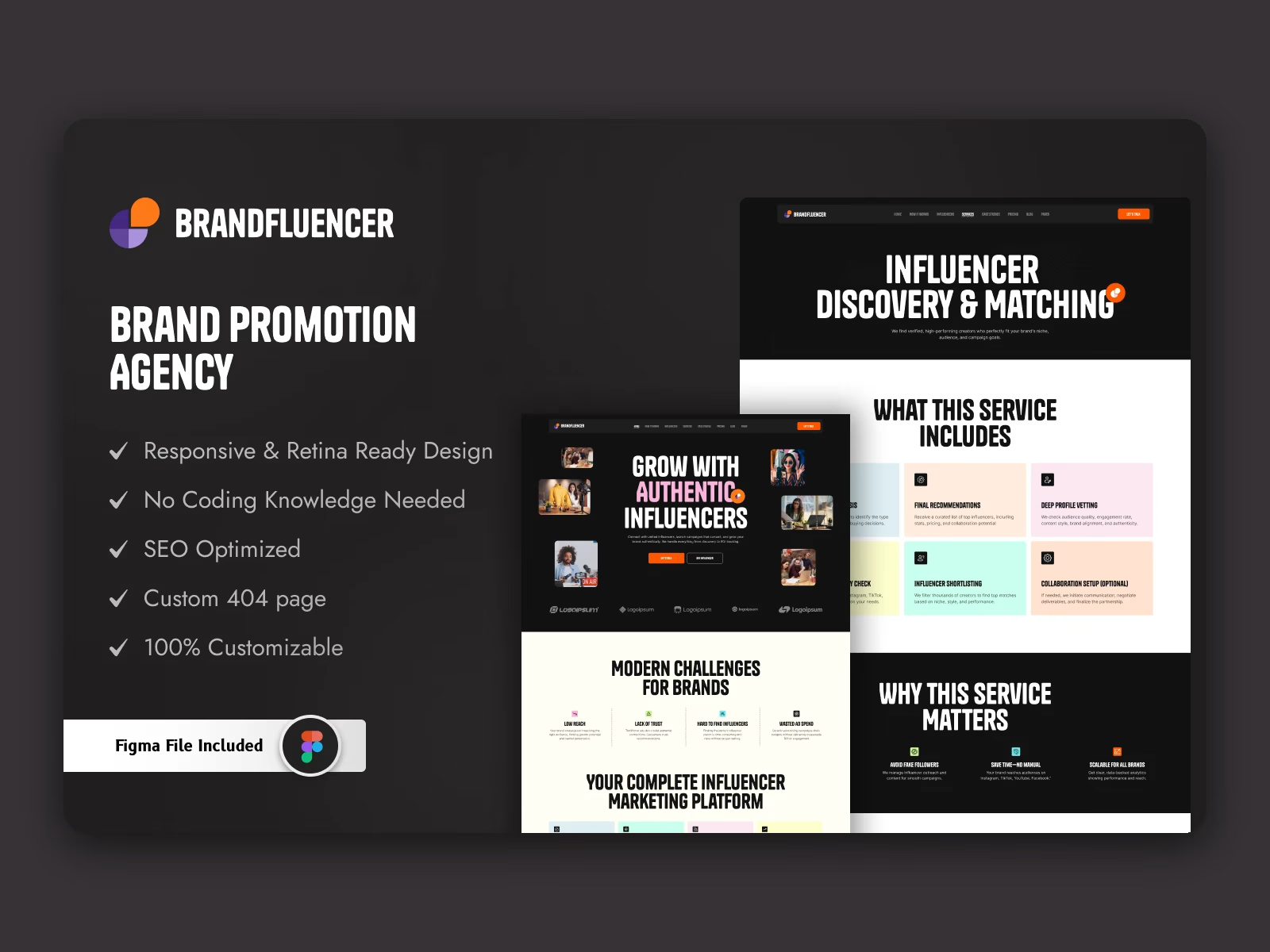
Brandfluencer: Webflow & Framer Influencer Agency Website Template
$129.00
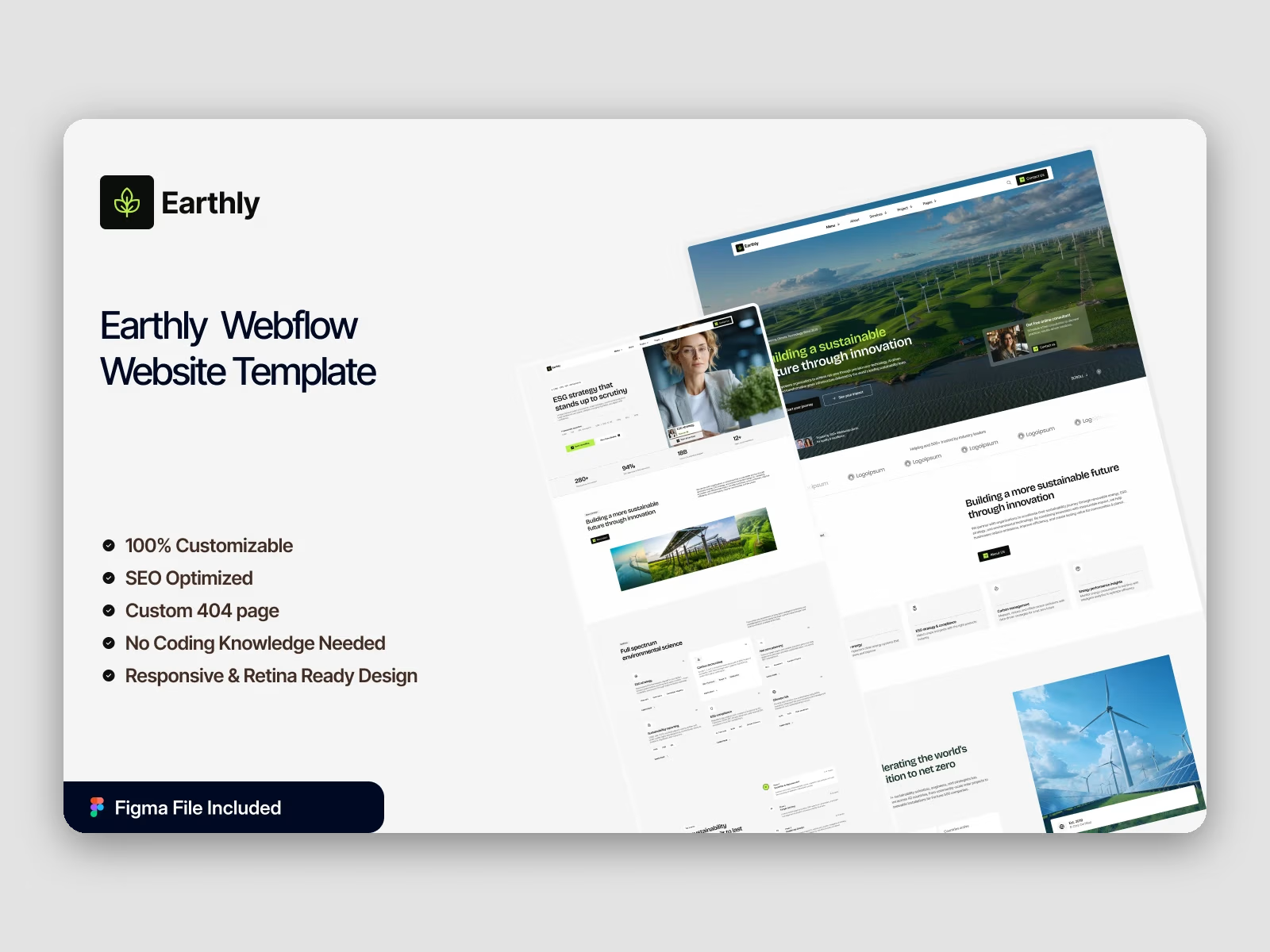
Earthly: Webflow Sustainability & Eco-Tech Multi-Layout Website Template
$129.00
Get it for$59.00
Webflow Template
$59.00
The complete Axure Webflow build with CMS, cloned straight into your Webflow workspace.
Tags
Available on Contra: Webflow version ($59) and Framer version ($59), delivered instantly after purchase. Want it launched for you? Choose Template + Quick Setup and we'll add your brand and content.
Live previews: Webflow https://axure.webflow.io/ | Framer https://axure.framer.website/
Axure is a portfolio website template for creative agencies, design studios and freelance designers. It ships for Webflow, Framer, Figma and HTML.
Axure gives your project work room to breathe, so the layout stays quiet while the photography carries the page. Each case study opens with a wide project image. Then it adds a short narrative, and finally the measurable result.
Every section has a single job. The hero states your positioning, the work grid proves it, and the process page explains your delivery method. Finally, the contact page closes the loop with minimal friction.
The Webflow version ships with a CMS, so projects, categories and blog posts are editable in the editor. The Framer version mirrors the identical design.
Explore the live preview now!
Axure at a Glance
Formats: Webflow, Framer, Figma, HTML
Best for: Creative agencies, design studios, freelance designers, product studios
CMS: Webflow CMS for projects, blog posts and blog categories
Pages: 14 total: 6 static, 3 CMS templates, 5 utility
Layout: Multi page
Responsive: Desktop, tablet and mobile breakpoints
Support: Direct help from the TNCFlow team
Key Features of Axure
Modern creative and portfolio design. Axure uses confident typography, soft gradients and a restrained palette, so the page reads as a genuine studio site rather than a stock layout. Because the visual noise is low, your portfolio carries the attention.
Compact gradient hero with a CTA. The homepage opens with a short headline and one primary button, which states your value proposition in a single line. Then it hands the visitor directly to the project work.
A process page that explains your method. Our Process walks through the studio workflow step by step, from discovery through delivery, so a prospect understands how a project actually moves. That answers the question most agency websites leave unanswered.
About page with mission, story and team. The About page runs in four parts: mission, studio story, team grid and a short "How We Work" block. You can add an introduction video, while the timeline explains your workflow in three steps.
CMS blog for design writing. The blog is CMS driven, with a category system already wired up, so you can publish design notes and client stories without opening the Designer. That compounds into organic search traffic over time.
Contact and inquiry page. The contact page pairs a short form with your business details and social links. Fewer fields generally mean fewer abandonments, so more qualified inquiries reach your inbox.
Responsive on every breakpoint. Every page is laid out for desktop, tablet and mobile, and the hero, project grid and testimonial row all reflow cleanly. So your website stays readable on a phone.
Filterable work grid. The Works Grid page pulls from the CMS collection and supports filtering, so you can separate branding, product and web projects inside one view. Visitors then find the work that matches their brief.
Testimonial showcase. The testimonial section accepts a photograph, a name, a role, a quotation and a client logo. Because you can link each quotation to its case study, praise becomes documented proof.
Utility pages ready to go. Axure includes a Style Guide, an Instructions page, a License page, a Changelog and a custom 404 page, so your handoff is documented before you publish.
Pages Included in Axure
Axure contains fourteen pages altogether. Six are designed static pages: Home, About, Our Process, Works Grid, Blog and Contact. Three are CMS templates: a work item page, a blog post page and a blog category page. Five are utility pages: Style Guide, Instructions, License, Changelog and the 404.
What Makes a Portfolio Website Template Work
Buyers judge a design studio in seconds, so the first screen has to show genuine project work rather than a slogan. Choose a template that puts a project image above the fold. Then confirm the case study page has room for process, not only a hero photograph.
Frequently Asked Questions
What formats are available here?
Webflow and Framer are available on Contra, each sold separately. Buy only the one you need, or choose Template + Quick Setup and we'll set it up for you.
Abdul's other products
Brandfluencer: Webflow & Framer Influencer Agency Website Template
$129.00
Earthly: Webflow Sustainability & Eco-Tech Multi-Layout Website Template
$129.00
$59.00