
DocxToWP Pro – Import DOCX to WordPress with Perfect Formatting
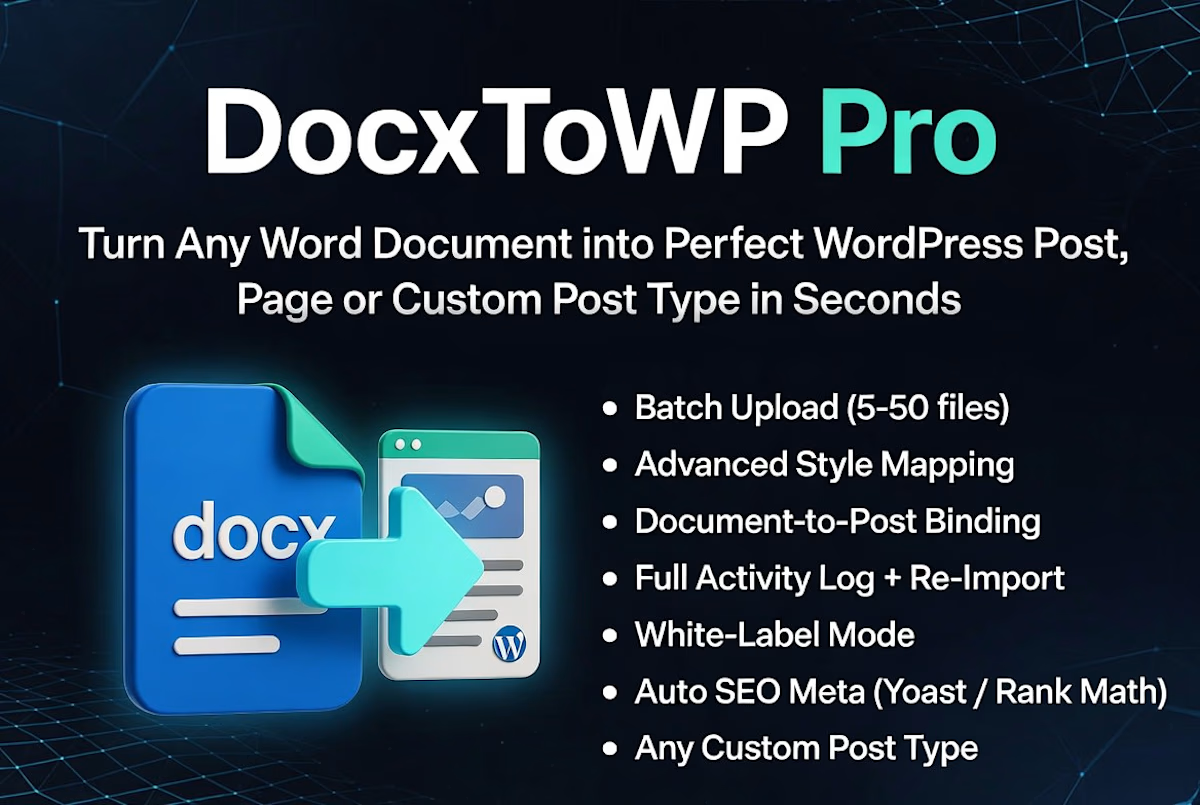
Turn Microsoft Word (.docx) files into fully formatted WordPress Posts, Pages, or Custom Post Types in seconds—without copy-pasting or rebuilding content in the block editor.
DocxToWP Pro is a powerful DOCX to WordPress importer designed for bloggers, agencies, publishers, documentation teams, and businesses that create content in Microsoft Word.
From a single document to 100 DOCX files in one batch, publish content faster while preserving formatting, images, and SEO.
✨ What's New in Pro
🚀 Bulk Import (NEW)
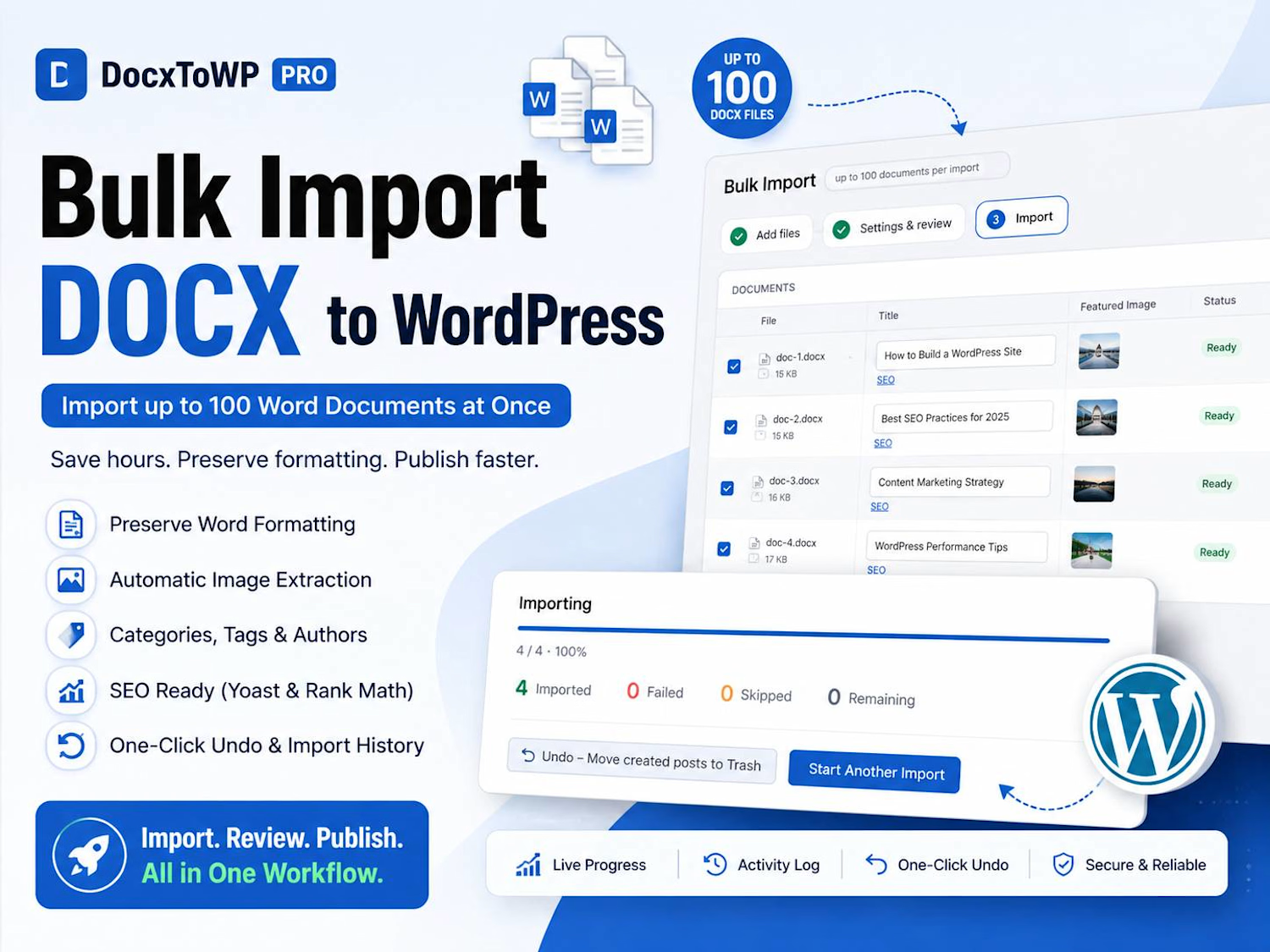
Import up to 100 Word (.docx) documents in a single workflow.
Drag & drop multiple DOCX files
Review every document before publishing
Edit titles and featured images
Configure categories, tags, author, and post status
Live progress tracking
Import history
One-click Undo
Perfect for content migrations, documentation, knowledge bases, and large blog imports.
Everything Included in DocxToWP Pro
✅ Perfect Word Formatting
Preserves:
Headings (H1–H6)
Paragraphs
Bold & Italic
Lists
Tables
Blockquotes
Hyperlinks
Images
Horizontal rules
Code blocks
Generate clean, semantic HTML ready for WordPress.
🖼 Automatic Image Extraction
Extract embedded images from Word documents
Automatically upload to the Media Library
Automatically set Featured Images
Match external images during bulk imports
🔍 Full SEO Integration
Compatible with:
Yoast SEO
Rank Math
Automatically populate:
SEO Title
Meta Description
Focus Keyphrase
Supports SEO templates during bulk imports.
📝 Review Before Publishing
Preview every document before it's imported.
Edit:
Title
Featured Image
SEO
Categories
Tags
Author
Post Status
No content is published until you're ready.
📂 Posts, Pages & Custom Post Types
Import directly into:
Posts
Pages
WooCommerce-compatible Custom Post Types
Portfolio
Documentation
Knowledge Base
Any registered Custom Post Type
📊 Activity Log & Import History
Every import is recorded.
View:
Import history
Success & failed imports
Undo previous imports
Retry when needed
⚡ Built for Speed
Publish content up to 10× faster than manual copy and paste.
Perfect for:
Bloggers
Marketing teams
Agencies
Publishers
Universities
Technical writers
Documentation websites
Why Choose DocxToWP Pro?
✅ Bulk import up to 100 DOCX files
✅ Preserve Word formatting automatically
✅ Automatic image extraction
✅ Featured image support
✅ Live import progress
✅ Review before publishing
✅ One-click Undo
✅ Import History
✅ SEO Ready (Yoast & Rank Math)
✅ Categories, Tags & Author assignment
✅ Custom Post Type support
✅ Clean semantic HTML
✅ Unlimited document uploads
✅ Lifetime updates
✅ Priority email support
Pricing
One-time payment. Lifetime license. No subscriptions.
$39 USD
✔ Lifetime updates
✔ Priority email support
✔ Unlimited document imports
✔ All future Pro features included
30-Day Money-Back Guarantee
Try DocxToWP Pro risk-free.
If it doesn't fit your workflow, contact us within 30 days for a full refund.
Instant Delivery
After purchase, you'll instantly receive:
DocxToWP Pro plugin (ZIP)
License key
Installation guide
Documentation
Lifetime access to future updates


Nagaraj's other products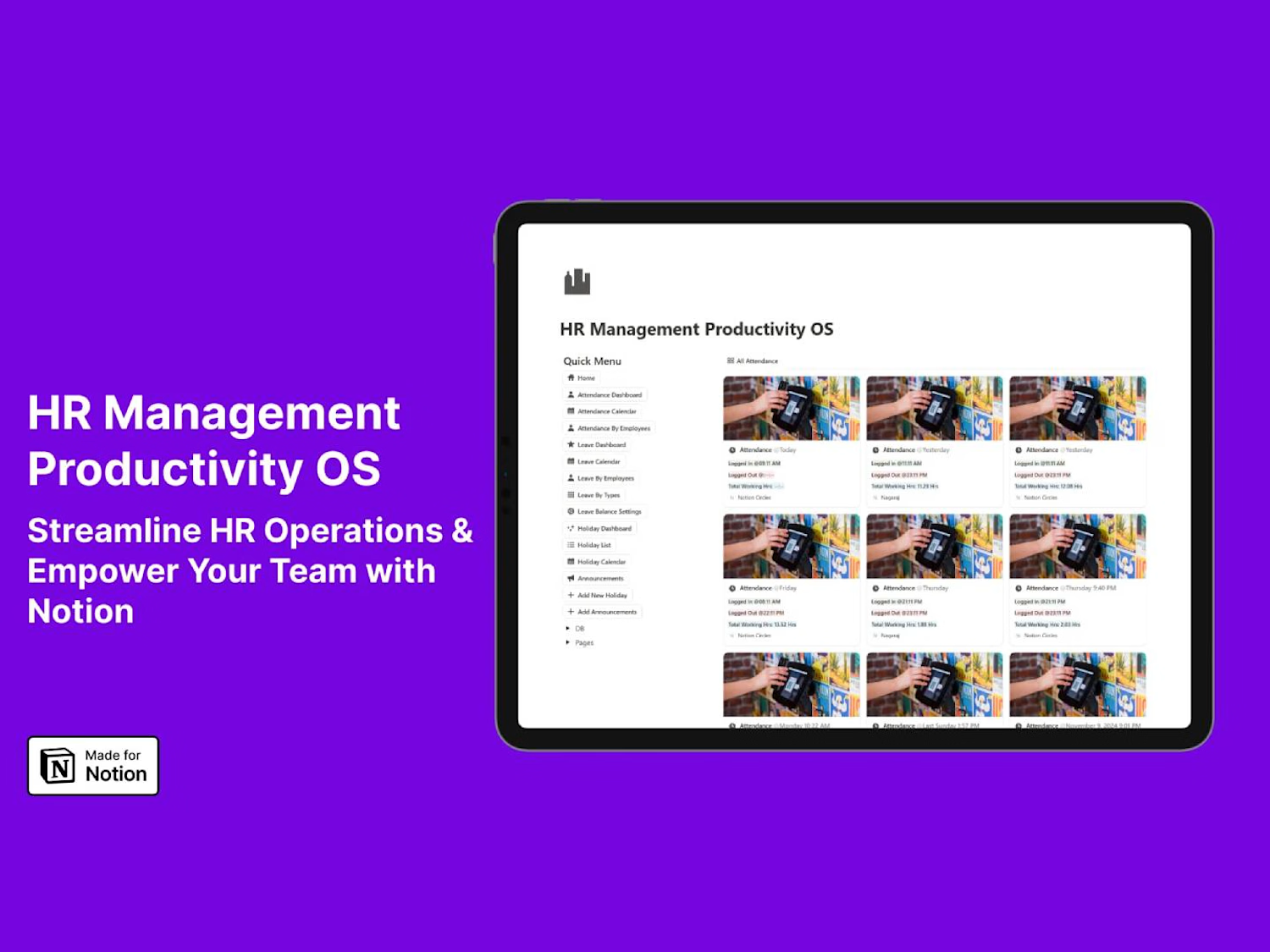
HR Management Productivity OS Notion Template
$29.00
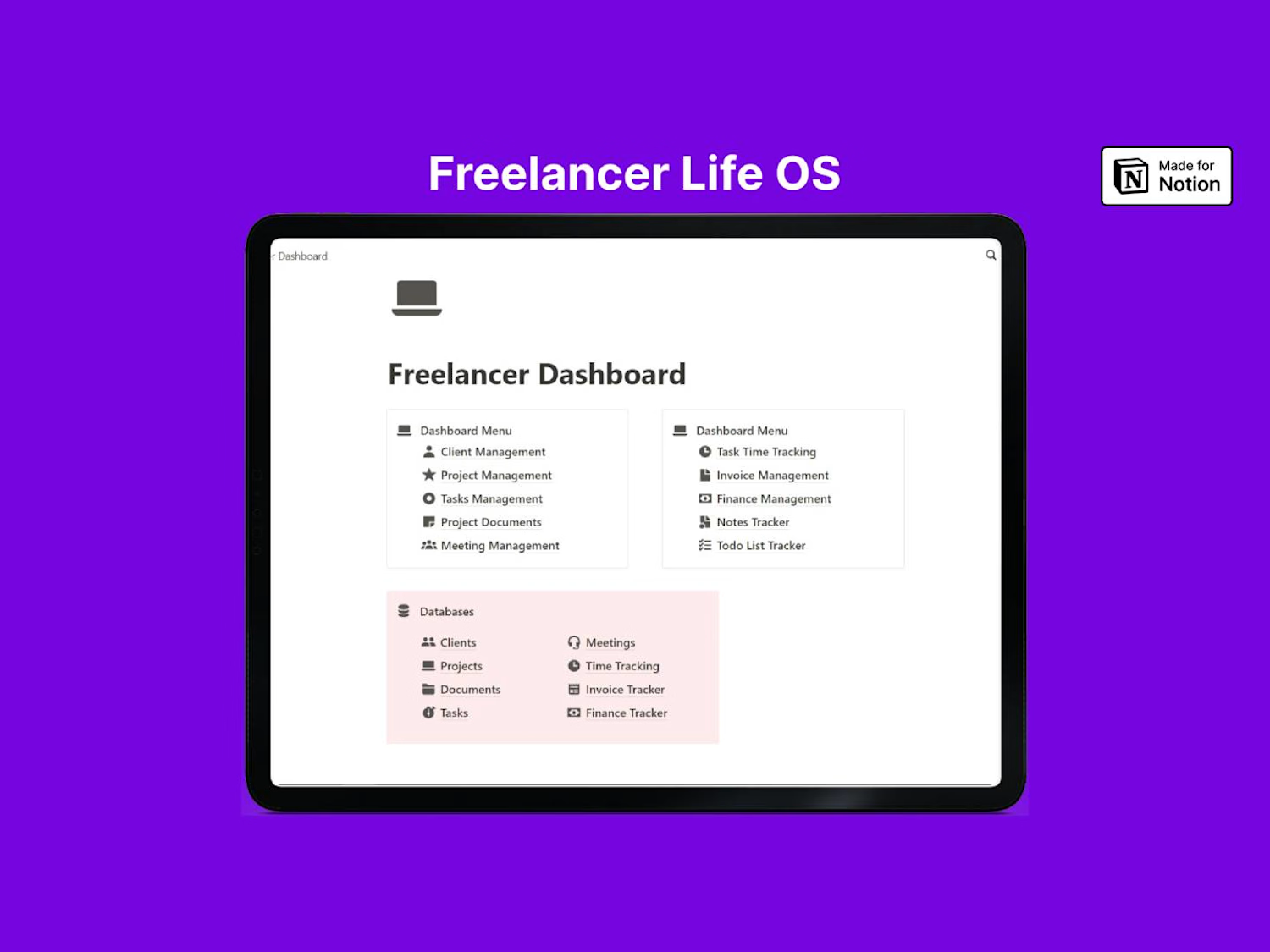
Freelancer Life OS Notion Template
$19.99
Get it for$39.00
Tags
Plugins
WordPress
WordPress Developer
DocxToWP Pro – Import DOCX to WordPress with Perfect Formatting
Turn Microsoft Word (.docx) files into fully formatted WordPress Posts, Pages, or Custom Post Types in seconds—without copy-pasting or rebuilding content in the block editor.
DocxToWP Pro is a powerful DOCX to WordPress importer designed for bloggers, agencies, publishers, documentation teams, and businesses that create content in Microsoft Word.
From a single document to 100 DOCX files in one batch, publish content faster while preserving formatting, images, and SEO.
✨ What's New in Pro
🚀 Bulk Import (NEW)
Import up to 100 Word (.docx) documents in a single workflow.
Drag & drop multiple DOCX files
Review every document before publishing
Edit titles and featured images
Configure categories, tags, author, and post status
Live progress tracking
Import history
One-click Undo
Perfect for content migrations, documentation, knowledge bases, and large blog imports.
Everything Included in DocxToWP Pro
✅ Perfect Word Formatting
Preserves:
Headings (H1–H6)
Paragraphs
Bold & Italic
Lists
Tables
Blockquotes
Hyperlinks
Images
Horizontal rules
Code blocks
Generate clean, semantic HTML ready for WordPress.
🖼 Automatic Image Extraction
Extract embedded images from Word documents
Automatically upload to the Media Library
Automatically set Featured Images
Match external images during bulk imports
🔍 Full SEO Integration
Compatible with:
Yoast SEO
Rank Math
Automatically populate:
SEO Title
Meta Description
Focus Keyphrase
Supports SEO templates during bulk imports.
📝 Review Before Publishing
Preview every document before it's imported.
Edit:
Title
Featured Image
SEO
Categories
Tags
Author
Post Status
No content is published until you're ready.
📂 Posts, Pages & Custom Post Types
Import directly into:
Posts
Pages
WooCommerce-compatible Custom Post Types
Portfolio
Documentation
Knowledge Base
Any registered Custom Post Type
📊 Activity Log & Import History
Every import is recorded.
View:
Import history
Success & failed imports
Undo previous imports
Retry when needed
⚡ Built for Speed
Publish content up to 10× faster than manual copy and paste.
Perfect for:
Bloggers
Marketing teams
Agencies
Publishers
Universities
Technical writers
Documentation websites
Why Choose DocxToWP Pro?
✅ Bulk import up to 100 DOCX files
✅ Preserve Word formatting automatically
✅ Automatic image extraction
✅ Featured image support
✅ Live import progress
✅ Review before publishing
✅ One-click Undo
✅ Import History
✅ SEO Ready (Yoast & Rank Math)
✅ Categories, Tags & Author assignment
✅ Custom Post Type support
✅ Clean semantic HTML
✅ Unlimited document uploads
✅ Lifetime updates
✅ Priority email support
Pricing
One-time payment. Lifetime license. No subscriptions.
$39 USD
✔ Lifetime updates
✔ Priority email support
✔ Unlimited document imports
✔ All future Pro features included
30-Day Money-Back Guarantee
Try DocxToWP Pro risk-free.
If it doesn't fit your workflow, contact us within 30 days for a full refund.
Instant Delivery
After purchase, you'll instantly receive:
DocxToWP Pro plugin (ZIP)
License key
Installation guide
Documentation
Lifetime access to future updates
Nagaraj's other products
HR Management Productivity OS Notion Template
$29.00
Freelancer Life OS Notion Template
$19.99
$39.00