
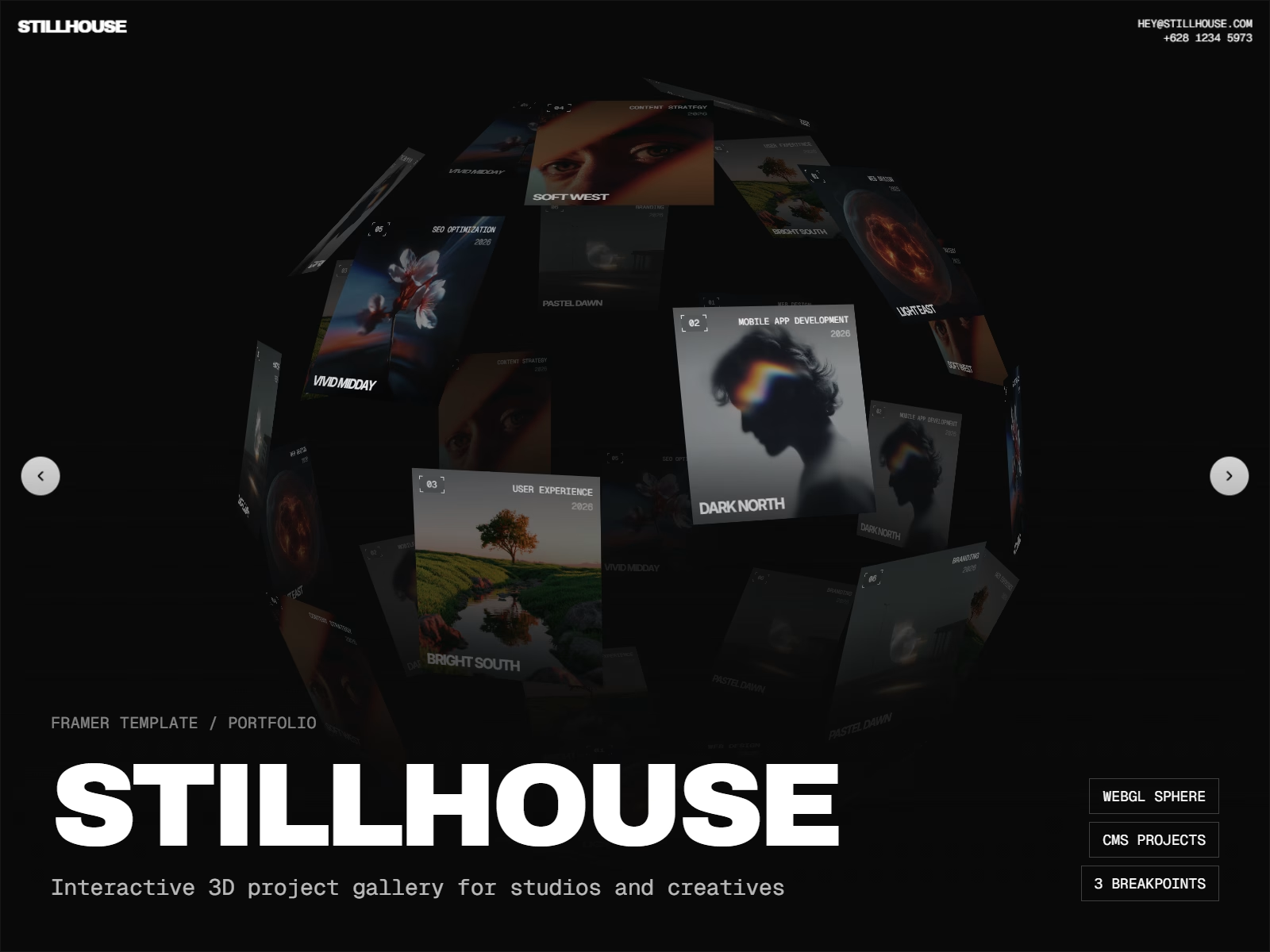
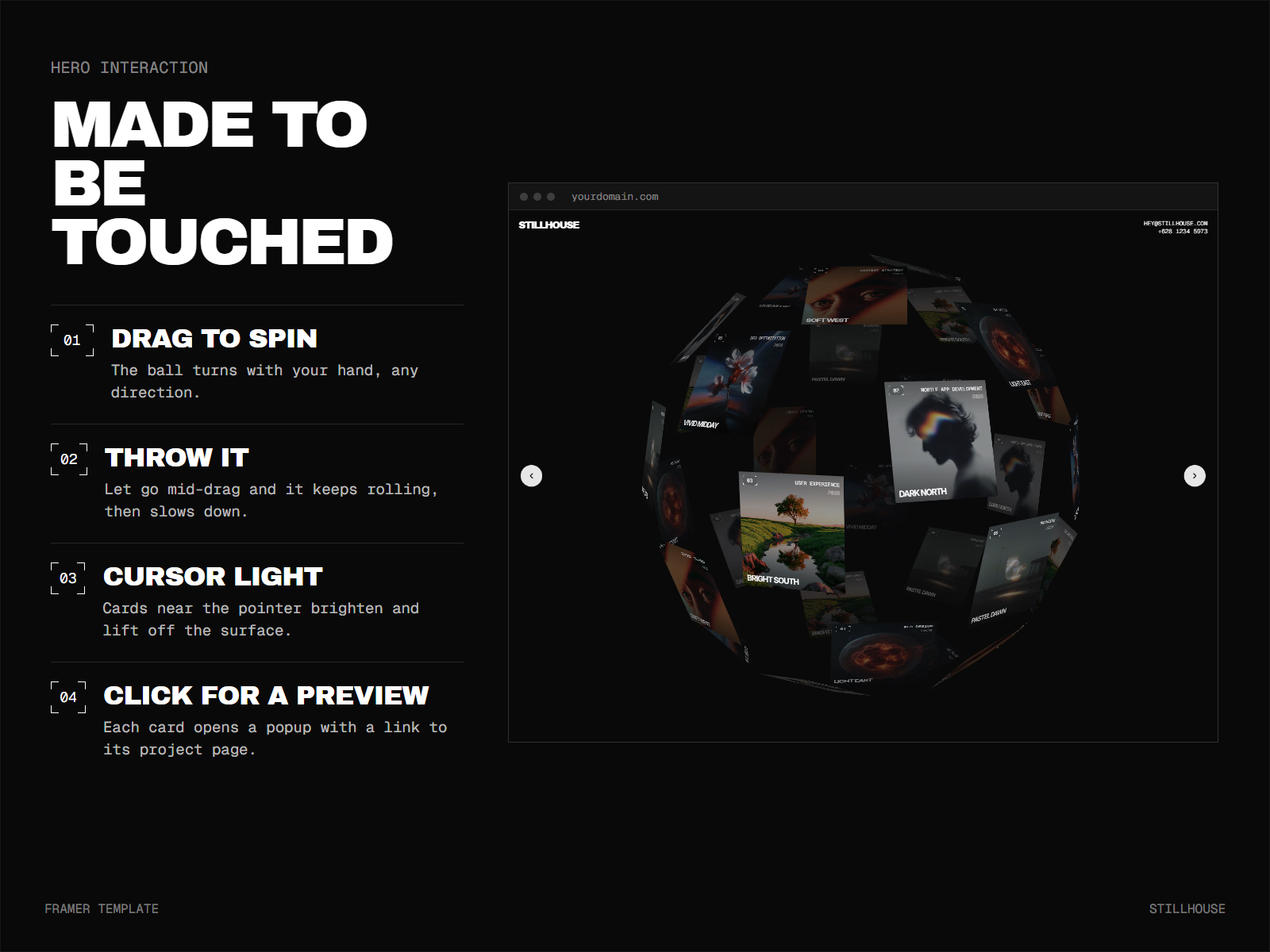
Stillhouse is a portfolio template for studios and creatives who would rather show their work than write about it. The home page is a single interactive object: your projects printed on cards and wrapped around a 3D sphere. Visitors drag it, throw it and watch it roll to a stop. Cards near the cursor light up and lift toward the viewer. Click one and a preview opens with a link to the full case study.
It suits design studios, agencies, photographers and freelancers whose work is visual and who want visitors to explore it rather than scroll past it.
What makes it different
The gallery renders in WebGL with real depth. Cards on the far side of the sphere fade and turn away, cards in front catch the light, and the ball keeps its momentum when you let go. If you prefer a calmer look, switch the layout to Dome: an endless curved grid that bends under the cursor. On browsers without WebGL the gallery falls back to CSS 3D, and visitors who turn on reduced motion get it without the auto-spin and momentum.
What's included
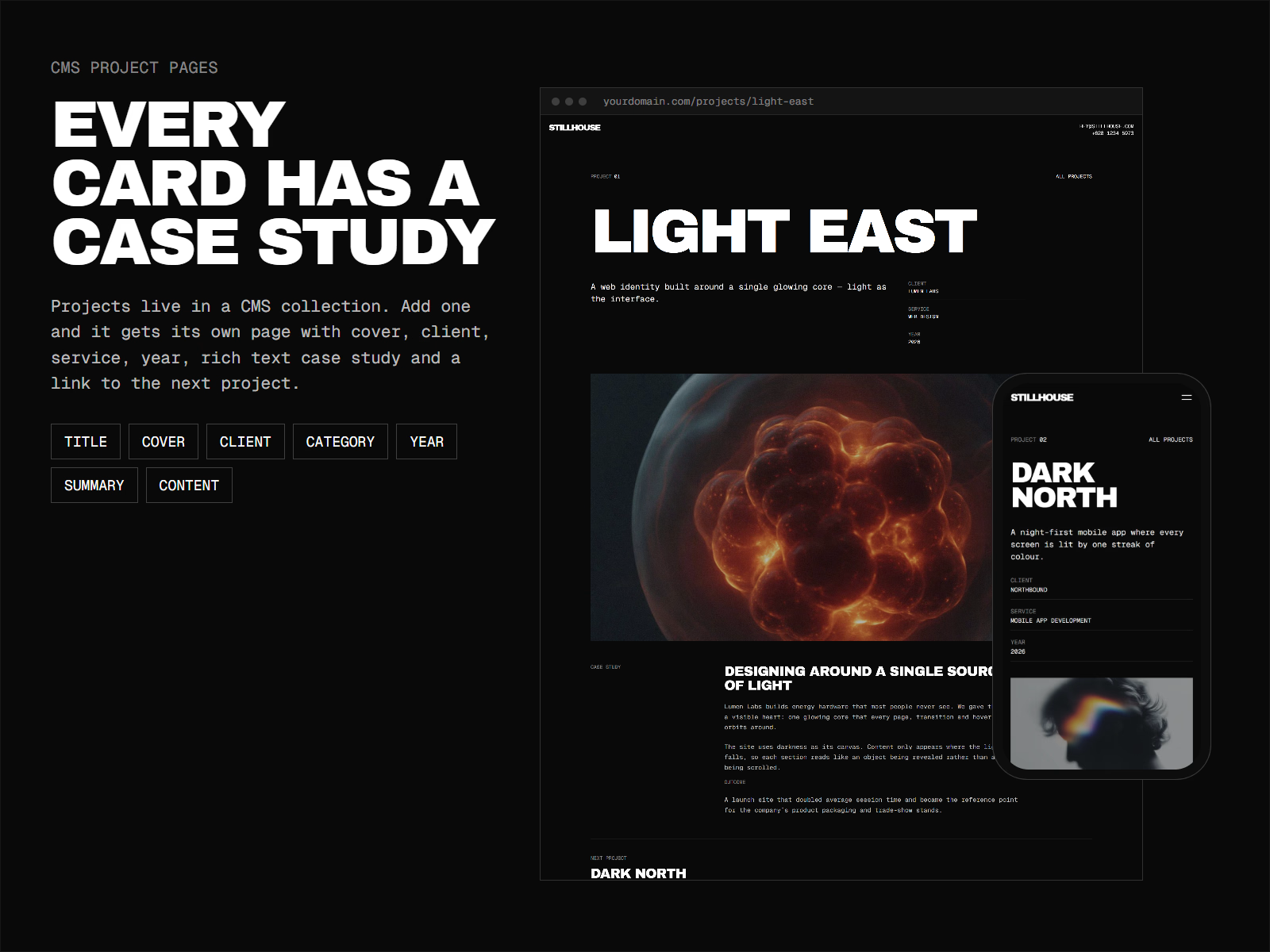
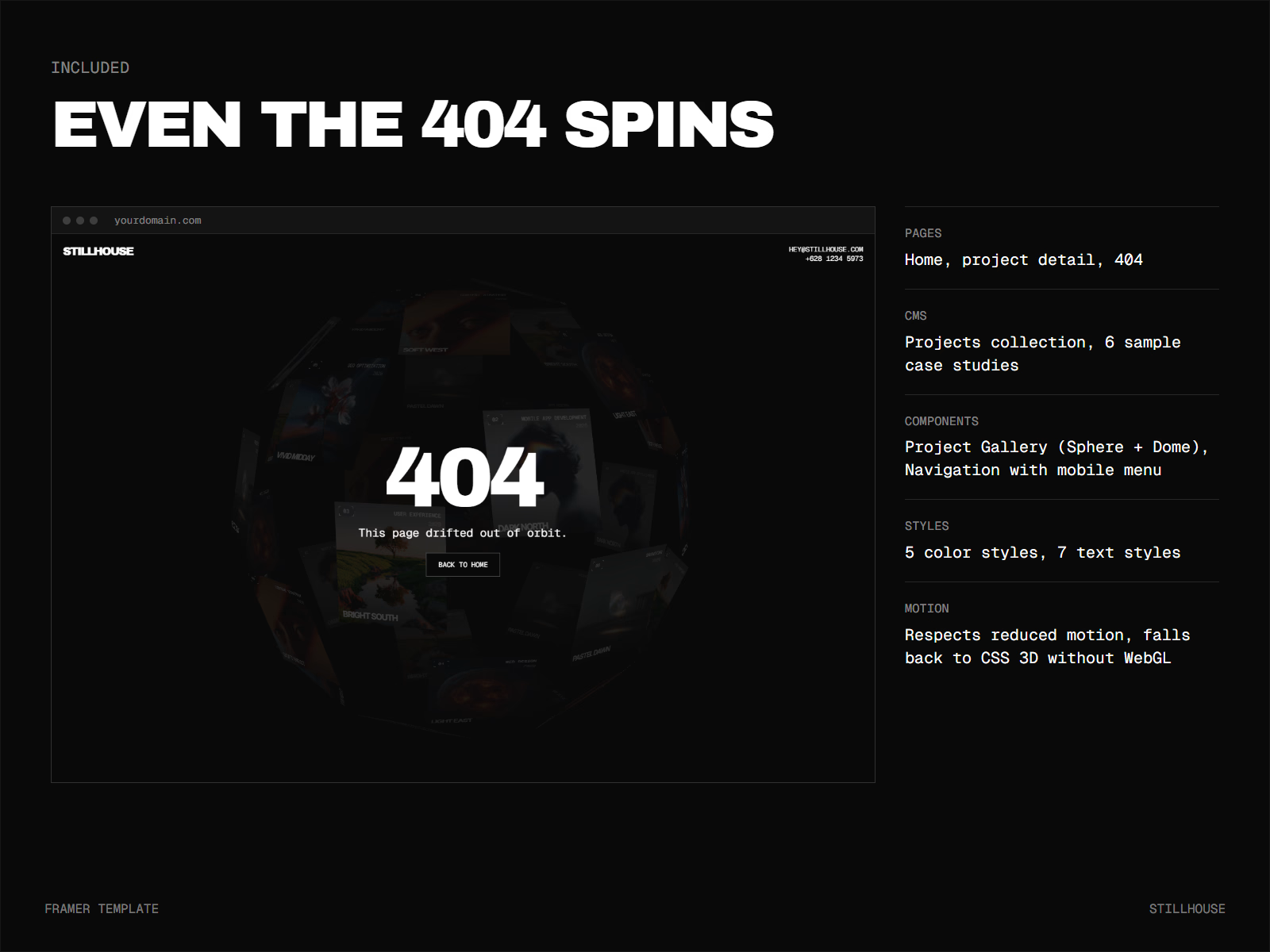
You get a home page with the 3D project gallery in Sphere or Dome layout, and a project page driven by a Projects CMS collection with cover, client, service, year, summary, a rich text case study and a link to the next project. Six sample projects come with images and written case studies, so the site looks finished the moment you open it. There is also a 404 page with the gallery turning slowly behind the message.
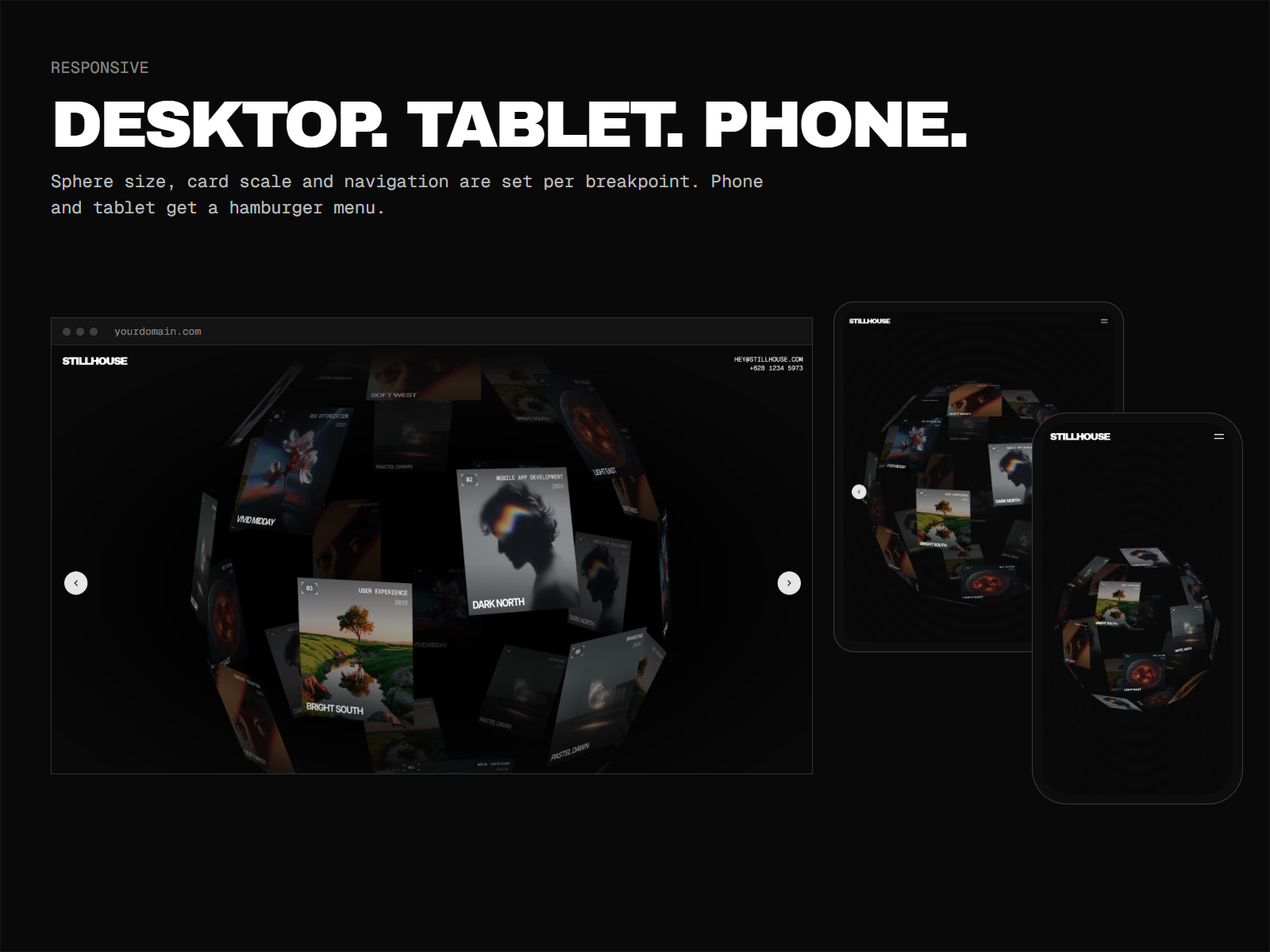
Every page has desktop, tablet and phone layouts, and the navigation switches to a hamburger menu on tablet and phone. The template ships with a Navigation component, 5 color styles and 7 text styles, set in Archivo Black and Geist Mono.
Easy to make your own
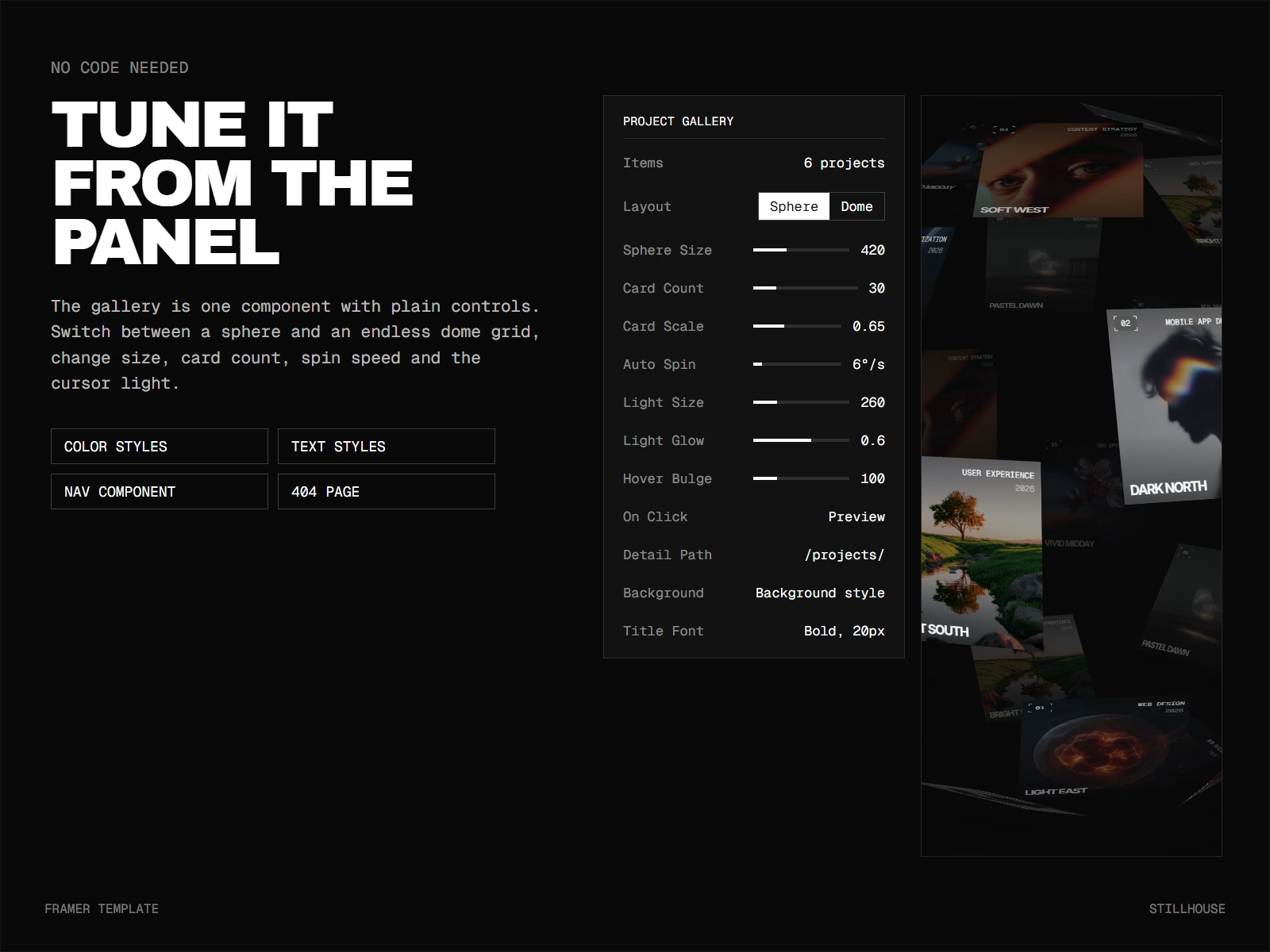
The gallery is one component, and every setting is in the properties panel: sphere size, number of cards, card scale, spin speed, cursor light size and glow, how far cards lift on hover, and whether a click opens a preview or goes straight to the project page. Card size adjusts itself so cards don't pile on top of each other when you add more. Change the color styles once and the whole site follows, gallery included.
Good to know: gallery cards are edited in the component's Items list, and project pages come from the CMS. Give a card the same title as its CMS project and its View project button links to that page automatically. You can also set any link by hand.
Get it for$32.00
Tags
Photographer
Web Designer
Creative Agency,
Design Studio
Framer,
Framer Template
Interactive Design,
Motion Design,
Portfolio Website,
Product created by
Sinto Wahid South Tangerang, Indonesia
- 1
- Followers
Get it for$32.00
Tags
Photographer
Web Designer
Creative Agency,
Design Studio
Framer,
Framer Template
Interactive Design,
Motion Design,
Portfolio Website,
Stillhouse is a portfolio template for studios and creatives who would rather show their work than write about it. The home page is a single interactive object: your projects printed on cards and wrapped around a 3D sphere. Visitors drag it, throw it and watch it roll to a stop. Cards near the cursor light up and lift toward the viewer. Click one and a preview opens with a link to the full case study.
It suits design studios, agencies, photographers and freelancers whose work is visual and who want visitors to explore it rather than scroll past it.
What makes it different
The gallery renders in WebGL with real depth. Cards on the far side of the sphere fade and turn away, cards in front catch the light, and the ball keeps its momentum when you let go. If you prefer a calmer look, switch the layout to Dome: an endless curved grid that bends under the cursor. On browsers without WebGL the gallery falls back to CSS 3D, and visitors who turn on reduced motion get it without the auto-spin and momentum.
What's included
You get a home page with the 3D project gallery in Sphere or Dome layout, and a project page driven by a Projects CMS collection with cover, client, service, year, summary, a rich text case study and a link to the next project. Six sample projects come with images and written case studies, so the site looks finished the moment you open it. There is also a 404 page with the gallery turning slowly behind the message.
Every page has desktop, tablet and phone layouts, and the navigation switches to a hamburger menu on tablet and phone. The template ships with a Navigation component, 5 color styles and 7 text styles, set in Archivo Black and Geist Mono.
Easy to make your own
The gallery is one component, and every setting is in the properties panel: sphere size, number of cards, card scale, spin speed, cursor light size and glow, how far cards lift on hover, and whether a click opens a preview or goes straight to the project page. Card size adjusts itself so cards don't pile on top of each other when you add more. Change the color styles once and the whole site follows, gallery included.
Good to know: gallery cards are edited in the component's Items list, and project pages come from the CMS. Give a card the same title as its CMS project and its View project button links to that page automatically. You can also set any link by hand.
$32.00