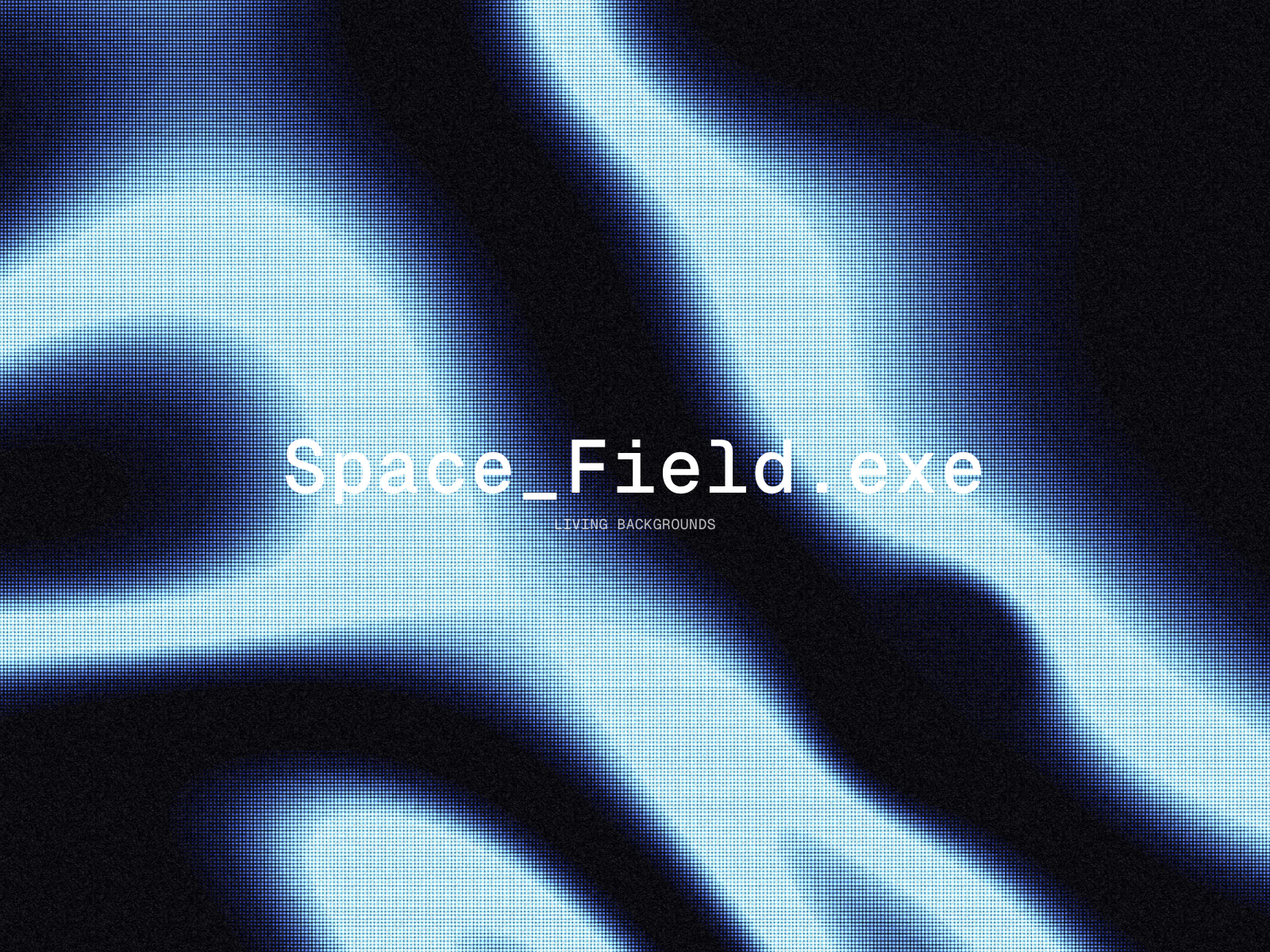
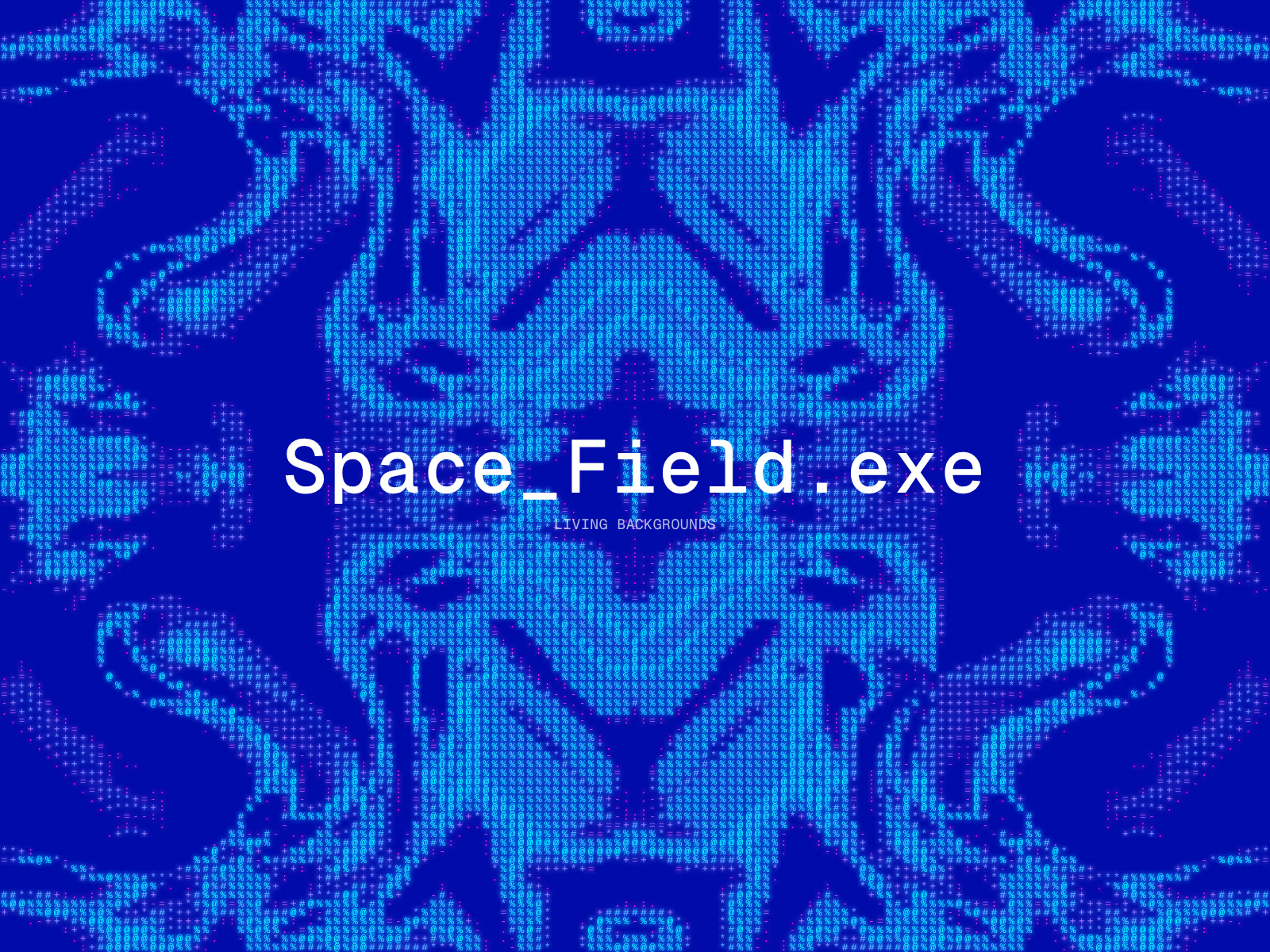
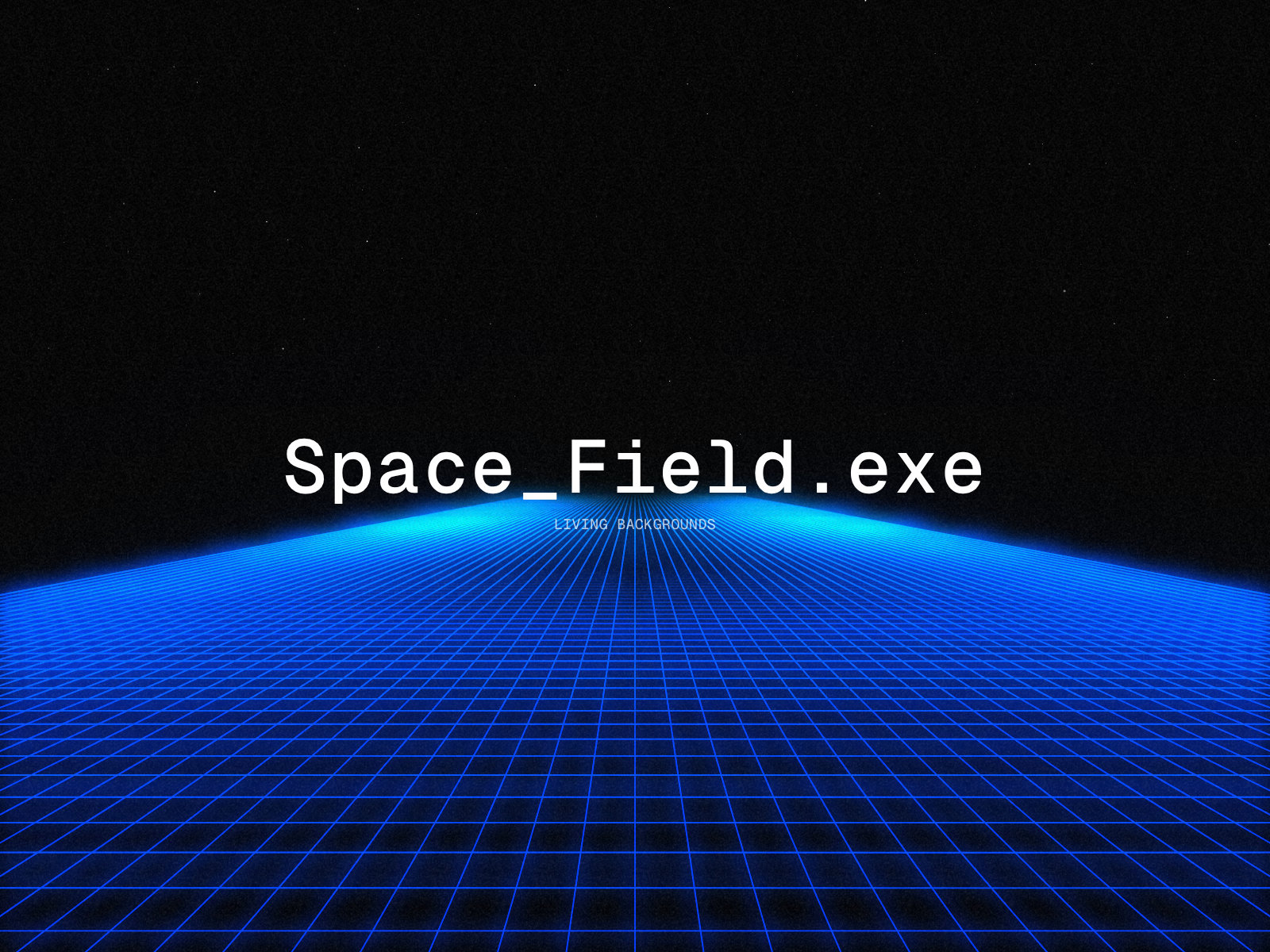
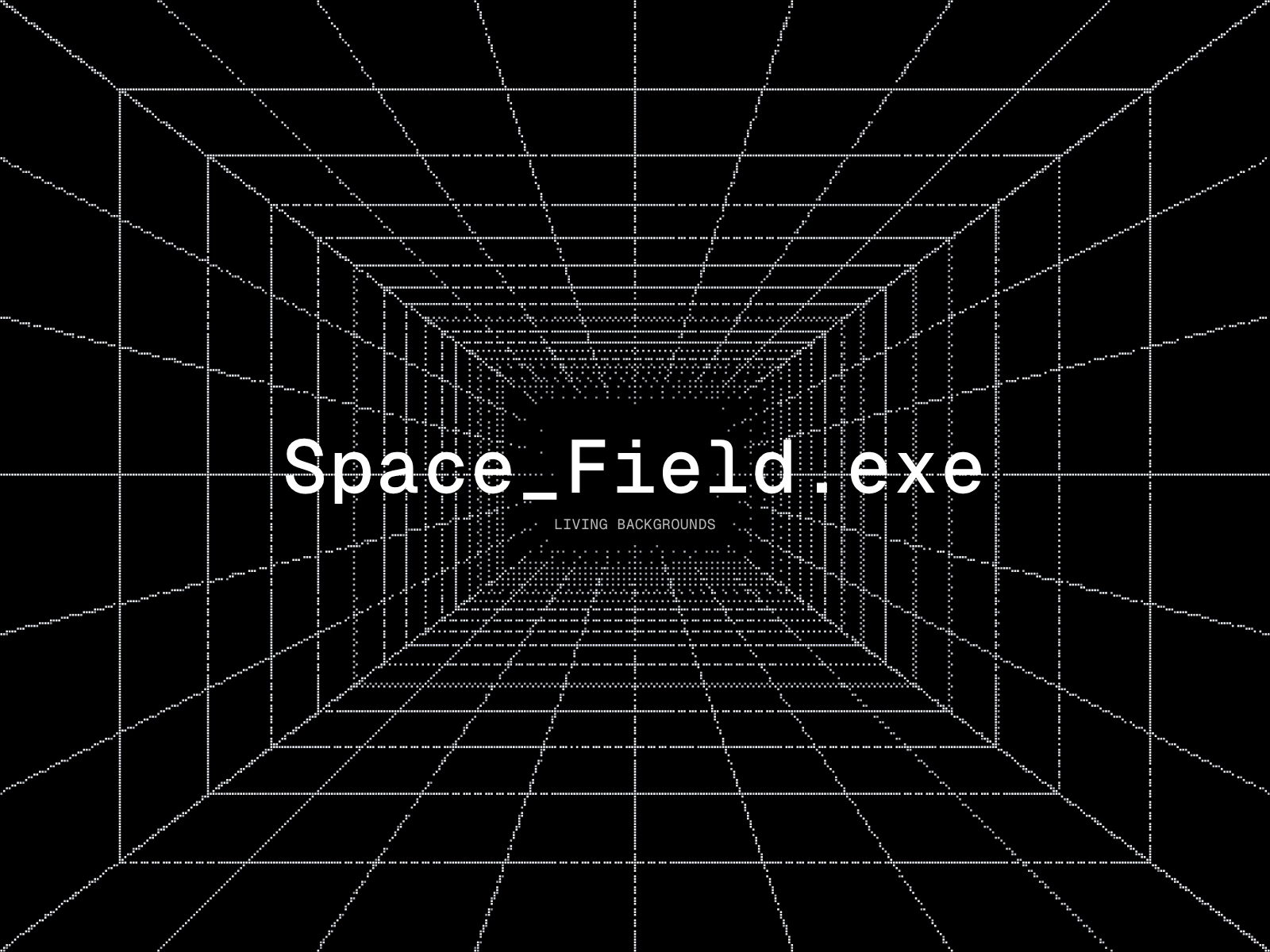
One background component for Framer with 19 finished looks: walls of code rain, hyperspace, star constellations, a synthwave grid under the stars, dot grids, chrome tides, mirrored ASCII patterns, rings of decoding text, ASCII images and more.
Pick a look, tweak its colours, speed and size, mix two looks in one, and it reacts to the cursor. Canvas only: no video files; images load only if you add your own.
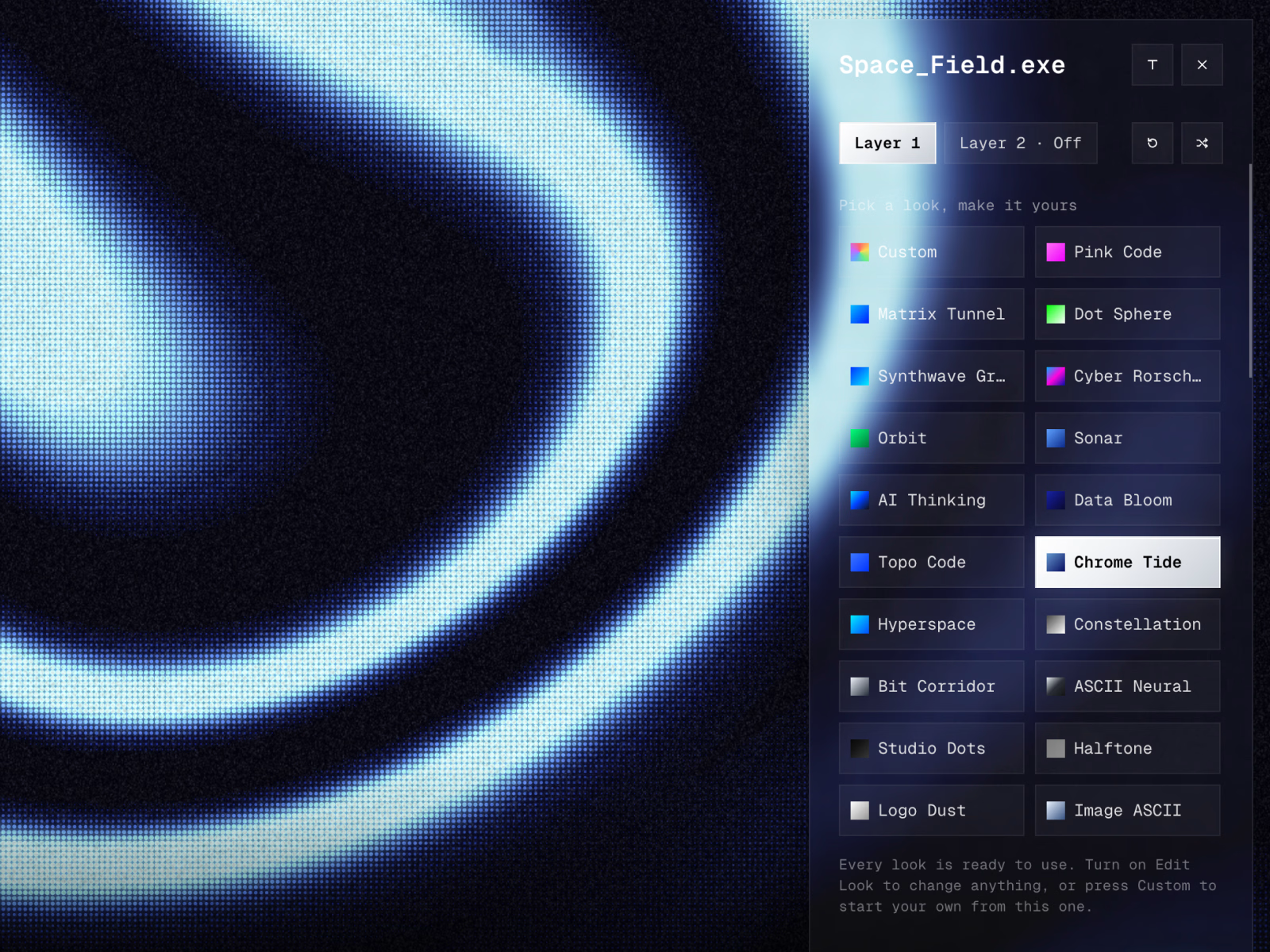
19 presets, each a finished look: Matrix Tunnel, Hyperspace, Constellation, Synthwave Grid, Studio Dots, Halftone, Dot Sphere, Cyber Rorschach, Chrome Tide, Sonar, Data Bloom, Pink Code, Topo Code, Bit Corridor, Orbit, ASCII Neural, AI Thinking, Logo Dust, Image ASCII
Layer 2: put a second look over or under the first (for example stars above the synthwave grid, or a dot grid behind Hyperspace), with Blend, Opacity, In Front / Behind and Area (All, Top or Bottom); Auto keeps the look's own mix
Light: Bloom, Streak, Light Rays, Dispersion and Soft Focus for glowing horizons, light beams and colour fringes
Simple first: each preset shows only a few tweaks (colours, Speed, Size, plus its own words, text, image or dots). Turn on Edit Look to change anything else; Auto keeps the preset's own choice
Custom: build your own look in the preview page, press Copy settings for Framer and paste it into Settings, or start from any preset with Start From
Your words, text, logo or photo: shown as ASCII, dots, pixels or particles that fly in and assemble
Render as ASCII, Dither, Pixels or halftone Dots; Finish Chrome makes patterns look like polished metal; Pattern Shape (Stretch, Spikes, Mirror) turns soft patterns into sharp, symmetric tribal shapes
Cursor: Repel, Attract, Magnify, Ripple Trail or Spotlight. Each preset has its own on Auto. Hover Pause slows the look to a stop under the pointer
Pulse waves, Scroll Boost, Animate only on scroll, Fade Edges, Dark Center for readable text on top, Film Grain, Scanlines, Glitch
Quality and Max FPS keep it light: Quality Auto lowers the detail when a device struggles; Max FPS is 60 by default
Pauses off-screen, shows a still frame on the Framer canvas and for people who prefer reduced motion, hidden from screen readers
How to use: drop it into a frame, set it to Fill, place it under your content and pick a Preset.
License: one buyer, unlimited own and client sites. Not for resale or redistribution as a component, template asset or remix. Privacy: the component collects no data and makes no network requests (except an image you add yourself).
Refunds & Support
Space_Field.exe is a digital product delivered instantly, so purchases are non-refundable once you've received the Component URL — please check the live preview and Playground before buying.
If the component doesn't work as described, or you hit a bug I can't fix, email me within 14 days of purchase and you'll get a full refund. Please include your order receipt and a short description or screenshot of the issue. Accidental duplicate purchases are refunded too.
No refunds for change of mind, for looks that aren't to your taste, or for problems caused by editing the component's code.
Support: sixbillionherself@gmail.com — I usually reply within 2 business days. Please contact me before opening a payment dispute; I'll do my best to sort it out.
This policy doesn't affect any rights you have under consumer law in your country.
Bug fixes and updates are free.
Created for the benefit of all beings.
By
< 1/1 > [ONE-OF-ONE] sixbillionherselfxxGet it for$19.00
Tags
Framer

Framer Designer
Framer Developer
Product Designer
Product created by
SIX BILLION HERSELF Bangkok, Thailand
- 2
- Followers
SIX's other products
Matrix_Rain.exe
$0.00
Get it for$19.00
Tags
Framer
Framer Designer
Framer Developer
Product Designer
One background component for Framer with 19 finished looks: walls of code rain, hyperspace, star constellations, a synthwave grid under the stars, dot grids, chrome tides, mirrored ASCII patterns, rings of decoding text, ASCII images and more.
Pick a look, tweak its colours, speed and size, mix two looks in one, and it reacts to the cursor. Canvas only: no video files; images load only if you add your own.
19 presets, each a finished look: Matrix Tunnel, Hyperspace, Constellation, Synthwave Grid, Studio Dots, Halftone, Dot Sphere, Cyber Rorschach, Chrome Tide, Sonar, Data Bloom, Pink Code, Topo Code, Bit Corridor, Orbit, ASCII Neural, AI Thinking, Logo Dust, Image ASCII
Layer 2: put a second look over or under the first (for example stars above the synthwave grid, or a dot grid behind Hyperspace), with Blend, Opacity, In Front / Behind and Area (All, Top or Bottom); Auto keeps the look's own mix
Light: Bloom, Streak, Light Rays, Dispersion and Soft Focus for glowing horizons, light beams and colour fringes
Simple first: each preset shows only a few tweaks (colours, Speed, Size, plus its own words, text, image or dots). Turn on Edit Look to change anything else; Auto keeps the preset's own choice
Custom: build your own look in the preview page, press Copy settings for Framer and paste it into Settings, or start from any preset with Start From
Your words, text, logo or photo: shown as ASCII, dots, pixels or particles that fly in and assemble
Render as ASCII, Dither, Pixels or halftone Dots; Finish Chrome makes patterns look like polished metal; Pattern Shape (Stretch, Spikes, Mirror) turns soft patterns into sharp, symmetric tribal shapes
Cursor: Repel, Attract, Magnify, Ripple Trail or Spotlight. Each preset has its own on Auto. Hover Pause slows the look to a stop under the pointer
Pulse waves, Scroll Boost, Animate only on scroll, Fade Edges, Dark Center for readable text on top, Film Grain, Scanlines, Glitch
Quality and Max FPS keep it light: Quality Auto lowers the detail when a device struggles; Max FPS is 60 by default
Pauses off-screen, shows a still frame on the Framer canvas and for people who prefer reduced motion, hidden from screen readers
How to use: drop it into a frame, set it to Fill, place it under your content and pick a Preset.
License: one buyer, unlimited own and client sites. Not for resale or redistribution as a component, template asset or remix. Privacy: the component collects no data and makes no network requests (except an image you add yourself).
Refunds & Support
Space_Field.exe is a digital product delivered instantly, so purchases are non-refundable once you've received the Component URL — please check the live preview and Playground before buying.
If the component doesn't work as described, or you hit a bug I can't fix, email me within 14 days of purchase and you'll get a full refund. Please include your order receipt and a short description or screenshot of the issue. Accidental duplicate purchases are refunded too.
No refunds for change of mind, for looks that aren't to your taste, or for problems caused by editing the component's code.
Support: sixbillionherself@gmail.com — I usually reply within 2 business days. Please contact me before opening a payment dispute; I'll do my best to sort it out.
This policy doesn't affect any rights you have under consumer law in your country.
Bug fixes and updates are free.
Created for the benefit of all beings.
By
< 1/1 > [ONE-OF-ONE] sixbillionherselfxxSIX's other products
Matrix_Rain.exe
$0.00
$19.00