
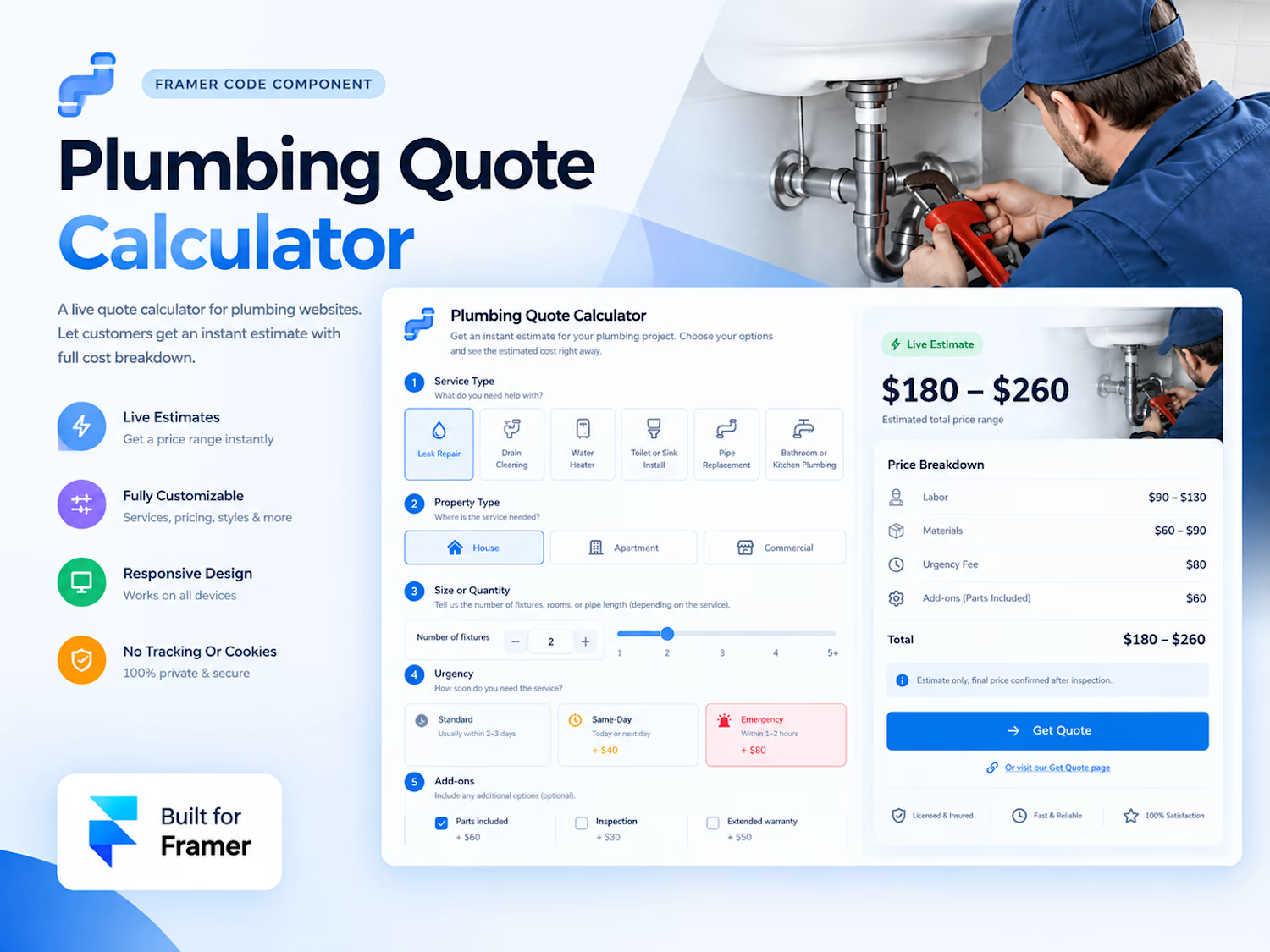
Plumbing Quote Calculator
A customizable, real-time pricing calculator for plumbing websites. Let customers select a service, property type, job size, urgency, and add-ons to receive an instant estimated price range with a detailed cost breakdown.
Quick Setup
Drag the component onto your page.
Set Width to Fill and Height to Auto.
Configure your prices in Pricing and customize the service list.
Connect the Get Quote button to your contact or quote page.
Customize Everything
Sections: Toggle sections on or off. Step numbers update automatically.
Lists: Add, remove, and reorder services, property types, urgency levels, add-ons, and trust badges.
Pricing: Set hourly rates, minimum charges, material costs, markups, and regional adjustments.
Style: Customize colors, fonts, text sizes, corner radius, and shadows.
Hero Image: Upload your own plumbing photo or use the built-in placeholder.
Pricing Controls
Hourly Rate: Labor cost, including overhead and profit.
Minimum Charge: Minimum labor and materials charge per job.
Materials Markup: Percentage added to parts costs.
Region Multiplier: Adjust pricing for different service areas.
Round To: Round estimates to the nearest $1, $5, or $10.
Each service has its own labor hours, parts cost, extra-unit pricing, and high-end buffer. Urgency options can add flat fees and labor multipliers.
The calculator displays a price range with a detailed breakdown. The total matches the sum of the displayed cost rows.
Default prices are examples. Replace them with your own rates before publishing.
Responsive Layout
Automatically adapts to the component's width, using two columns on wider layouts and a single column on tablets and mobile devices.
Get Quote Integration
The Get Quote button opens your configured link and triggers the On Get Quote event for Framer interactions.
Privacy & Disclaimer
No external requests, tracking, cookies, or data transmission.
Estimates are for guidance only and are not binding quotes. Final pricing should be confirmed after an on-site inspection.
Get it for$19.00
Tags
Framer

Framer Designer
Framer Developer
Product created by
Tamim Ahmed Rajshahi, Bangladesh
Tamim's other products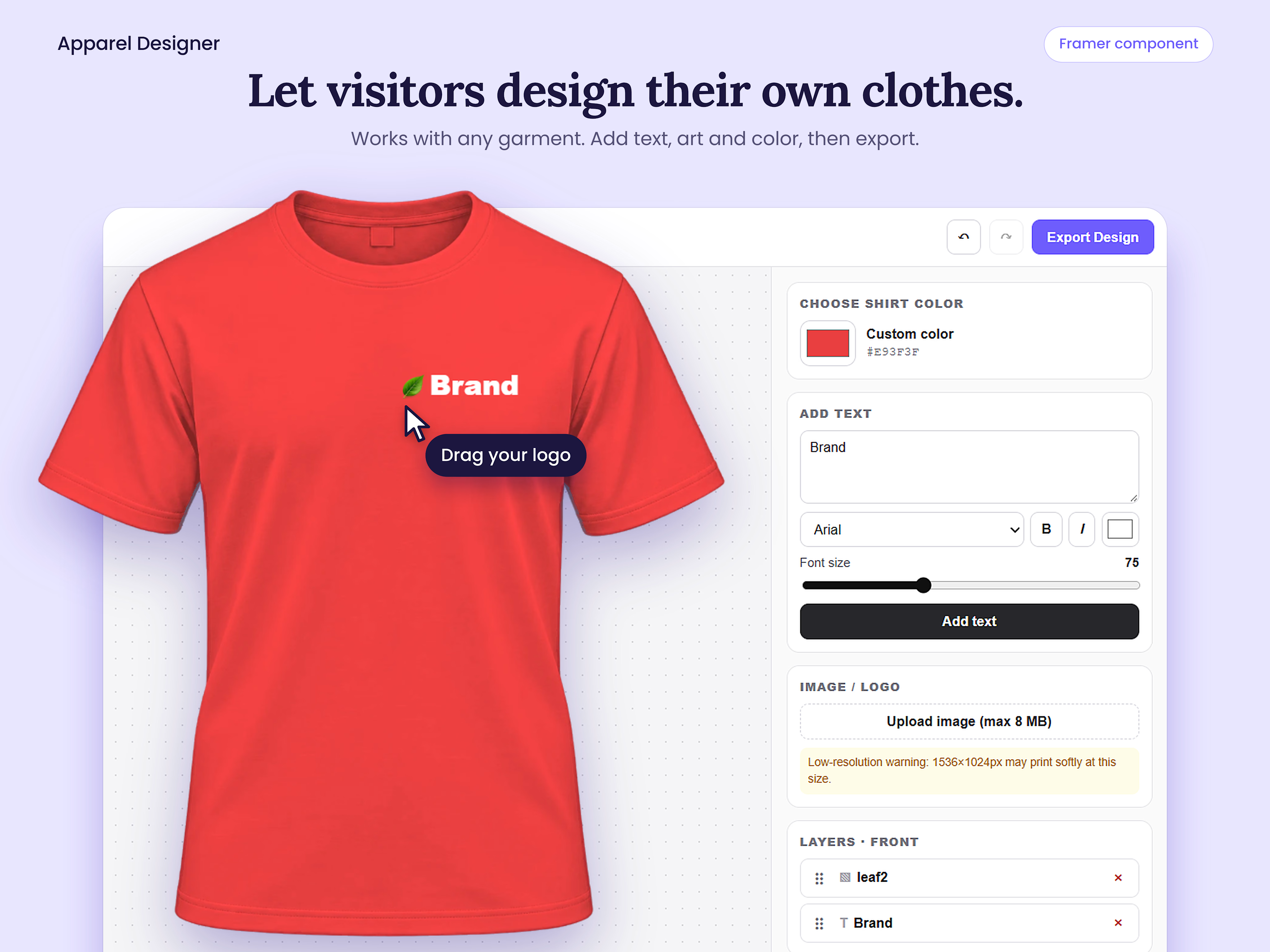
Custom T-shirt & Apparel Designer
$9.00
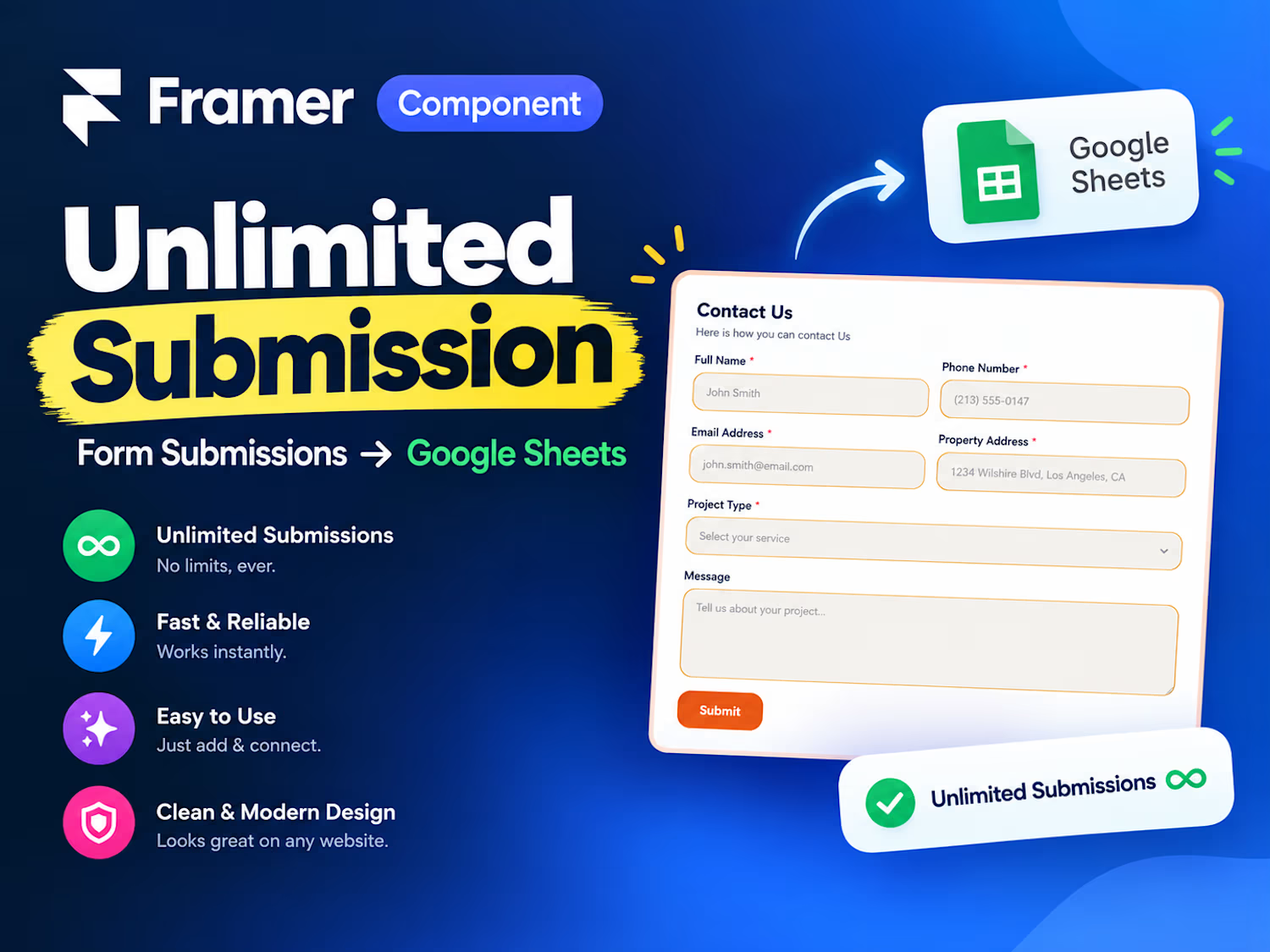
Framer Form to Google Sheet Unlimited Submission
$9.00
Get it for$19.00
Tags
Framer
Framer Designer
Framer Developer
Plumbing Quote Calculator
A customizable, real-time pricing calculator for plumbing websites. Let customers select a service, property type, job size, urgency, and add-ons to receive an instant estimated price range with a detailed cost breakdown.
Quick Setup
Drag the component onto your page.
Set Width to Fill and Height to Auto.
Configure your prices in Pricing and customize the service list.
Connect the Get Quote button to your contact or quote page.
Customize Everything
Sections: Toggle sections on or off. Step numbers update automatically.
Lists: Add, remove, and reorder services, property types, urgency levels, add-ons, and trust badges.
Pricing: Set hourly rates, minimum charges, material costs, markups, and regional adjustments.
Style: Customize colors, fonts, text sizes, corner radius, and shadows.
Hero Image: Upload your own plumbing photo or use the built-in placeholder.
Pricing Controls
Hourly Rate: Labor cost, including overhead and profit.
Minimum Charge: Minimum labor and materials charge per job.
Materials Markup: Percentage added to parts costs.
Region Multiplier: Adjust pricing for different service areas.
Round To: Round estimates to the nearest $1, $5, or $10.
Each service has its own labor hours, parts cost, extra-unit pricing, and high-end buffer. Urgency options can add flat fees and labor multipliers.
The calculator displays a price range with a detailed breakdown. The total matches the sum of the displayed cost rows.
Default prices are examples. Replace them with your own rates before publishing.
Responsive Layout
Automatically adapts to the component's width, using two columns on wider layouts and a single column on tablets and mobile devices.
Get Quote Integration
The Get Quote button opens your configured link and triggers the On Get Quote event for Framer interactions.
Privacy & Disclaimer
No external requests, tracking, cookies, or data transmission.
Estimates are for guidance only and are not binding quotes. Final pricing should be confirmed after an on-site inspection.
Tamim's other products
Custom T-shirt & Apparel Designer
$9.00
Framer Form to Google Sheet Unlimited Submission
$9.00
$19.00