
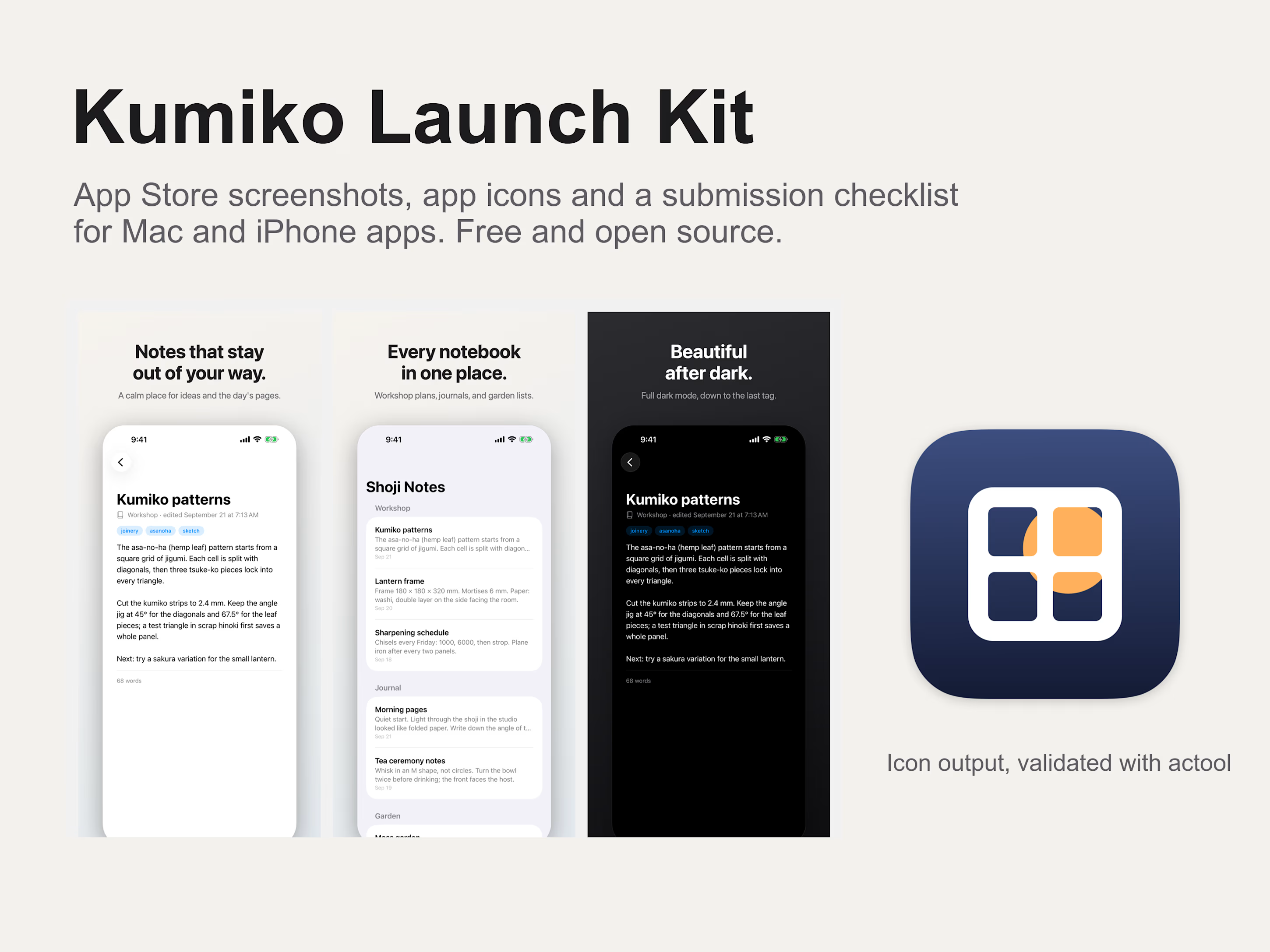
Free tools for shipping a Mac or iPhone app, built while getting App Archaeology onto the Mac App Store.
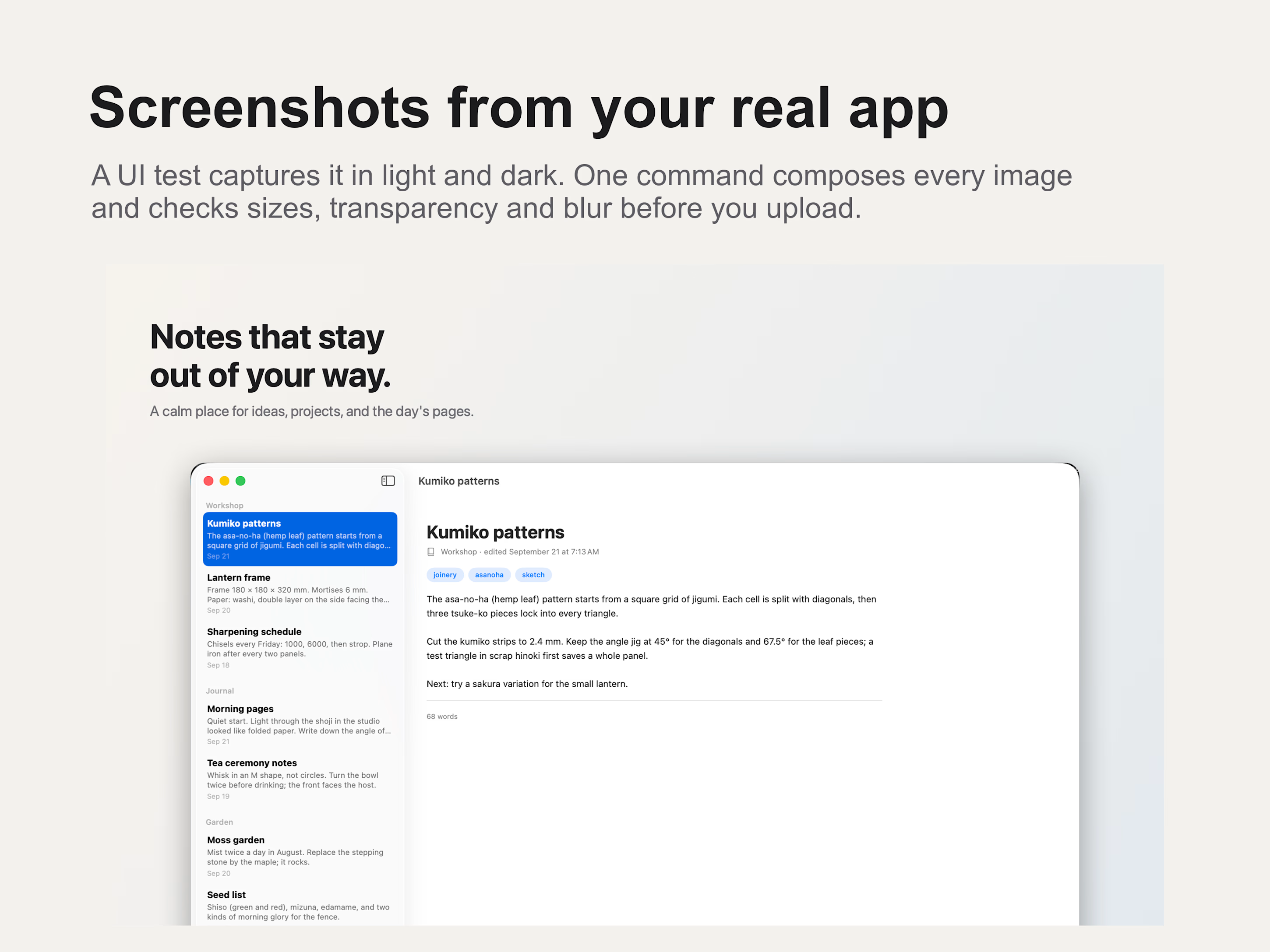
App Store screenshots from your real app. A UI test captures your app in a demo mode, in light and dark. One command turns the captures into finished screenshots for Mac and iPhone and checks them: sizes Apple accepts, no transparency, no blurry captures, no wrapping headlines. When the UI changes, run it again.
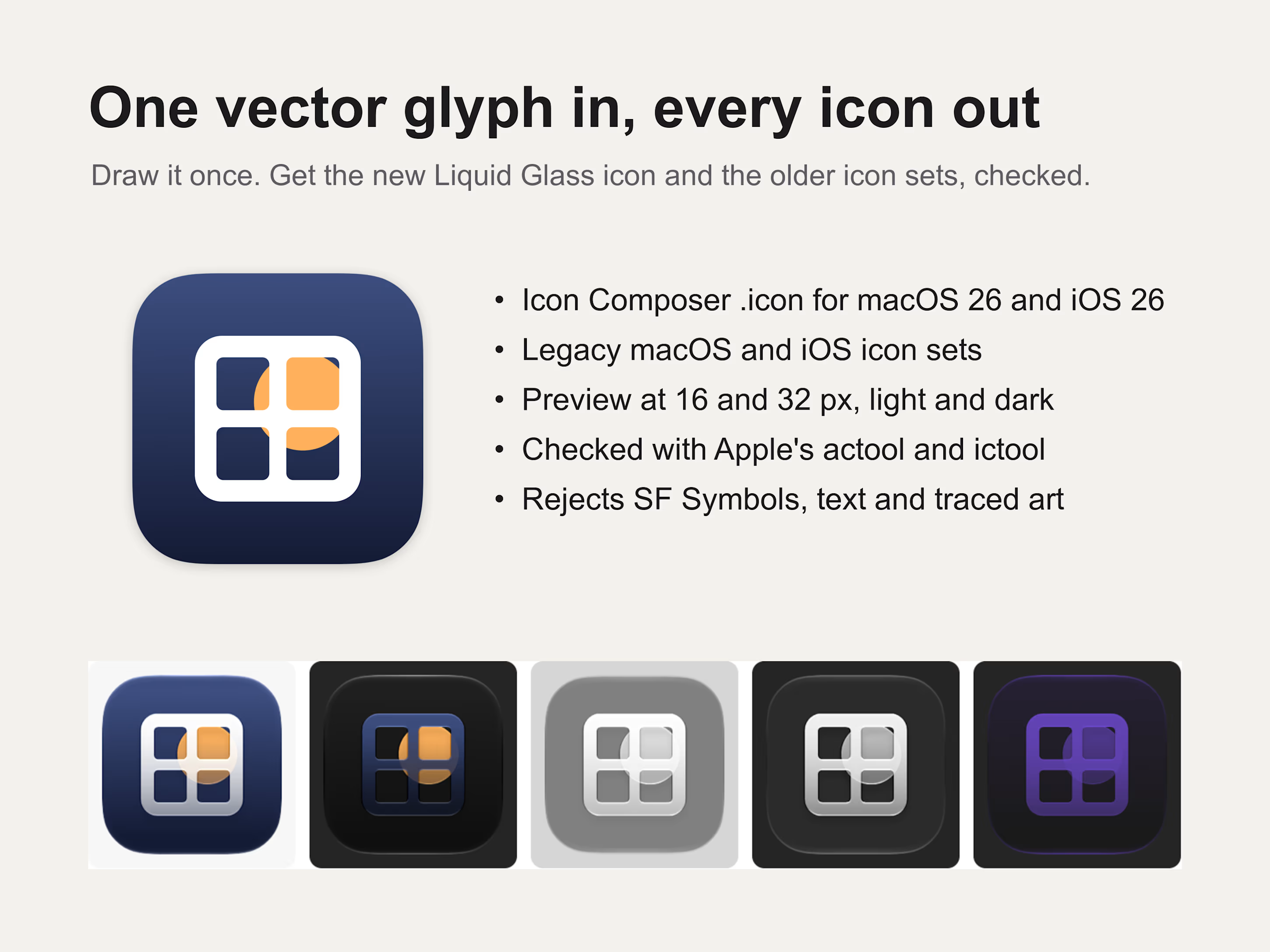
App icons for macOS 26 and iOS 26. Draw one vector glyph, pick a palette, and get an Icon Composer
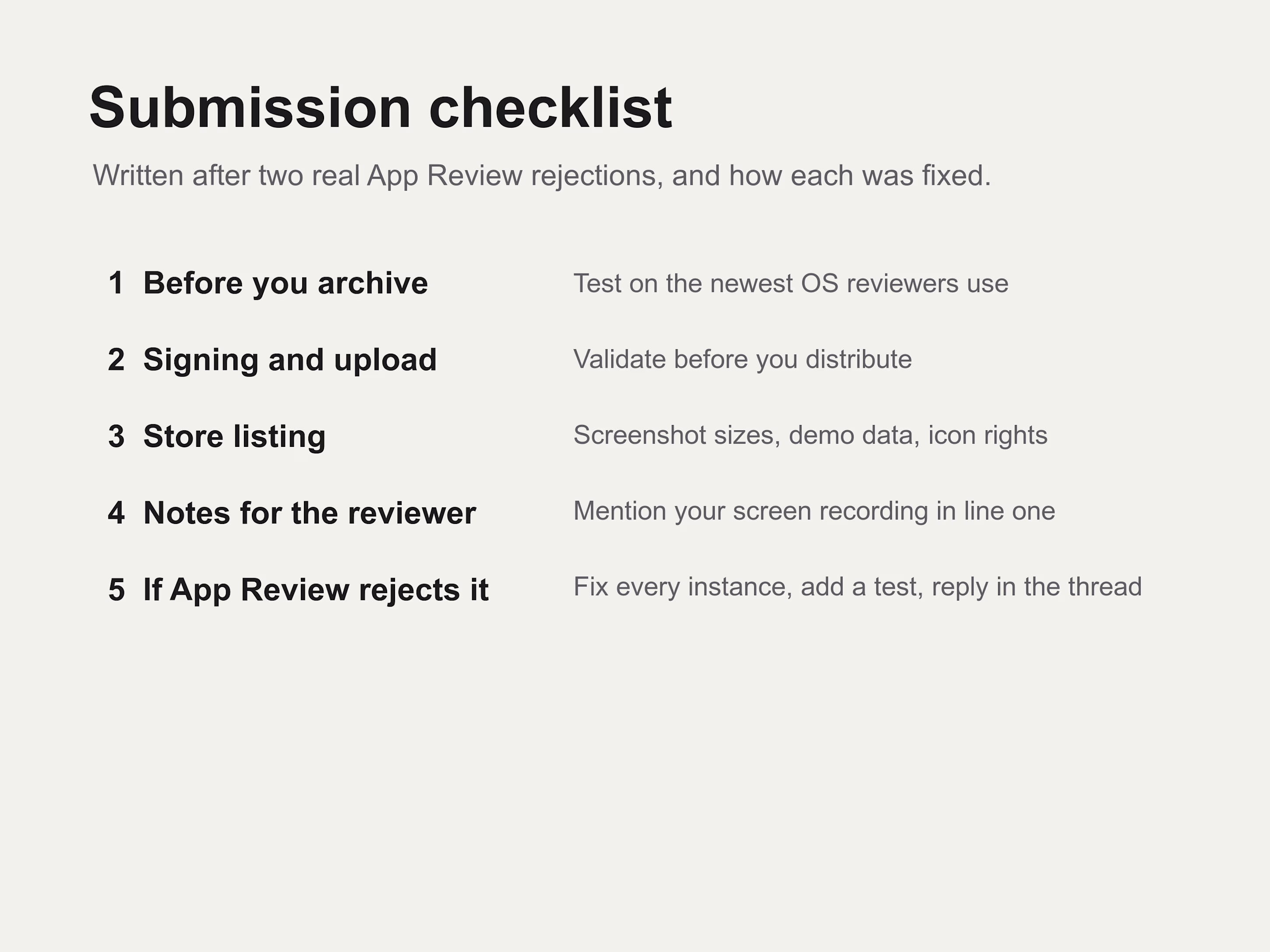
.icon (Liquid Glass), the older icon sets, and a preview sheet that shows how the icon reads at 16 and 32 px. Validated with Apple's own tools.Submission checklist. What to check before App Review, written after two real rejections, with what caused them and how they were fixed.
Who it's for: developers. You'll need a Mac with Xcode 26 or later and some Swift. Apple frameworks only, no other dependencies, MIT licensed, and the source is on GitHub.
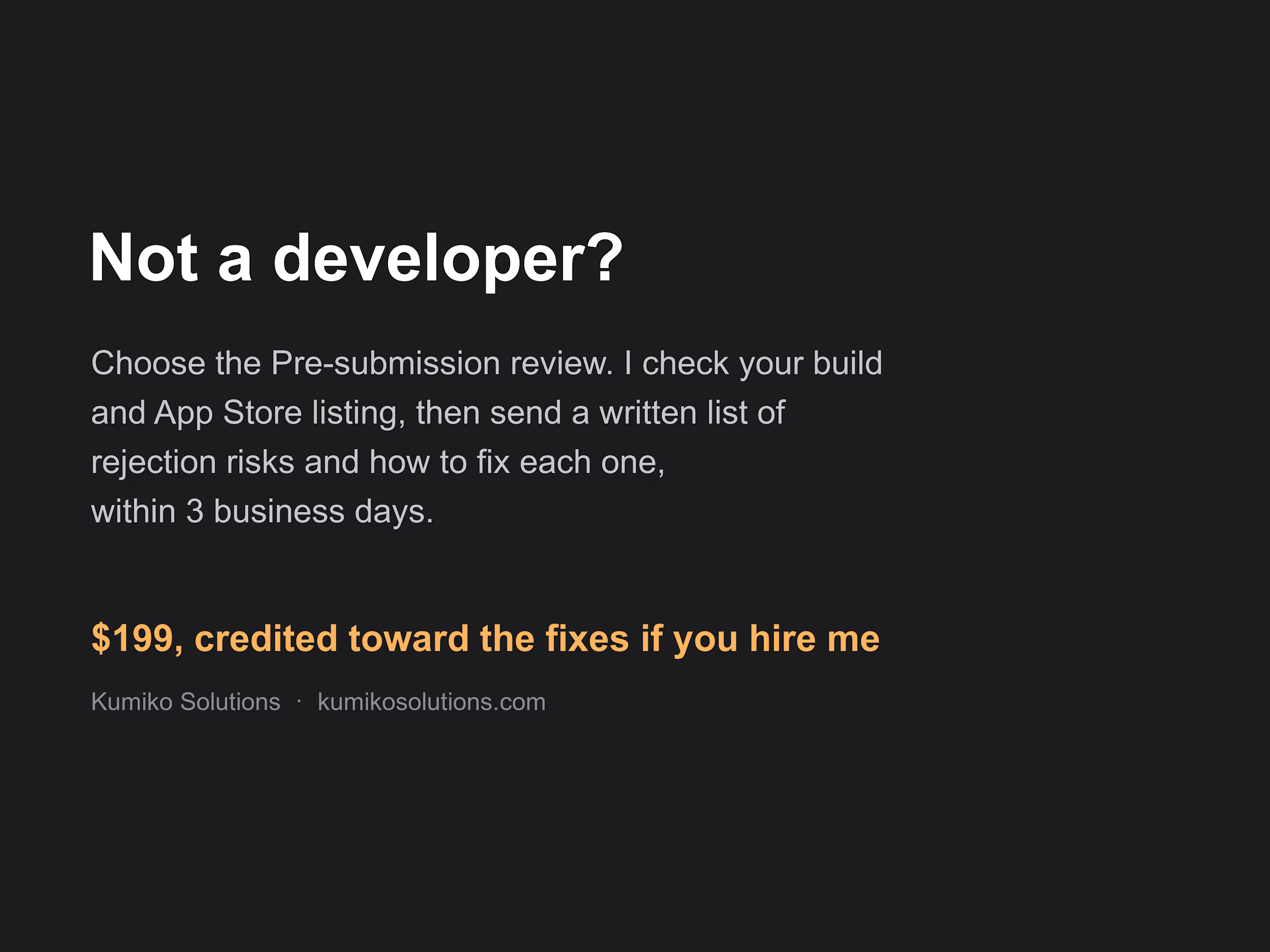
Not a developer, or short on time? Choose the Pre-submission review: I check your build and listing against the checklist and send a written list of rejection risks with fixes, within 3 business days. If you want me to make the fixes too, the $199 comes off that quote.
Get it for$0.00
Kit (free)
$0.00
The tools and the checklist. Download right away.
Tags
App Development
Developer Tools
Xcode
iOS Developer
App Store
macOS Development
Product created by
Braden Evans proWentzville, USA
- 5.00
- Rating
- 8
- Followers
Get it for$0.00
Kit (free)
$0.00
The tools and the checklist. Download right away.
Tags
App Development
Developer Tools
Xcode
iOS Developer
App Store
macOS Development
Free tools for shipping a Mac or iPhone app, built while getting App Archaeology onto the Mac App Store.
App Store screenshots from your real app. A UI test captures your app in a demo mode, in light and dark. One command turns the captures into finished screenshots for Mac and iPhone and checks them: sizes Apple accepts, no transparency, no blurry captures, no wrapping headlines. When the UI changes, run it again.
App icons for macOS 26 and iOS 26. Draw one vector glyph, pick a palette, and get an Icon Composer
.icon (Liquid Glass), the older icon sets, and a preview sheet that shows how the icon reads at 16 and 32 px. Validated with Apple's own tools.Submission checklist. What to check before App Review, written after two real rejections, with what caused them and how they were fixed.
Who it's for: developers. You'll need a Mac with Xcode 26 or later and some Swift. Apple frameworks only, no other dependencies, MIT licensed, and the source is on GitHub.
Not a developer, or short on time? Choose the Pre-submission review: I check your build and listing against the checklist and send a written list of rejection risks with fixes, within 3 business days. If you want me to make the fixes too, the $199 comes off that quote.
$0.00