
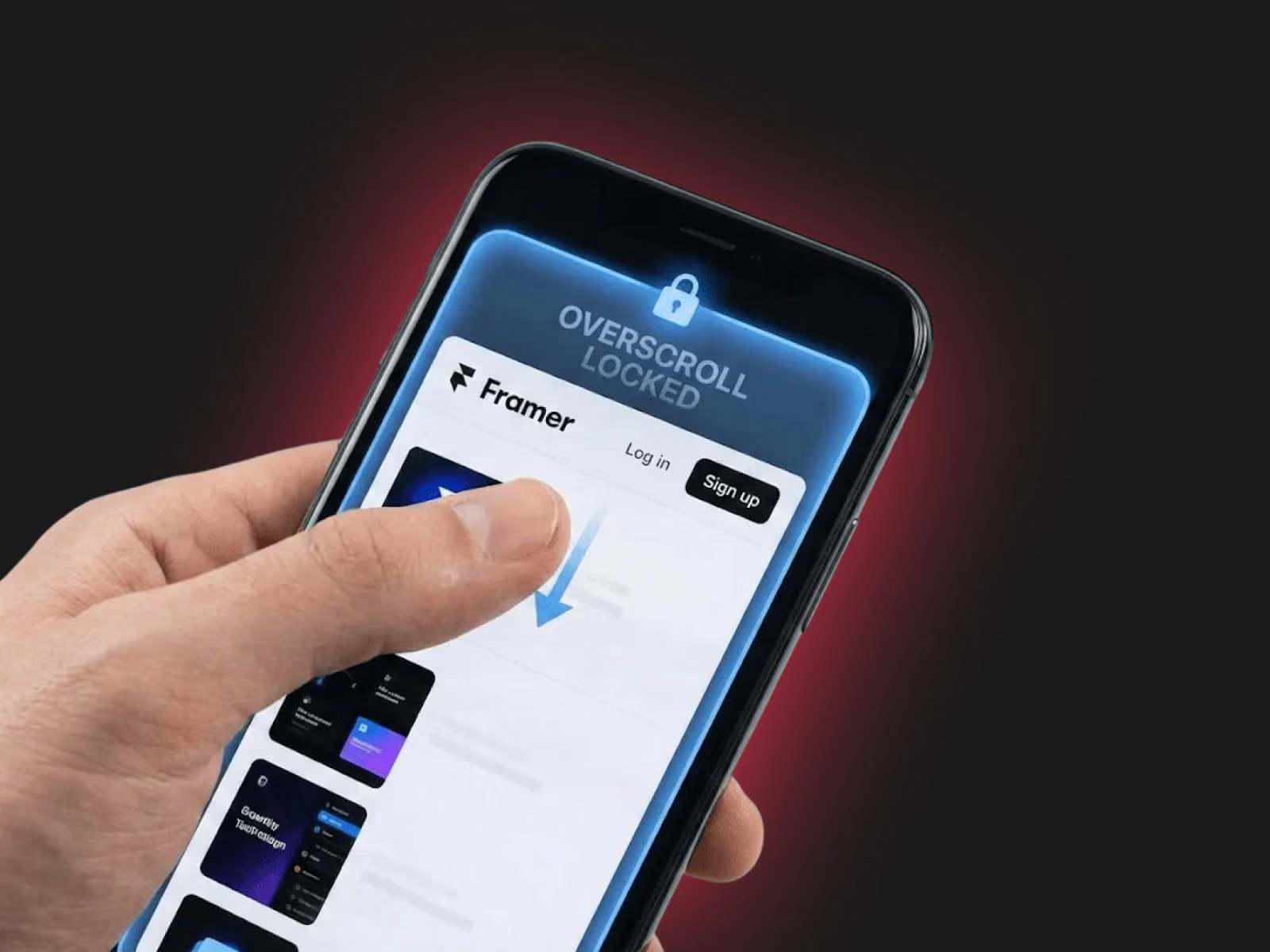
Mobile Scroll Lock: The "No-Bounce" Override
Give your Framer sites a truly native app feel by eliminating the distracting "rubber-band" elastic scrolling on mobile devices.
The Problem
By default, mobile browsers (Safari and Chrome) allow users to pull the page past its boundaries, revealing the browser's background color or triggering an accidental "pull-to-refresh." This often breaks the immersion of fixed navigation bars and makes web apps feel unpolished.
The Solution
This simple, high-performance code override applies
overscroll-behavior: none to your project. It locks the viewport in place, ensuring that your top and bottom navigation bars stay exactly where they belong—no more bouncing, no more "gray gaps," and no more accidental refreshes.How to Use
Copy the code file.
Create a New Code File in your Framer project's "Code" section.
Paste the Code and save.
Apply the
withNoOverscroll override to your Layout Template Page or main Breakpoint.Publish and enjoy a rock-solid mobile experience.
Pro Tip: Perfect for portfolios, dashboards, and landing pages with fixed navigation or bottom bars.
Get it for$5.00
Tags
Framer

framer component
Product created by
Agustin Dell Aquila maxPalermo, Argentina
- $50k+
- Earned
- 37
- Paid projects
- 5.00
- Rating
- 1111
- Followers
Agustin's other products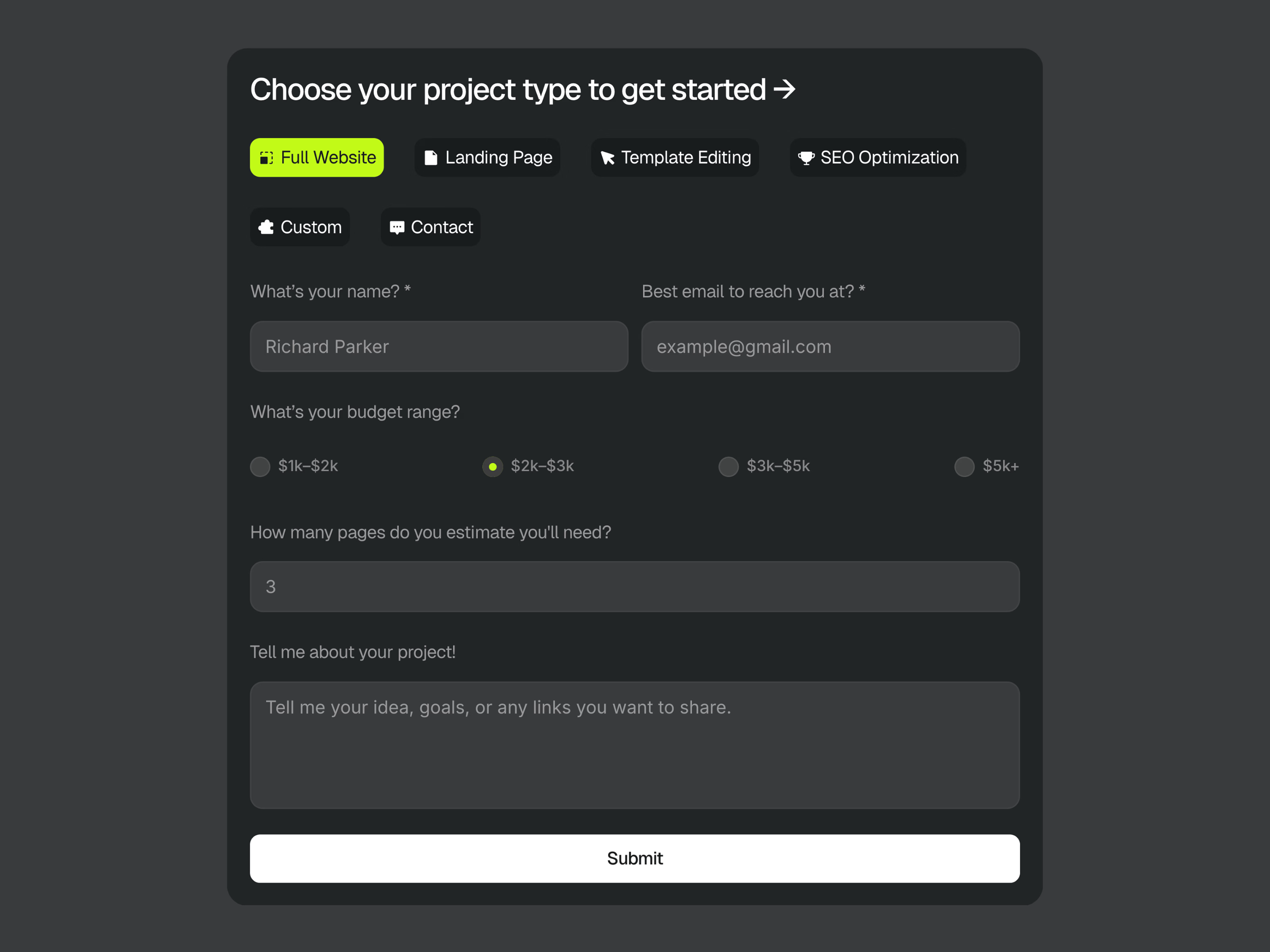
Prefab – Modular Architecture | Framer Template
$29.00
Multi-Purpose Form
$10.00
Get it for$5.00
Tags
Framer
framer component
Mobile Scroll Lock: The "No-Bounce" Override
Give your Framer sites a truly native app feel by eliminating the distracting "rubber-band" elastic scrolling on mobile devices.
The Problem
By default, mobile browsers (Safari and Chrome) allow users to pull the page past its boundaries, revealing the browser's background color or triggering an accidental "pull-to-refresh." This often breaks the immersion of fixed navigation bars and makes web apps feel unpolished.
The Solution
This simple, high-performance code override applies
overscroll-behavior: none to your project. It locks the viewport in place, ensuring that your top and bottom navigation bars stay exactly where they belong—no more bouncing, no more "gray gaps," and no more accidental refreshes.How to Use
Copy the code file.
Create a New Code File in your Framer project's "Code" section.
Paste the Code and save.
Apply the
withNoOverscroll override to your Layout Template Page or main Breakpoint.Publish and enjoy a rock-solid mobile experience.
Pro Tip: Perfect for portfolios, dashboards, and landing pages with fixed navigation or bottom bars.
Agustin's other products
Prefab – Modular Architecture | Framer Template
$29.00
Multi-Purpose Form
$10.00
$5.00