
Create immersive portfolio experiences with layered project transitions, scroll-driven reveals, image parallax and floating vignettes — powered by your native Framer CMS, with no code required.
Preview URL: https://overlap-project.framer.website
Key Features
Native Framer CMS — connect your existing Projects collection directly to Overlap and manage content from the CMS
Layered Project Transitions — projects overlap as you scroll, creating seamless full-screen transitions between each case study
Scroll-Driven Reveal — a precise horizontal clip reveal introduces each new project progressively as it enters the viewport
Image Parallax — adjustable depth from 0–12% adds subtle movement to full-screen project imagery
Floating Vignette — add a secondary CMS image to each project for a more editorial, art-directed composition
Flexible Vignette Controls — choose Left or Right positioning and Small, Medium or Large sizing
Responsive by Design — layouts, typography and floating imagery adapt across Desktop, Tablet and Phone
Project Progress Indicator — optional full-width progress line automatically follows the progression through your project collection
Custom Project Content — connect project title, category, eyebrow, CTA, colors and imagery directly from your CMS
Typography Controls — customize title and metadata typography directly from the Framer properties panel
Accessible Motion — reduced-motion support, keyboard-accessible content and focus-aware project navigation
No Code Required — configure the experience through Framer and your CMS once the component is added
Why Customers Will Love It
Most portfolio galleries display projects one after another. Overlap turns the collection itself into the experience.
Each project stays in place as the next one progressively takes over the screen, combining layered clipping, subtle image parallax and staggered content transitions. A secondary floating image adds another level of art direction without requiring a custom layout for every project.
Because the content is powered by Framer’s native CMS, adding or updating projects stays simple. Change the imagery, title, category, colors, CTA or floating vignette from your collection and keep the same immersive presentation across the entire portfolio.
Perfect for designer portfolios, creative studios, agencies, photographers, art directors and project-driven websitesthat need something more expressive than a standard grid or carousel.
Refund Policy
Due to the nature of digital products and Framer components, refunds are not available once a purchase has been completed. Please review the product details and live preview carefully before purchasing.
Get it for$19.00
Tags
Framer

Framer Designer
Framer Developer
Interaction Designer
framercomponent
Portfolio Website
Product created by
YVES VINCKIER Lille, France
- $1k+
- Earned
- 2
- Paid projects
- 5.00
- Rating
- 39
- Followers
YVES's other products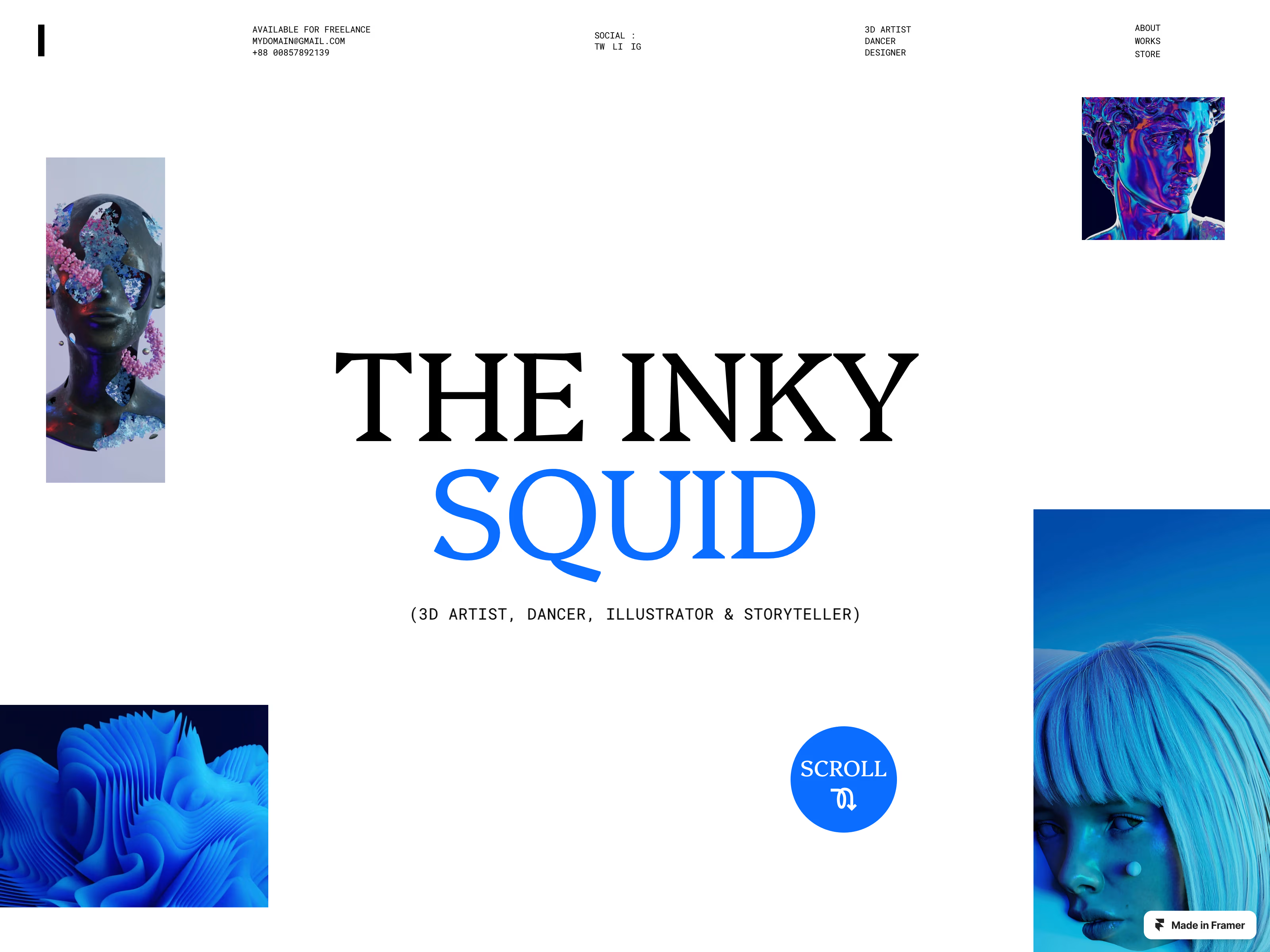
INKY - Portfolio Template for Artist, Photographer and Designers
$0.00
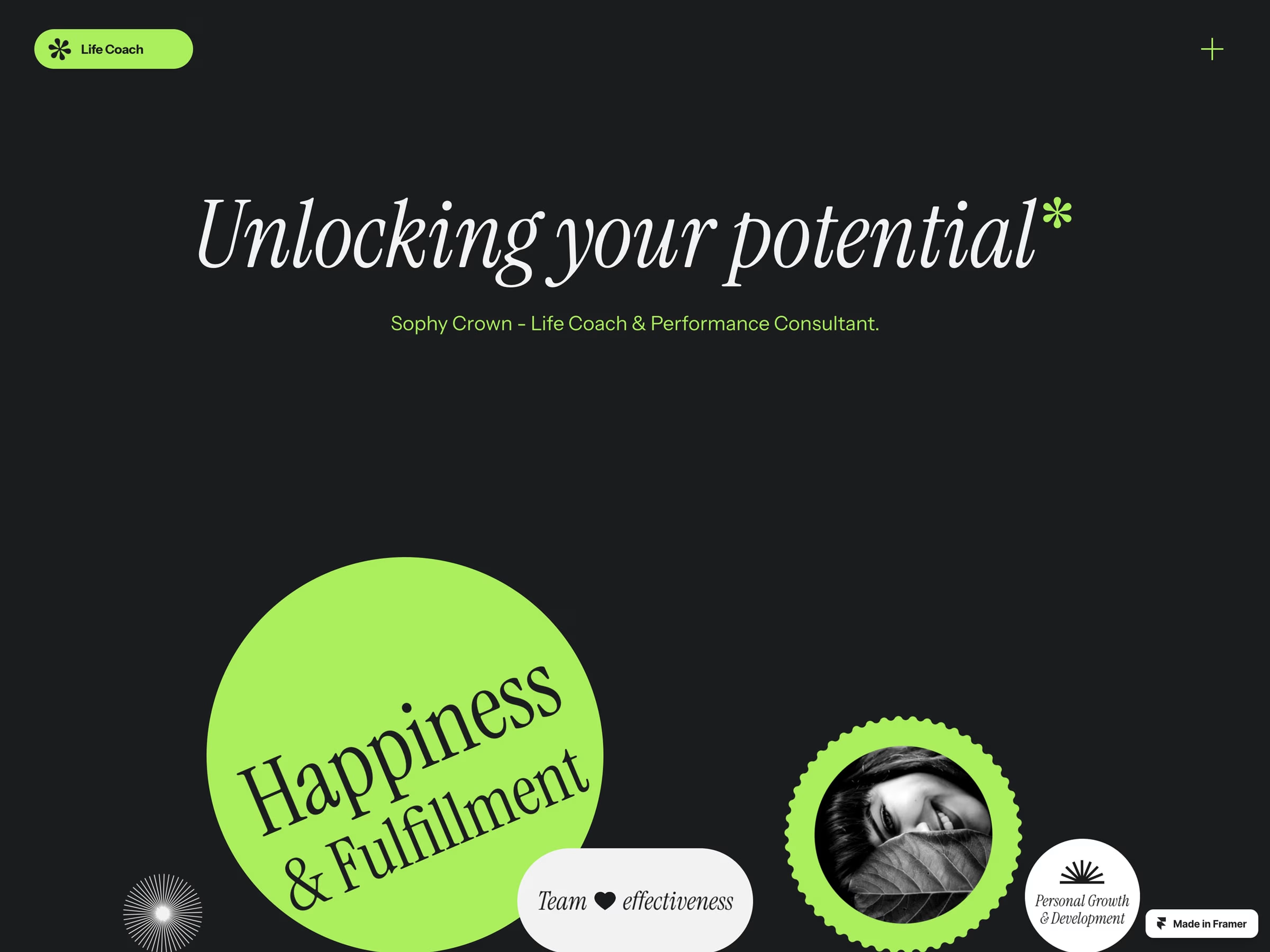
RISE - life Coach Template
$0.00
Get it for$19.00
Tags
Framer
Framer Designer
Framer Developer
Interaction Designer
framercomponent
Portfolio Website
Create immersive portfolio experiences with layered project transitions, scroll-driven reveals, image parallax and floating vignettes — powered by your native Framer CMS, with no code required.
Preview URL: https://overlap-project.framer.website
Key Features
Native Framer CMS — connect your existing Projects collection directly to Overlap and manage content from the CMS
Layered Project Transitions — projects overlap as you scroll, creating seamless full-screen transitions between each case study
Scroll-Driven Reveal — a precise horizontal clip reveal introduces each new project progressively as it enters the viewport
Image Parallax — adjustable depth from 0–12% adds subtle movement to full-screen project imagery
Floating Vignette — add a secondary CMS image to each project for a more editorial, art-directed composition
Flexible Vignette Controls — choose Left or Right positioning and Small, Medium or Large sizing
Responsive by Design — layouts, typography and floating imagery adapt across Desktop, Tablet and Phone
Project Progress Indicator — optional full-width progress line automatically follows the progression through your project collection
Custom Project Content — connect project title, category, eyebrow, CTA, colors and imagery directly from your CMS
Typography Controls — customize title and metadata typography directly from the Framer properties panel
Accessible Motion — reduced-motion support, keyboard-accessible content and focus-aware project navigation
No Code Required — configure the experience through Framer and your CMS once the component is added
Why Customers Will Love It
Most portfolio galleries display projects one after another. Overlap turns the collection itself into the experience.
Each project stays in place as the next one progressively takes over the screen, combining layered clipping, subtle image parallax and staggered content transitions. A secondary floating image adds another level of art direction without requiring a custom layout for every project.
Because the content is powered by Framer’s native CMS, adding or updating projects stays simple. Change the imagery, title, category, colors, CTA or floating vignette from your collection and keep the same immersive presentation across the entire portfolio.
Perfect for designer portfolios, creative studios, agencies, photographers, art directors and project-driven websitesthat need something more expressive than a standard grid or carousel.
Refund Policy
Due to the nature of digital products and Framer components, refunds are not available once a purchase has been completed. Please review the product details and live preview carefully before purchasing.
YVES's other products
INKY - Portfolio Template for Artist, Photographer and Designers
$0.00
RISE - life Coach Template
$0.00
$19.00