
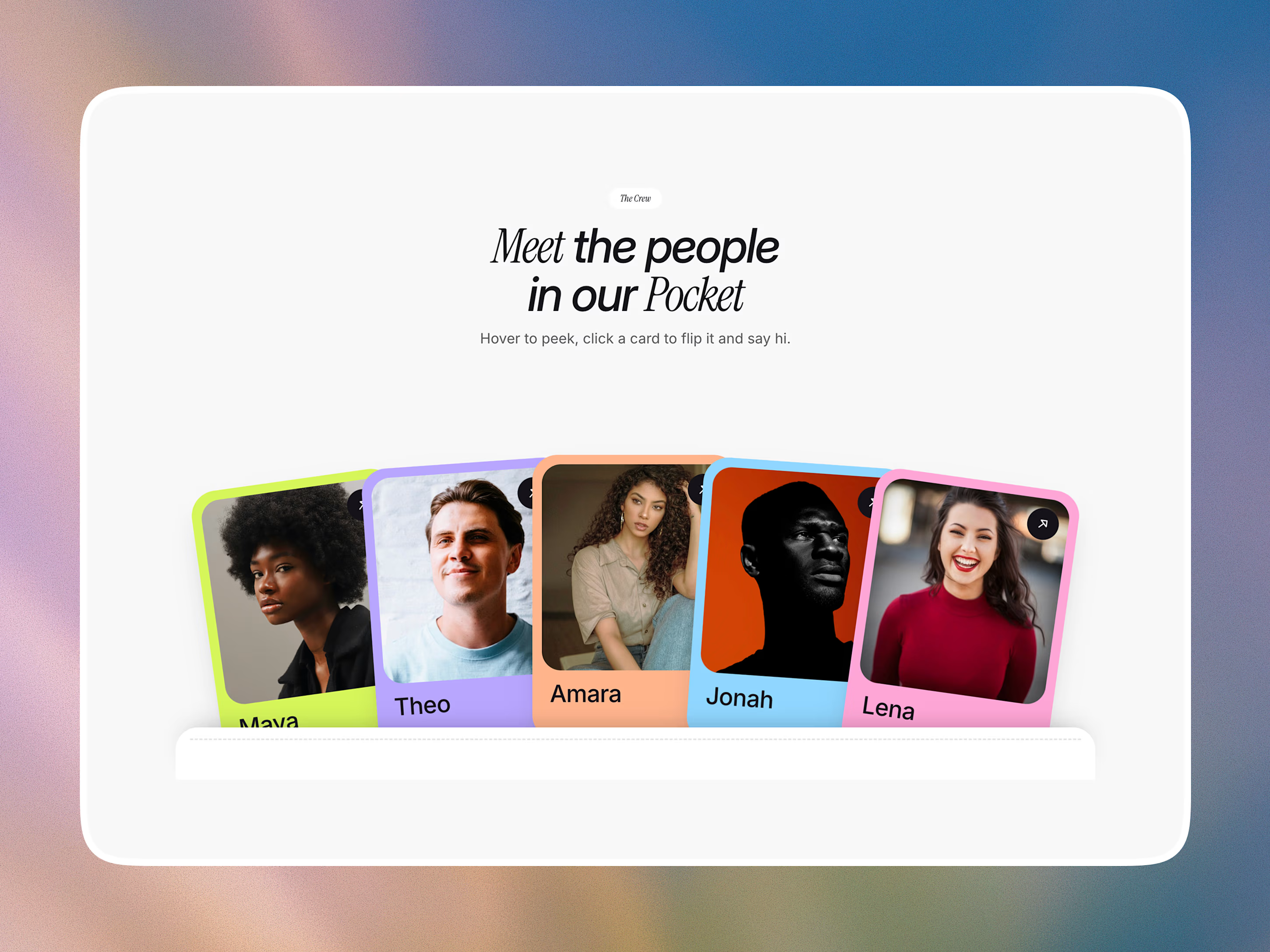
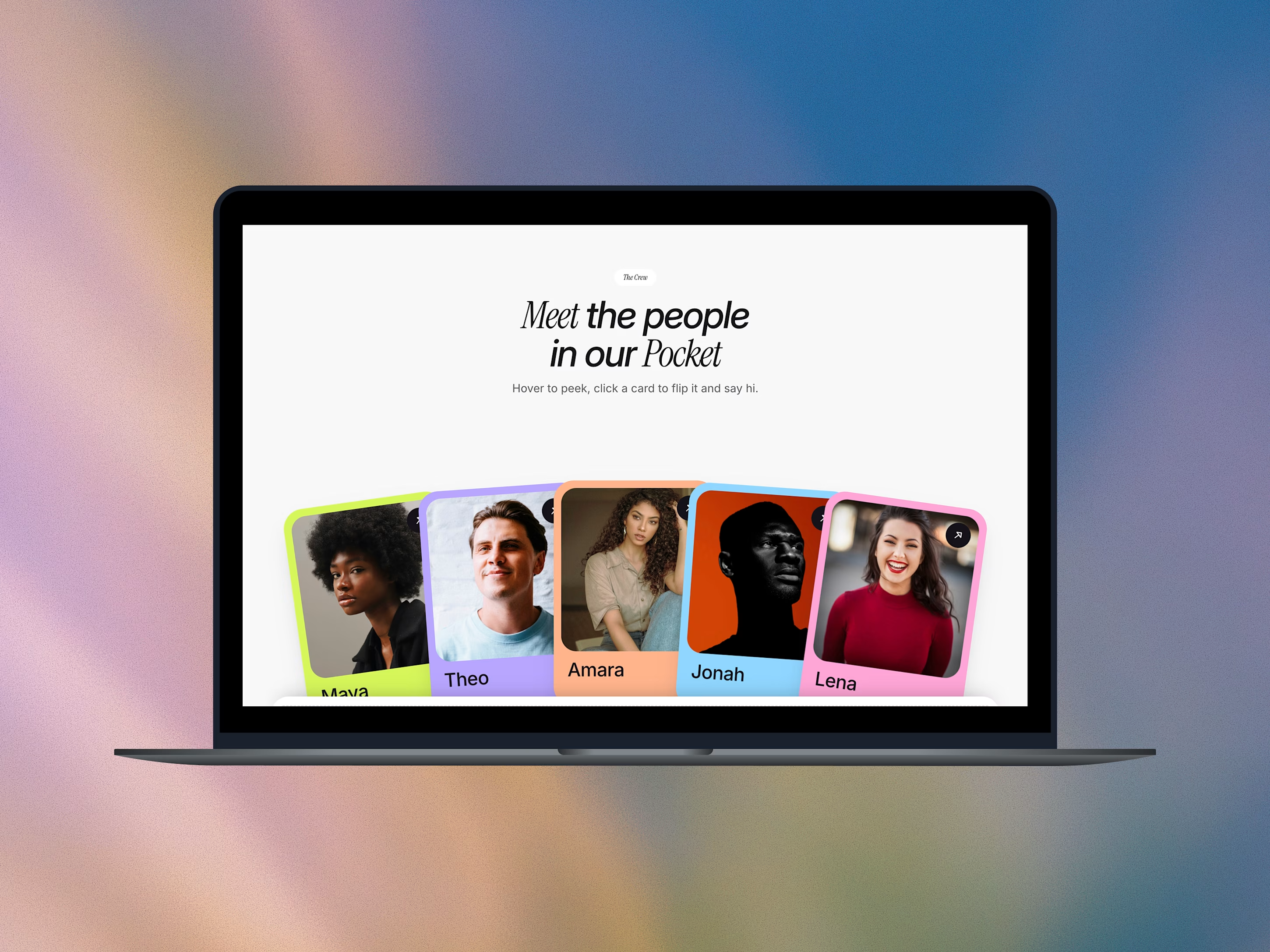
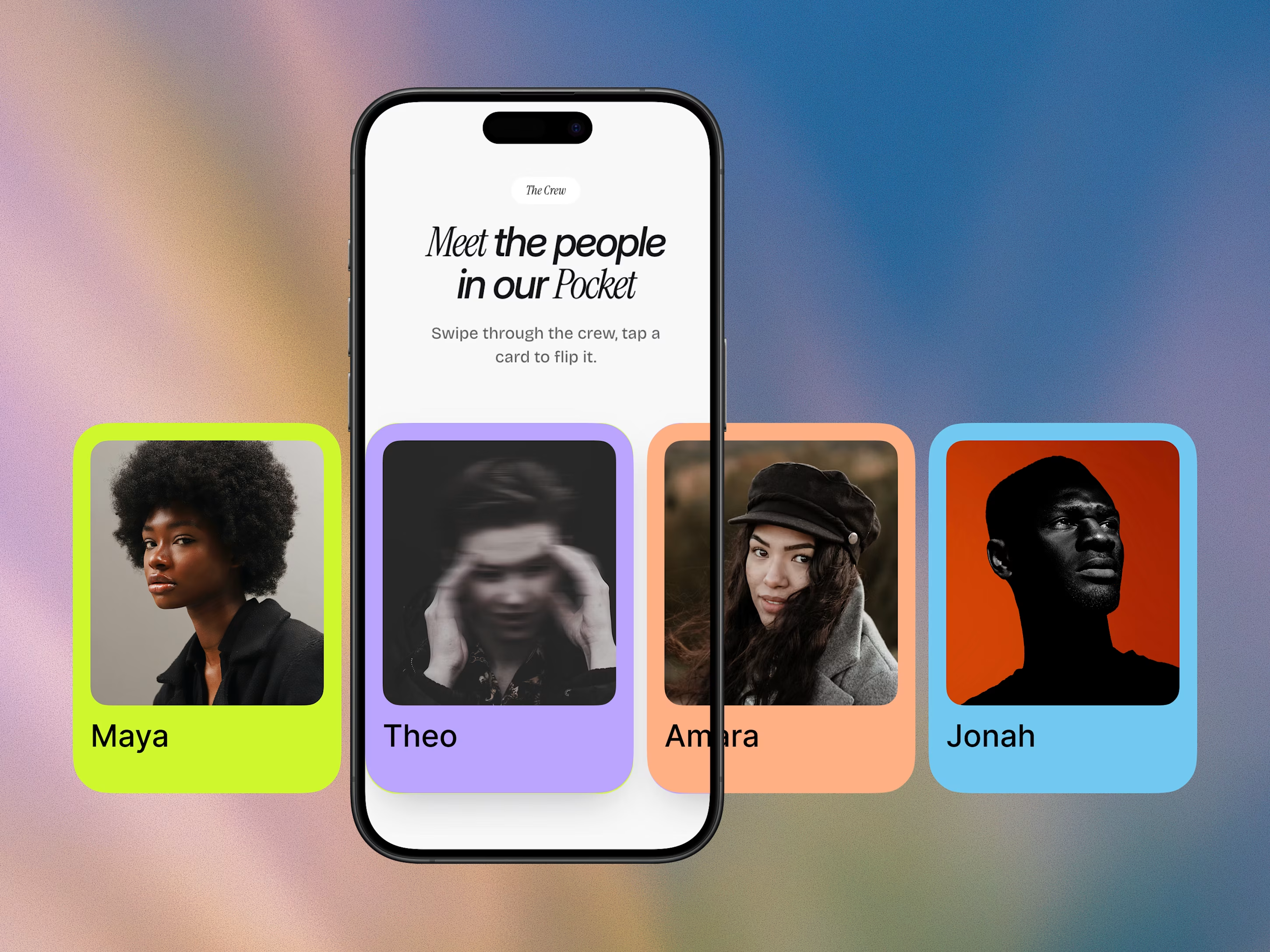
Pocket Team Card is a ready-made "Meet the Team" section for your Framer website.
Your team appears as colorful profile cards tucked into a pocket. When visitors move their mouse over a card, it peeks up. When they click it, the card flips over to show the person's role and a link.
No coding needed. You change names, photos and colors in one simple list, and the cards update automatically.
✦ What You Get
A ready-to-use team section with playful card animations
Cards that peek up on hover and flip on click
Easy editing: change names, photos, roles, bios, colors and links in one place (Framer's CMS)
A different card color for each team member
Works on desktop, tablet and mobile (tap to flip on phones)
Add more people anytime by asking Framer's built-in AI agent
✦ Choose Your Package
Standard: You get the component and simple step-by-step setup instructions. Best if you're comfortable making small edits in Framer.
Done-for-You: I set it up for you with your team's photos and details. Best if you're busy or new to Framer.
✦ Perfect For
Agency and studio websites
Startup and company About pages
Event speaker lineups
Community, club and creative group pages
Get it for$8.00
Standard
$8.00
The Pocket Team Card component, delivered instantly, with easy step-by-step setup instructions. You add your own team in a few minutes, with no coding needed.
Tags
Framer

Framer Designer
Framer Developer
Low-Code/No-Code Developer
UI Designer
framer component
web design
Product created by
Kasun Nishshanka Sri Jayawardenepura Kotte, Sri Lanka
- 7
- Followers
Get it for$8.00
Standard
$8.00
The Pocket Team Card component, delivered instantly, with easy step-by-step setup instructions. You add your own team in a few minutes, with no coding needed.
Tags
Framer
Framer Designer
Framer Developer
Low-Code/No-Code Developer
UI Designer
framer component
web design
Pocket Team Card is a ready-made "Meet the Team" section for your Framer website.
Your team appears as colorful profile cards tucked into a pocket. When visitors move their mouse over a card, it peeks up. When they click it, the card flips over to show the person's role and a link.
No coding needed. You change names, photos and colors in one simple list, and the cards update automatically.
✦ What You Get
A ready-to-use team section with playful card animations
Cards that peek up on hover and flip on click
Easy editing: change names, photos, roles, bios, colors and links in one place (Framer's CMS)
A different card color for each team member
Works on desktop, tablet and mobile (tap to flip on phones)
Add more people anytime by asking Framer's built-in AI agent
✦ Choose Your Package
Standard: You get the component and simple step-by-step setup instructions. Best if you're comfortable making small edits in Framer.
Done-for-You: I set it up for you with your team's photos and details. Best if you're busy or new to Framer.
✦ Perfect For
Agency and studio websites
Startup and company About pages
Event speaker lineups
Community, club and creative group pages
$8.00