
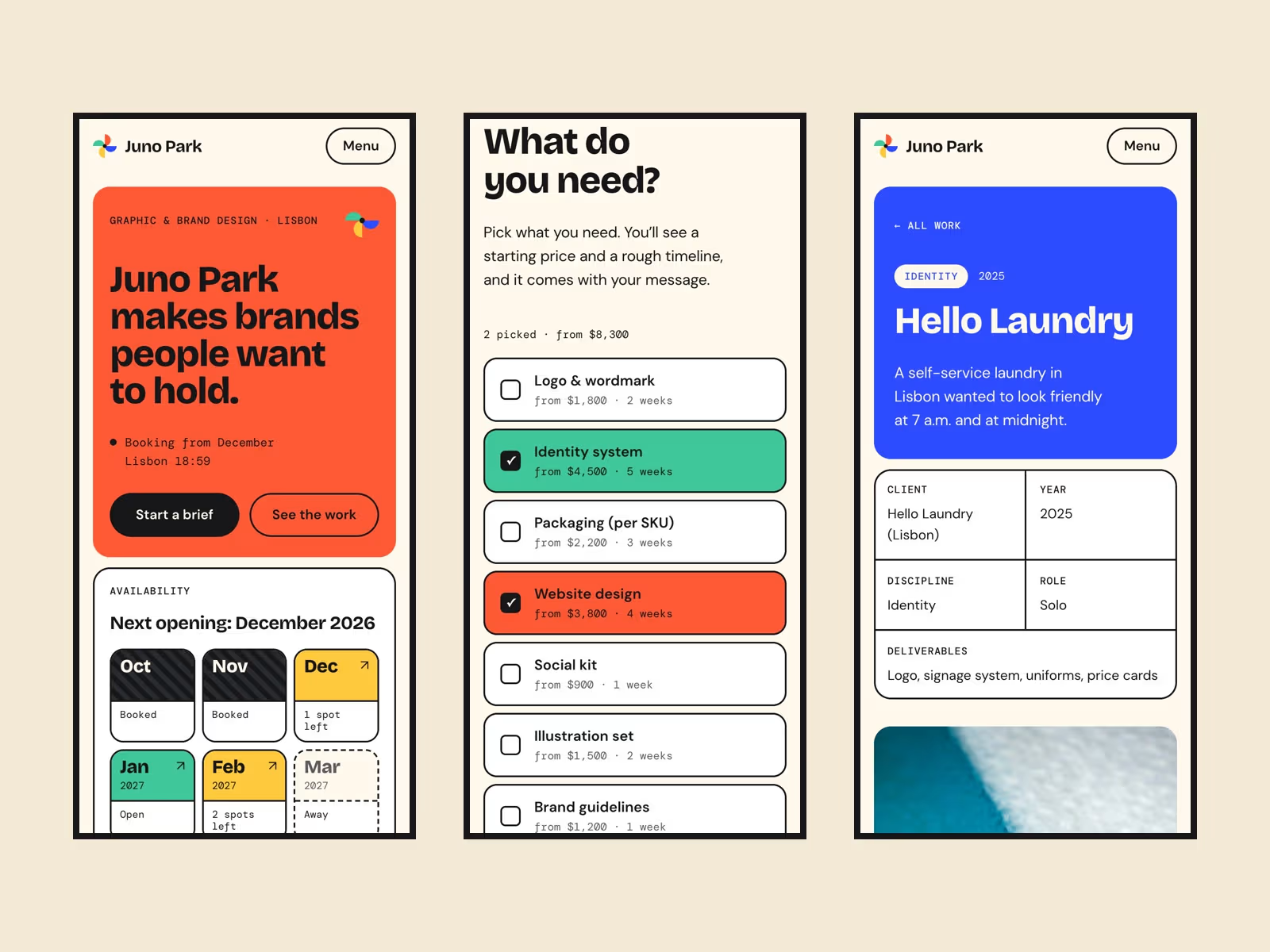
Pinwheel is a colourful portfolio for a freelance graphic or brand designer, or a studio of one to three people. It answers the two questions every client asks. Slots shows which of the next months are open, nearly full, booked or away. Start Brief lets a visitor tick deliverables and see a starting price and a rough timeline. Clicking an open month opens the brief for that month, and the picked brief goes out with the contact form.
Pages
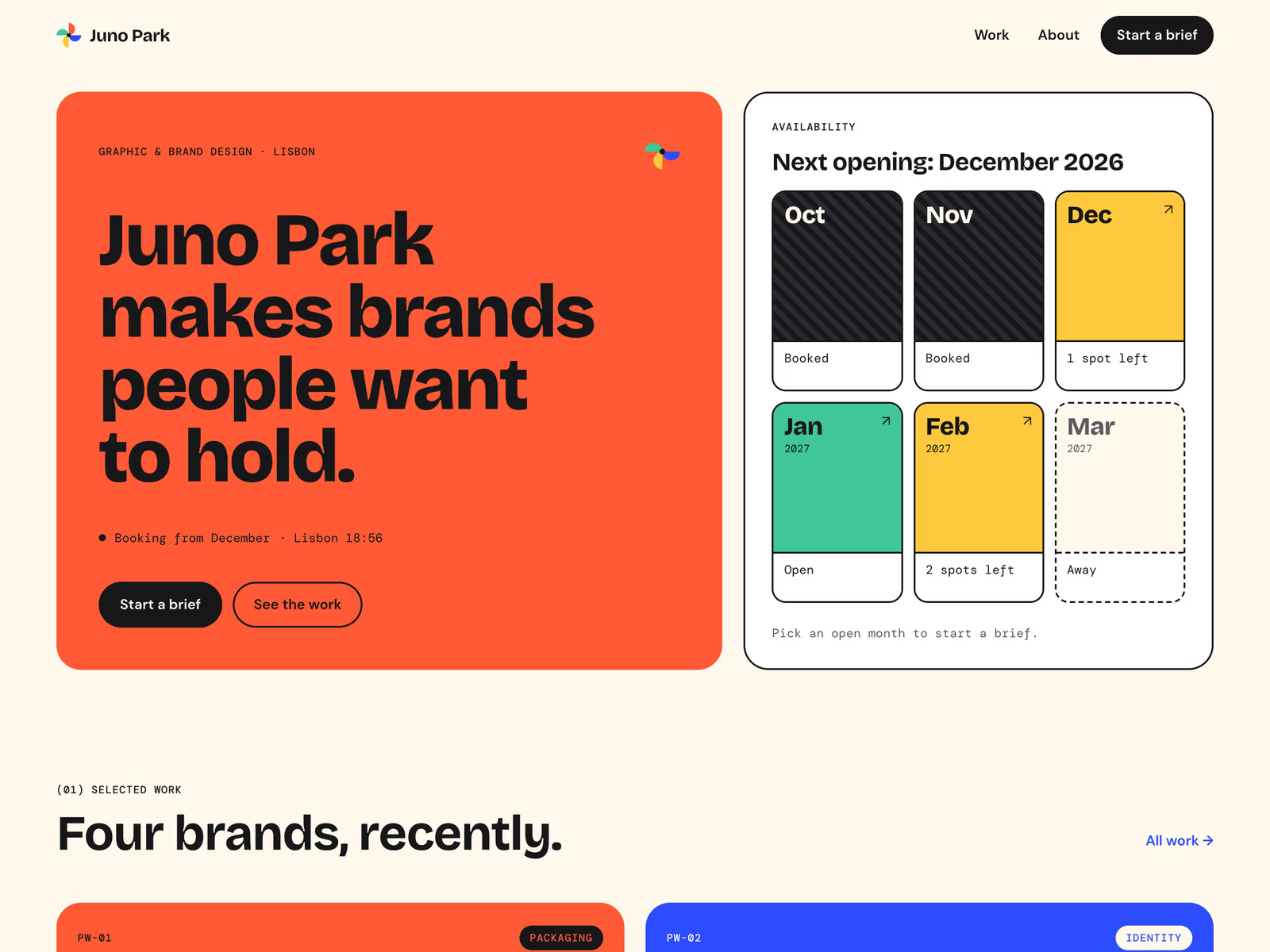
Home: a large-type intro with your city's local time, the Slots board, four featured projects, three service cards that open the brief with that service ticked, and a footer with a copy-email button
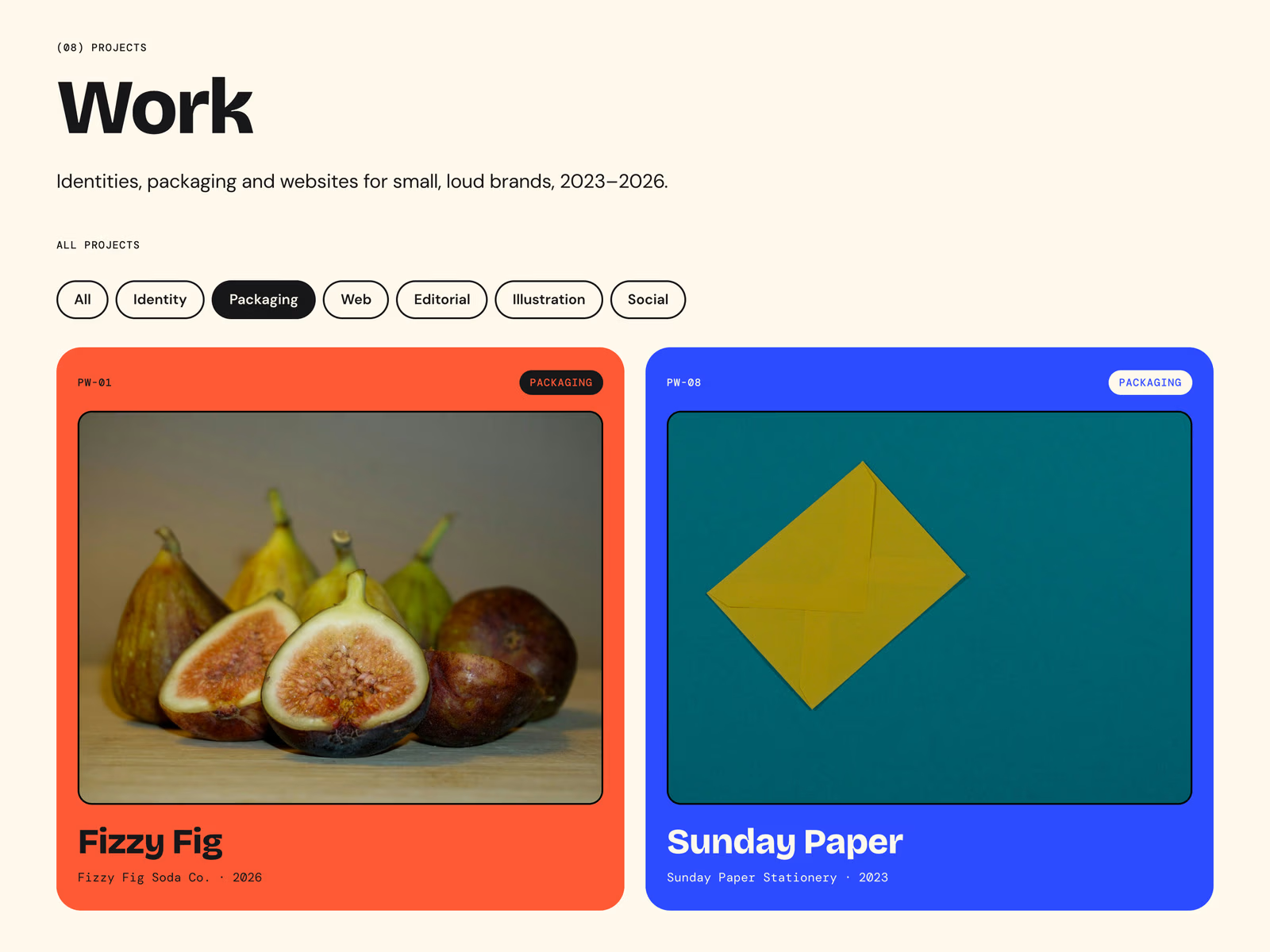
Work: every project as a colour card, with discipline filter chips (Identity, Packaging, Web, Editorial, Illustration, Social)
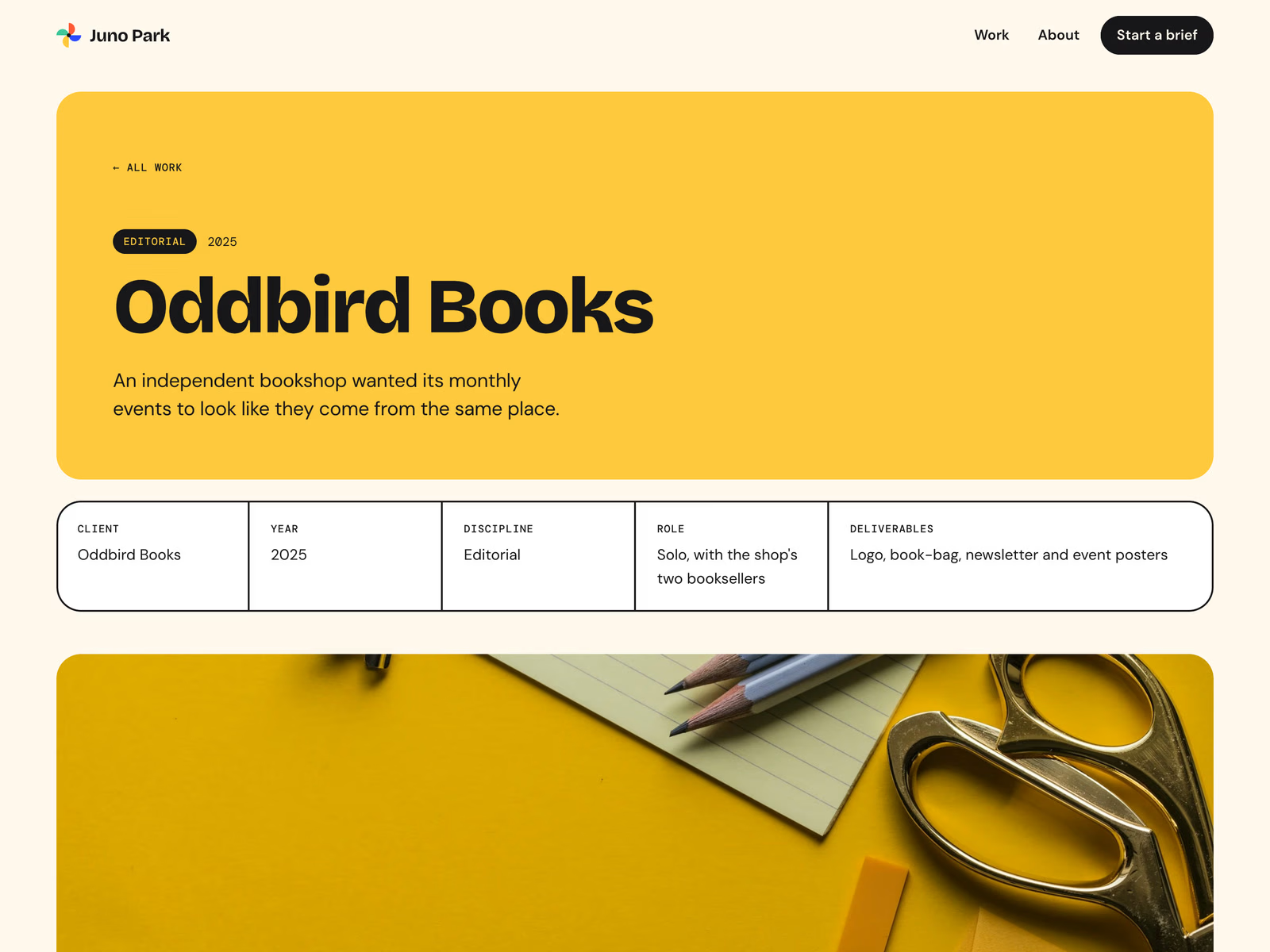
Project page (CMS): a hero in the project's own colour, a facts row (client, year, discipline, role, deliverables), cover, The ask / What I made / What changed, a result line, a gallery, a "Want one like this?" button that opens the brief with that project's service ticked, and a card for the next project (the last one shows a "See all work" card instead)
About: intro, a four-step process (Brief, Directions, Refine, Hand-off), the brands list and a second Slots board
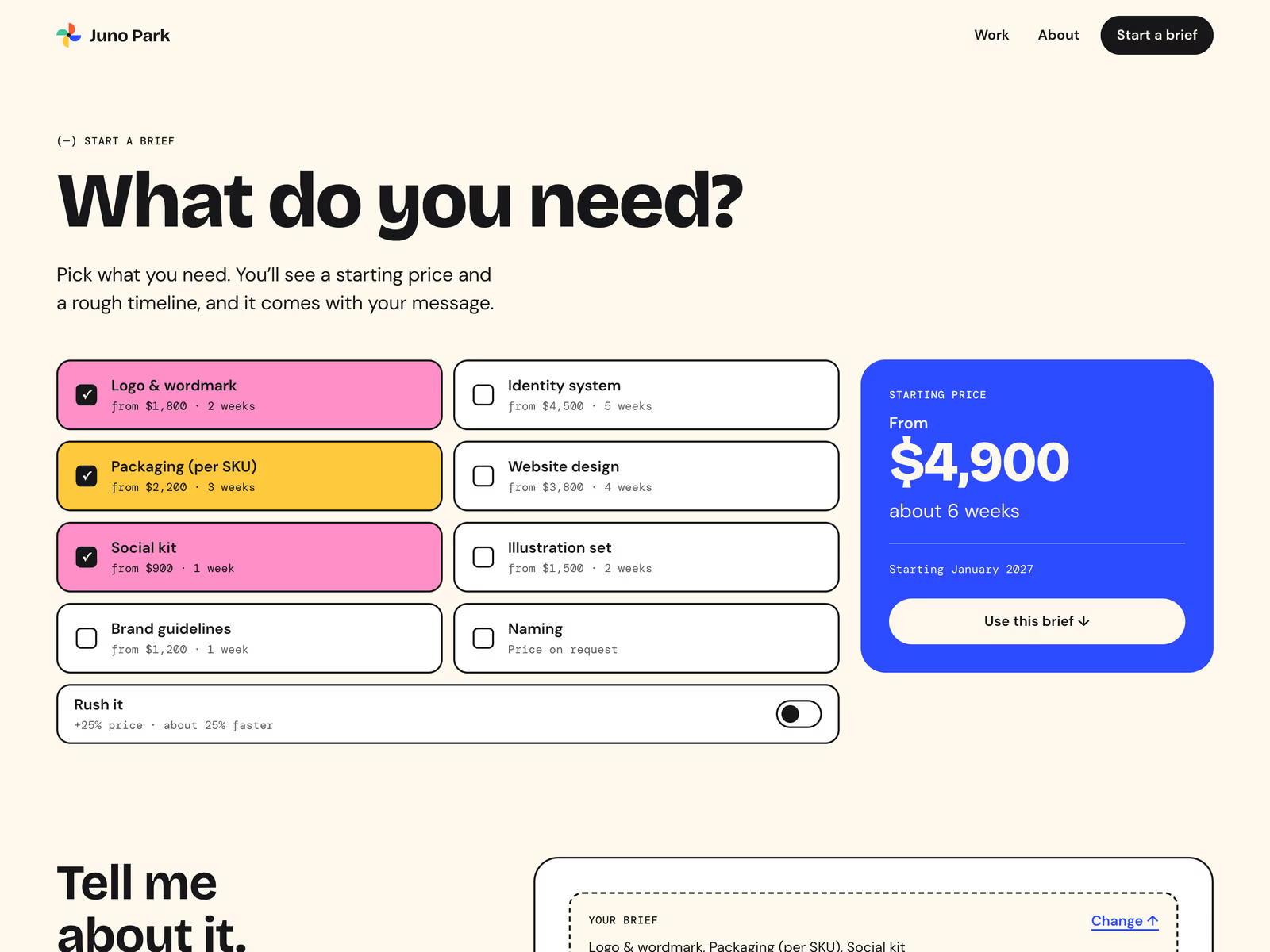
Start a brief: Start Brief, then a form with a "Your brief" summary, name, email, company, link and project fields
404 page; desktop, tablet and phone layouts; SEO set up
Components
Slots: a board of 3 to 12 months. Each month is Open, Spots left, Booked or Away, and open months link to /start?start=YYYY-MM. You set the schedule, time zone, labels and colours in its controls
Start Brief: deliverables with a from-price and a duration in weeks, an optional Rush switch (+% price, shorter time), a running total and a "Use this brief" button. The choice is kept in the page link (?items=logo,social&rush=1&start=2027-01), so a service card or a project button can open it pre-ticked
Brief Summary: shows the brief inside the form and sends it as hidden fields (brief_items, brief_rush, brief_start, brief_estimate)
Filter chips for the Work grid, the pinwheel logo mark (turns on hover), LocalTime, CopyEmail, service cards and brief buttons
CMS fields (Projects)
Title, Code, Client, Year, Discipline, Brief Key, Role, Deliverables, Summary, Outcome, Cover, Gallery 1–4, Show Gallery Row 2, Featured, Order, Colour, Ink On Colour, The Ask, What I Made, What Changed, Last Project
Good to know
Prices, durations and the Rush rule in Start Brief are set in the component's controls, not in the CMS. The total is a starting price, not a quote.
The schedule is typed into the Slots controls by hand. It doesn't sync with a calendar or a booking tool. Start Brief has its own copy of the schedule, so update both when it changes.
The brief reaches you as hidden fields in the form. Check that your form destination (Framer forms, email or a webhook) shows those fields before you go live.
The filter chips are a code component that reads the Work grid by layer name. If you rename the grid or the Discipline text layer, update the chip controls.
Gallery boards 3 and 4 in the demo are generated colour blocks. They are placeholders for your own work.
Juno Park, the studio, the clients and the projects are made up. Photos are from Unsplash.


Nermin's other products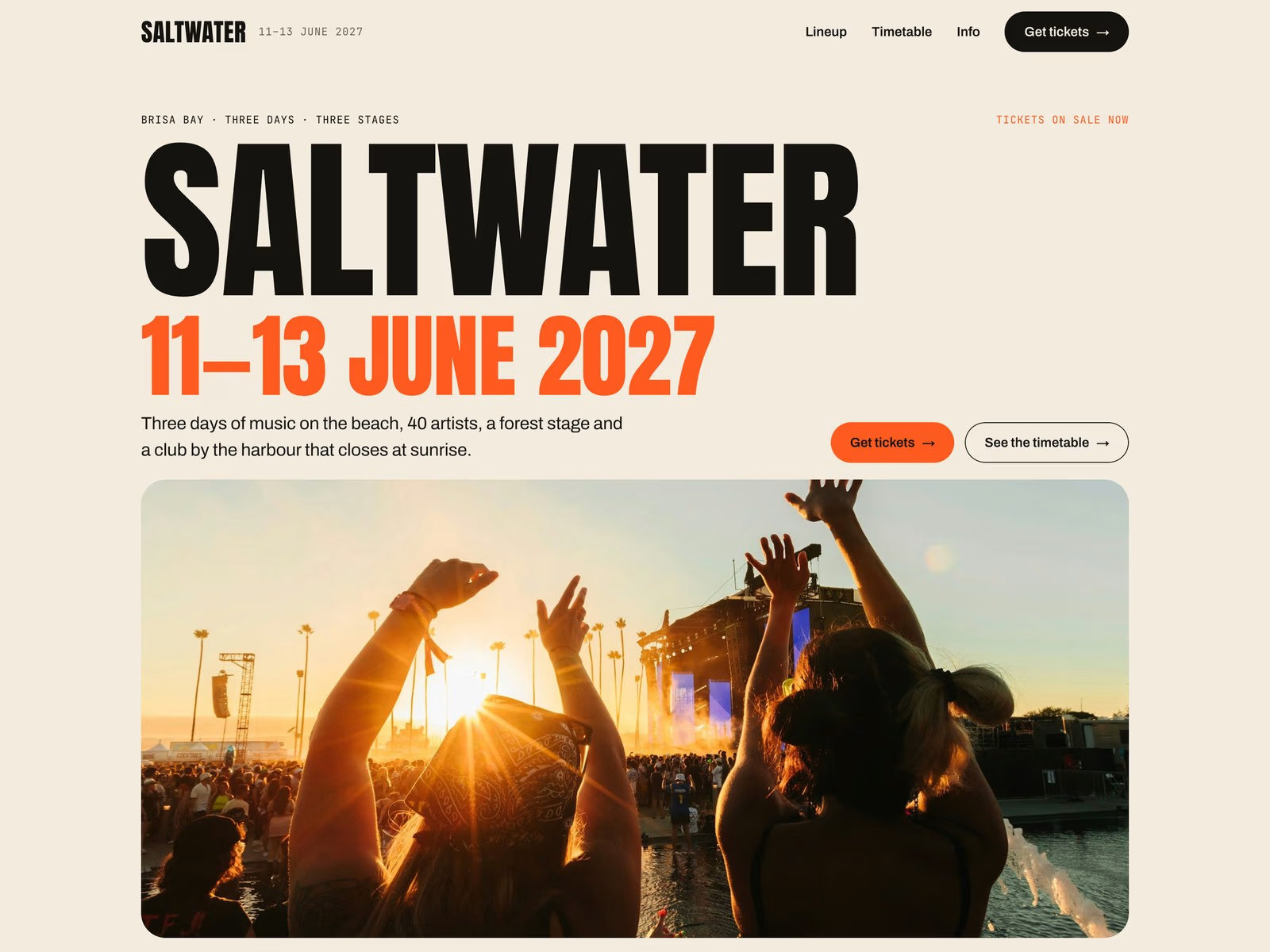
Saltwater — Festival & Event Framer Template
$69.00
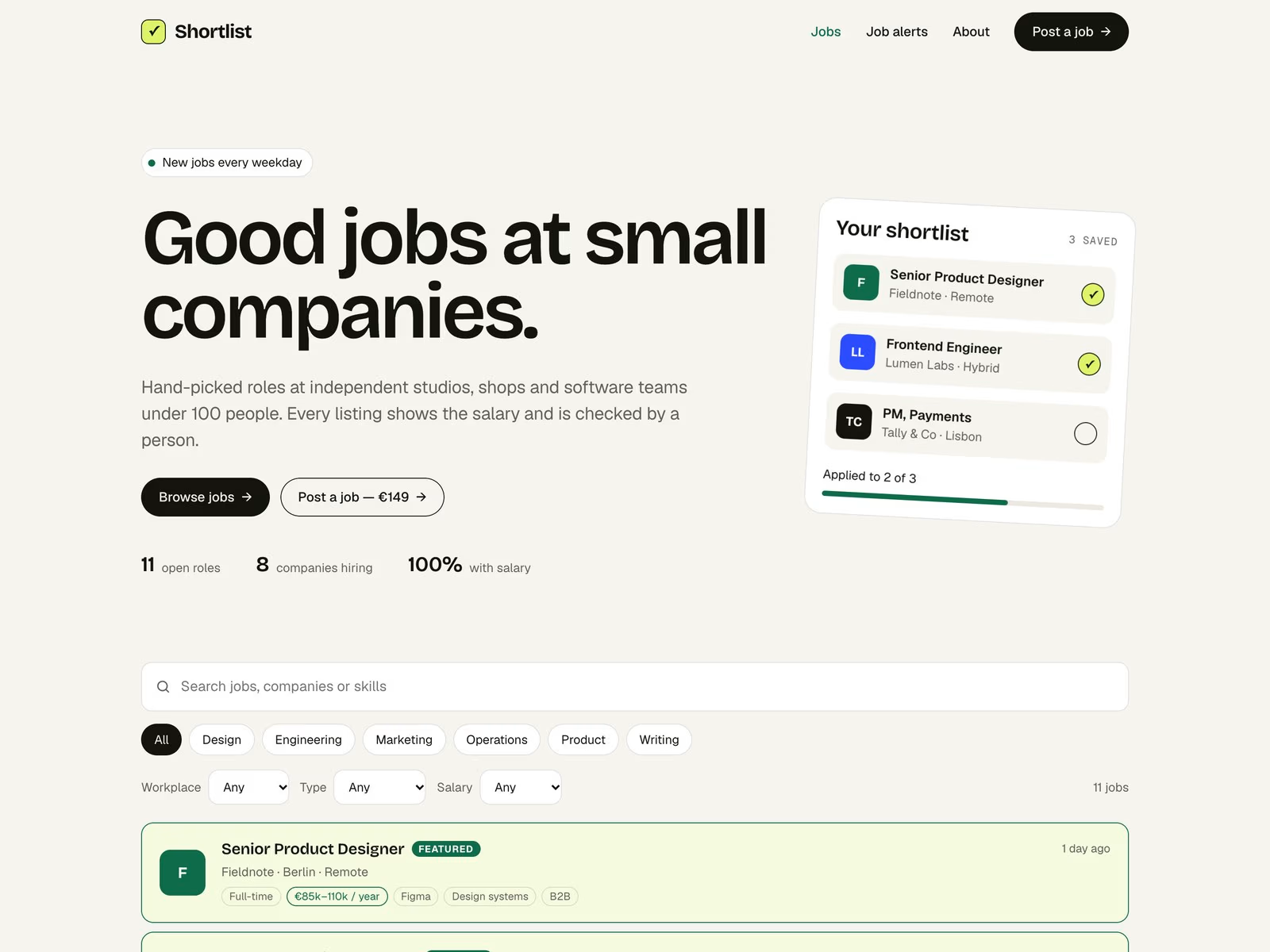
Shortlist — Job Board Framer Template
$69.00
Get it for$49.00
Tags
Framer
Pinwheel is a colourful portfolio for a freelance graphic or brand designer, or a studio of one to three people. It answers the two questions every client asks. Slots shows which of the next months are open, nearly full, booked or away. Start Brief lets a visitor tick deliverables and see a starting price and a rough timeline. Clicking an open month opens the brief for that month, and the picked brief goes out with the contact form.
Pages
Home: a large-type intro with your city's local time, the Slots board, four featured projects, three service cards that open the brief with that service ticked, and a footer with a copy-email button
Work: every project as a colour card, with discipline filter chips (Identity, Packaging, Web, Editorial, Illustration, Social)
Project page (CMS): a hero in the project's own colour, a facts row (client, year, discipline, role, deliverables), cover, The ask / What I made / What changed, a result line, a gallery, a "Want one like this?" button that opens the brief with that project's service ticked, and a card for the next project (the last one shows a "See all work" card instead)
About: intro, a four-step process (Brief, Directions, Refine, Hand-off), the brands list and a second Slots board
Start a brief: Start Brief, then a form with a "Your brief" summary, name, email, company, link and project fields
404 page; desktop, tablet and phone layouts; SEO set up
Components
Slots: a board of 3 to 12 months. Each month is Open, Spots left, Booked or Away, and open months link to /start?start=YYYY-MM. You set the schedule, time zone, labels and colours in its controls
Start Brief: deliverables with a from-price and a duration in weeks, an optional Rush switch (+% price, shorter time), a running total and a "Use this brief" button. The choice is kept in the page link (?items=logo,social&rush=1&start=2027-01), so a service card or a project button can open it pre-ticked
Brief Summary: shows the brief inside the form and sends it as hidden fields (brief_items, brief_rush, brief_start, brief_estimate)
Filter chips for the Work grid, the pinwheel logo mark (turns on hover), LocalTime, CopyEmail, service cards and brief buttons
CMS fields (Projects)
Title, Code, Client, Year, Discipline, Brief Key, Role, Deliverables, Summary, Outcome, Cover, Gallery 1–4, Show Gallery Row 2, Featured, Order, Colour, Ink On Colour, The Ask, What I Made, What Changed, Last Project
Good to know
Prices, durations and the Rush rule in Start Brief are set in the component's controls, not in the CMS. The total is a starting price, not a quote.
The schedule is typed into the Slots controls by hand. It doesn't sync with a calendar or a booking tool. Start Brief has its own copy of the schedule, so update both when it changes.
The brief reaches you as hidden fields in the form. Check that your form destination (Framer forms, email or a webhook) shows those fields before you go live.
The filter chips are a code component that reads the Work grid by layer name. If you rename the grid or the Discipline text layer, update the chip controls.
Gallery boards 3 and 4 in the demo are generated colour blocks. They are placeholders for your own work.
Juno Park, the studio, the clients and the projects are made up. Photos are from Unsplash.
Nermin's other products
Saltwater — Festival & Event Framer Template
$69.00
Shortlist — Job Board Framer Template
$69.00
$49.00