
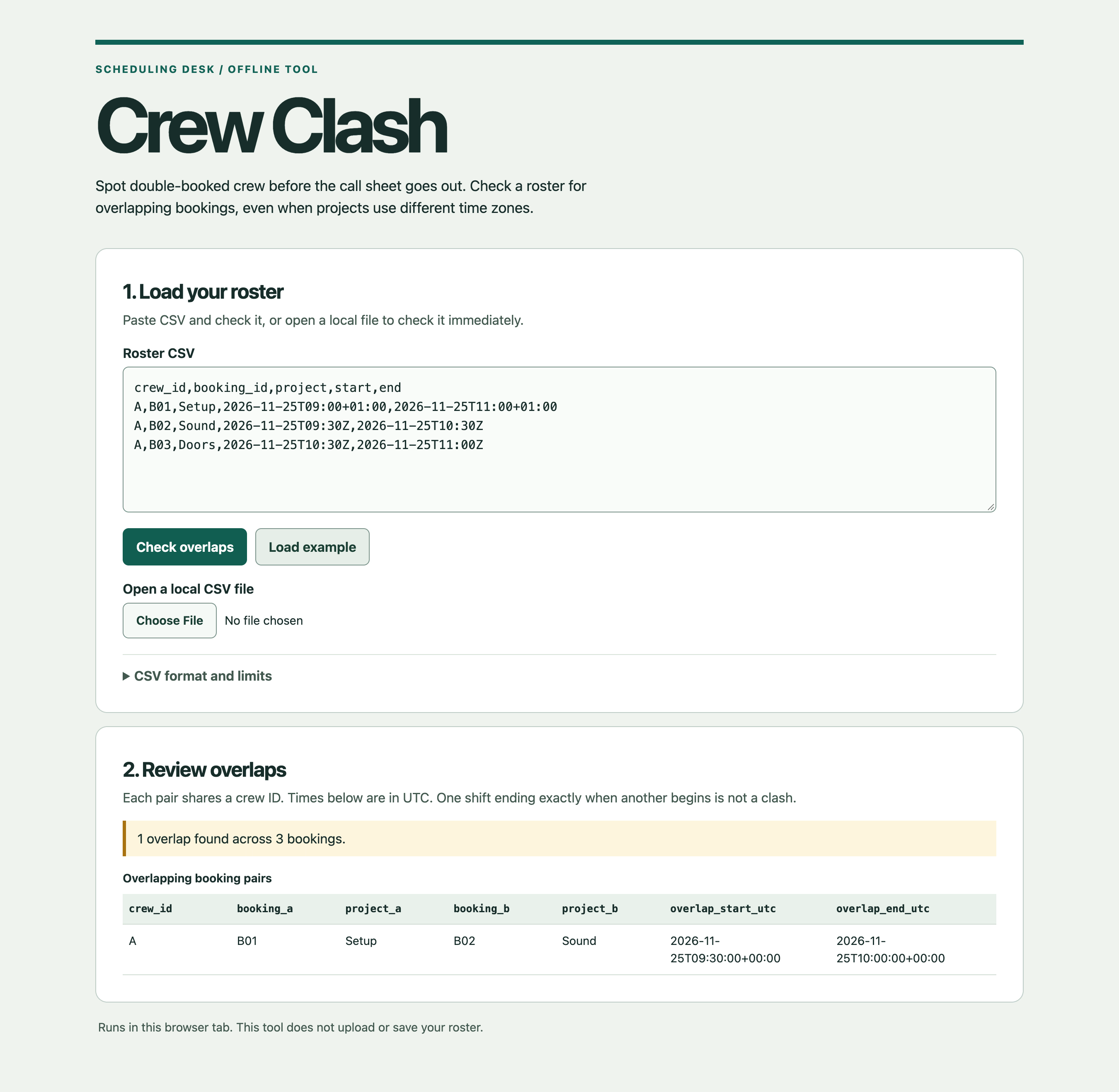
For production coordinators, event producers and small agencies who already schedule in a spreadsheet. Before you send the call sheet, check whether the same crew member is booked on two projects at once. Open the included HTML file in desktop Chrome, load your CSV and see the two booking IDs, their project names and the exact UTC interval to review. Your roster stays in the browser. No account, upload, installation or subscription is needed to run the tool. Example: Setup ends at 11:00 in UTC+01:00. Sound starts at 09:30 UTC. For the same crew member that is a 30-minute clash, even though the timestamps look different. A handoff at the exact end of a shift is not flagged. Try the included three-booking example to see both cases. In the ZIP: offline checker, synthetic demo CSV and plain-text quick start. Use a comma-separated UTF-8 export with crew_id, booking_id, project, start, end and explicit UTC offsets. Up to 1,000 bookings, 1 MiB of CSV and 5,000 overlap pairs per check. Desktop Chrome with JavaScript required. Interface and guide in English. Not a scheduling system: it checks a snapshot. It does not connect to your calendar, fix bookings, infer time zones, detect travel-time conflicts or enforce labor rules.

Daniel's other products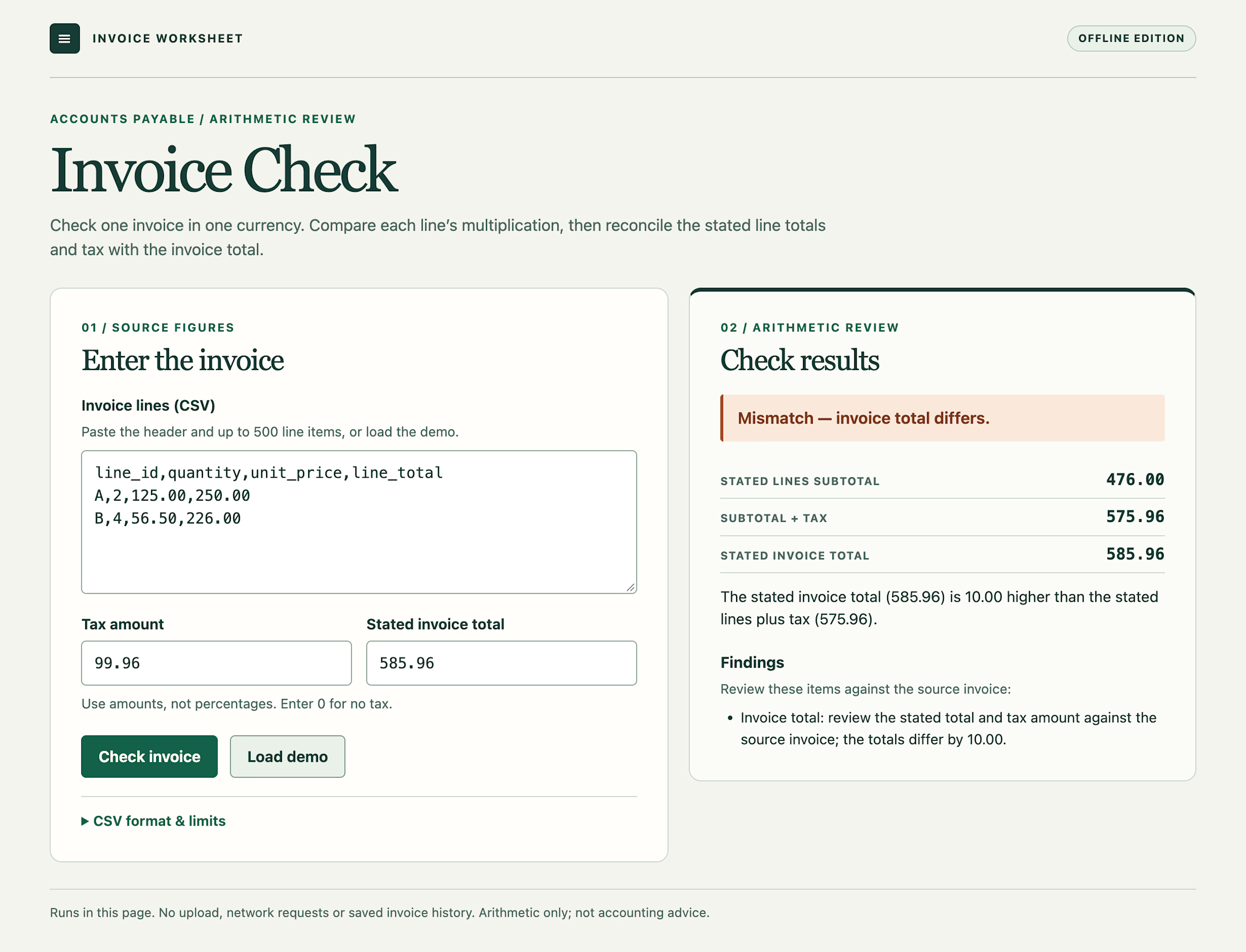
Invoice Check — Reconcile extracted invoice line items
$29.00
Get it for$19.00
Tags
Project Manager
For production coordinators, event producers and small agencies who already schedule in a spreadsheet. Before you send the call sheet, check whether the same crew member is booked on two projects at once. Open the included HTML file in desktop Chrome, load your CSV and see the two booking IDs, their project names and the exact UTC interval to review. Your roster stays in the browser. No account, upload, installation or subscription is needed to run the tool. Example: Setup ends at 11:00 in UTC+01:00. Sound starts at 09:30 UTC. For the same crew member that is a 30-minute clash, even though the timestamps look different. A handoff at the exact end of a shift is not flagged. Try the included three-booking example to see both cases. In the ZIP: offline checker, synthetic demo CSV and plain-text quick start. Use a comma-separated UTF-8 export with crew_id, booking_id, project, start, end and explicit UTC offsets. Up to 1,000 bookings, 1 MiB of CSV and 5,000 overlap pairs per check. Desktop Chrome with JavaScript required. Interface and guide in English. Not a scheduling system: it checks a snapshot. It does not connect to your calendar, fix bookings, infer time zones, detect travel-time conflicts or enforce labor rules.
Daniel's other products
Invoice Check — Reconcile extracted invoice line items
$29.00
$19.00