
Interactive Motion Gradient — Framer Marketplace listing
Short description (card)
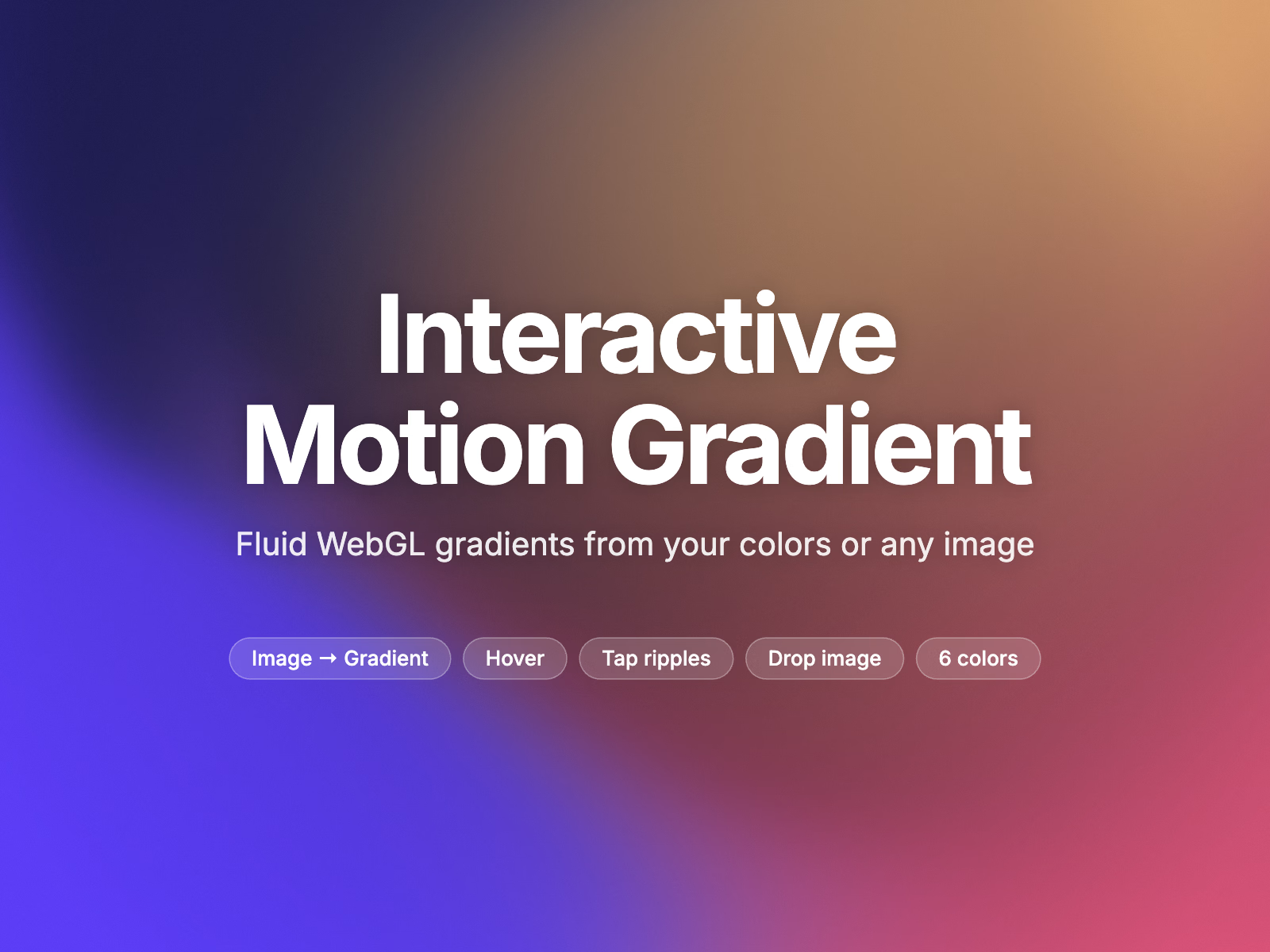
A living, interactive gradient background. Turn any photo into a flowing gradient that bends under the cursor and ripples on every tap.
About
Interactive Motion Gradient is an animated background powered by a custom WebGL shader. Drop in any image and it dissolves into a soft, slowly flowing gradient made from that image's own colors. Or build one from up to six colors of your own. Either way, the result never looks static and never looks like a stock blur.
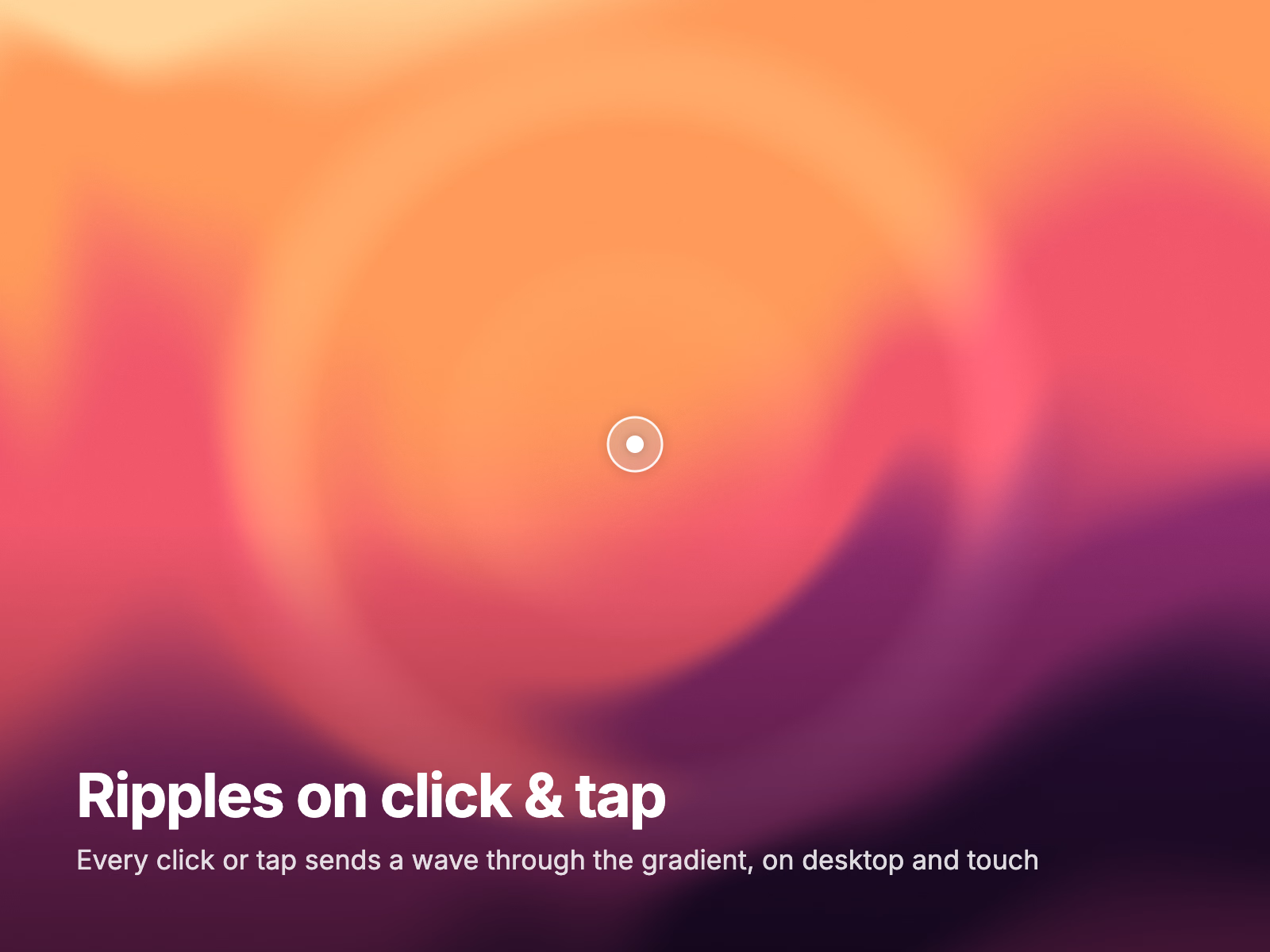
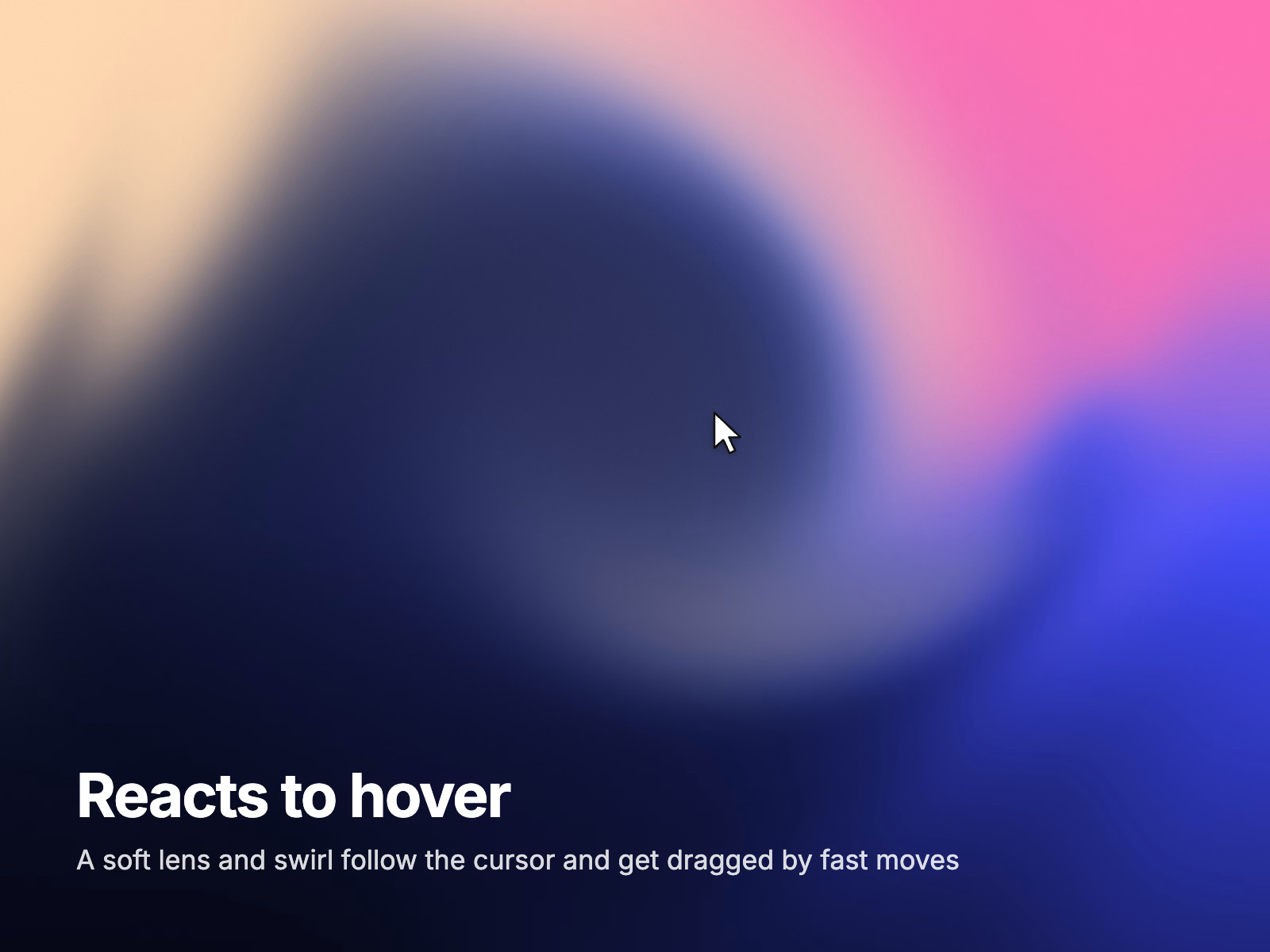
It is also made to be touched. The gradient bends and swirls under the cursor and gets dragged along by fast moves. Every click or tap sends a ripple through it. All of this works on desktop and on touch screens, even when your headline and buttons sit on top of it. Every control is live in the property panel, so you can tune it without writing code.
Highlights
Image → living gradient
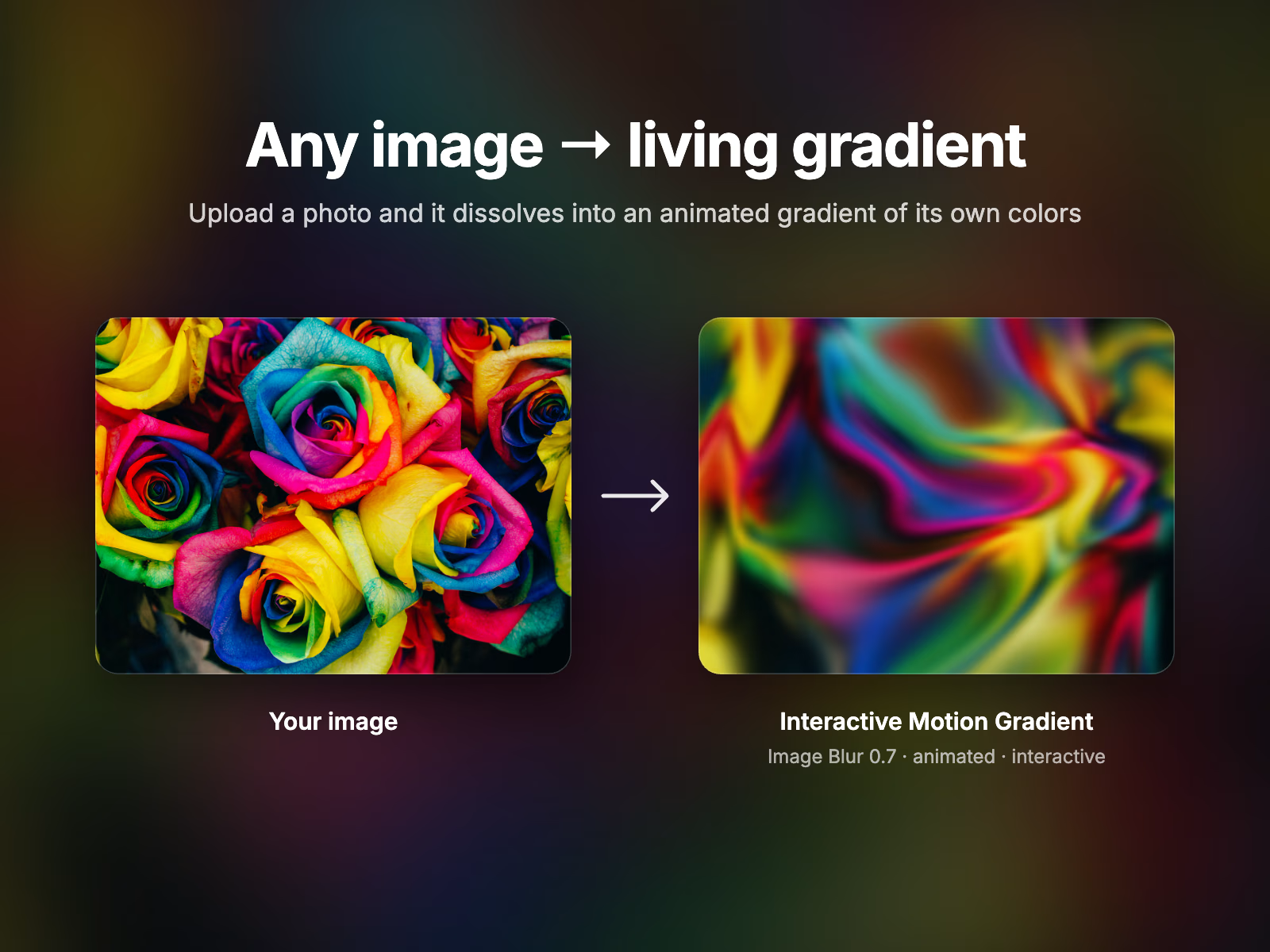
Use any picture. Upload a photo, a product shot, artwork or a brand visual, and it becomes an animated gradient.
Image Blur sets how much of the picture dissolves: from a soft hint of the original shapes to a pure color field.
No pixel steps or banding. The image is downsampled carefully and then rendered with smooth bicubic filtering, so even very strong blur stays silky.
Fills any frame. The image is cover-fitted to any size or aspect ratio, and its edges are mirrored, so waves never pull in hard borders.
Smooth image swaps. A new image (from a CMS item or a visitor's drop) crossfades in over the previous one.
Interactive
Hover lens. A soft lens and twist follow the cursor. You choose the strength and size.
Follows the motion. Fast cursor or finger moves drag the colors along, like stirring a liquid.
Parallax. The whole field shifts gently toward the pointer.
Click & tap ripples. Each click or tap sends out a ring wave, up to 8 at once, with adjustable strength and speed.
Touch support. A finger acts as the cursor while it is on the screen. A tap triggers a ripple.
Works under your content. Pointer input is tracked at the window level, so the effect still responds when text, buttons or cards are layered on top.
Drop Image (optional)
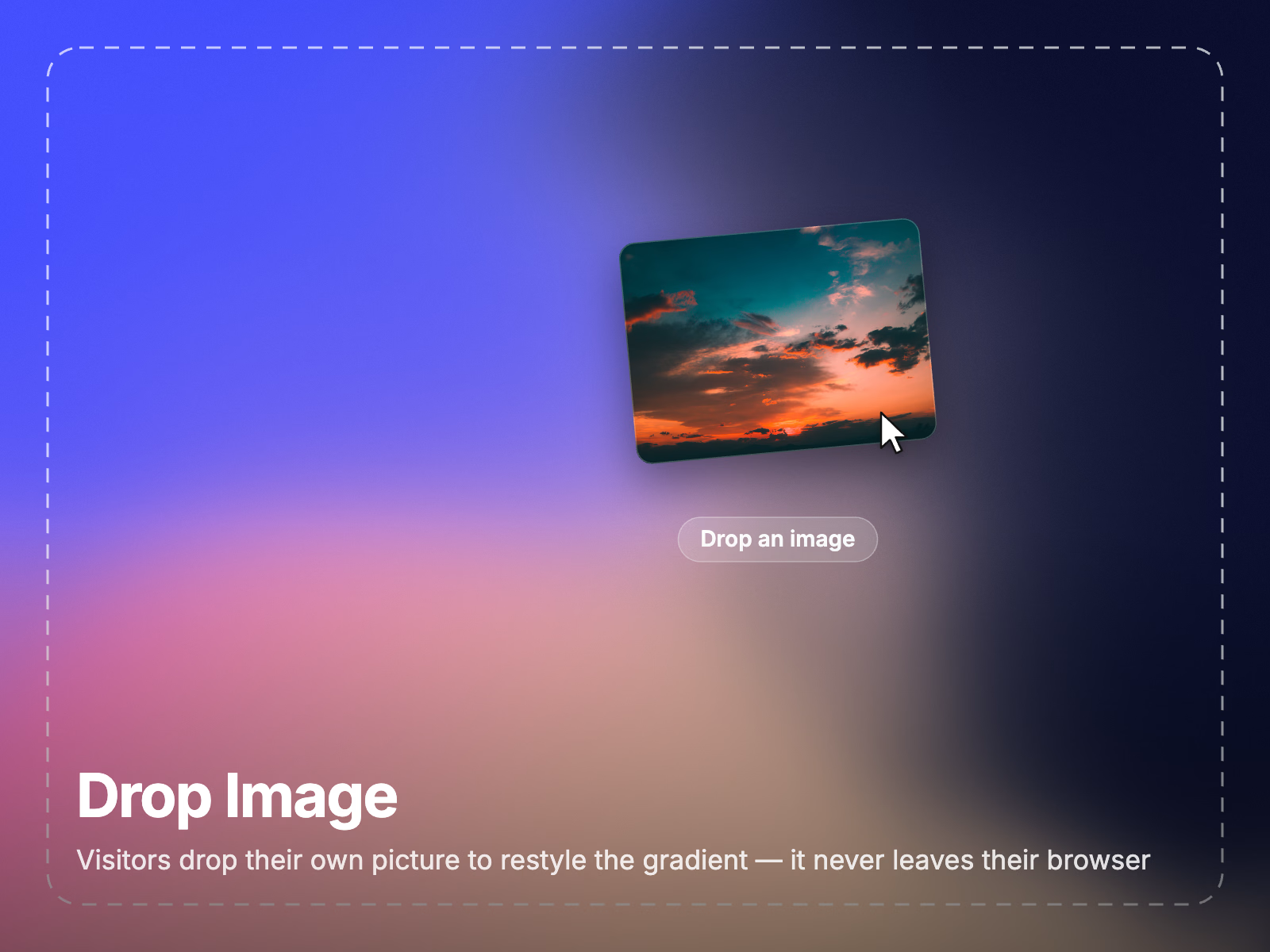
With Drop Image turned on, visitors can drag their own picture onto the gradient and watch it restyle the background instantly.
The file stays in the visitor's browser. It is never uploaded anywhere.
Colors
Up to 6 colors, blended in the OKLab color space for clean, vivid transitions with no muddy grey middles.
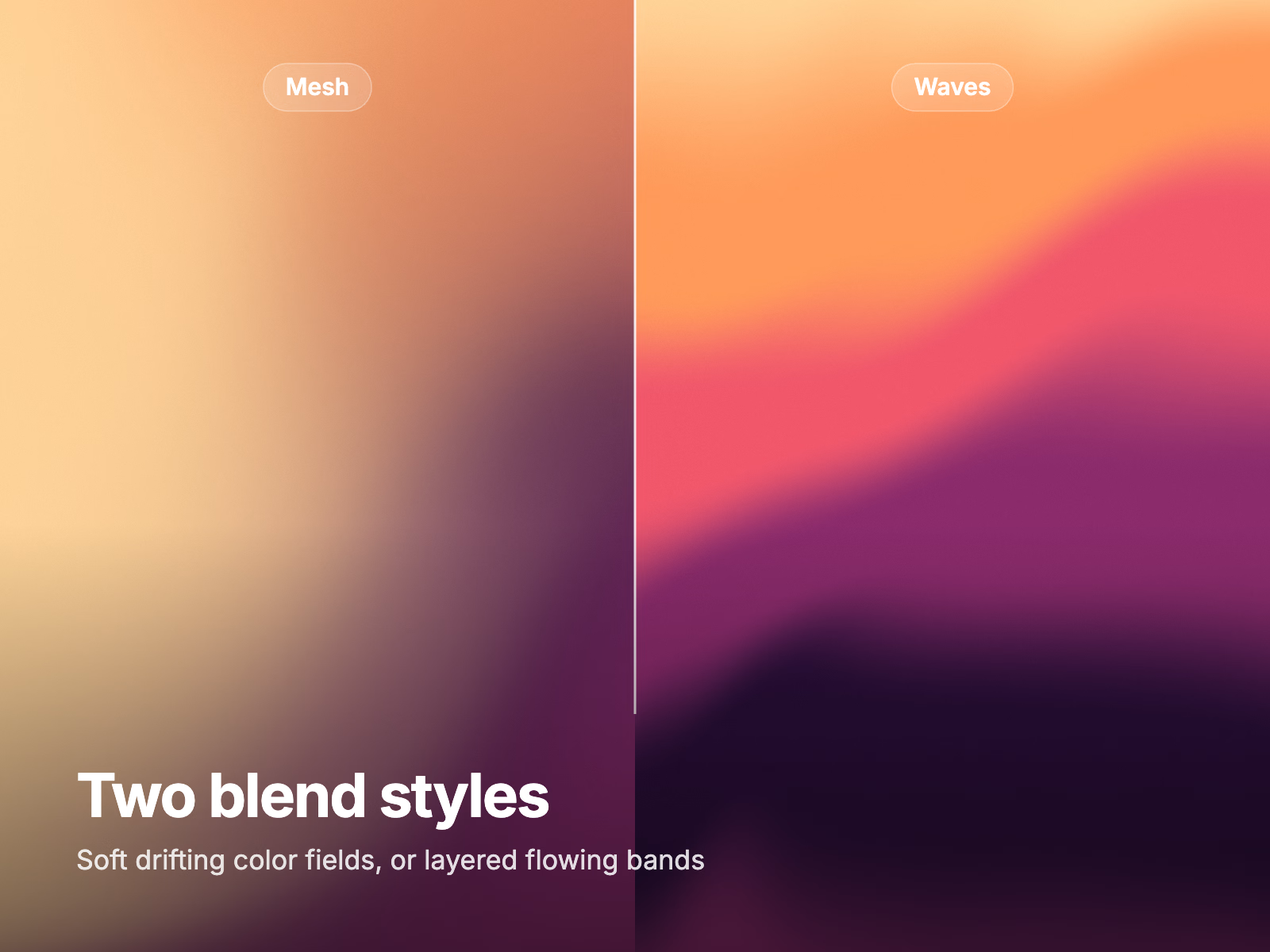
Two blend styles. Mesh gives soft color fields that drift on their own orbits. Waves gives layered, flowing bands.
Seed reshuffles the pattern without touching your colors. Softness, Scale, Amplitude, Angle and Speed shape the motion.
Works with Framer color styles.
Polish & performance
Film grain plus built-in dithering, so there is no banding even in dark, subtle gradients.
Pauses automatically when off screen or in a background tab.
Pixel budget. A smooth field doesn't need retina density, so it renders efficiently even on large 4K screens.
Respects prefers-reduced-motion. Visitors who ask for reduced motion see a still frame.
Live canvas preview. The gradient animates in the Framer editor (you can turn this off), and every change shows instantly.
CSS fallback. Shows a gradient of your colors if WebGL isn't available.
How to use
Drag Interactive Motion Gradient onto the canvas and set it to Fill (or a fixed size) as a section or hero background.
Pick your Colors and a Blend style. Or switch Source to Image, upload a picture and adjust Image Blur.
Tune Hover, Parallax and Tap Ripples to set how much it reacts.
Place your content on top. The interaction keeps working underneath it.
Properties
Property | Default | What it does
Source | Colors | Build the gradient from Colors or from an Image.
Colors | 4 colors | Up to 6 colors (Colors source).
Image | — | The picture to turn into a gradient (Image source).
Image Blur | 0.7 | How much of the picture dissolves (0 = more detail, 1 = pure color).
Blend | Mesh | Mesh (soft drifting color fields) or Waves (flowing bands).
Softness | 0.6 | How soft the transitions between colors are.
Seed | 7 | Changes the shape of the pattern, not the colors.
Speed | 0.4 | Flow speed. 0 freezes the pattern; interactions keep working.
Amplitude | 1 | How strongly the waves bend the gradient.
Scale | 1 | Size of the waves.
Angle | 0° | Rotates the whole flow.
Grain | 0.04 | Film grain amount.
Hover | 1 | Strength of the lens, twist and drag under the cursor or finger. 0 turns it off.
Hover Size | 0.3 | Radius of the hover effect.
Parallax | 0.2 | How much the field shifts toward the pointer.
Tap Ripples | 1 | Strength of the ripple on click/tap. 0 turns it off.
Ripple Speed | 1 | How fast ripples travel.
Drop Image | Off | Lets visitors drop their own picture onto the gradient.
Canvas Play | On | Animate in the Framer editor.
Reduced Motion | On | Show a still frame for visitors who prefer reduced motion.
Recipes
Hero background. Mesh, 3–4 brand colors, Speed 0.3, Hover 1, with your headline on top.
Photo → brand gradient. Upload a campaign photo, set Image Blur to 0.8 and you get a background that matches the visual exactly.
Product page. Use the product shot with Image Blur at 0.5 to keep a hint of its shape behind the copy.
Calm card fill. Waves, Softness 1, Speed 0.15, Hover 0.5.
Playful landing. Tap Ripples 2, Hover 2, Drop Image on, and let visitors play with it.
Notes
Works in all modern browsers with WebGL (Chrome, Safari, Firefox, Edge, iOS and Android).
Images uploaded to Framer work out of the box. External image URLs must allow cross-origin (CORS) loading.
Stays fast on large screens: rendering is capped to a pixel budget and pauses when the component isn't visible.
Refund Policy
Due to the digital nature of this product, all sales are final, and refunds will not be issued. Please ensure you review all product details carefully before purchasing. If you have any questions or need further clarification, feel free to reach out before completing your purchase.
Tags
motion gradient, interactive gradient, animated gradient, mesh gradient, wave, WebGL, shader, background, hero, image, photo, interactive, hover, ripple, touch, fluid, liquid, aurora, grain
Get it for$10.00
Tags
Framer

interactive gradient
motion gradient
Product created by
Andrey Chyzhevskyi Mena, 15600
Andrey's other products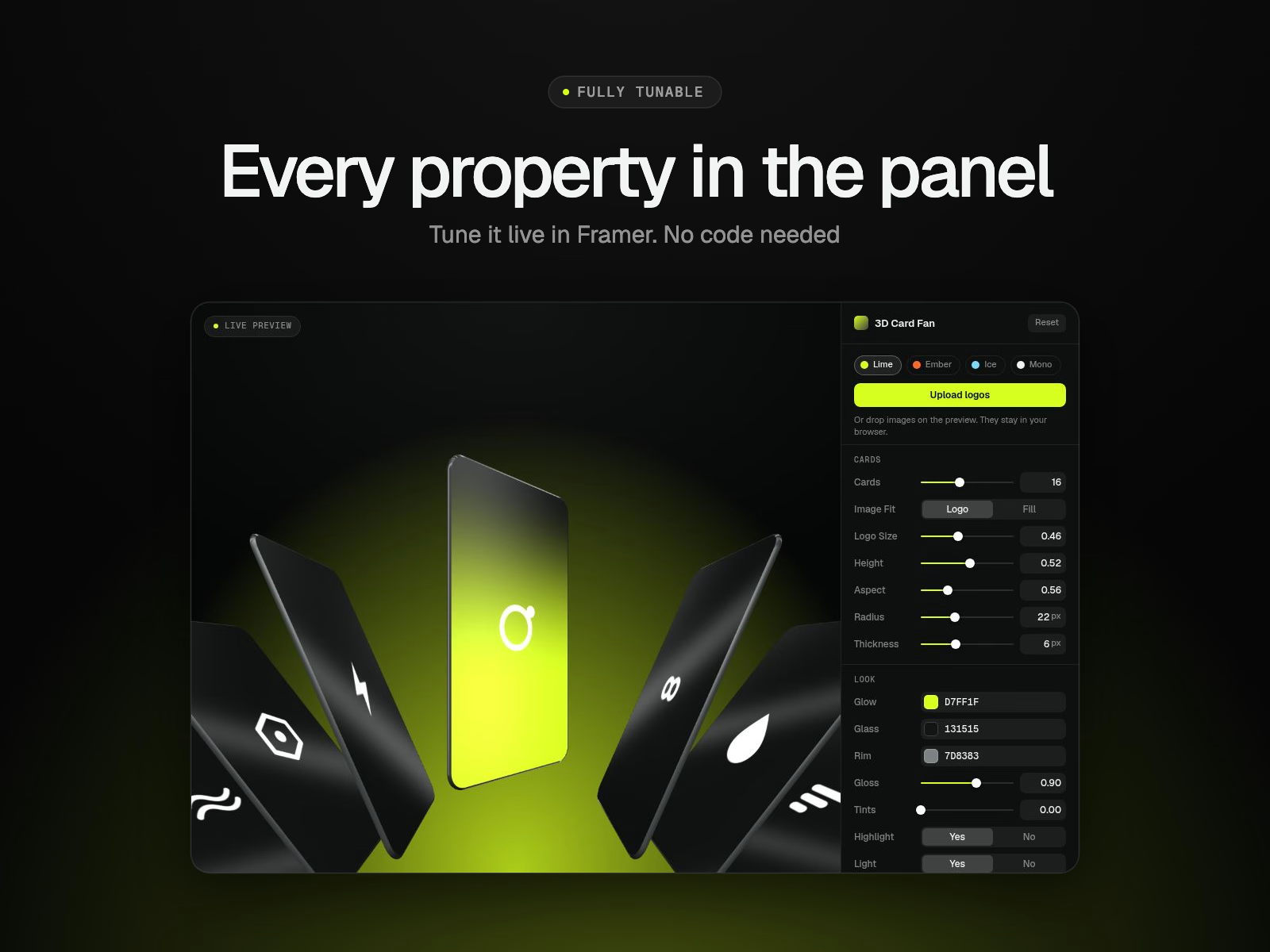
3D Card Fan - Real 3D cards that fan on scroll
$10.00
Get it for$10.00
Tags
Framer
interactive gradient
motion gradient
Interactive Motion Gradient — Framer Marketplace listing
Short description (card)
A living, interactive gradient background. Turn any photo into a flowing gradient that bends under the cursor and ripples on every tap.
About
Interactive Motion Gradient is an animated background powered by a custom WebGL shader. Drop in any image and it dissolves into a soft, slowly flowing gradient made from that image's own colors. Or build one from up to six colors of your own. Either way, the result never looks static and never looks like a stock blur.
It is also made to be touched. The gradient bends and swirls under the cursor and gets dragged along by fast moves. Every click or tap sends a ripple through it. All of this works on desktop and on touch screens, even when your headline and buttons sit on top of it. Every control is live in the property panel, so you can tune it without writing code.
Highlights
Image → living gradient
Use any picture. Upload a photo, a product shot, artwork or a brand visual, and it becomes an animated gradient.
Image Blur sets how much of the picture dissolves: from a soft hint of the original shapes to a pure color field.
No pixel steps or banding. The image is downsampled carefully and then rendered with smooth bicubic filtering, so even very strong blur stays silky.
Fills any frame. The image is cover-fitted to any size or aspect ratio, and its edges are mirrored, so waves never pull in hard borders.
Smooth image swaps. A new image (from a CMS item or a visitor's drop) crossfades in over the previous one.
Interactive
Hover lens. A soft lens and twist follow the cursor. You choose the strength and size.
Follows the motion. Fast cursor or finger moves drag the colors along, like stirring a liquid.
Parallax. The whole field shifts gently toward the pointer.
Click & tap ripples. Each click or tap sends out a ring wave, up to 8 at once, with adjustable strength and speed.
Touch support. A finger acts as the cursor while it is on the screen. A tap triggers a ripple.
Works under your content. Pointer input is tracked at the window level, so the effect still responds when text, buttons or cards are layered on top.
Drop Image (optional)
With Drop Image turned on, visitors can drag their own picture onto the gradient and watch it restyle the background instantly.
The file stays in the visitor's browser. It is never uploaded anywhere.
Colors
Up to 6 colors, blended in the OKLab color space for clean, vivid transitions with no muddy grey middles.
Two blend styles. Mesh gives soft color fields that drift on their own orbits. Waves gives layered, flowing bands.
Seed reshuffles the pattern without touching your colors. Softness, Scale, Amplitude, Angle and Speed shape the motion.
Works with Framer color styles.
Polish & performance
Film grain plus built-in dithering, so there is no banding even in dark, subtle gradients.
Pauses automatically when off screen or in a background tab.
Pixel budget. A smooth field doesn't need retina density, so it renders efficiently even on large 4K screens.
Respects prefers-reduced-motion. Visitors who ask for reduced motion see a still frame.
Live canvas preview. The gradient animates in the Framer editor (you can turn this off), and every change shows instantly.
CSS fallback. Shows a gradient of your colors if WebGL isn't available.
How to use
Drag Interactive Motion Gradient onto the canvas and set it to Fill (or a fixed size) as a section or hero background.
Pick your Colors and a Blend style. Or switch Source to Image, upload a picture and adjust Image Blur.
Tune Hover, Parallax and Tap Ripples to set how much it reacts.
Place your content on top. The interaction keeps working underneath it.
Properties
Property | Default | What it does
Source | Colors | Build the gradient from Colors or from an Image.
Colors | 4 colors | Up to 6 colors (Colors source).
Image | — | The picture to turn into a gradient (Image source).
Image Blur | 0.7 | How much of the picture dissolves (0 = more detail, 1 = pure color).
Blend | Mesh | Mesh (soft drifting color fields) or Waves (flowing bands).
Softness | 0.6 | How soft the transitions between colors are.
Seed | 7 | Changes the shape of the pattern, not the colors.
Speed | 0.4 | Flow speed. 0 freezes the pattern; interactions keep working.
Amplitude | 1 | How strongly the waves bend the gradient.
Scale | 1 | Size of the waves.
Angle | 0° | Rotates the whole flow.
Grain | 0.04 | Film grain amount.
Hover | 1 | Strength of the lens, twist and drag under the cursor or finger. 0 turns it off.
Hover Size | 0.3 | Radius of the hover effect.
Parallax | 0.2 | How much the field shifts toward the pointer.
Tap Ripples | 1 | Strength of the ripple on click/tap. 0 turns it off.
Ripple Speed | 1 | How fast ripples travel.
Drop Image | Off | Lets visitors drop their own picture onto the gradient.
Canvas Play | On | Animate in the Framer editor.
Reduced Motion | On | Show a still frame for visitors who prefer reduced motion.
Recipes
Hero background. Mesh, 3–4 brand colors, Speed 0.3, Hover 1, with your headline on top.
Photo → brand gradient. Upload a campaign photo, set Image Blur to 0.8 and you get a background that matches the visual exactly.
Product page. Use the product shot with Image Blur at 0.5 to keep a hint of its shape behind the copy.
Calm card fill. Waves, Softness 1, Speed 0.15, Hover 0.5.
Playful landing. Tap Ripples 2, Hover 2, Drop Image on, and let visitors play with it.
Notes
Works in all modern browsers with WebGL (Chrome, Safari, Firefox, Edge, iOS and Android).
Images uploaded to Framer work out of the box. External image URLs must allow cross-origin (CORS) loading.
Stays fast on large screens: rendering is capped to a pixel budget and pauses when the component isn't visible.
Refund Policy
Due to the digital nature of this product, all sales are final, and refunds will not be issued. Please ensure you review all product details carefully before purchasing. If you have any questions or need further clarification, feel free to reach out before completing your purchase.
Tags
motion gradient, interactive gradient, animated gradient, mesh gradient, wave, WebGL, shader, background, hero, image, photo, interactive, hover, ripple, touch, fluid, liquid, aurora, grain
Andrey's other products
3D Card Fan - Real 3D cards that fan on scroll
$10.00
$10.00