
Advanced Multi-Step Form Pro
Turn your Framer site into a lead-generating machine with a beautiful, fully customizable multi-step form.
Collect project details, qualify leads, receive file uploads, and send submissions directly to your webhook, CRM, or automation workflow all without writing code.
Why Use This Component?
Most contact forms only collect a name and email. This component helps you collect everything you need to understand a lead:
Who they are
What business they run
What services they need
Their budget and timeline
Project goals and context
Reference files
How they found you
The result is better-quality leads and less back-and-forth before starting a project.
Key Features
Fully Dynamic Multi-Step Flow
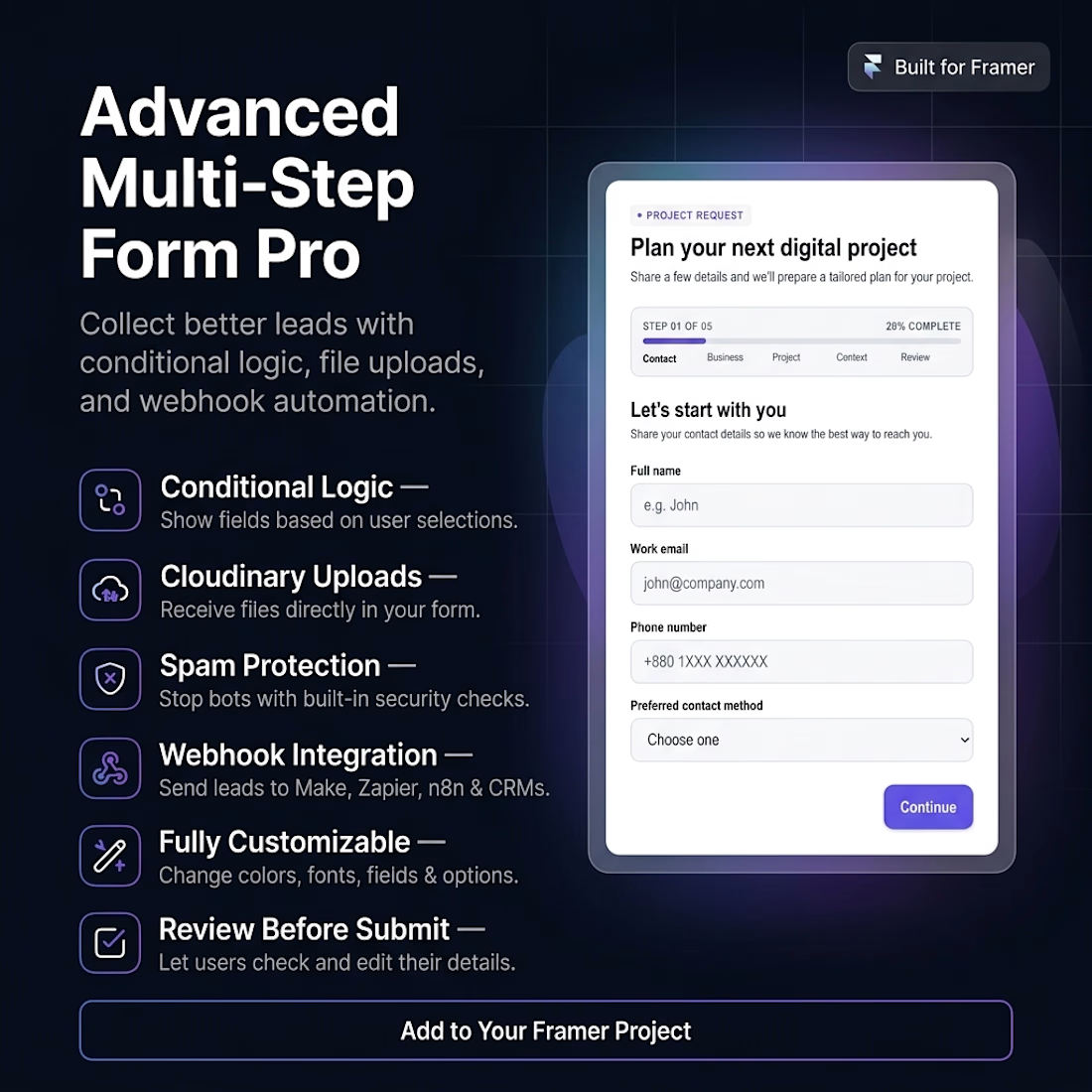
Guide users through 5 clean steps: Contact, Business, Project, Context, and Review. Each step is designed to collect the right information at the right time.
Conditional Logic
Show fields only when they are relevant. For example:
Show a WhatsApp number field when the user selects WhatsApp
Show an SEO goal field when SEO services are selected
Show a consultation field for higher-budget projects
13+ Field Types
Text inputs, email fields, phone numbers, dropdowns, multi-select options, textareas, checkboxes, file uploads, security checks, and more.
Built-In Validation
Prevent incomplete or invalid submissions with smart validation for emails, phone numbers, website links, required fields, text length, consent, and security answers.
Cloudinary File Uploads
Let users upload reference files, briefs, screenshots, or documents directly to your own Cloudinary account. You can control accepted file types, maximum file size, and upload folder.
Review Before Submit
Users can review every detail before sending. Each section includes an Edit button so they can return to any step and correct their information.
Spam Protection
Built-in protection against spam and bot submissions:
Math-based security check
Submission time-trap
Configurable cooldown between submissions
Webhook Integration
Send submissions to Make, Zapier, n8n, custom APIs, CRMs, spreadsheets, or email automation tools. The webhook payload includes all form data, uploaded file details, timestamp, page URL, and spam-check status.
Fully Customizable
Customize everything from the Framer Properties panel:
Titles and subtitles
Field labels and placeholders
Dropdown, service, industry, budget, timeline, and referral options
Colors, fonts, and font sizes
Padding, gaps, and spacing
Border radius
File upload settings
Webhook URL
Conditional logic
Mobile-Ready & Keyboard-Friendly
The form automatically adapts to mobile screens and supports keyboard navigation for a smooth user experience.
Perfect For
Agencies
Freelancers
Web design studios
SaaS companies
Consultants
Marketing teams
Any business that needs qualified project enquiries
Setup
Add the component to your Framer project.
Open the Assets panel and find the component under Code.
Drag it onto your page.
Customize fields, colors, fonts, spacing, and options from the Properties panel.
Add your Cloudinary credentials if you want file uploads.
Add your webhook URL to receive submissions.
Publish your site and start collecting leads.
Notes
Uses your own Cloudinary and webhook accounts.
No credentials or external services are hardcoded.
Cloudinary is required only for file uploads.
Webhook is required to receive, store, or automate submissions.
Get it for$14.00
Tags
Client Onboarding
Form
Multi-Step Form
Proposal Form
Product created by
abdullah almamun Dhaka, Bangladesh
- 1
- Followers
abdullah's other products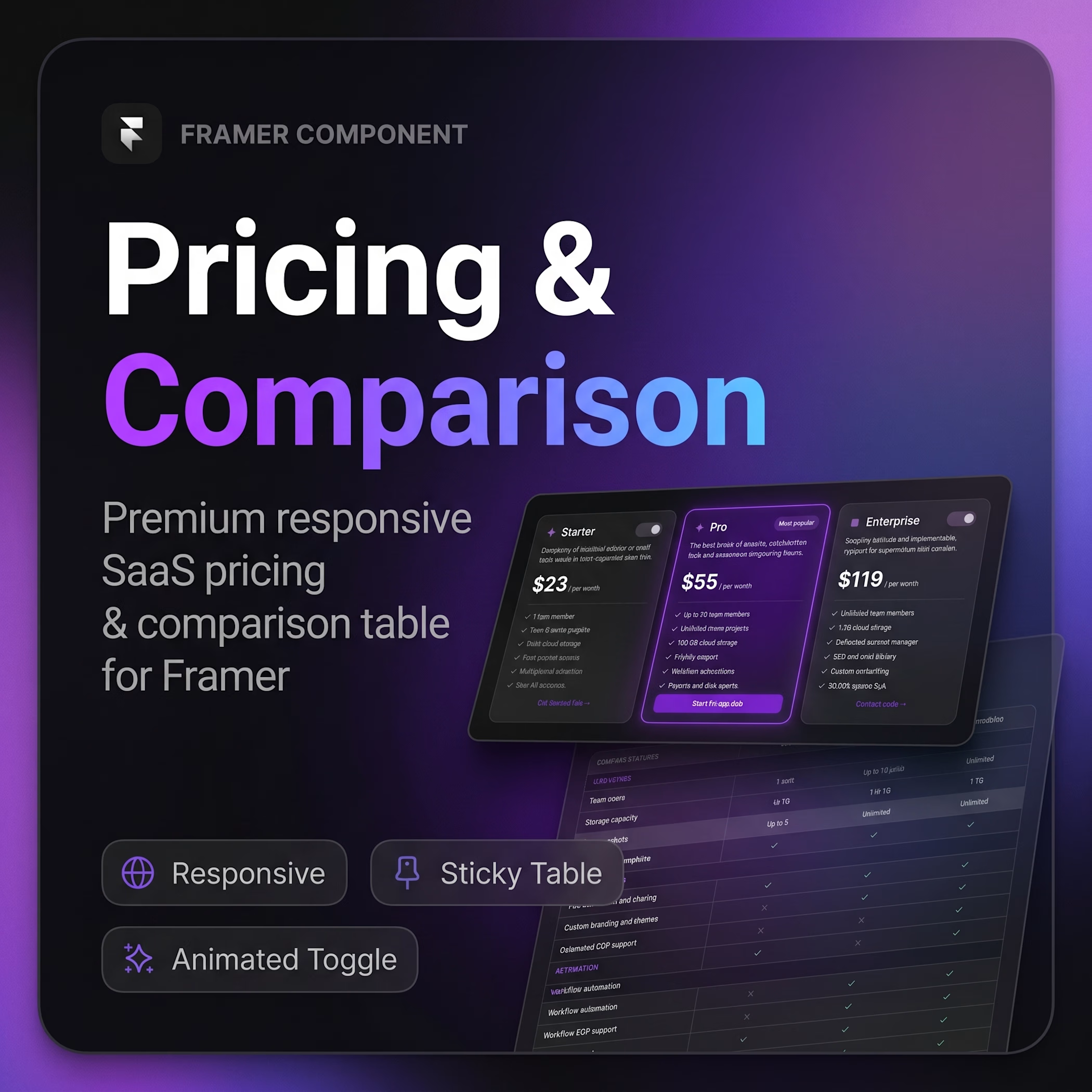
Pricing & Comparison
$15.00
Get it for$14.00
Tags
Client Onboarding
Form
Multi-Step Form
Proposal Form
Advanced Multi-Step Form Pro
Turn your Framer site into a lead-generating machine with a beautiful, fully customizable multi-step form.
Collect project details, qualify leads, receive file uploads, and send submissions directly to your webhook, CRM, or automation workflow all without writing code.
Why Use This Component?
Most contact forms only collect a name and email. This component helps you collect everything you need to understand a lead:
Who they are
What business they run
What services they need
Their budget and timeline
Project goals and context
Reference files
How they found you
The result is better-quality leads and less back-and-forth before starting a project.
Key Features
Fully Dynamic Multi-Step Flow
Guide users through 5 clean steps: Contact, Business, Project, Context, and Review. Each step is designed to collect the right information at the right time.
Conditional Logic
Show fields only when they are relevant. For example:
Show a WhatsApp number field when the user selects WhatsApp
Show an SEO goal field when SEO services are selected
Show a consultation field for higher-budget projects
13+ Field Types
Text inputs, email fields, phone numbers, dropdowns, multi-select options, textareas, checkboxes, file uploads, security checks, and more.
Built-In Validation
Prevent incomplete or invalid submissions with smart validation for emails, phone numbers, website links, required fields, text length, consent, and security answers.
Cloudinary File Uploads
Let users upload reference files, briefs, screenshots, or documents directly to your own Cloudinary account. You can control accepted file types, maximum file size, and upload folder.
Review Before Submit
Users can review every detail before sending. Each section includes an Edit button so they can return to any step and correct their information.
Spam Protection
Built-in protection against spam and bot submissions:
Math-based security check
Submission time-trap
Configurable cooldown between submissions
Webhook Integration
Send submissions to Make, Zapier, n8n, custom APIs, CRMs, spreadsheets, or email automation tools. The webhook payload includes all form data, uploaded file details, timestamp, page URL, and spam-check status.
Fully Customizable
Customize everything from the Framer Properties panel:
Titles and subtitles
Field labels and placeholders
Dropdown, service, industry, budget, timeline, and referral options
Colors, fonts, and font sizes
Padding, gaps, and spacing
Border radius
File upload settings
Webhook URL
Conditional logic
Mobile-Ready & Keyboard-Friendly
The form automatically adapts to mobile screens and supports keyboard navigation for a smooth user experience.
Perfect For
Agencies
Freelancers
Web design studios
SaaS companies
Consultants
Marketing teams
Any business that needs qualified project enquiries
Setup
Add the component to your Framer project.
Open the Assets panel and find the component under Code.
Drag it onto your page.
Customize fields, colors, fonts, spacing, and options from the Properties panel.
Add your Cloudinary credentials if you want file uploads.
Add your webhook URL to receive submissions.
Publish your site and start collecting leads.
Notes
Uses your own Cloudinary and webhook accounts.
No credentials or external services are hardcoded.
Cloudinary is required only for file uploads.
Webhook is required to receive, store, or automate submissions.
abdullah's other products
Pricing & Comparison
$15.00
$14.00