
About this Component
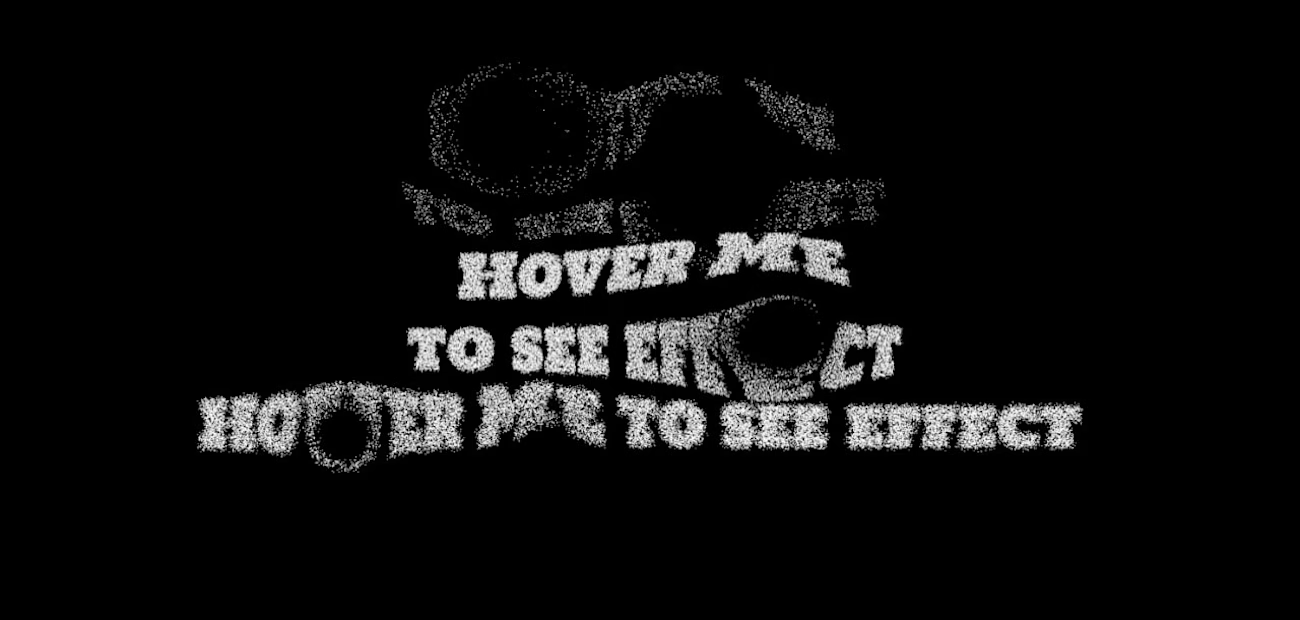
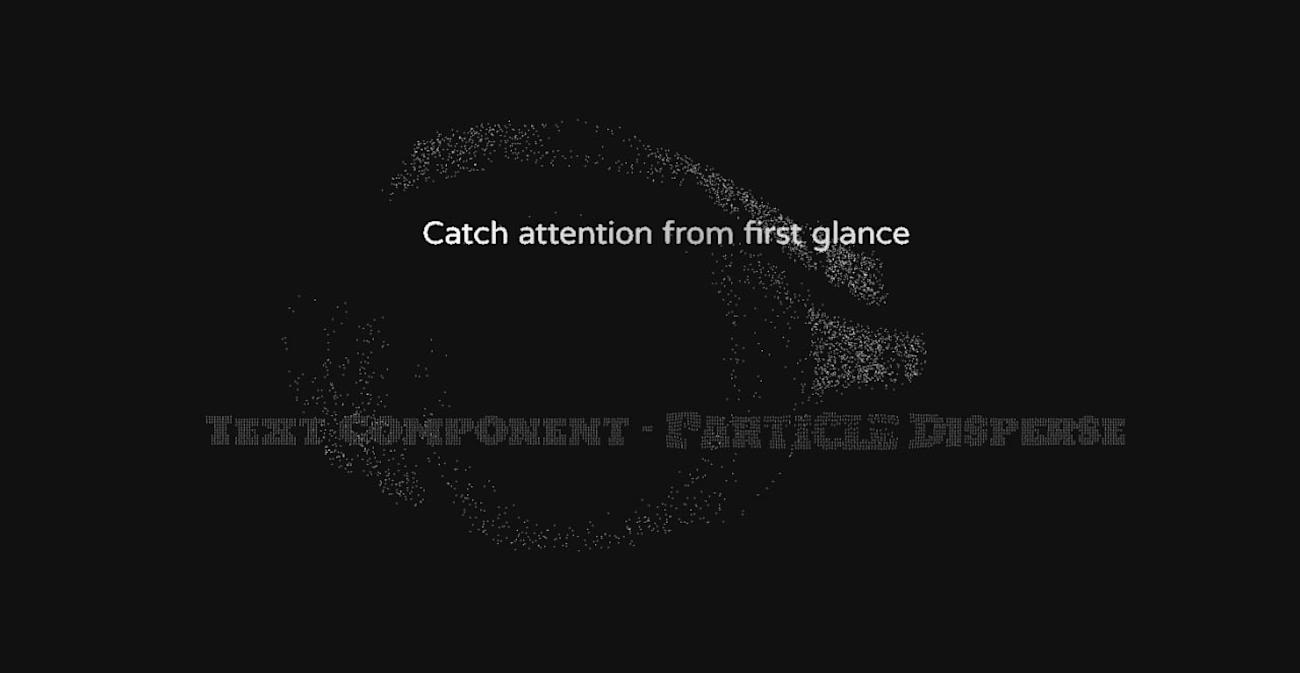
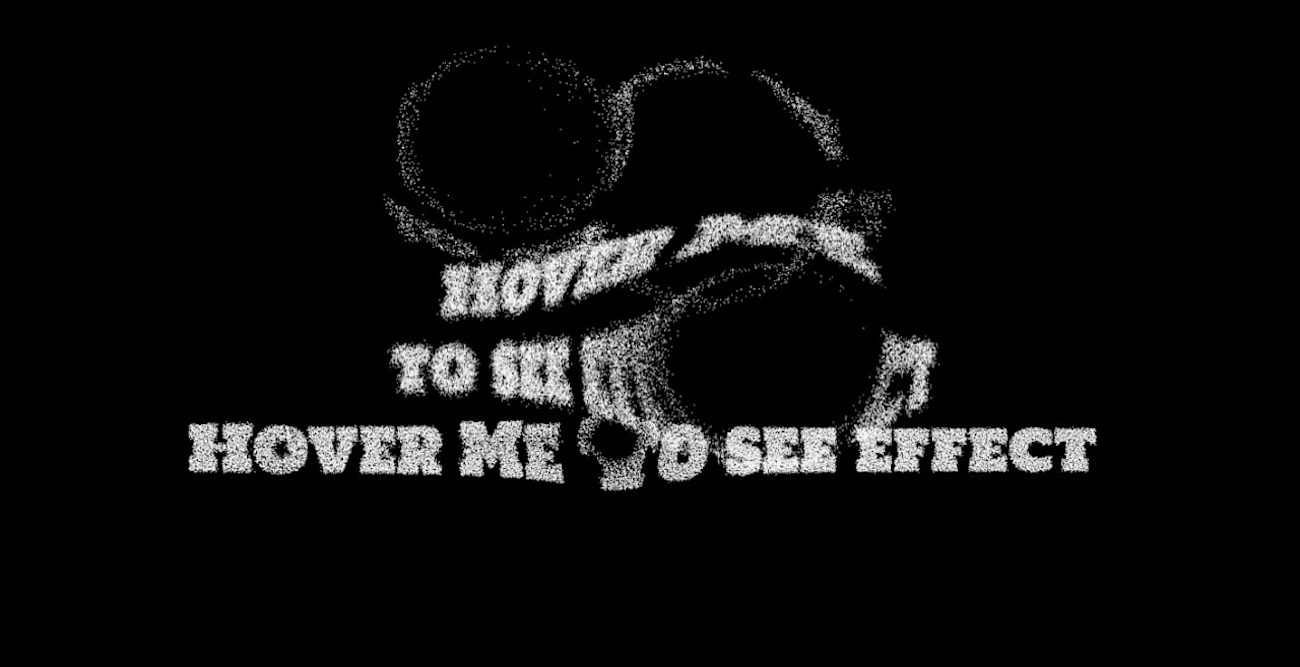
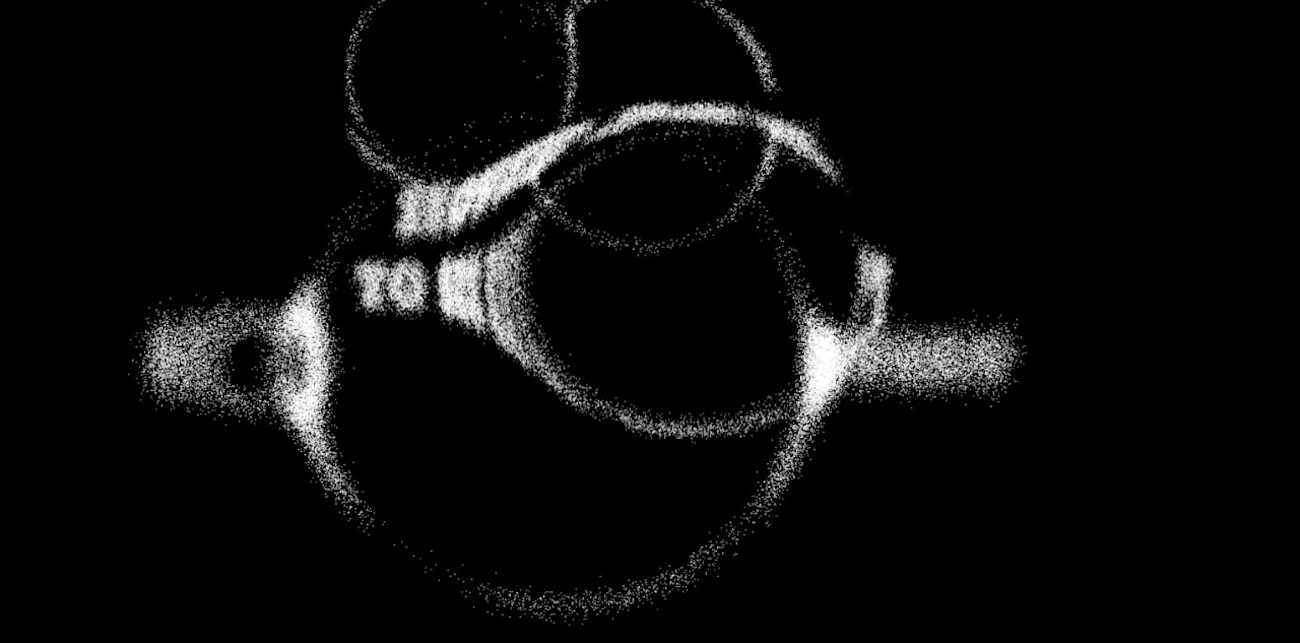
Transform any text into dynamic particle systems that explode and reform on hover. Features customizable dispersion physics, particle density, and smooth return animations—fine-tune every detail: adjust size, gap, spread, and speed for unique styles.
The effect ranges from subtle micro-movements to explosive dispersions, perfect for hero text, call-to-actions, and experimental typography in portfolios or brand sites.
🎯 Key Features
Easy editing inside Framer
Fully controllable through Framer's property panel. No code needed.
Text Particle Disperse
Hover triggers particles to scatter with customizable physics and momentum.
Particle Size
Control individual particle dimensions from 1px for subtle effects to larger clusters (1px default).
Particle Gap
Adjust spacing between particles for dense clouds or scattered formations (1px default).
Dispersion Amount
Set explosion radius and spread intensity up to 370px for dramatic reveals.
Return Speed
Fine-tune reformation timing from instant snap-back to smooth 0.08s ease.
Animation Duration
Control overall effect timing for perfect pacing (1s default).
This component is a powerful tool for designers seeking high-impact text micro-interactions with zero complexity. Use it for hero headings, menu triggers, or interactive quotes to add premium motion design to your Framer projects—just drop it in, swap your text, and adjust the sliders.
Best For
Interactive hero headings
Portfolio project titles
Call-to-action buttons
Creative agency showcases
Product feature headlines
Experimental typography
Brand identity
Event/conference promotions
Where to Use
Hero sections needing visual punch
Navigation and menu interactions
Quote blocks and testimonials
Product taglines and pricing tiers
Portfolio case study headers
Landing page scroll triggers
Customization ⚙️
After completing your purchase, you will receive a link to the component.
Copy the URL and paste it into your Framer project to import it.
Set up:
Drag the Text Disperse Component into your Canvas.
Set the Width to Fill and Height to Fit, add padding.
Refund Policy 💎
Due to the nature of our digital products, we are unable to offer refunds, but we're here to assist you with any questions or concerns!
Support 🆘
For any queries and help setting up the component, contact Atemo.studio@proton.me
Get it for$10.00
Tags
Framer

styled-components

UX Designer
Product created by
Atemo Studio 47521 Bulgaria, Italy
- 5.00
- Rating
- 39
- Followers
Atemo's other products
✨ Fluid Water Ripple Distortion
$9.00
Liquid Mask Effect Reveal - Framer Component
$10.00
Get it for$10.00
Tags
Framer
styled-components
UX Designer
About this Component
Transform any text into dynamic particle systems that explode and reform on hover. Features customizable dispersion physics, particle density, and smooth return animations—fine-tune every detail: adjust size, gap, spread, and speed for unique styles.
The effect ranges from subtle micro-movements to explosive dispersions, perfect for hero text, call-to-actions, and experimental typography in portfolios or brand sites.
🎯 Key Features
Easy editing inside Framer
Fully controllable through Framer's property panel. No code needed.
Text Particle Disperse
Hover triggers particles to scatter with customizable physics and momentum.
Particle Size
Control individual particle dimensions from 1px for subtle effects to larger clusters (1px default).
Particle Gap
Adjust spacing between particles for dense clouds or scattered formations (1px default).
Dispersion Amount
Set explosion radius and spread intensity up to 370px for dramatic reveals.
Return Speed
Fine-tune reformation timing from instant snap-back to smooth 0.08s ease.
Animation Duration
Control overall effect timing for perfect pacing (1s default).
This component is a powerful tool for designers seeking high-impact text micro-interactions with zero complexity. Use it for hero headings, menu triggers, or interactive quotes to add premium motion design to your Framer projects—just drop it in, swap your text, and adjust the sliders.
Best For
Interactive hero headings
Portfolio project titles
Call-to-action buttons
Creative agency showcases
Product feature headlines
Experimental typography
Brand identity
Event/conference promotions
Where to Use
Hero sections needing visual punch
Navigation and menu interactions
Quote blocks and testimonials
Product taglines and pricing tiers
Portfolio case study headers
Landing page scroll triggers
Customization ⚙️
After completing your purchase, you will receive a link to the component.
Copy the URL and paste it into your Framer project to import it.
Set up:
Drag the Text Disperse Component into your Canvas.
Set the Width to Fill and Height to Fit, add padding.
Refund Policy 💎
Due to the nature of our digital products, we are unable to offer refunds, but we're here to assist you with any questions or concerns!
Support 🆘
For any queries and help setting up the component, contact Atemo.studio@proton.me
Atemo's other products
✨ Fluid Water Ripple Distortion
$9.00
Liquid Mask Effect Reveal - Framer Component
$10.00
$10.00