
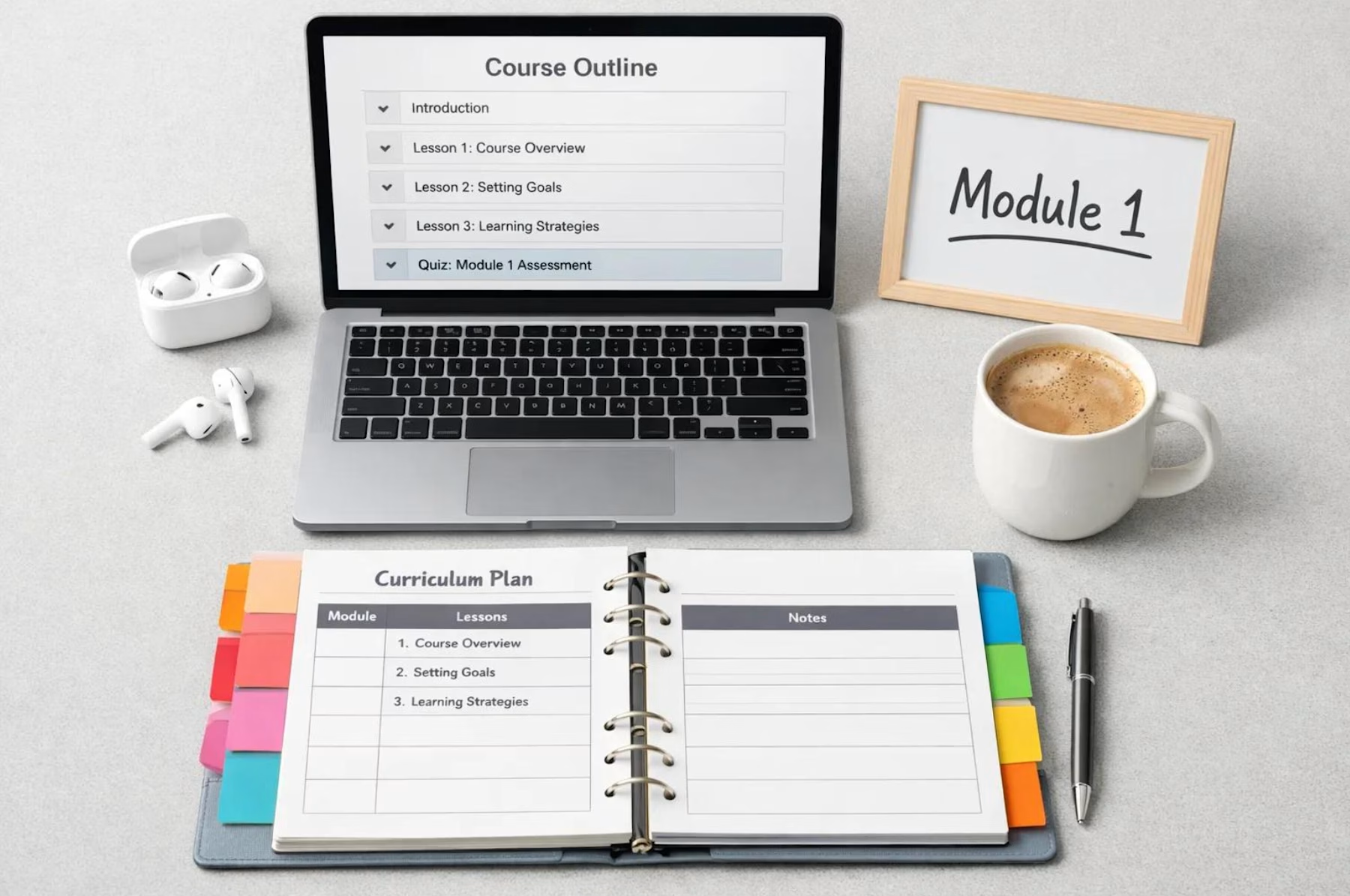
The Instructional Design Storyboard Toolkit
What you need to take an e-learning project from initial planning to development-ready handoff.
Stop starting every instructional design project from scratch.
Whether you're an independent instructional designer, corporate L&D professional, or e-learning developer, this practical toolkit gives you a structured approach to planning, documenting, and preparing e-learning projects for development.
Designed to streamline your workflow, improve collaboration with subject matter experts, and reduce the back and forth that often happens during development, this bundle brings together four complementary resources.
WHAT'S INCLUDED
1. Instructional Design Storyboard Toolkit (Excel Workbook)
A reusable, multi-tab workbook containing:
Course Planner: Organize project details, business needs, learning objectives, instructional approaches, technical requirements, and approvals.
Storyboard Template: Document screen IDs, objectives, text, narration, visuals, interactions, feedback, and developer instructions.
Interaction Planner: Map out questions, scenarios, answer options, feedback, attempts, and completion rules.
Asset Tracker: Keep track of media, file locations, ownership, usage rights, reviews, and approvals.
2. Storyboard Handoff Readiness Audit (Word Doc)
A practical quality control tool for reviewing storyboards before they move into development. Includes critical checkpoints, an issue log, priority guidelines, and a final GO / CONDITIONAL GO / HOLD decision.
3. Storyboard Toolkit Quick Start Guide (Word Doc)
A step-by-step companion guide explaining how to use the workbook and establish a consistent storyboard development workflow.
4. Completed Sample Storyboard (Excel Workbook)
A built out example of a phishing awareness course demonstrating how to apply the storyboard templates, document interactions, provide feedback, and organize development instructions.
WHO IS THIS FOR?
Freelance and corporate instructional designers.
Learning and development professionals.
E-learning developers and training consultants.
Newer instructional designers looking for a structured starting point.
Experienced professionals who want to standardize their project workflow.
WHY YOU'LL LOVE IT
Spend less time creating project documents from scratch.
Keep course planning, storyboarding, interactions, and assets organized.
Make expectations clearer for developers and subject matter experts.
Identify missing information before development begins.
Use reusable resources across multiple projects.
THE DETAILS
This is a digital download. No physical product will be shipped.
The templates are designed to be customized and reused across your own instructional design projects. The included examples use a fictional phishing-awareness course.
Get it for$29.00
Tags
Course Development
Instructional Designer
Storyboarding
Templates
Digital Downloads
E-Learning
Training and Development
Product created by
Michelle Snow Phoenix, USA
Get it for$29.00
Tags
Course Development
Instructional Designer
Storyboarding
Templates
Digital Downloads
E-Learning
Training and Development
The Instructional Design Storyboard Toolkit
What you need to take an e-learning project from initial planning to development-ready handoff.
Stop starting every instructional design project from scratch.
Whether you're an independent instructional designer, corporate L&D professional, or e-learning developer, this practical toolkit gives you a structured approach to planning, documenting, and preparing e-learning projects for development.
Designed to streamline your workflow, improve collaboration with subject matter experts, and reduce the back and forth that often happens during development, this bundle brings together four complementary resources.
WHAT'S INCLUDED
1. Instructional Design Storyboard Toolkit (Excel Workbook)
A reusable, multi-tab workbook containing:
Course Planner: Organize project details, business needs, learning objectives, instructional approaches, technical requirements, and approvals.
Storyboard Template: Document screen IDs, objectives, text, narration, visuals, interactions, feedback, and developer instructions.
Interaction Planner: Map out questions, scenarios, answer options, feedback, attempts, and completion rules.
Asset Tracker: Keep track of media, file locations, ownership, usage rights, reviews, and approvals.
2. Storyboard Handoff Readiness Audit (Word Doc)
A practical quality control tool for reviewing storyboards before they move into development. Includes critical checkpoints, an issue log, priority guidelines, and a final GO / CONDITIONAL GO / HOLD decision.
3. Storyboard Toolkit Quick Start Guide (Word Doc)
A step-by-step companion guide explaining how to use the workbook and establish a consistent storyboard development workflow.
4. Completed Sample Storyboard (Excel Workbook)
A built out example of a phishing awareness course demonstrating how to apply the storyboard templates, document interactions, provide feedback, and organize development instructions.
WHO IS THIS FOR?
Freelance and corporate instructional designers.
Learning and development professionals.
E-learning developers and training consultants.
Newer instructional designers looking for a structured starting point.
Experienced professionals who want to standardize their project workflow.
WHY YOU'LL LOVE IT
Spend less time creating project documents from scratch.
Keep course planning, storyboarding, interactions, and assets organized.
Make expectations clearer for developers and subject matter experts.
Identify missing information before development begins.
Use reusable resources across multiple projects.
THE DETAILS
This is a digital download. No physical product will be shipped.
The templates are designed to be customized and reused across your own instructional design projects. The included examples use a fictional phishing-awareness course.
$29.00